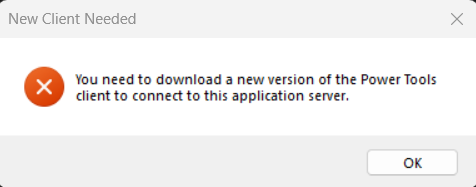
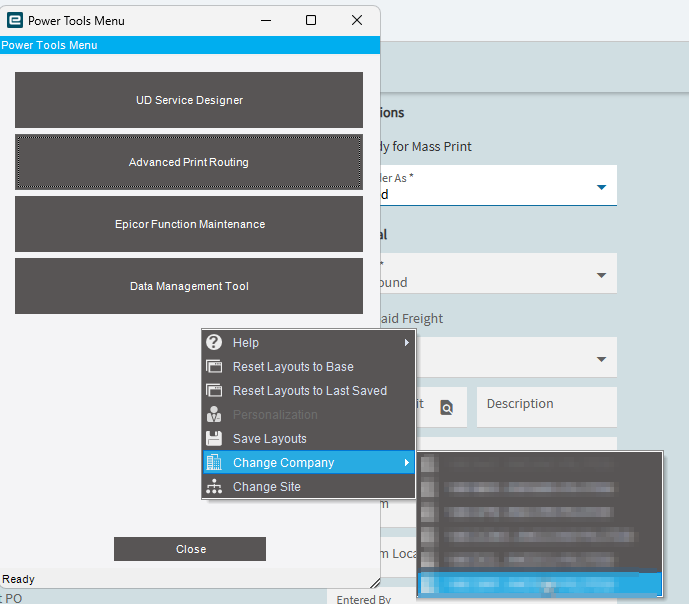
Is there a newer Power Tools somewhere else? Or is my URL wrong?
Since the installation only asks for one appserver URL, then how do we set this up for both LIVE and PILOT instances? Do we need to do two separate installs?
It looks like your Version may be ahead of the deployment. Cloud customers are on .7 and this looks like it’s .10. You would think it would be backward compatible - but maybe not?
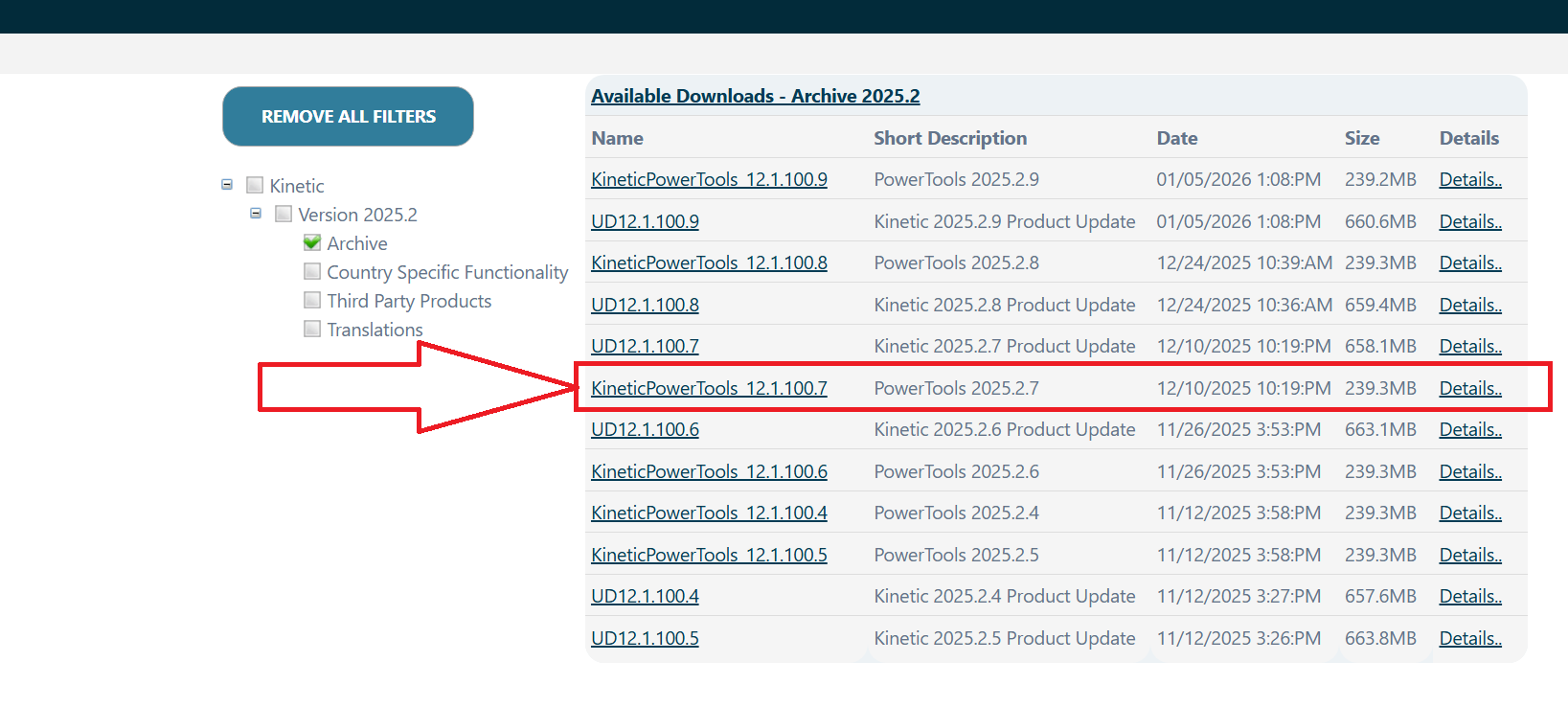
If you go to the “Archive” folder you can find the .7 version
Ok, installing 12.1.100.7 Power Tools worked for Kinetic 2025.2.7. Thanks!
As for my other question, I don’t see a place in the sysconfig to add additional appserver URLs (unlike Edge Agent sysconfig), so it looks like it this requires multiple installs to accommodate both LIVE and PILOT. Since Power Tools appears to not be backwards-compatible, this may make sense since LIVE and PILOT can often be at different Kinetic versions.
Installing two copies of Power Tools side by side (for LIVE and PILOT) seems to work ok.
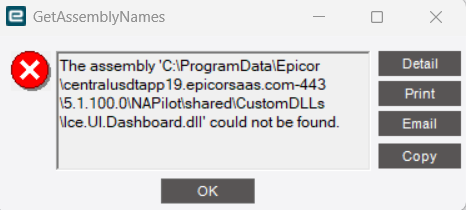
However, opening Advanced Print Routing on either one results in popup error such as below. The Report Style Maintenance window still opens after clicking ‘OK’, so I’m not sure how problematic this is.
## System Information ##
==================

AppServer Connection: https://centralusdtapp19.epicorsaas.com/SaaS691
Form Name: Power Tools Menu
Customization Name:
Menu ID: Ice.Menu.PowerTools
Software Version: 2025.2.0

============

Application Error

Exception caught in: Ice.Lib.Deployment

## Error Detail ##
============
##!Message:##! The assembly 'C:\ProgramData\Epicor\centralusdtapp19.epicorsaas.com-443\5.1.100.0\NAPilot\shared\CustomDLLs\Ice.UI.Dashboard.dll' could not be found.
##!Program:##! Ice.Lib.Deployment.dll
##!Method:##! GetFileNameToUseFromIdentifier

## Client Stack Trace ##
==================
   at Ice.Lib.Deployment.FileNameAssemblyRetriever.GetFileNameToUseFromIdentifier(String assemblyIdentifier)
   at Ice.Lib.Deployment.FileNameAssemblyRetriever.RetrieveAssembly(String assemblyIdentifier)
   at Ice.Lib.Framework.AppBuiltAssemblyRetriever.RetrieveAssembly(String assemblyIdentifier)
   at Ice.Lib.Deployment.CompositeAssemblyRetriever.RetrieveAssembly(String assemblyIdentifier)
   at Ice.Lib.Customization.CustomizationReferencedAssemblyListBuilder.AddFrameworkAssembliesThatMayNeedToBeDownloaded(Func`2 assemblyRetriever, UniqueAssemblyNameCollection referencedAssemblies)
   at Ice.Lib.Customization.CustomizationReferencedAssemblyListBuilder.AddAssemblyReferences(Func`2 assemblyRetriever, UniqueAssemblyNameCollection referencedAssemblies)
   at Ice.Lib.Customization.CustomizationReferencedAssemblyListBuilder.LoadAssembliesAndGetNames()
No, its just calling the normal Report Style Maintenance app.
I have a case open w/support. They asked me to set the Report style app in Menu Maintenance to Classic or User Choice. It was at Classic already, so I changed it to User Choice - still the same error. Am waiting for their next suggestion.
I’m puzzled too why it would be looking for a dashboard DLL…doesn’t make much sense.
Mr. @tgwinn I get the exact same error message trying to load the APR.
A couple of weeks ago I was able to get past the error - however the “Advanced Print Routing” is not functional in Power Tools - just yet - hold your breath
In case this helps others who don’t want to run multiple installs, I found a way to configure Power Tools for both Production and Pilot within a single installation.
Navigate to the config folder at C:\Epicor\KineticPowerTools\config, make a copy of the existing SaaSxxx.sysconfig XML file and rename it SaaSxxxPilot.sysconfig. Update the AppServerURL value to the Pilot system’s URL:
Then copy the shortcut in C:\ProgramData\Microsoft\Windows\Start Menu\Programs\Epicor Software and modify the Target path to point to the new configuration file:
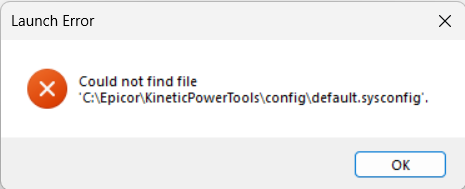
Got updated to 2026.100.9 over the weekend, of course Power Tools does not work now. You have to download the new version (which is the same filename BTW) and get it installed. In my organization’s case, we have several people that use it and it requires an IT admin to install the software. It is crazy that they do not have an auto update for this. I just looked in the Epicor User Ideas portal and someone has this as an idea. I strongly suggest voting for this. Idea KIN-I-7294
This seems to be the simplest thing to do… It doesn’t actually seem to “install” it twice or create duplicate file directories in C:\Epicor\… just creates another Shortcut and Config file for each environment. You could do that manually, I assume, but the installer makes it quick and easy.