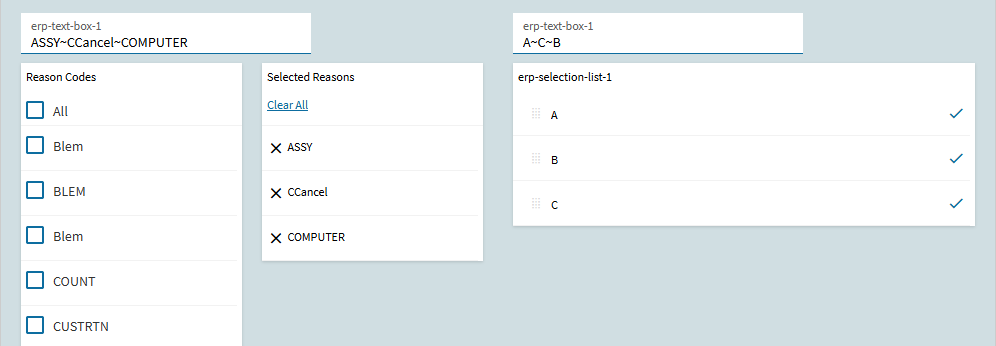
However, I cannot get it to populate the text field I wish to populate. When I save and refresh the page nothing changes and nothing is added to the field I have in the EpBinding field for the selection list:
That original post was written for an earlier version and they’ve since changed how the Target behaves. As @dcamlin pointed out, you have to put your text field as the target. But you also want that text field as the binding, because that is what will display on the screen your selections for that record after you save it (i.e. when you come back to that record later).
Binding worked for me when I did this just last month using a UD table for my list (so users can maintain it) that I pull in through a dataview into the selection list and then it writes to a UD field when saved.
Notably, that is different than a TransView, but also not a static list.
That was the only way I could get it to work (did it that way based on a newer post I found here; I’ll see if I can relocate it). During my development, I had a text box in there to my UD field and I would see the changes. Forget exactly how I had binding setup, but at one point I had two text boxes for testing purposes where one would show updated changes as I made different selections in the list and then my UD field one would update with what was selected at time of saving the record.