Looking for both a little advice and to lay out my proposed workflow (for the sake of my sanity). Let me preface with, I have been in enough operations roles to know that a lot of our current processes are less than ideal…
Present scenario: Our business, which has been using Epicor for ~10 years, has consistently created generic part numbers on sales orders (essentially to mirror what the customer is accustomed to calling them). The generic part # itself is essentially derived from what we tell the customer to call an item and is carried over to the linked job. This means there are no means (or no reasonable means) of differentiating times/costs/etc. based on part #, as none of the actual part #s exist in our Part Master.
Proposed Solution: Using the description found on the Sales Order Lines, I will parse the legitimate part # we should have been using from the get-go and retroactively update the linked job with the (newly created) part number that matches (and follows a newly proposed logical naming convention). While pulling the OrderDtl and JobHead tables for the data I need to make this work, I also plan to capture labor times and the operations used on those jobs. This will serve to address what I believe to be another not-so-best practice, where we include every possible operation a job could have, and then define the sequences according to an internal sequence list (which incidentally ensures nearly all jobs are not sequenced according to their actual manufacturing process).
Ideally, after I have corrected ~10 years of poor DB practices, I will create DMT import templates for similar parts that have ONLY the required operations and convince the team here that our current sequencing is actually making things more complicated. With the actual labor/burden data, I can ensure jobs moving forward will have estimates. This also explains why jobs here are forward-scheduled with identical Start and Due dates — there are no time estimates to schedule backward from.
@utaylor This is a valid take. My difficulty lies in the extensive amount of processing required by each of our manufactured items. Some parts may be completed in a day, some in more than a month, and in the cases of a systems build, subs and finished assemblies consume these manufactured parts - and those items are months to 1.5 years in lead-time.
To correct estimates moving forward, I would need to wait a few years for the actual times to be recorded and then start including the estimates. Alternatively, I could link up with one of two individuals who may have be able to provide a close estimate based on 40+ years in the industry. However, neither of said individuals are computer savvy, nor are they interested in sitting down and talking through the estimated timelines by operation for products with 300 - 400 unique parts.
The years of good data (recorded poorly) is what I miss by starting fresh. With it, I can help show the value of doing things properly as we move forwards and save time waiting for the correctly recorded data to get here. It also jumpstarts my ability to better advise scheduling, which is something we do fine with until a rush of work comes in.
Note: I am after more than just estimates too, like order of sequences for instance (same folks familiar with timelines do not find any benefit on the order of operations either - at least from the ERP system standpoint). Since all of this data is buried under generic part numbers, the go-back-and-correct method is crucial if I am to “unbury” the things I am looking for.
I think you’re heading down the wrong path. Any historical data is not a good thing to update. There’s so much finance and crap tied up in the jobs. There seem to be a couple of things going on here.
You want your data to be correct going forward.
You want to run reports on historical data to accurately inform new jobs.
I would go @utaylor’s route and start doing it right moving forward. That addresses the first concern, and in the future you will be able to run reports on this correct data.
The next part is linking your old jobs to actual part numbers. You are on the right path if your description contains the part number. I would say, try to build up your historical reports based on that extracted part number from the comments. That way your historical data doesn’t actually change, you are just looking up on the right part number.
@NateS Admittedly, I am unfamiliar with the implications of changing any established data. I also recognize that there are a ton of dependencies that are beneath the surface of any seemingly simple change.
On a few orders in our test environment, I attempted creating a new part number and swapping that into an old job. Our past approach has been to put as little data beyond what is required by the system.
Logic being as follows: Make a new part that mirrors the BOO unique to the generic part (so that I avoid a scenario where I swap in a part with operations already attributed that now no longer exist for that part) - which shouldn’t be impossible given we mostly use the same open-ended ALL operations for ALL parts. To further avoid breaking things, I would up-rev the parts when moving to a more item specific BOO. My understanding is that BOO is tied to Rev.
We do not seem to record much in our Part Master when creating parts, so the only things that get added when we create a part is the Part #, description, UOM, type, and then whoever creates it put a “-” Rev in for initial release. There is no costing or really any other details used. Basically, we enter the bare minimum of what the system requires.
I have seen BPMs referenced as means of tracking unforeseen interactions mentioned here - would this be a way to verify exactly what is affected by altering the part number?
If the only costs attributed to parts are tied to their respective operations, would swapping in a part with the same available operations cause any financial impact to our internal costs?
Hmm, this is more or less how I wired up a local dashboard - and to your point, doesn’t require any real changes. I may just feed everything in there first and see if I can get it to present correctly with logic handling the old way and the “corrected moving forward” way. Saves me a ton of work and risk (though I genuinely believe the impact would have been lower given how little data we actually bother putting in Epicor to begin with…).
@utaylor I am making a tool on top of the old data, but it was originally intended to give me the answers needed to clean up the old data… Given the advice here, it makes much more sense to just have the tool clean the data and present it correctly - given that the tool was going to perform this either way.
So, after some more consideration… I think I will attempt to create a hand-holding browser-based method that is so incredibly user friendly, that it would be madness to continue creating Orders/Jobs any other way.
Short version: Ideally, the browser will walk the user through whatever they are trying to create → then map it all out → feed it to PowerShell, where it will run it through a DMT Playlist (created somewhere in between all of these and with loads of data validation). As I read though how some of these interactions are handled, I’m guessing PowerShell is going to have to do some heavy lifting that DMT cannot manage entirely on its own…
Eager to hear any feedback from anyone that currently utilizes DMT/PowerShell in any similar manner!
If you have the product configurator module (I believe the functionality I am about to suggest is tied to that) have you considered using the configurator to create the part(s) dynamically based on the inputs selected? It might be overkill but since you are considering PS scripting and DMT Playlists, just thought I’d throw out the possibility to keep it in Epicor and have it generate the Part records based on inputs?
If you don’t have the configurator module or you don’t want to go that route, my secondary suggestion would be looking at writing functions that do all of the work within Epicor without having to pass it out to PS and DMT, assuming you have some type of rules based system for the PS script, you could probably do it all in functions.
IF you are dead set on creating a web tool to do this, I would have it create and modify jobs/sales orders through the rest api rather than creating dmt files to feed through powershell. Creating single jobs/orders through DMT is going to be a lot clunkier than using the rest api. You can either string together a few different api calls (ie create job, create SO, create lines etc), or write an epicor function that does that all for you, and then you simply just call the function through its endpoint and pass in whatever info is needed for the process.
For sure! Use DMT when you have a lot of records to update (or add/delete) and it takes too long to do them one at a time. Otherwise API is totally sufficient.
Funny enough, I have been doing quite a bit through API calls. There were a couple of things I just couldn’t figure out via DMT.
I also learned to appreciate turning on tracking to figure out what is actually going on in the background.
I should point out (if I haven’t already), that I am not savvy with any coding languages (I’m an operations person). I have picked up quite a bit along the way, but my workflow is a circle of AI-assisted coding, Google, EpiUsers - in no particular order haha.
@utaylor I forget where I read it (probably here - heck maybe in this discussion), but I recall someone saying it is normally smoother to change processes to fit an ERP vs. change the ERP around to fit your processes.
So far, I have had limited results with both.
At some point I will share some examples of what I have so far (somewhat redacted), to see if I can get some more feedback and verify I am heading the right direction.
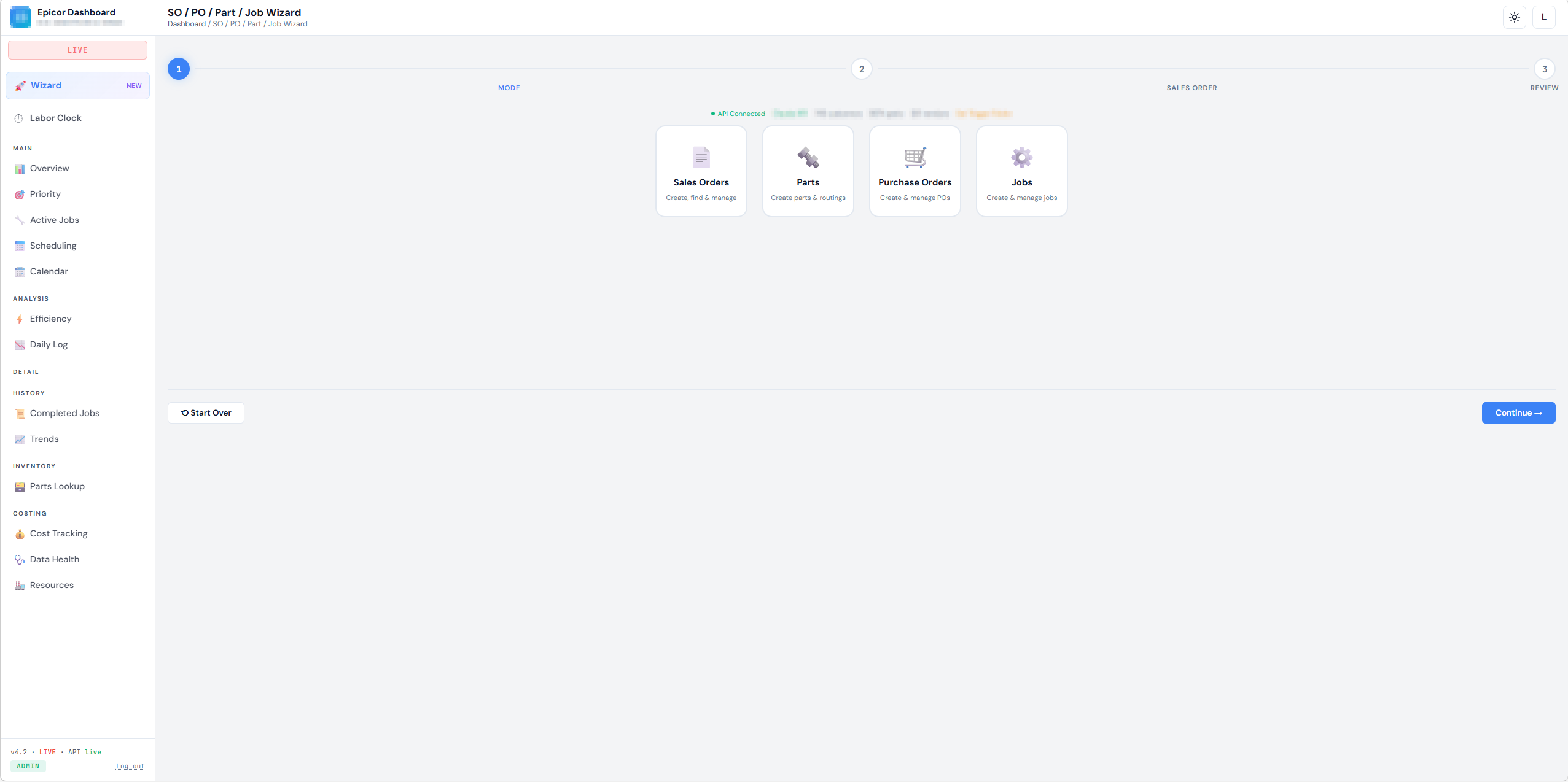
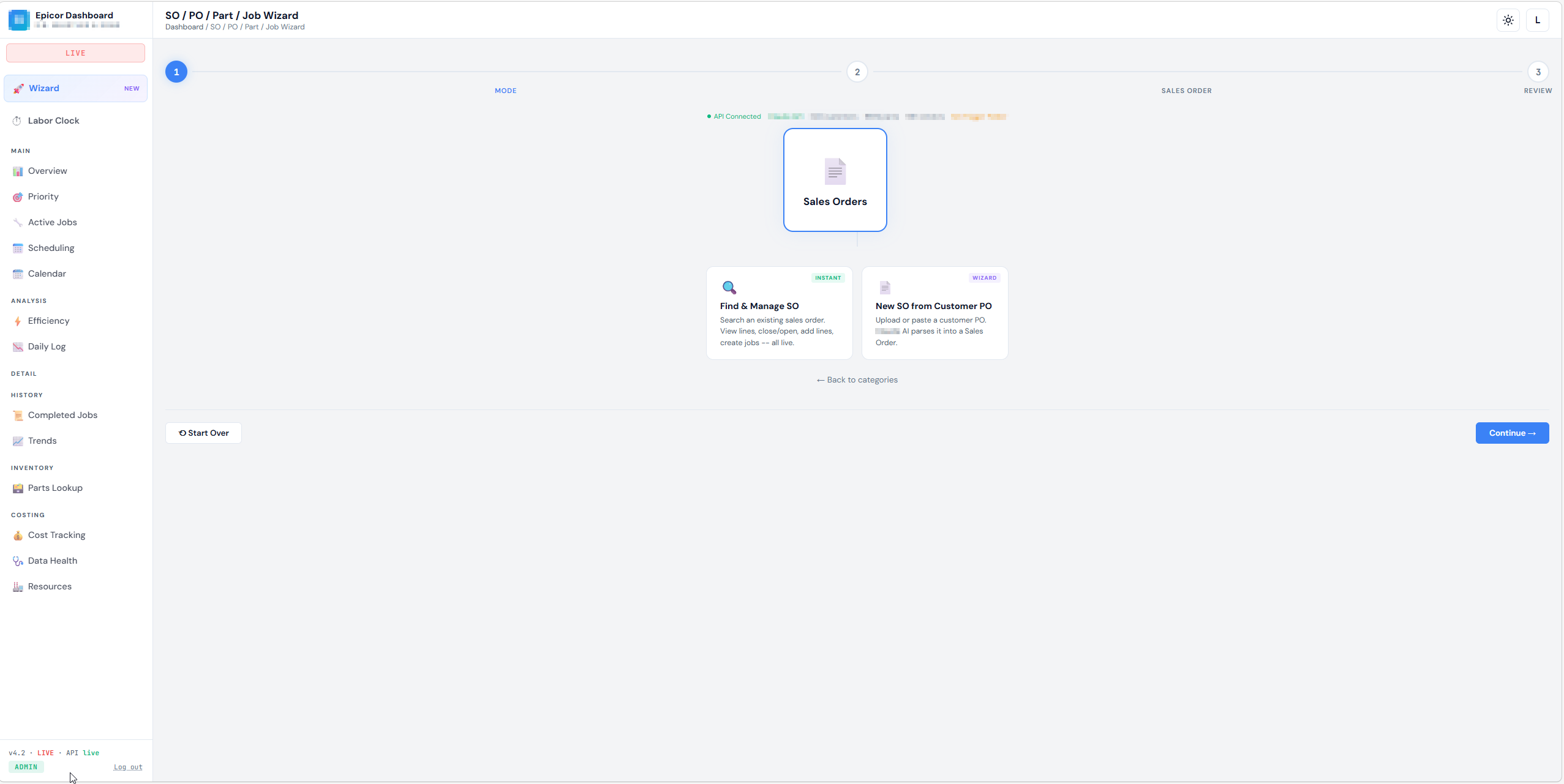
This is probably the least visually organized part of the dashboard, but here is one of the sections that integrates with Epicor via API, and via PowerShell (for some of the DMT function - as this allows me to give other users access to some of the convenience of DMT but with validation applied to what they input). I think it’s mentioned somewhere - I have found a lot of backdoor/workaround stuff necessary due to certificate issues and the lack of an actual multi-user set up. Everything is currently local on my device and living in an .html page.
A lot of it is charts and typical “ops stuff” (OTD, Capacity, etc.), but much of it is limited until I can realign some of our data entry practices (there is an “under development” health section to help me see some of the easily catchable offenders)
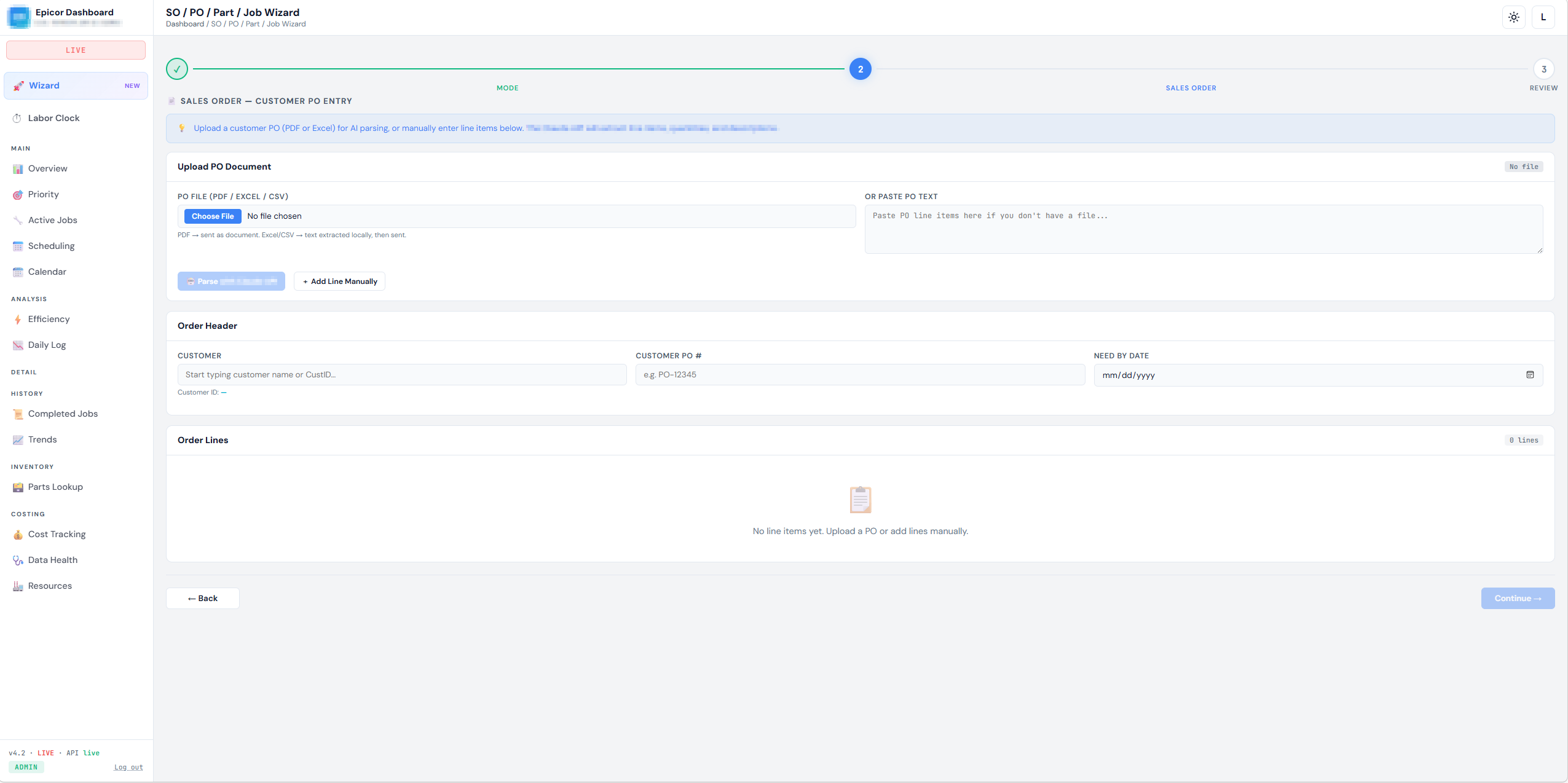
Where a PO can be uploaded and parsed via API: A user drops in a file, and a basic prompt structure the data to how we enter SO’s, then either the API or DMT is called (I forget which is engaged here…) and the SO is entered. Probably not the most effective way of doing all of this but lightning fast compared to our previous methods.