/ Post broken out into multiple posts because of new user image upload limit /
Hello Again Gentlefolk of EpiUsers,
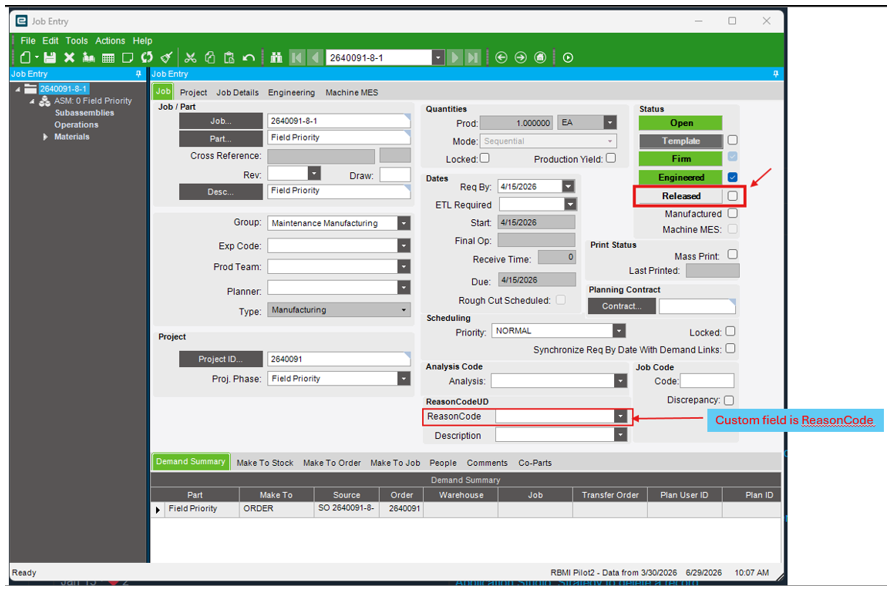
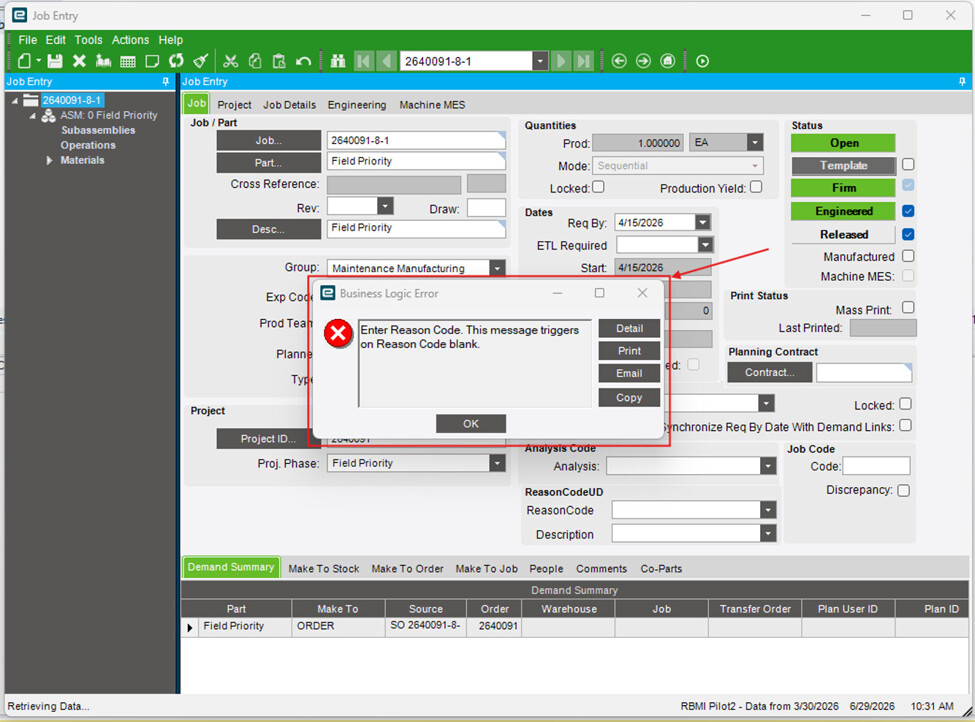
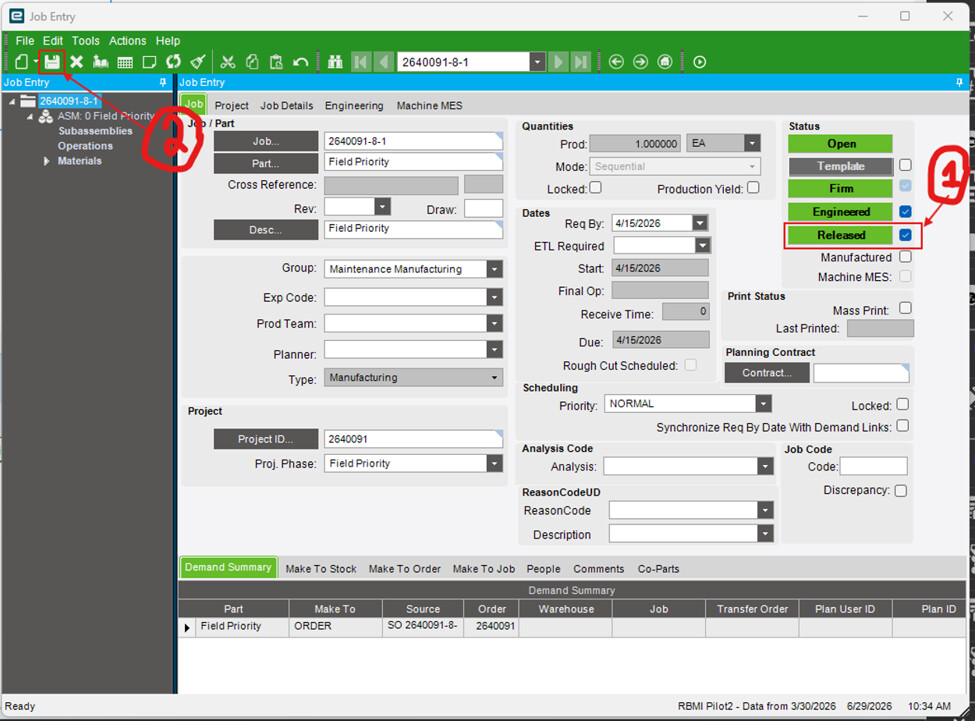
On Job Entry, I am trying to prevent users from Releasing a Job when a custom field is blank. Example below. When ReasonCode is Blank, prevent the user from releasing the job.
The current requirement is that Leadership wants a BPM or C# Function on the classic Job Entry screen. A classic customization on the classic Job Tracker screen is not allowed.
2)The solution cannot trigger on the JobEntry.Update method because your users use Order Job Wizard to create jobs. We want to let users create a job in the Wizard, and worry about ReasonCode later.
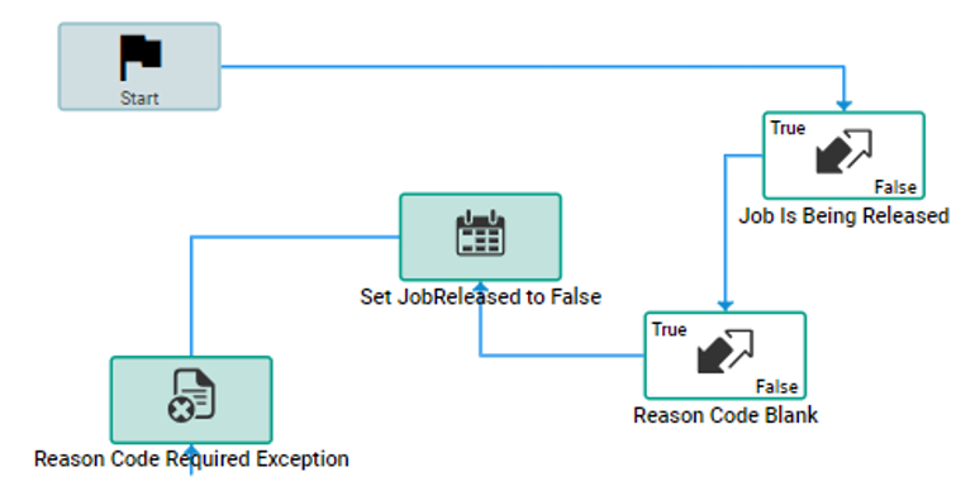
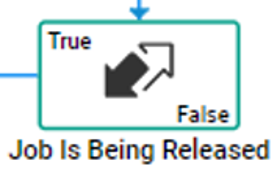
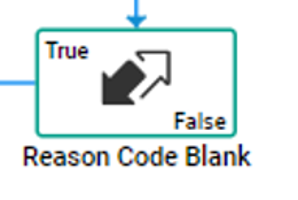
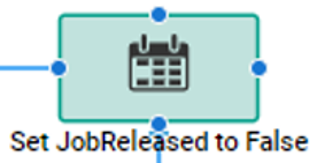
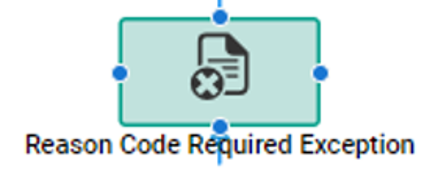
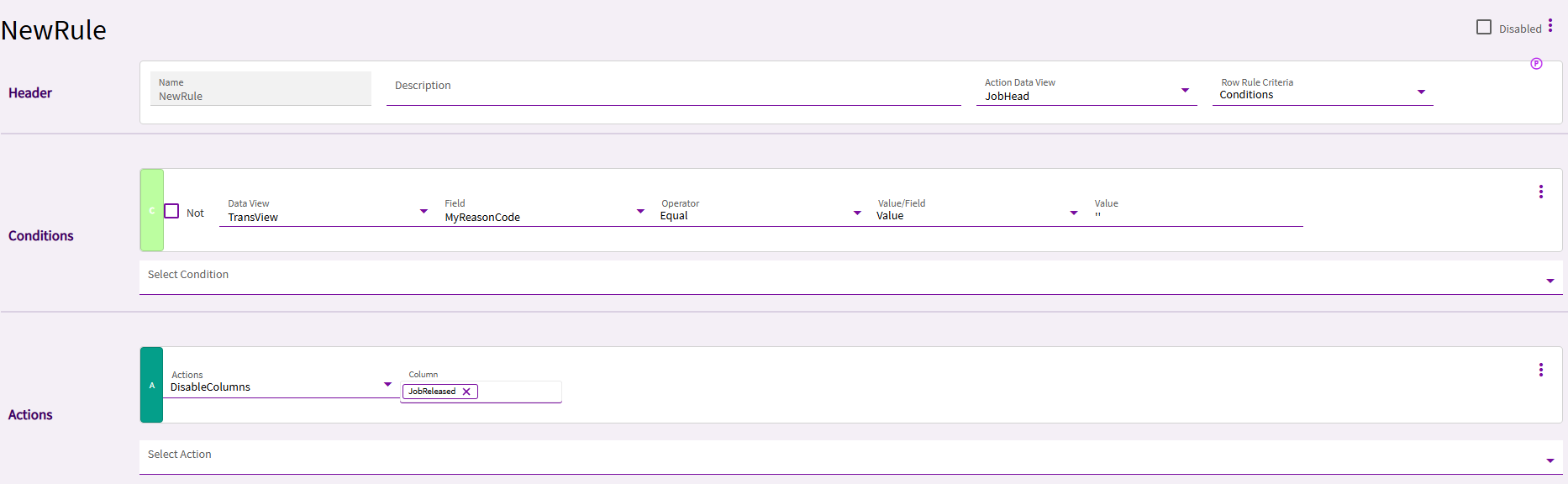
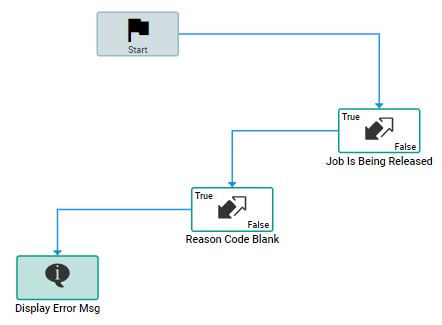
Build a Pre-Processing Method Directive that triggers on JobEntry.ChangeJobHeadJobReleased. The BPM checks that if the job is being released, check if the reason code is blank. Then, set the JobReleased column equal to false. Finally, raise an exception.
I am trying to uncheck the Released check box during the course of BPM execution on the UI side. I was hoping step (3) Set Job Released to False would uncheck the Release box.
The BPM can “refresh” the page by invoking the NewOrGetByID method on JobEntry. But then the users would lose their unsaved changes. Leadership rejected this solution.
I am currently exploring a C# Function or some kind of work around to uncheck the release box so that the JobReleased field does not get saved to true when ReasonCode is blank.
I’ve seen similar posts on EpiUsers, but a classic UI customization is not acceptable per the requirement. For example, its possible to freeze the Release Check Box in a classic UI customization, but leadership wants this done in a BPM or Function.
Has anyone ever encountered this problem before? Thank you in advance.
What @cpilinko says clearly works, though I’ve seen issues with using a Show Message with severity set to Error, rather than just using a Raise Exception widget.
I wonder, though, if your step to set the Released to false is what is causing the issue. I would try removing that widget and trying it again, because the Exception should already be stopping it from remaining as True.
Could you share the BPM workflow? I tried this and it is not working. The conditionals for me are working but the Error message is not forcing the check box to roll back to empty.
This is my workflow. The Epicor version I am on 2025.2