We face a high ratio of employee leaving the receiving department, there’s a malaise with the tool. We’re told it’s too complicate and receiving take for ever. They don’t want to spend the day in front of the screen. Today I’ve decide to do the task by myself to test and feel. Oh my they are right.
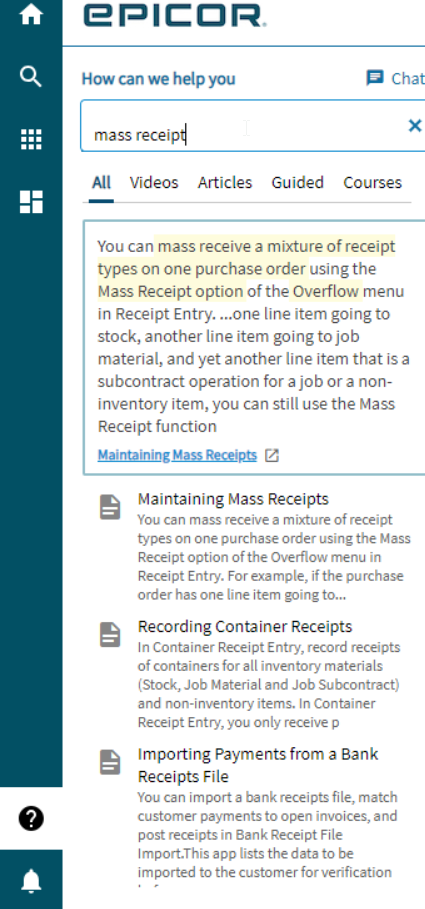
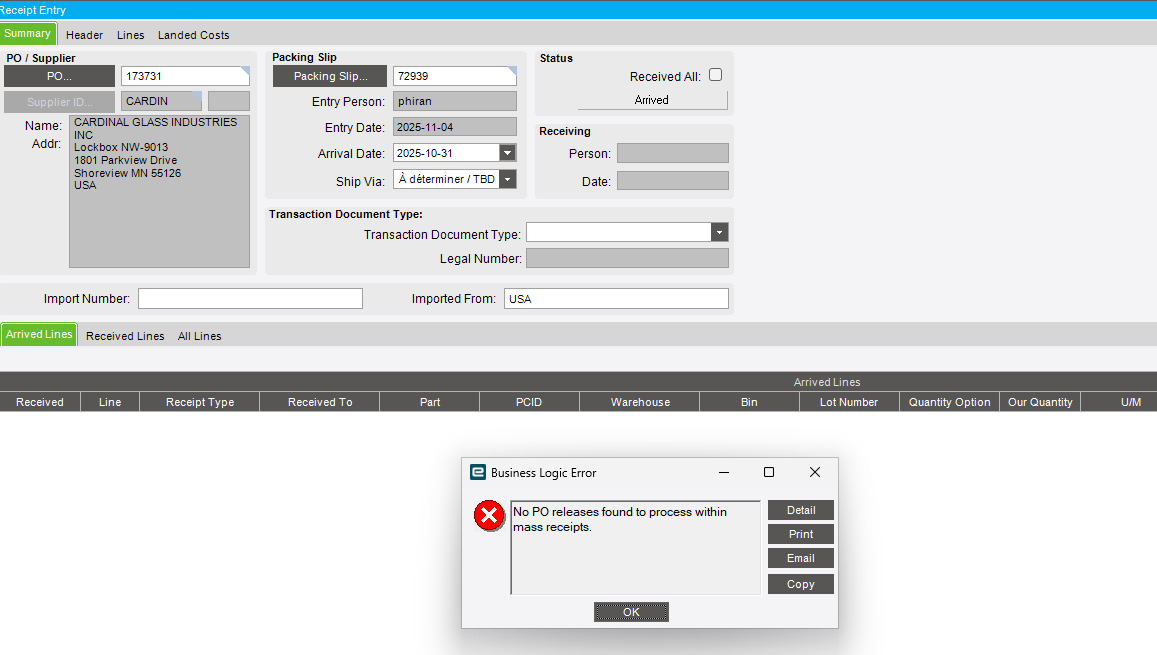
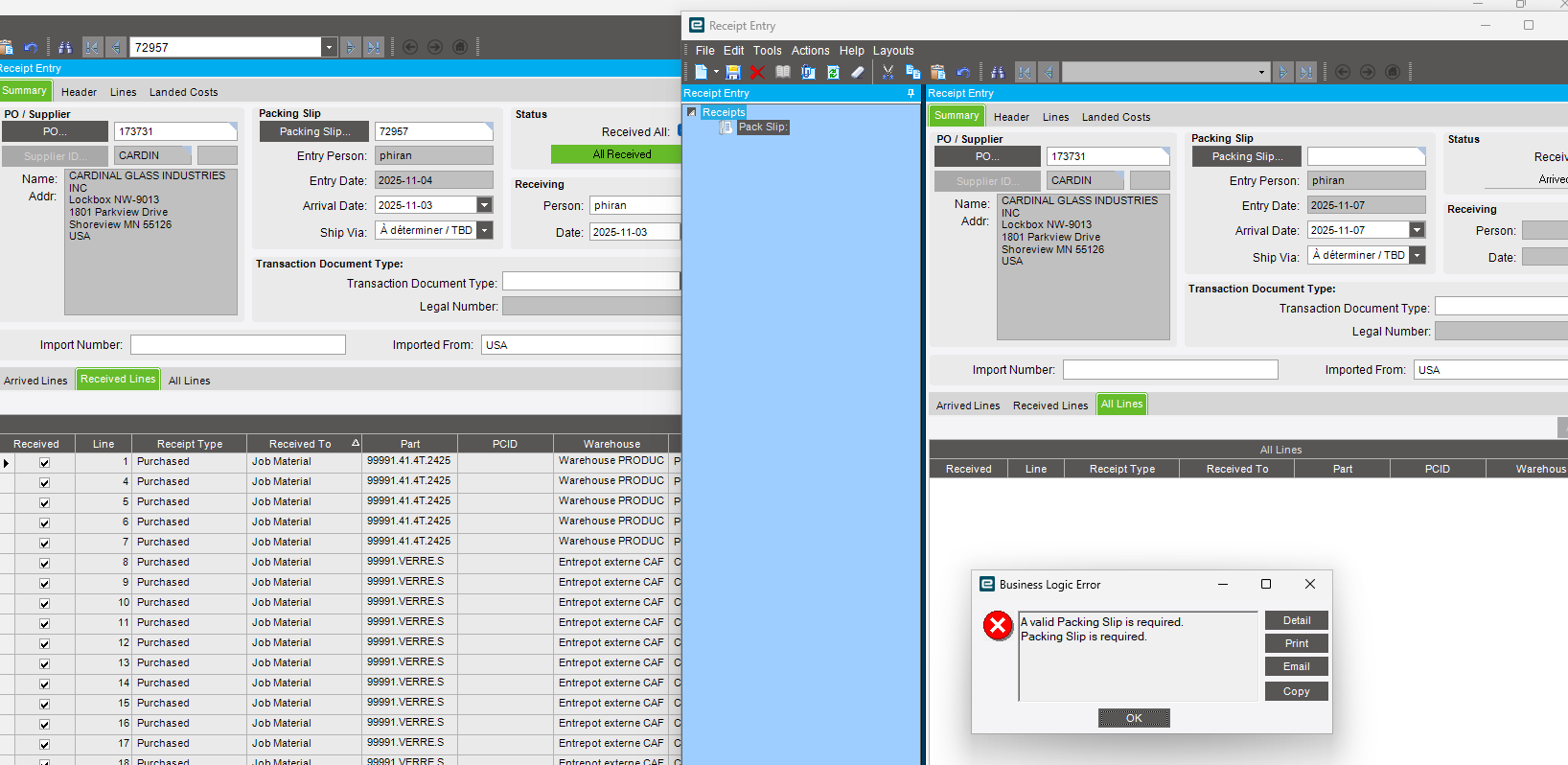
Maybe we are not using the right APP, we use Receipt Entry. When the po is entered, it doesn’t show any “expected line” we are left to enter a Packing slip and then line by line adding the line from the po, with qty and date by line.
I can’t believe there isn’t another way. Our p/o have over 200 lines. Is there a way to Click a check box of the line from the po and then mass assign a receiving location and a date? Not line by line.
It feel upside down to go from the packing slip to the PO. A Packing slip will always deliver something from a p/o. No surprise expected. Why even allow it?
How to select from the po, the line received and mark them as received ?
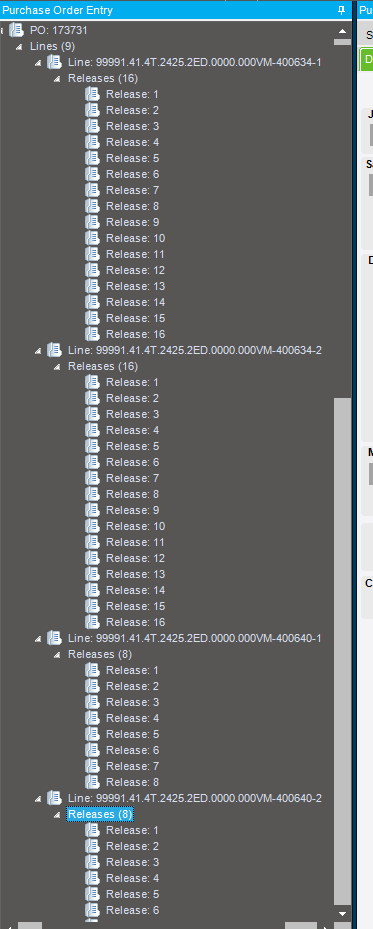
Our P/O have many releases, but for the vendor it’s irrelevant, as each release is for the same part. The OA received and packing slip will only indicate in this case a delivered qty of 16x.
Currently I need to create in the Epicor Packing slip as many line (release) as I have in the po. Those lines are from the PO hence my question: why starting from a blank packing slip while all the expected are already on the po.