Looking for some assistance because I can never get this right:
Please, please, please dumb it down as I am not ‘IT’, only slightly ‘techy’
I have to uplift a very old classic customization that will not work when we go to Kinetic because it used to reference MyPO.Buyer that is no longer available.
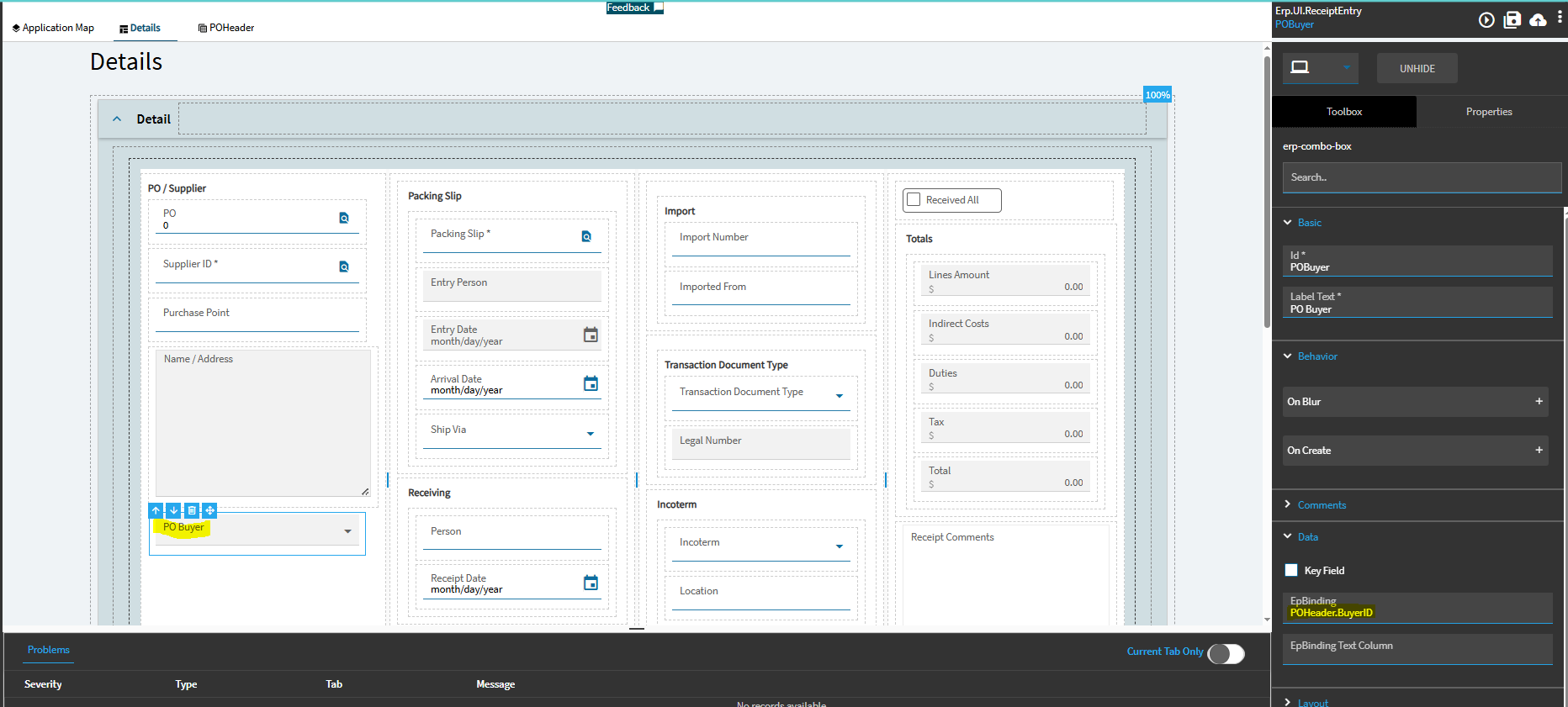
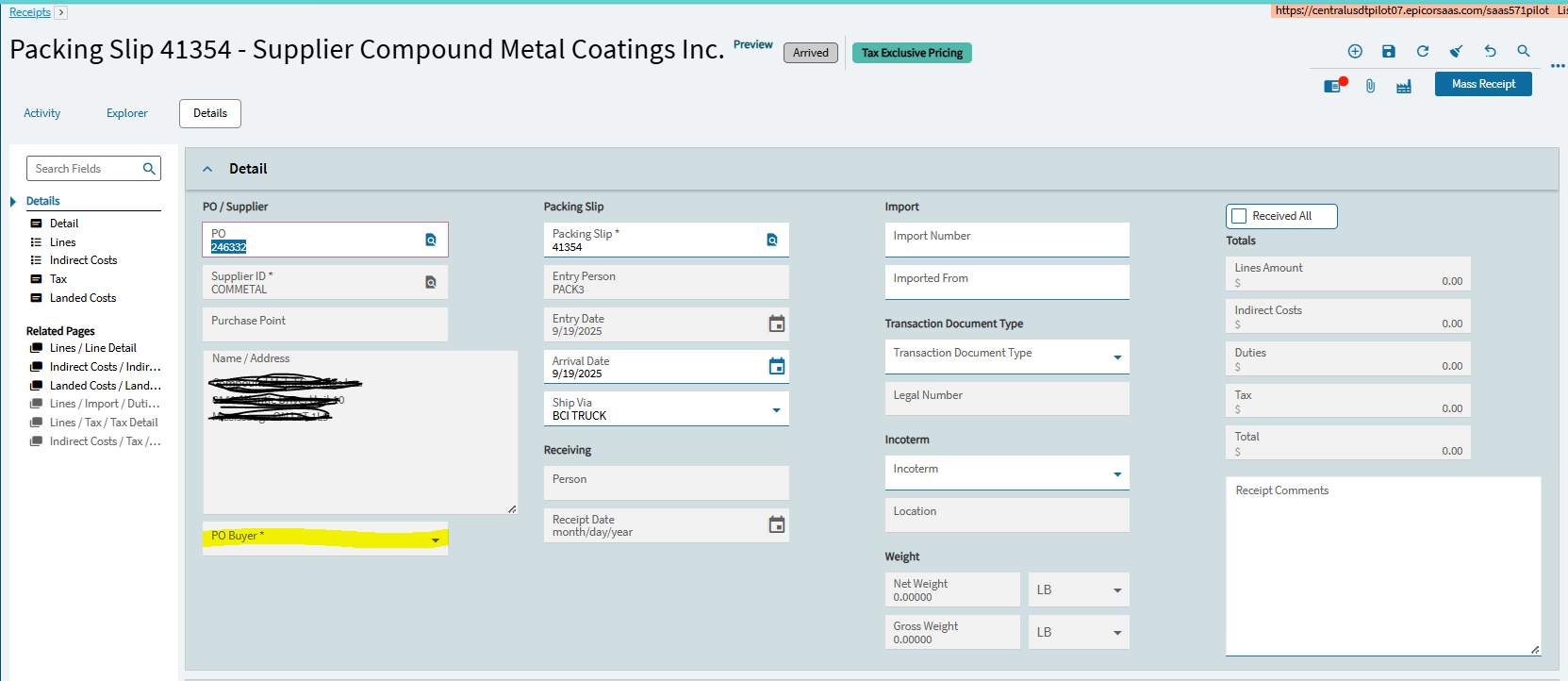
In Receipt Entry > Display the Buyer from the POHeader (read only display)
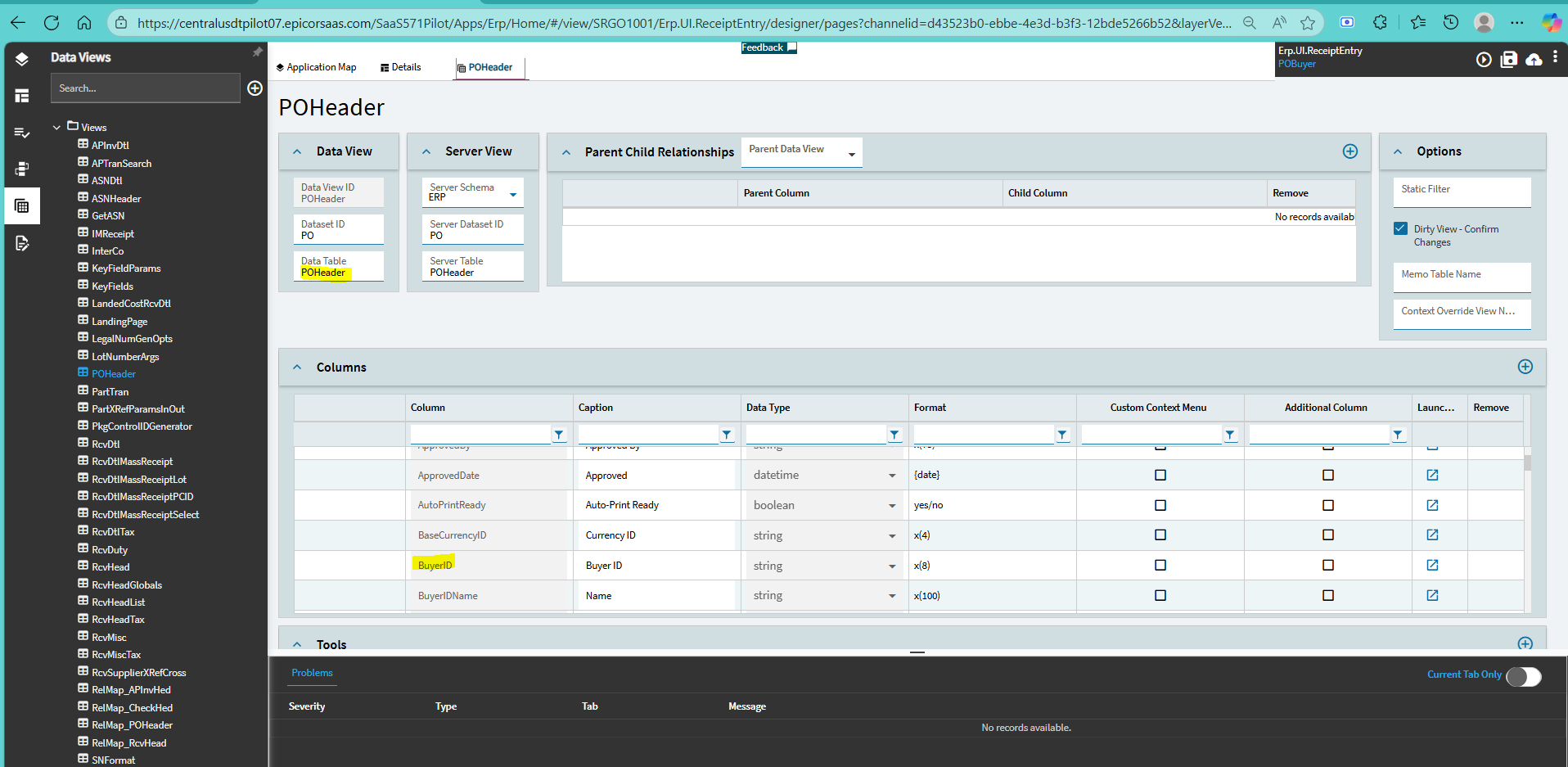
I have added the text box and tied it to POHeader.BuyerID & made it read only. (there was already a data view for PO Header in Receipt Entry)
Problem: I have no idea how to tie an event to this when it pulls in the PO information.
If there’s already a POHeader dataview there, I would imagine the form is already wired up properly to update the dataview row when the Receipt Entry PO is entered/changed. Is that not the case? Forgive me - I’m not at a Kinetic station right now to test myself.
I am so lost in this new Kineticized world.
All those fields under the PO / Supplier section… are they bound to POHeader dataview also? Or are they bound to something else?
They are all fields in the KeyFields or RcvHead it looks like. I was thinking they might’ve been linked to POHeader. Honestly, I’m not good enough at Kinetic yet to be able to recite from memory what you need to do. And it sounds like you could use a very detailed/specific explanation haha.