Hi All,
We are facing issues in review journal screen. We have two journals that are displaying negative amount in balance field.
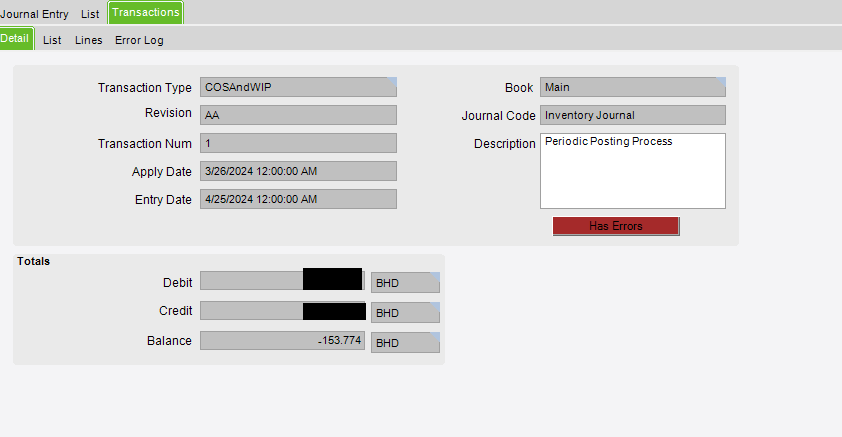
How can we solve this?
What error do you have in the ‘Error Log’ tab?
It looks like your GL controls for COS/WIP is missing an entry. Your capture process is out of balance.
As @Dragos said, review the error tab, but you may have to do some digging in the Inventory/WIP reconciliation report to find the issue.
Hi Dragos and Doug,
Thanks for your reply.
In the Error log , we are getting : “Transaction does not balance”.
Our finance team has informed us based on the WIP report is due to a part class that is used in purchase order which always causes a negative amount whenever a journal entry is created.
Is the part class not mapped correctly? Which screen do we need to go through and solve this?
It can vary depending on what type of transaction is and what settings you have there. Generally, I would look at what GL controls are assigned in Part Class entry - GL Control tab. If not, Part Entry - Accounting - GL Control. Or, if you’re using just one GL control across the entire company, check the company’s COS/WIP GL control in company configuration.
Also, check the Inventory Transaction Hierarchy doc - I always start with that. You can get it from EpicWeb
Run Inventory COS/WIP Report for the above transaction date and check which Dr/Cr is having blank GL Account.
KR
Hi Dragos and Srakesh,
We have checked in Part Class Entry and Part Entry which showed no GL. We cross checked with other parts and they also dont have any GLs registered.
We ran the COS/WIP Report and found out that that specific part class has a blank GL account for debit value while in credit value its fine.
How do we fix the issue for debit?
Hi @Dragos @Srakesh0303 can you support us on how to solve this?
@Salman There is the quick way to fix this and the correct way. Epicor has pe log viewer in addition to the review journal to find the issue.
Quick: Find the error lines and enter the GL account you want the debit side to go to. Then under actions pick revalidate. If you get a green check(I think, it has been a while since I have had to do this) Then do actions Journal Entry Confirmation and the process will start again. If the entry is very long you may have to use Journal Entry Asynchronous Confirmation.
You will need a copy of the Hierarchies GLTransactions which we all should have from EpicWeb.
Correct: In the review journal there should be a transaction type.
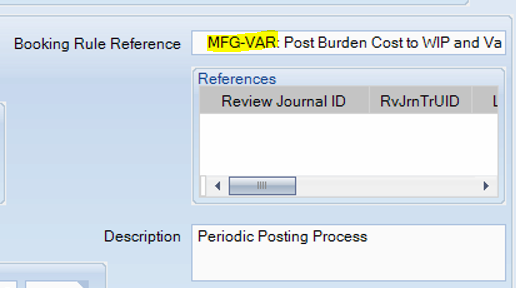
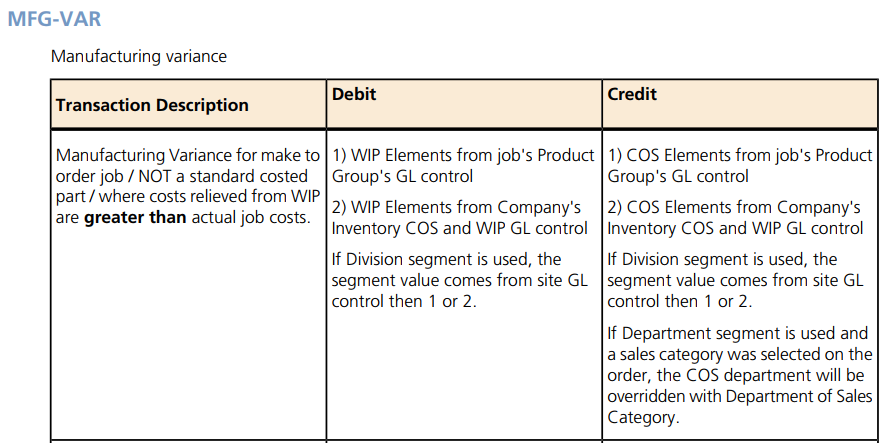
The hierarchy for the transaction type for places to check the account exists.
Once you have made changes you can either revalidate the posting in the review journal. You can also cancel the posting and run a wip recon report to verify the changes.
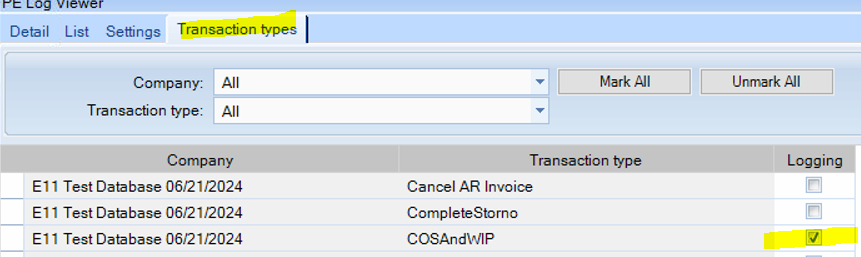
If this does not solve the issue the next place to go is the PE Log Viewer and turn on logging for the COSAndWIP type.
@gpayne hi Greg,
We have enabled the log and ran the report again.
After viewing the log from PE log viewer, we still get the same error message:
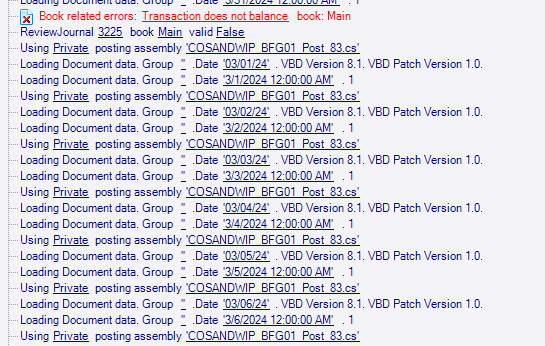
Can you tell us which screen we can add the amount manually in debit field as you suggested in “Quick” solution.
You can type the missing account(s) and then validate and confirm.
on which screen we can do this?
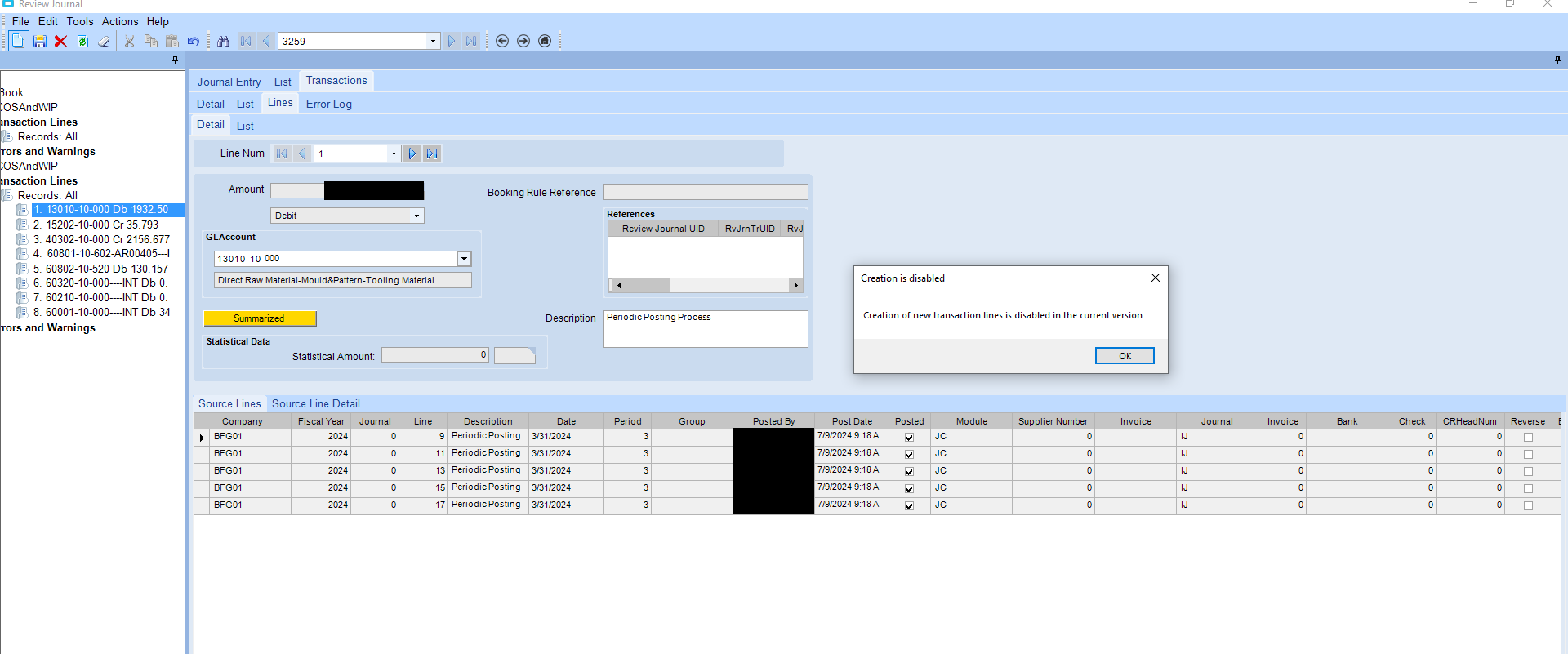
We managed to find the screen, however we are unable to create a new line in review journal as we are creating an error
You can only fix lines already existing.
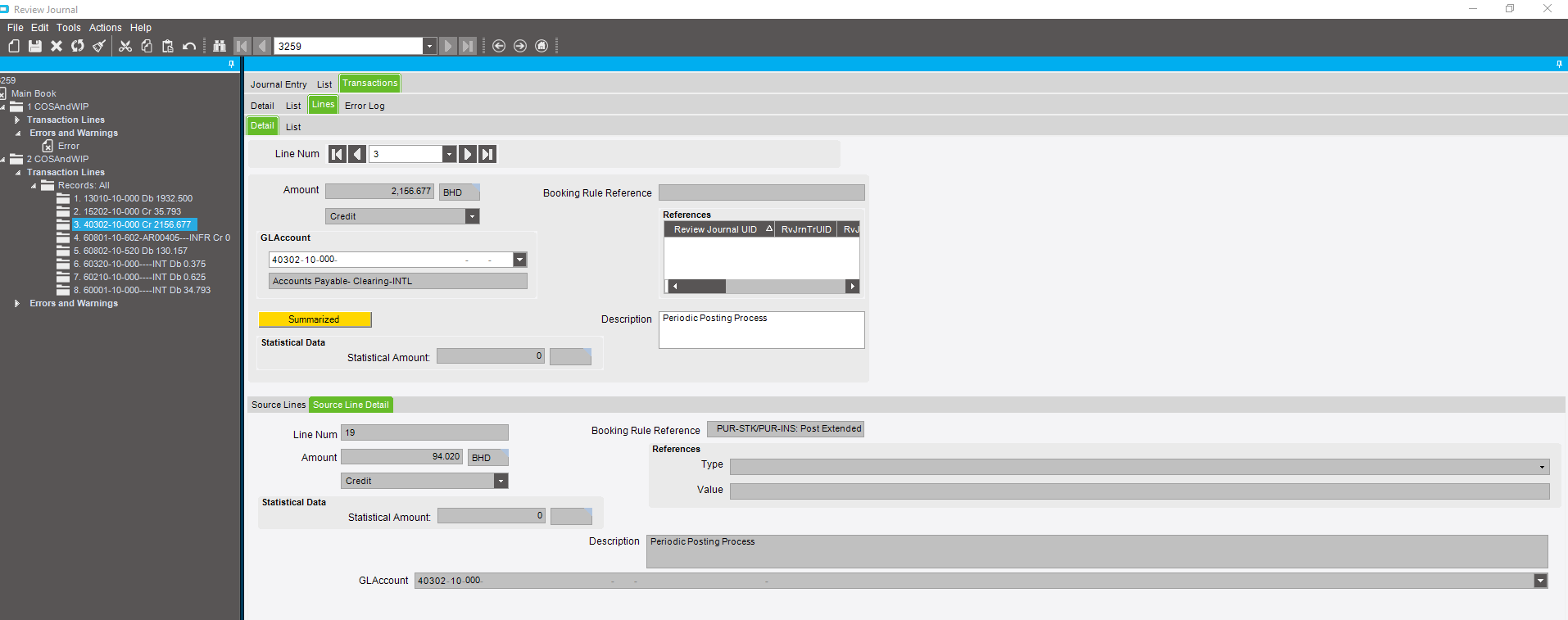
@gpayne we are not able to change it as per screenshot below:
If all of the accounts are valid then as others have said you will need to review the wip recon report and fix the source or change a GL control.