It looks like the CallCheckForNeedsLotAttrs event also opens the app … have you run a trace to see which one is actually running?
Also/Or, the name “IterativeEvent” makes me think that it’s called by name from something like a dataview-condition event widget - maybe that’s not being handled correctly, and the calling event has to be updated to use your custom event
The initial event is when the onclick tool save is clicked.
I think I may have to go up the tree of events until I find the right one to replace.
the big parent I believe is UpdateOverride
the Iterative event is triggered afterwards by a dataview-condition.
after that it runs an event I put in before the CallchkforneedslotattrsUpd
the app-open event seems to come from the dataview-condition, “checklotattrs_iterativeEvent”
If i can’t override that event, Do i need to override the dataview condition as well?
That’s what I’m unsure of - I think it would be worth the effort to try: Copy the event with the dataview-condition and change the trigger to override the original, then change the one field in the dataview-condition to explicitly call your override of the checkLotAttrs_iterativeEvent.
That might work! with an Exit or Cancel at the end … but that might also mess with any other events that follow in the flow
I would check the trace to see what follows that might get cancelled
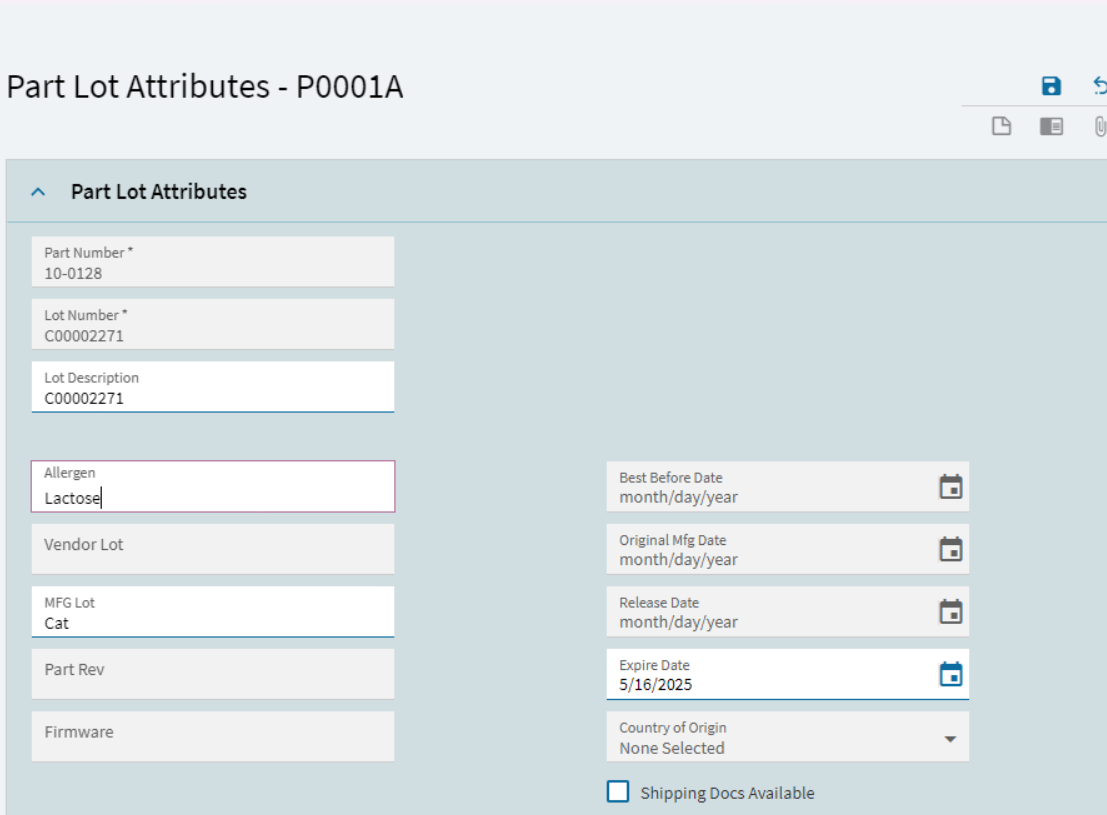
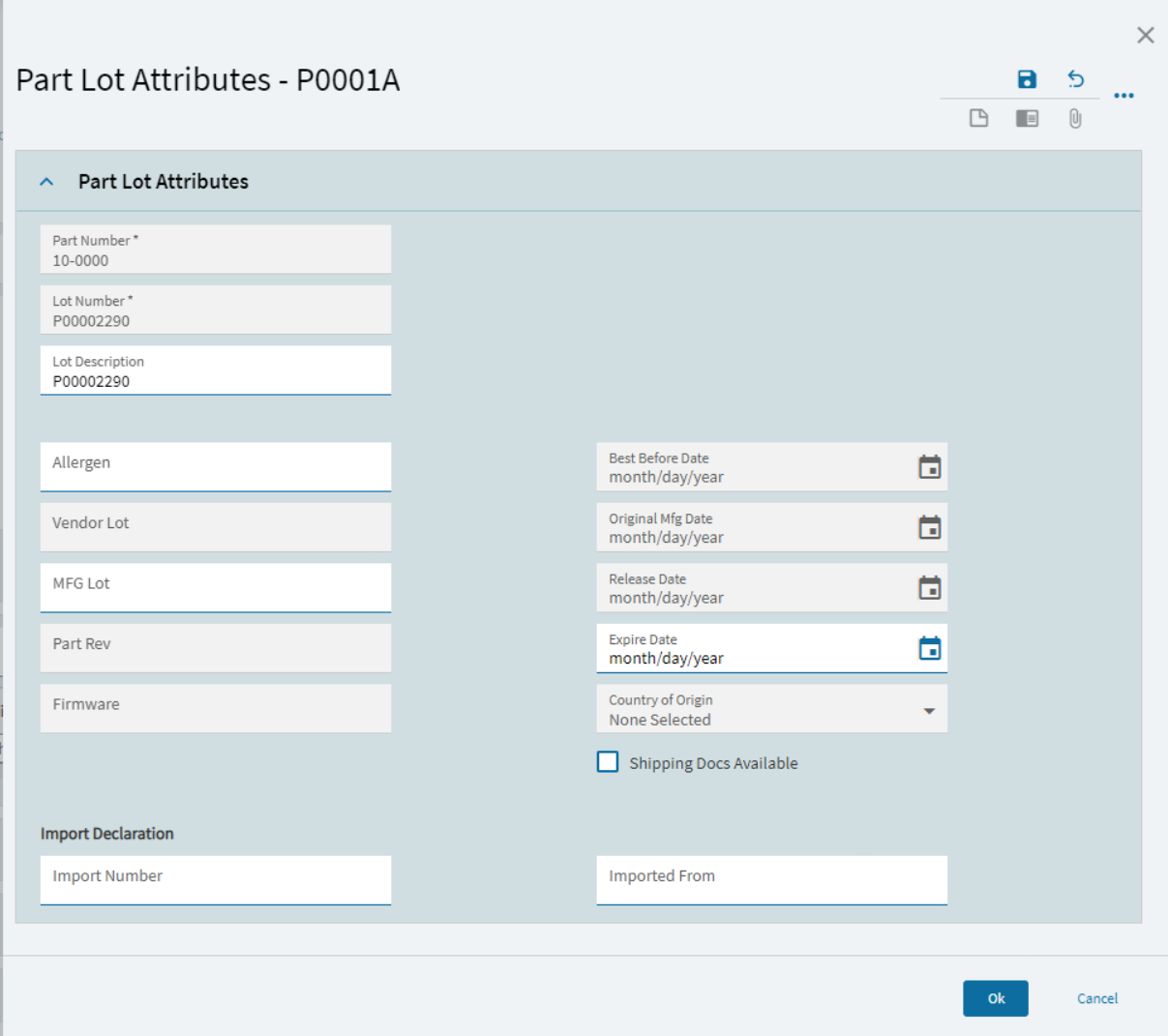
Lot Entry is called from a few screens Receiving, Customer Shipment Entry, Container receipt and maybe a few more.
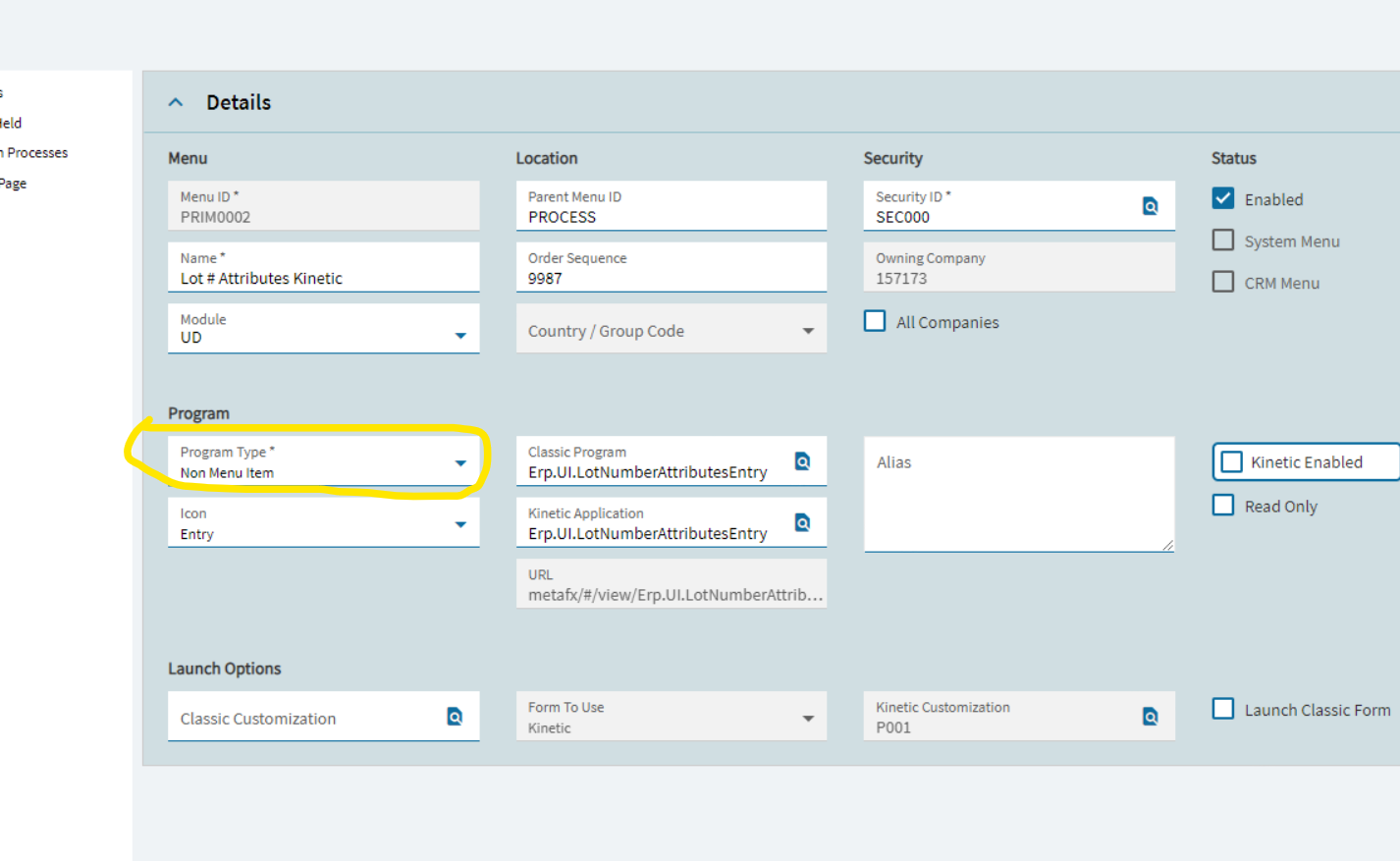
With classic you could call it under the processes section with the customization and it would call the custom form from any calling screen that used Lot entry.
Can we not do something similar in Kinetic?
At first glance it looks like you can but it doesn’t actually seem to do anything.
You can pick the program and layer but when time comes to call the lot screen it just brings up the base layer not the published layer that you picked. Hmmm
In 2025.1,the app open widget will not load the specificed custom layer in the client, but it still works in the browser. Been begging and pleading for support to submit this to PD for weeks now but you know how that goes. I have not been able to identify any workaround so far.
// Some caveats - in the thread it mentions that this will now call that layer whenever you call the program, even application studio and they recommend the following. I have not tested the following out
if (request.id == “Erp.UI.LotNumberAttributesEntry” && request.properties.mode != “AppStudio” && request.properties.additionalContext.ContainsKey(“menuId”))