In Sales Order Entry, how can we override this to always be ‘Yes’? Has anyone done this?
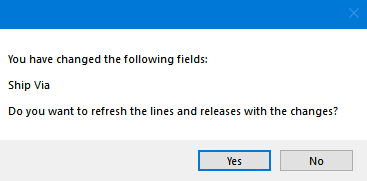
A few times a week we get orders that have the wrong ShipVia on the pack slip (which doesn’t match the SO Header’s ShipVia). Our hunch is that someone accidentally clicked ‘No’ to the pop-up.
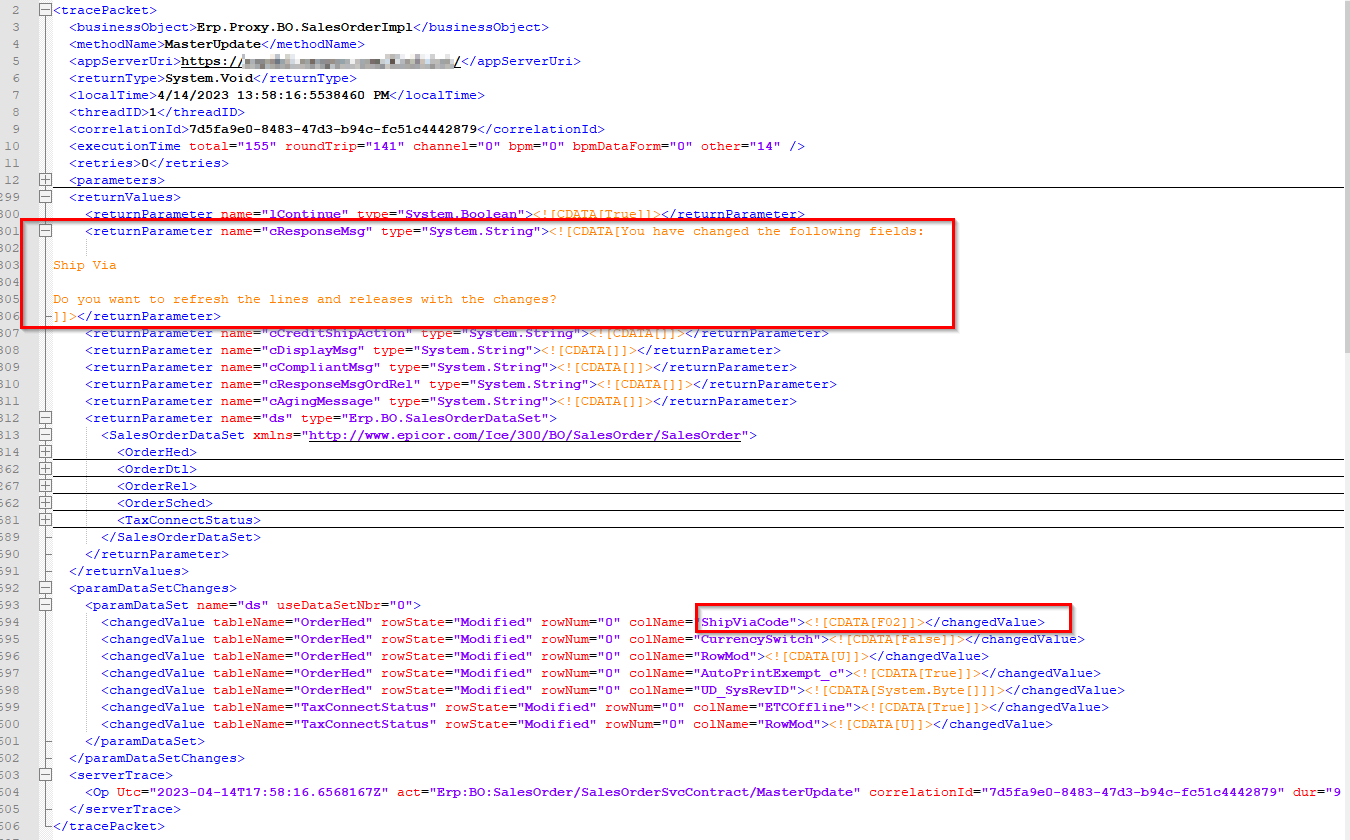
I did a trace, and see that it triggers Sales Order MasterUpdate.
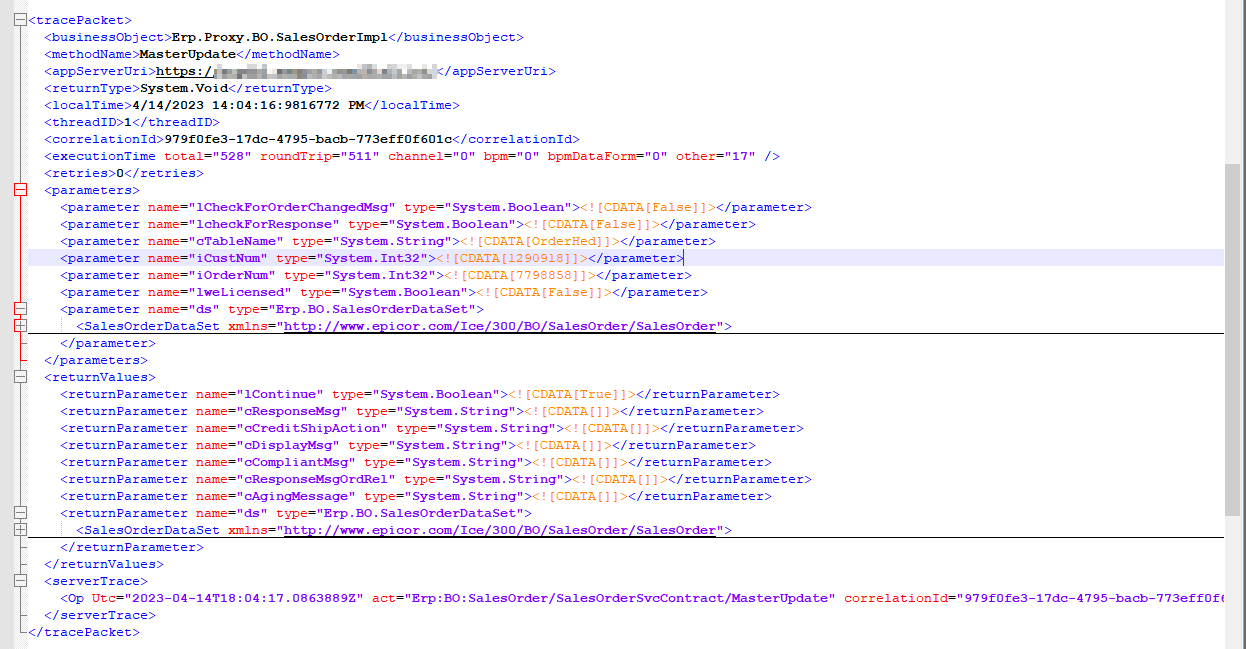
I found the spot where it asks the question, but can’t find where it gets the Yes/No answer (I assume True/False). There’s a second MasterUpdate after the question, but I don’t see a response to this question.
Is this a matter of catching it in a Pre-BPM, and changing it in a Post-BPM on Master Update?
We always have 1 release per line. 99% of the time the lines/releases always have the same ShipVia and dates as the header. And if someone wanted to override the line, they could.
Thanks for the advice!