How do you change the text alignment in an EpiLabel? I am trying to create a text box for instructions on how to use a Tracker View within a dashboard. Epicor defaults to Right alignment, I want left. I tried some random stuff through google searches and searched here but no luck. I have absolutely zero experience with the script editor.
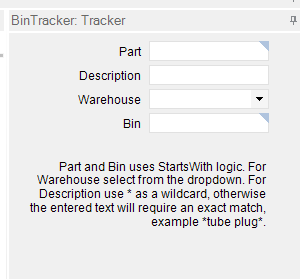
There’s an alignment under Layout, but it seems to be broken.
You should submit that to support.
Alignment isn’t available under layout within the customizations tools dialog:
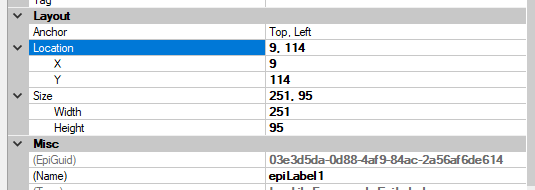
Oh… you’re in classic.
Sorry, Kinetic brain.
That’s much more doable.
Stand by, gotta remember the code.
		EpiLabel label = (EpiLabel)csm.GetNativeControlReference("d005f652-b5e6-49a7-a084-24fe1422de86");
		label.TextAlign = System.Drawing.ContentAlignment.MiddleLeft;
Replace that GUID with your own.
1 Like
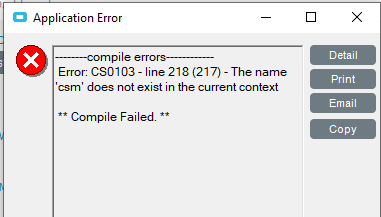
That worked when I closed the dashboard and reopened it, however when I went to deploy the dashboard I am getting this error:
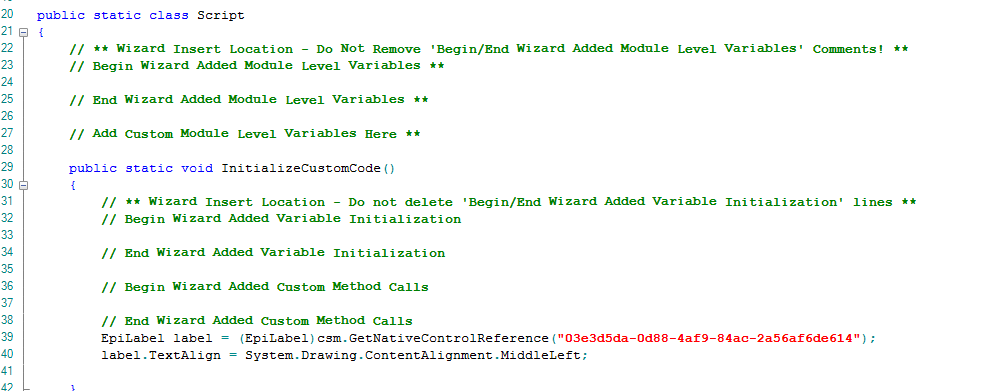
Looks good.
I see I tripped you up by not editing the first reply to your last comment lol. It works in the dashboard display but is giving me an error when I go to deploy the dashboard. Here it is again:
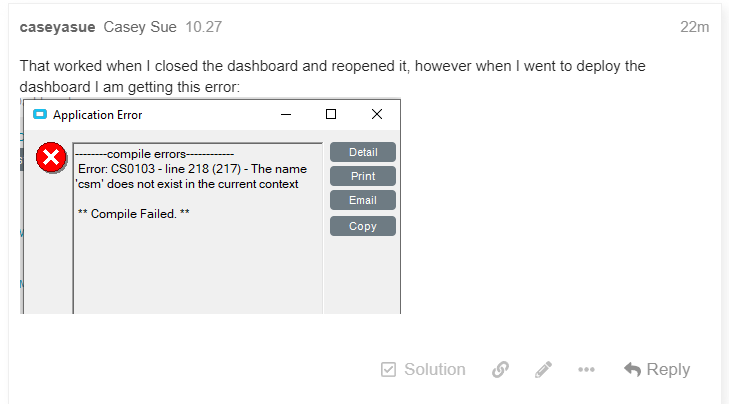
You’ll need to do this customization on the deployed dashboard assembly if you need to use the csm.
1 Like
Misaligned labels don’t happen in Browser Based Kinetic since the labels are embedded into the fields:
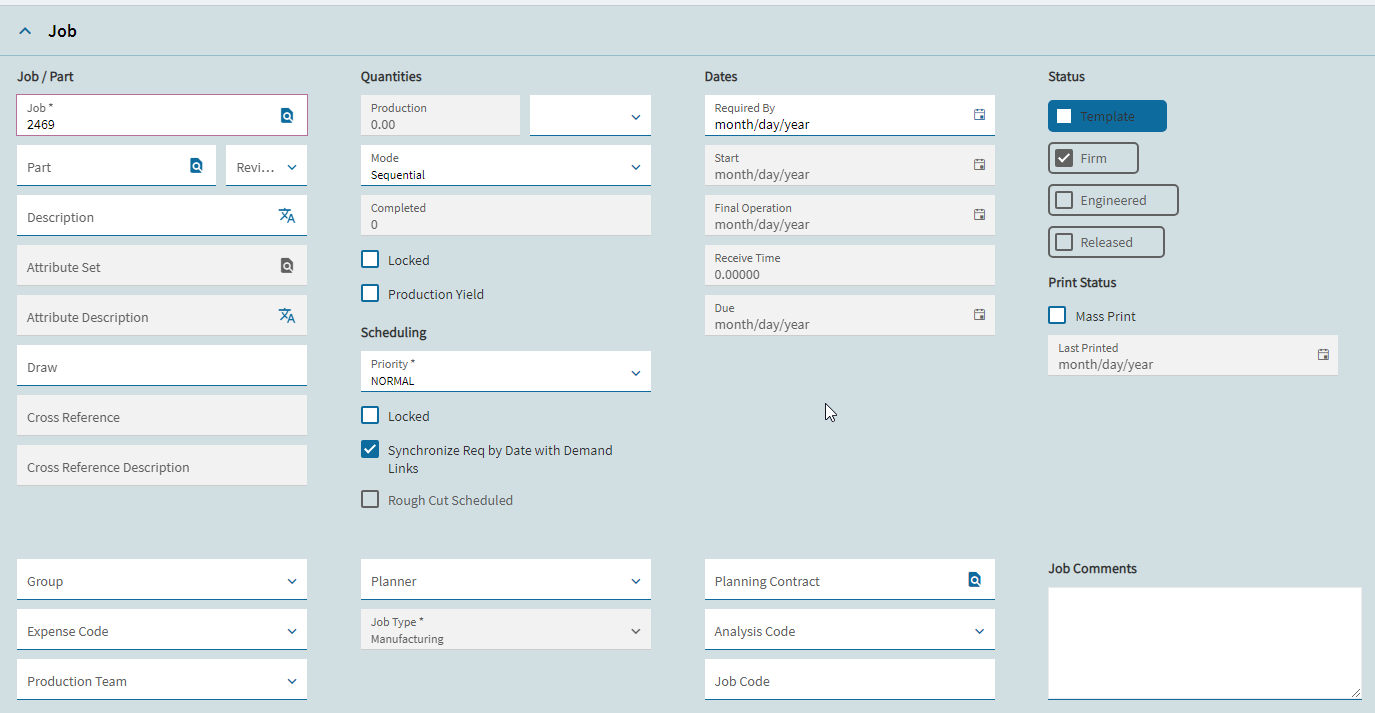
Tim, there’s a label widget that comes with an alignment property.
I submitted a ticket and it’s been sent to Dev already.
Can you tell me where to go to do this? I looked at all available menu items in the deployed dashboard but can’t find anywhere to add a script.
You need to deploy it as dashboard-assembly, then enable developer mode and open that newly deployed dashboard. It will open a screen very similar to what you showed earlier. Put the code in the same spot.
2 Likes