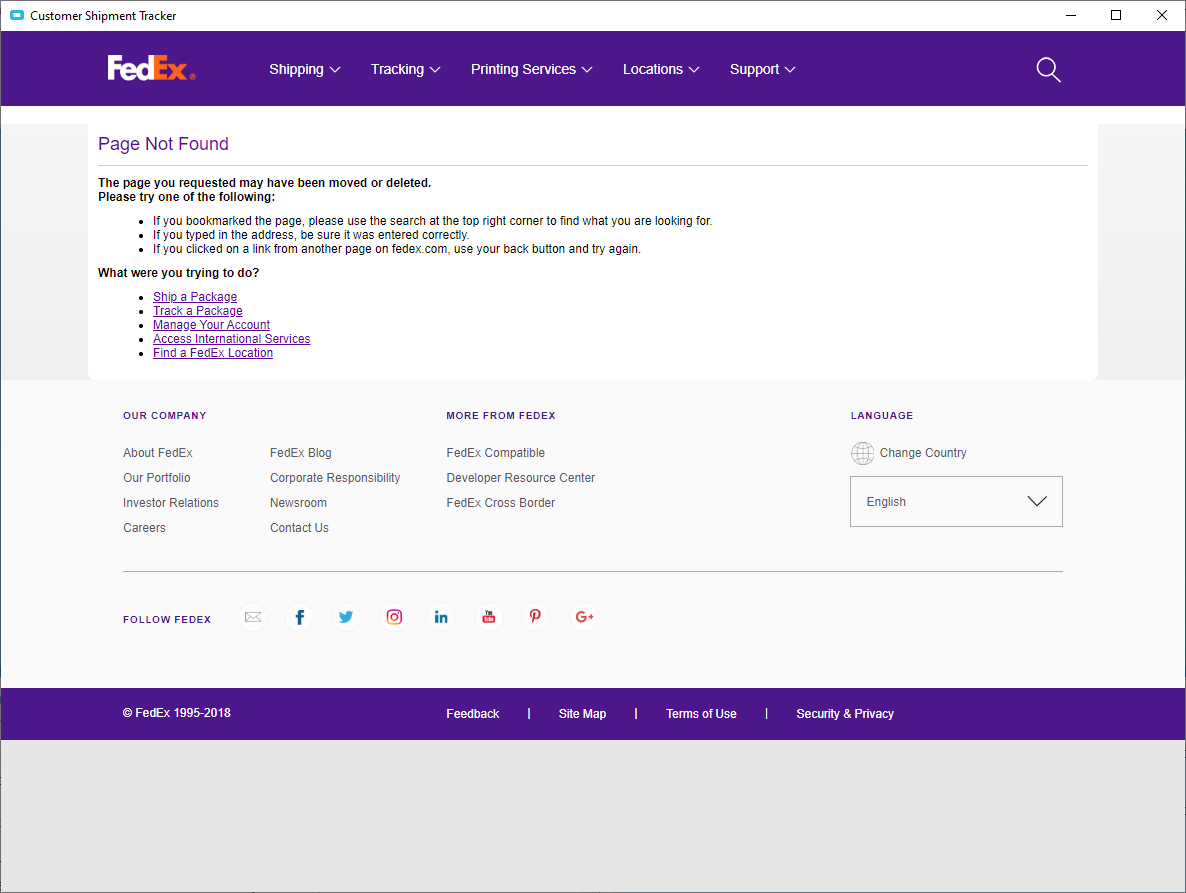
I have one Order Entry user that has an issue. When she opens Cust Sipment Tracker and hits the Tracking Details button, it doesn’t work, but only fir the fed ex tracking. The screen that comes up and she gets the below. She is the only one this happens too. Ideas?
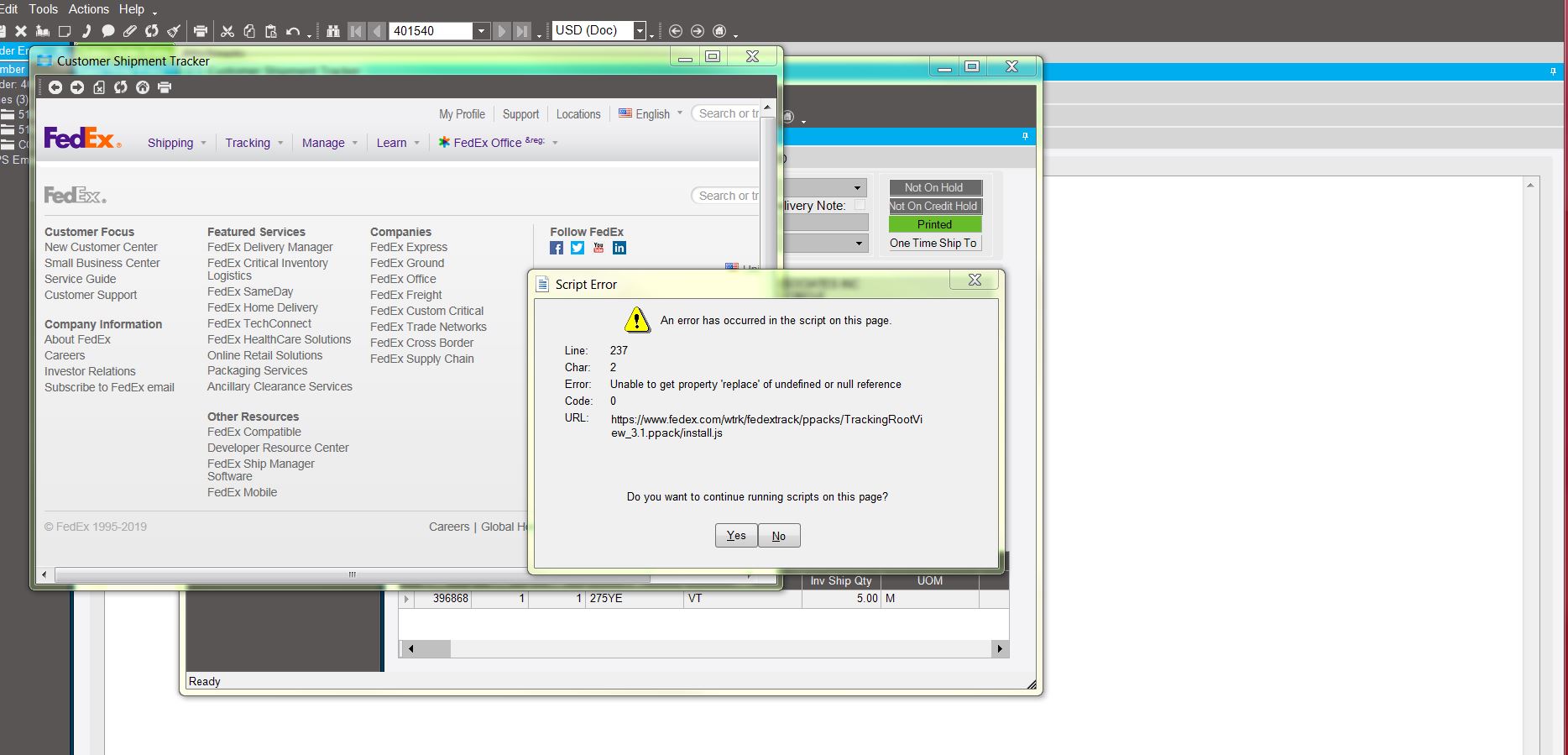
This looks like an IE browser error - when processing a web page?
I wonder if it could be something in the users browser, or maybe the page on the FedEx site has an issue. Something not under the control of E10?
Especially since it is only one user.
I wonder which browser they use, if they installed add-ons, etc… ?
If using IE, maybe try Chrome?
So make Chrome the main browser, correct?
Yes, just a test.
Maybe worth it have the user log on to someone else’s PC too - just to see if the error follows them?
And the revers, have someone log onto that users PC - if the error occurs for anyone who is using it?
Got it working. Had to restore the Internet options to defaults. Crazy days…
Bringing this one back from the dead… I was just asked about this problem today… Yes they’ve been ignoring it and not telling me it existed till now. I’ve tested this on multiple machines and different default browsers and I still get the “Page can not be found error.” I only get the scripting errors when I click on the track package link from that error page on Version 10.2.400 only.
I’ve done a Internet options Reset to defaults on my machine and it still results in the same page being displayed. I’ve tested this on both 10.2.400 which is my live side, as well as 10.2.700 which I’m testing. Both give the same error page.