lfheredia
January 7, 2020, 2:31pm
3
Thanks for your response. I tried it, but I have some problems. I don’t think it triggered all the background processes that should clear open material demand / clear time phase/ clear scheduled load, etc.
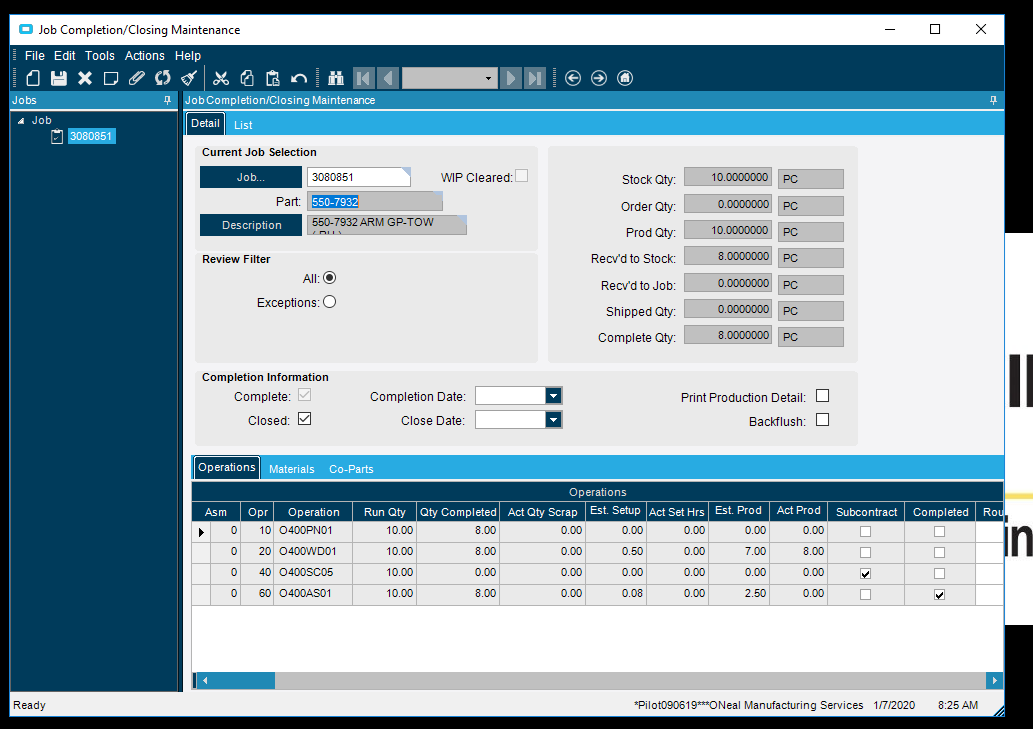
For example, I completed & closed Job 3080851 thru the UBAQ, and the Dates are not populated in the Job Closing screen.
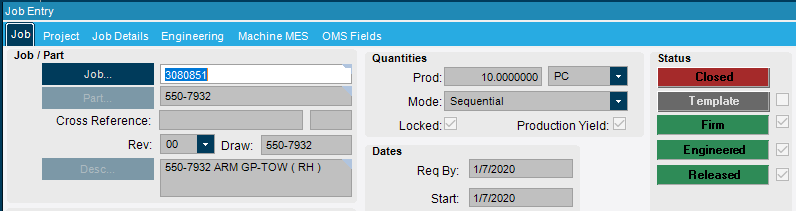
The Job shows Closed in Job Entry though,
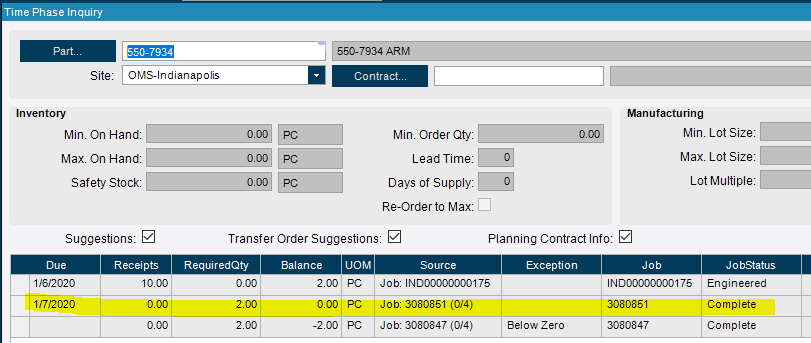
But the component demand is still open and displayed on Time phase
From what I read thru different posts, we need to replicate the BO’s called in the Job Closing screen.
From @josecgomez on a different post:
I just did a Trace in Job Closing Manually
Epicor Calls the following BO’s
Erp.Proxy.BO.JobClosingImpl.GetNewJobClosing (This returns back and Empty Job Closing Data Set)
Erp.Proxy.BO.JobClosingImpl.OnChangeJobNum (they pass in the above data set as well as the parameters pcJobNum with the job number you want to bring back, this returns back the dataset populated with the job data.
Erp.Proxy.BO.JobClosingImpl.OnChangeJobClosed (Then you check the “Closed” checkbox (set JobClosed = true) in the data set and call this
Erp.Proxy.BO.JobClosingImpl.PreCloseJob (you call this to check for warnings with the dataset)
Erp.Proxy.BO.JobClosingImpl.CloseJob (with the dataset)
You need to replicate the above in rest and make each and every one of these calls. Get the data back updated it, and call the next.