The only way to fix it is to delete the query and start over. Any idea what causes it to randomly do this?
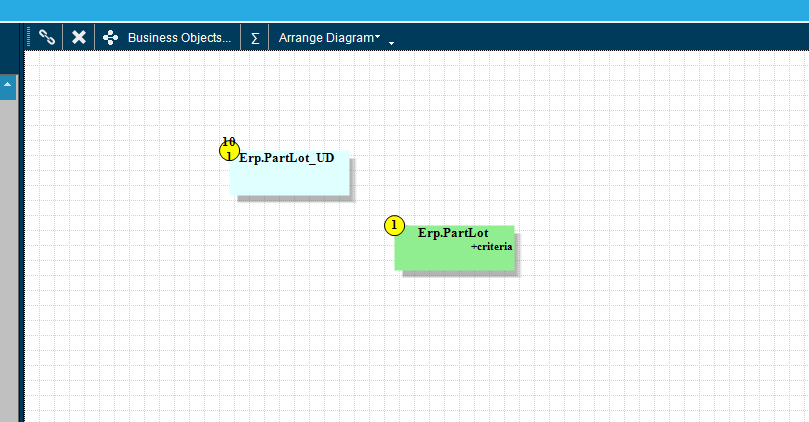
The original had only Erp.PartLot. It decided to add the separate table like this and not link it. (If I do link it and save, it simply deletes the link) This causes what should have a single result return to return thousands (one line for every line in PartLot_UD)
I had two separate queries do it on me currently on a single project so now I’m back to starting the project over and I would prefer to not have to start over again, so if I’m doing something that causes this, it would be nice to know.
I have had this happen to queries uplifted from previous versions. They will also work just fine until you edit it the first time, then it blows up. Is this an older query?
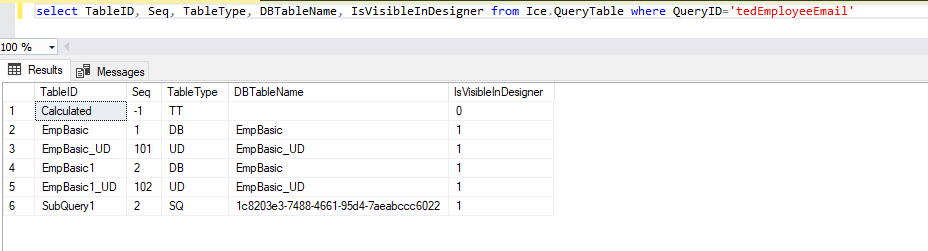
I do have access to the DB, but I deleted and rebuilt those queries already so if I run that for those specific queries, don’t think it will show you what you are looking for. If you still want me to do it, I will.
looks like all info is lost except table itself
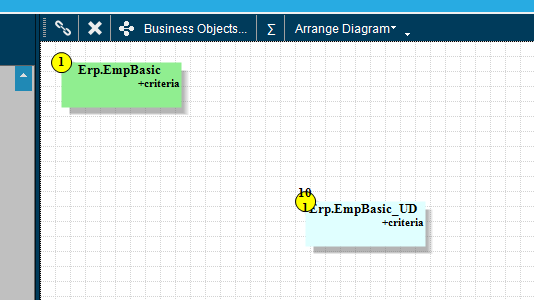
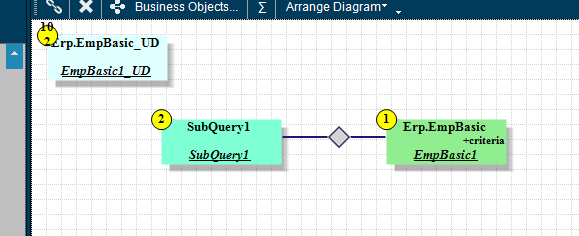
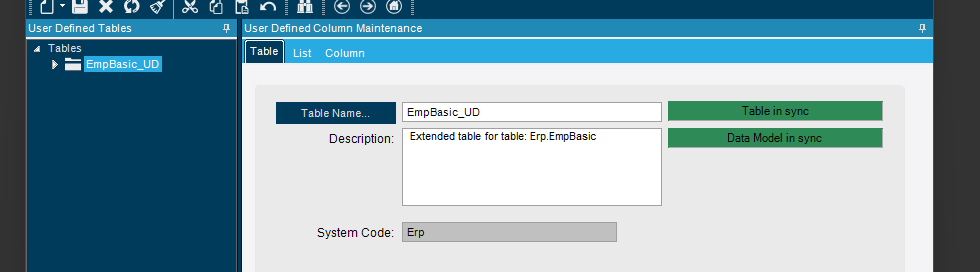
Do you really have EmpBasic_UD defined and green in the UD field maintenance?
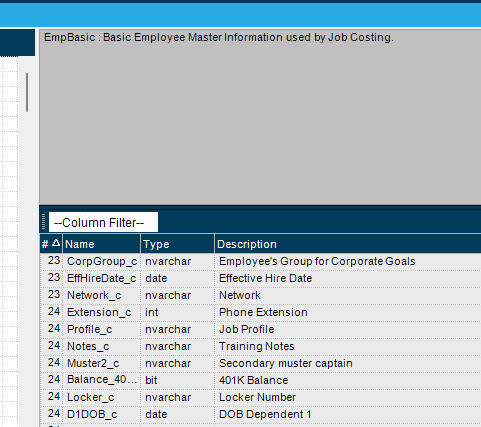
Does EmpBasic(1) show the UD fields in the field list in BAQ designer? as part of the main table?
I deleted them and saved.
Currently they are gone. I tried to run the query and it errored.
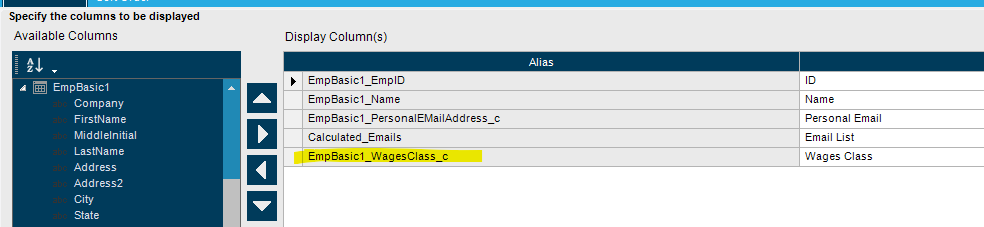
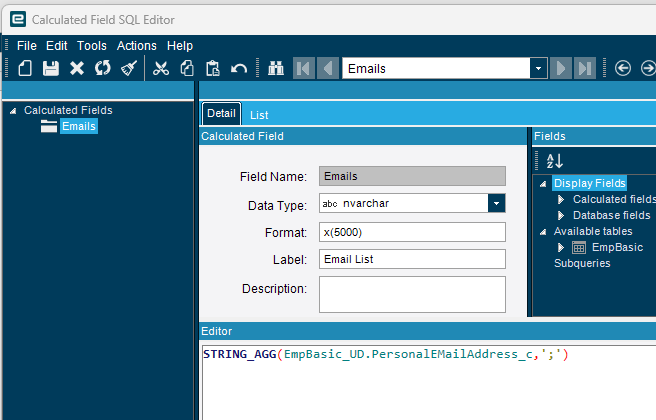
It apparently changed the reference within my calculated field:
Once I fixed that part, it worked.
This is also a query that was created in Kinetic and not carried over from 10.
It’s great that it can be fixed, but it would be even better if we knew what caused it so I can avoid doing whatever causes it because I may not notice that my query broke until after it has caused problems.
These queries were fine when I wrote them but broke afterwards. I only found it because the project I had done wasn’t working correctly after I had handed it off to the next person to test. Worked fine on my original testing. Error sprung up later when he was testing.
To provide another data point:
I had never had any issues creating BAQs in Kinetic until I created one using the Classic screen (to create a UBAQ) and this same thing happened.
Could it be that it only happens on the Classic screen? or Only with UBAQ?
What solved it for me was also to just re-create the UBAQ from zero, each time.
I only use the Classic screen to create BAQs so that may be related. This is not a UBAQ so that’s not it. It doesn’t happen every time (not even that often as I have hundreds of BAQs and this has happened less than 10 times).
I don’t have any specific steps to recreate the problem. If I did, that would help me prevent it happening again.