klincecum
October 6, 2025, 4:38pm
1
Ok, I have a dataview for a BAQ. Got the grid setup via guided setup.
Trying to use the provider model for easier refresh. (I’m using pub/sub)
The field I am trying to update is a date field. It will not even show the datetime editor.
It works fine for text fields.
If I don’t set a BAQ in the provider model, and populate the dv manually, the editor shows up and works fine.
I’m assuming this is a bug with no workaround, but throwing it out there.
Have you tried defining the editor model directly?
Go to your grid and go Grid Model > Columns and on your column set the ERP Editor Model to datetime
jbooker
October 6, 2025, 4:45pm
4
Was gonna suggest the same per:
Data > Grid > Columns Erp Editor Select the type that the column will be such as Boolean, Combo, Text, Currency, etc. This is used in conjunction with the Erp Editor Model to define the special behaviors of each. For instance, if setting the Erp Editor to Combo, you can then define the data in said combo by using the Erp Editor Model. Data > Grid > Columns Erp Editor Model As mentioned above, this is used to define the properties of the Erp Editor. To find out more, reference the appropriate control within this page. Text = Textbox, Boolean = Checkbox, Combo = Combo, etc.
klincecum
October 6, 2025, 4:48pm
5
The plot thickens. Added a Calculated DateTime Field and it works correctly.
Randy
October 6, 2025, 5:29pm
7
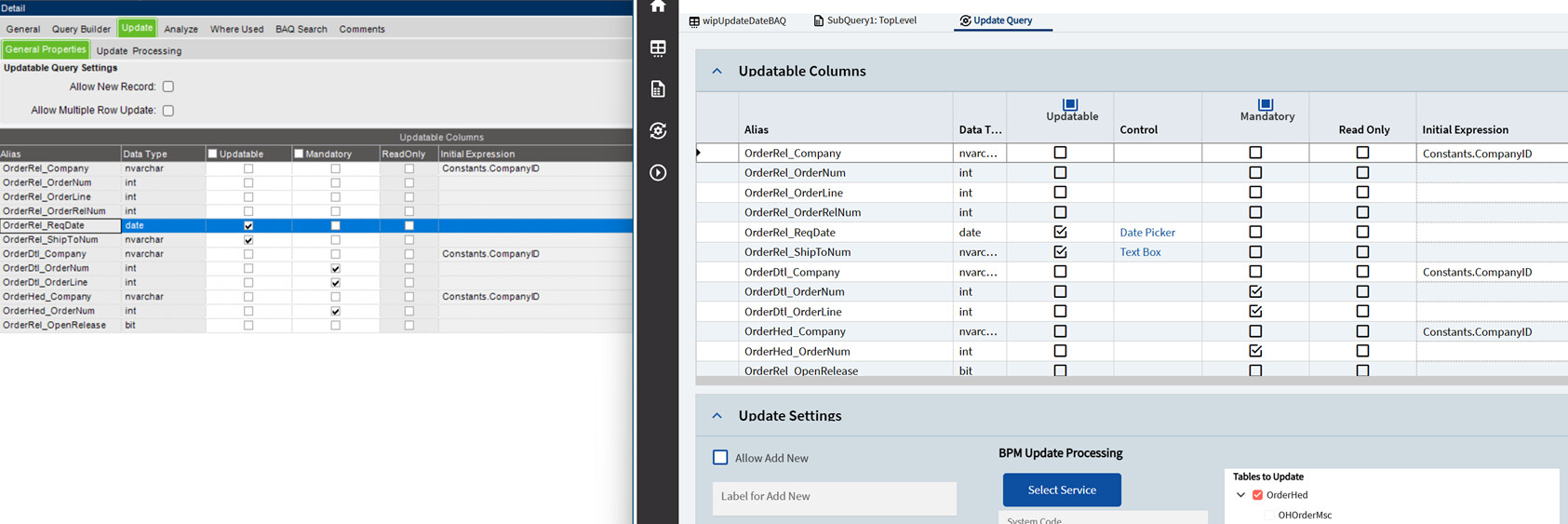
Weird, I just tried to create a quick dashboard with a uBAQ that updated OrderRel.ReqDate using standard BO update and it worked fine.
mzahn
October 6, 2025, 5:33pm
8
Same, created a simple Ubaq to update startdate on jobhead. the editor shows the datepicker.
Is the common editor selected in the advanced column editor configuration of the BAQ?
mzahn
October 6, 2025, 5:37pm
9
Also, try collapsing the panel and reexpanding it? I have had this problem before with it not loading a dropdown initally when it launches… no satisfactory solution so far.
Randy
October 6, 2025, 5:38pm
10
At first I didn’t get the question as I still mostly use Classic BAQ. But I checked it in Kinetic and it’s set to Date Picker which must be default as it’s called “Common Editor” in Classic.
klincecum
October 6, 2025, 5:41pm
11
Yes.
nope
This only occurs if I let the provider model refresh the baq.
I inspected the json, and didn’t see anything weird.
klincecum
October 6, 2025, 5:47pm
12
I just made a new one, super simple and it worked.
Randy
October 6, 2025, 5:48pm
13
New what? New Grid? New BAQ? New Dashboard?
Evan_Purdy
October 6, 2025, 5:53pm
15
Pretty standard application studio
jbooker
October 6, 2025, 5:53pm
16
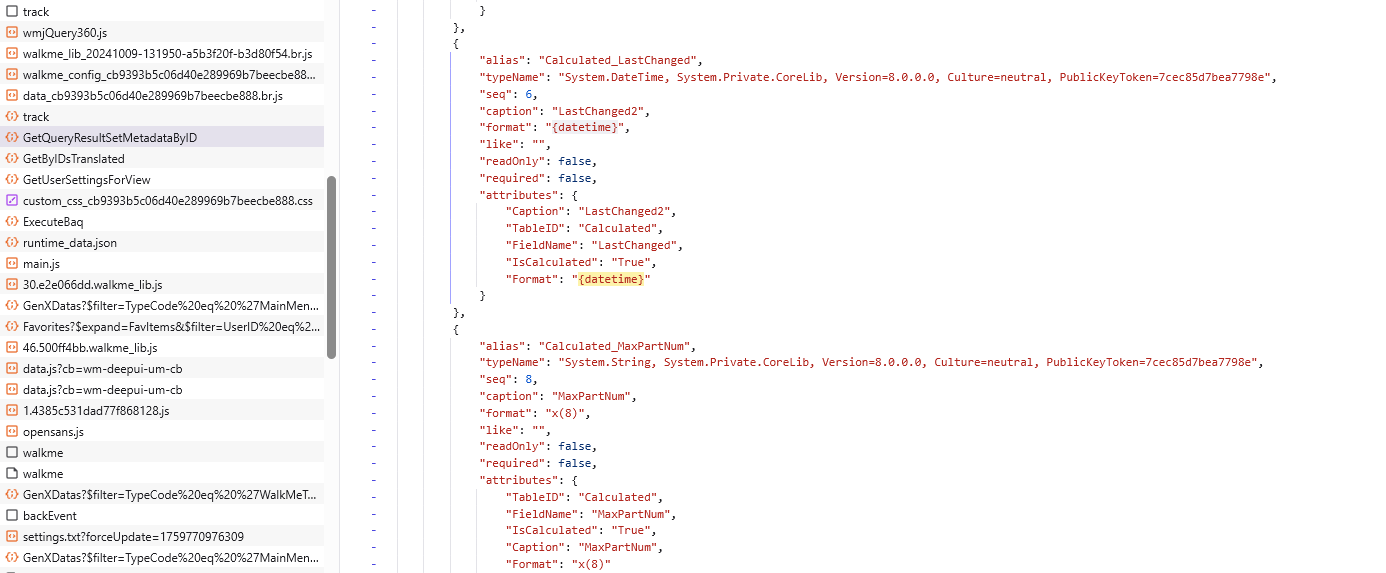
Curious what Format value in GetQueryResultSetMetadataByID response just before ExecuteBaq request. Wonder whether there was a diff between date field and calculated date field.
Seems likley from where default column types are inferred.
klincecum
October 6, 2025, 6:11pm
17
{date} in the one that works and the one that doesn’t.
Same for the calculated field that works regardless.
klincecum
October 6, 2025, 6:12pm
18
More weirdness. The field I was using, was brought up from a subquery.
If I linked and got a field from an actual table, it worked again.
What a POS.
jbooker
October 6, 2025, 6:37pm
19
Column inheritance is quite a mess. Hoping they go back to the drawing board on the grid component.
Randy
October 6, 2025, 6:51pm
20
That wish applies to so much of Kinetic.