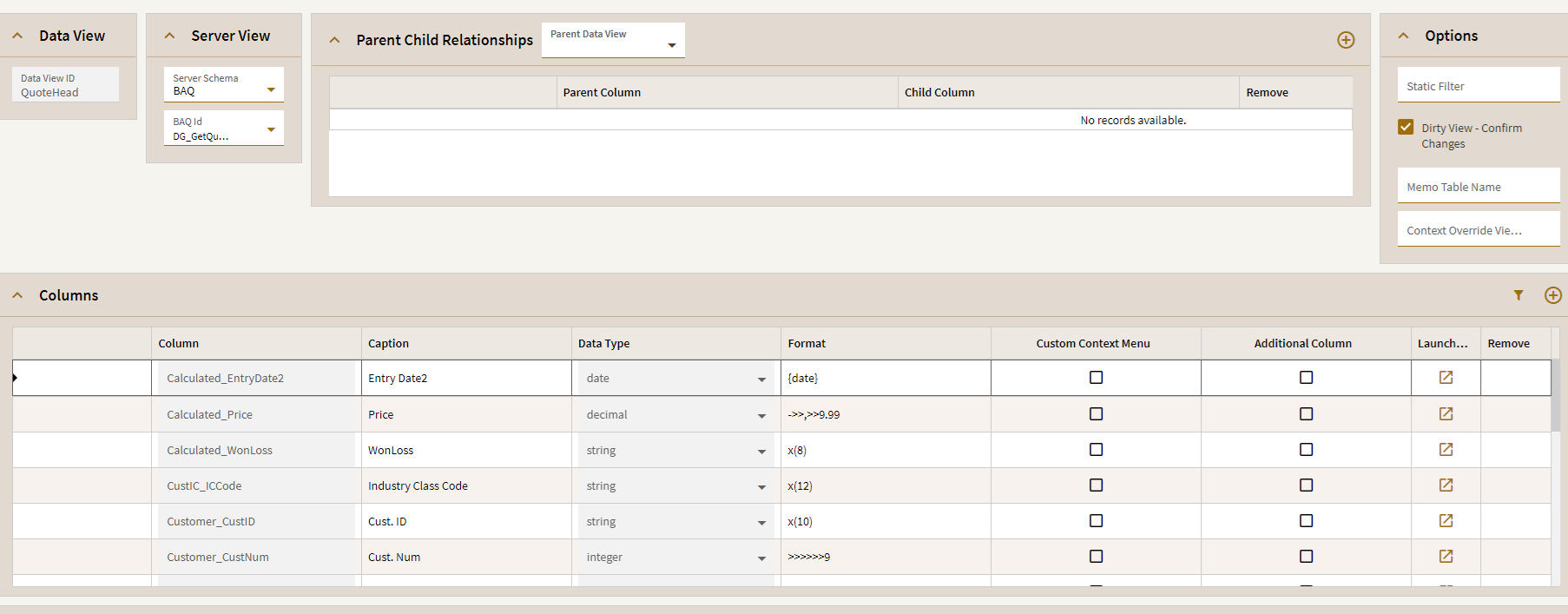
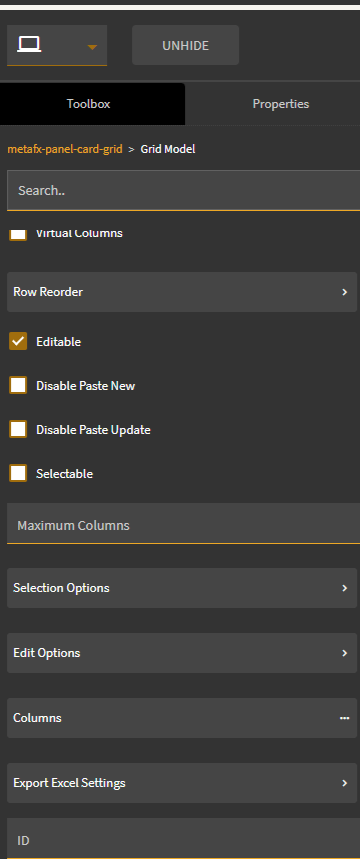
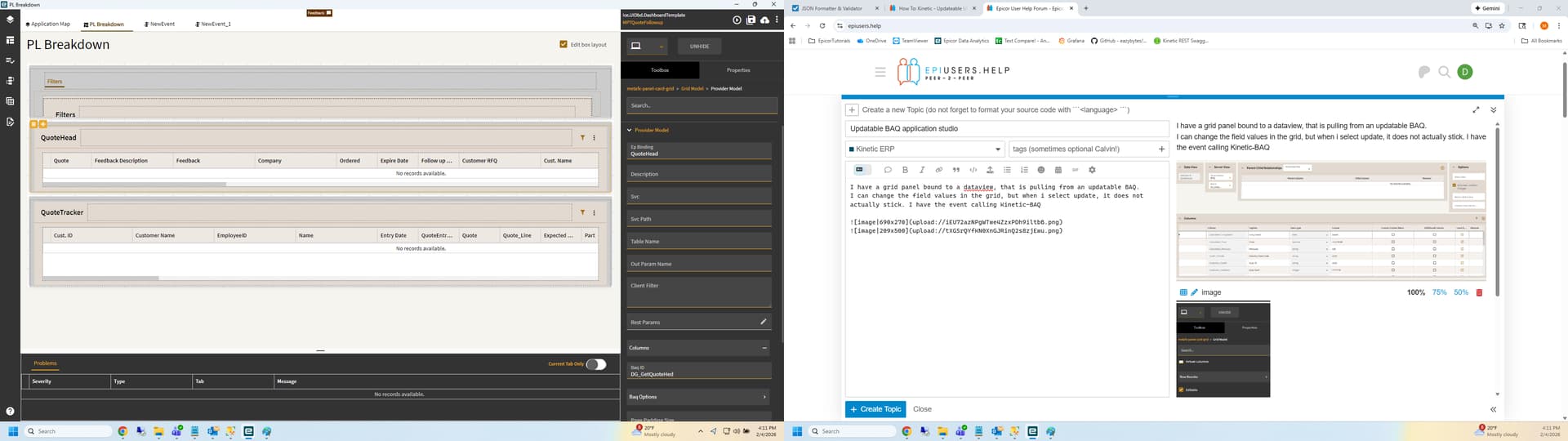
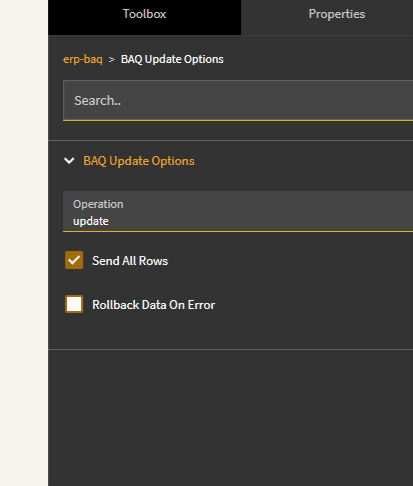
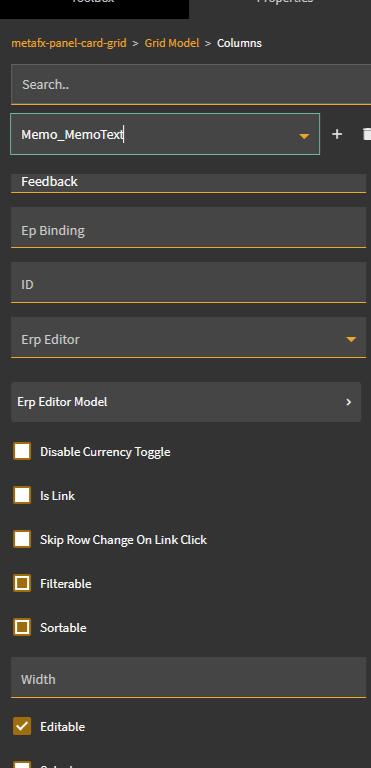
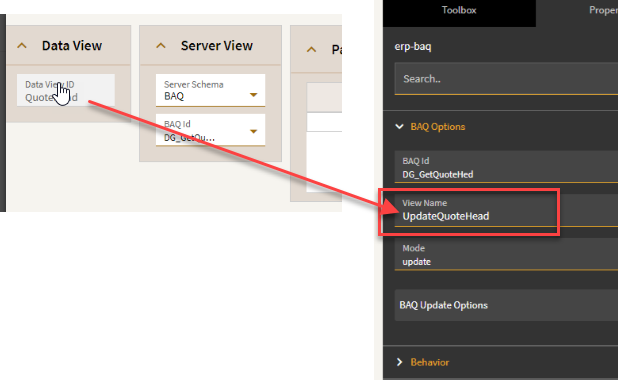
I have a grid panel bound to a dataview, that is pulling from an updatable BAQ.
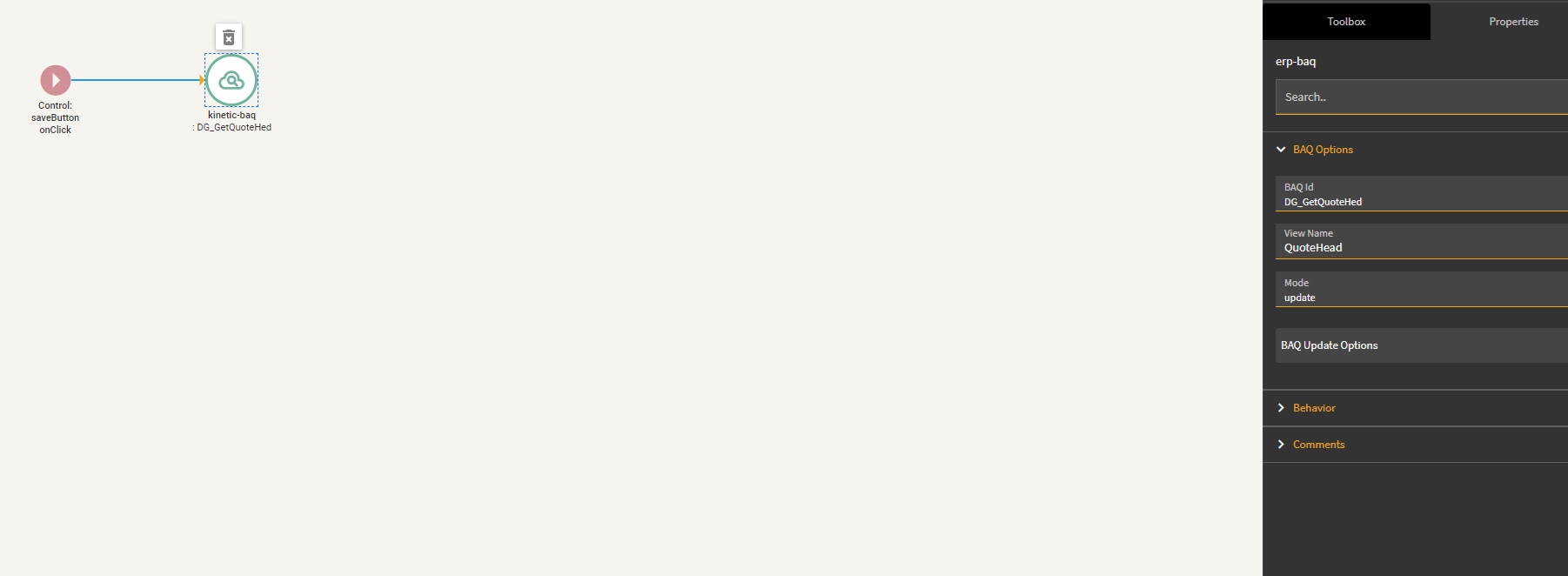
I can change the field values in the grid, but when i select update, it does not actually stick. I have the event calling Kinetic-BAQ
Just noticed that, was just trying things (Trying to replicate how Epicor did it natively when upgrading a classic dashboard into kinetic, basically using two mirroring views, when one changes, change the other, then push the other to update). I put it back to QuoteHead, still no update.
Shot in the dark here, but does the kinetic version send in both rows? (an updated and the unchanged row). I vaguely remember that kinetic only sent in a single row (the one with row mod U) and that made it so the update didn’t work?
I could be totally wrong though.
I think you could probably debug that with some message boxes.
I just checked my dashboard that uses a uBAQ and it’s calling a Function I created to do the actual call to the BAQ. To bypass issues that @Banderson and @mzahn mention above.
Ours is updating a UD table and we use Key5 as the unique ID field, like SysRowID in a way. So the dashboard sends all the changeable fields plus Key5. The function takes in the input and either makes a new row if the inbound Key5 is blank or updates the row with the provided data.
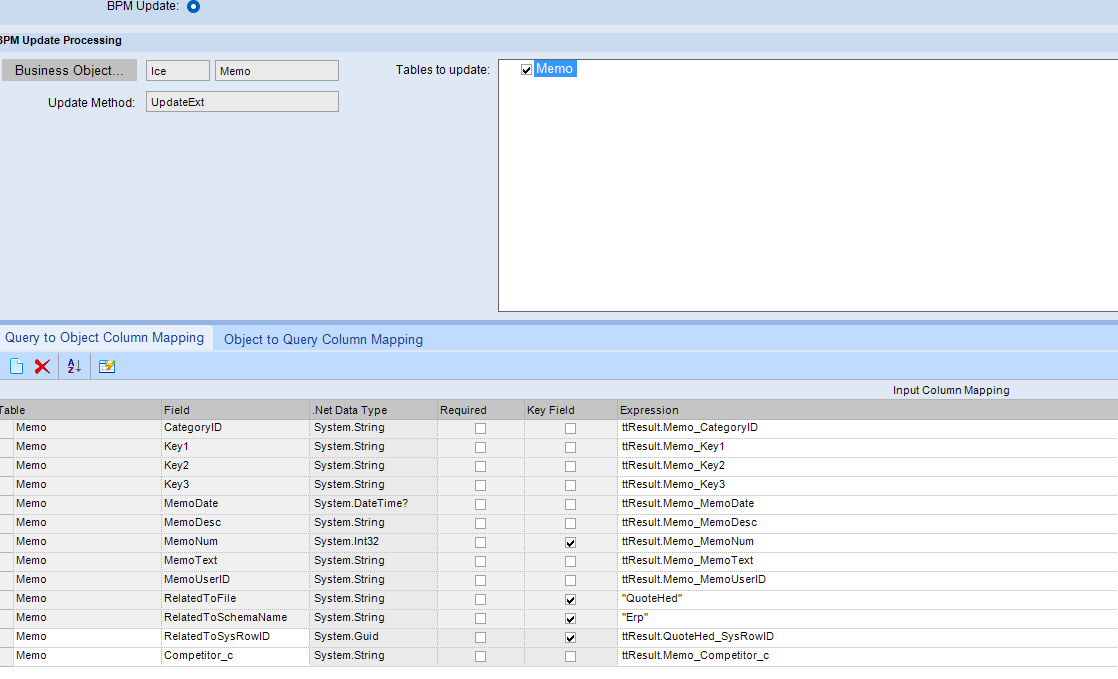
This is key too, all the uBAQ columns need to be in the dataview. They can be hidden from the displayed fields but must be in the dataview.
Most are in there, I am missing three key fields, but they are being set elsewhere in the UBAQ (set as predefined variables like “QuoteHead”) instead of a column value. They aren’t even display fields in the UBAQ