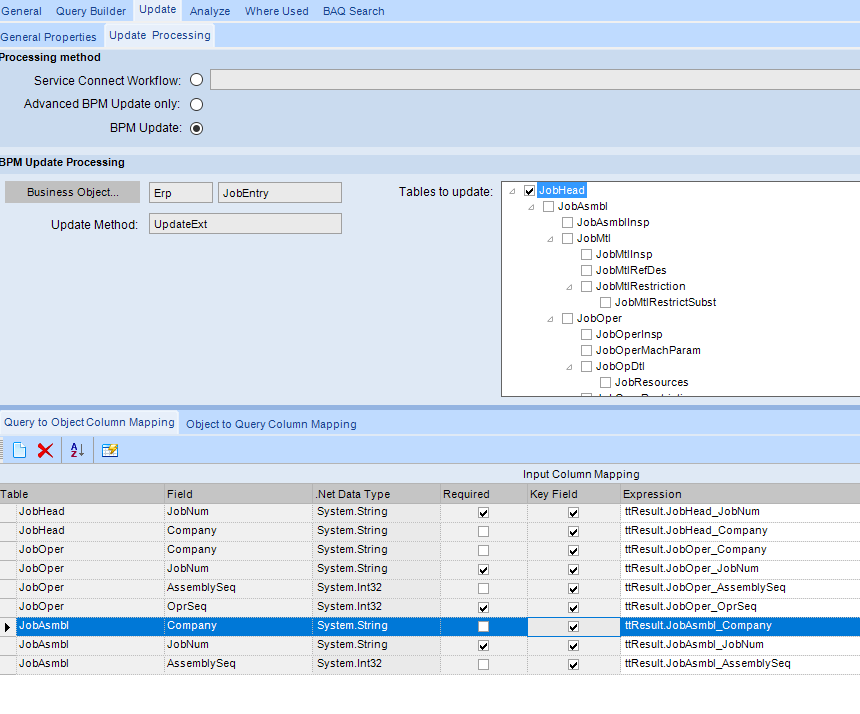
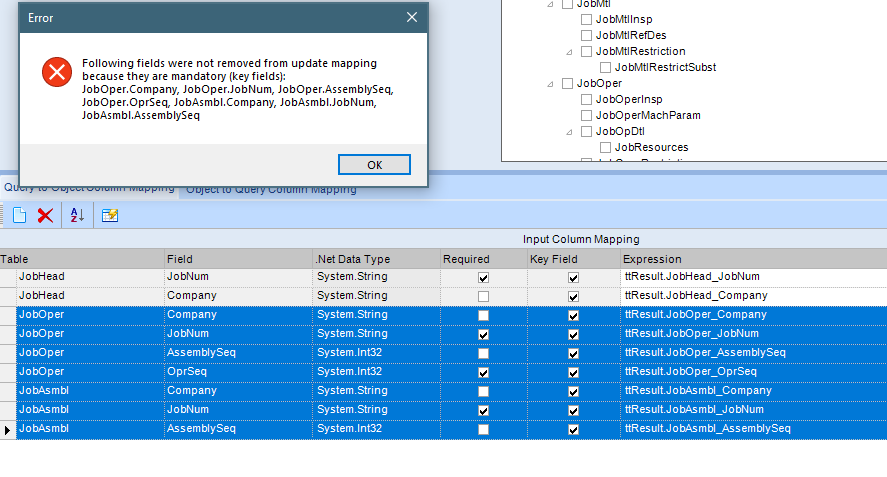
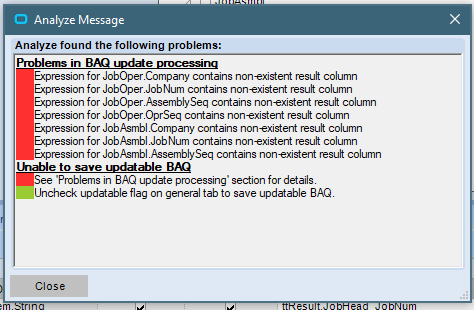
I’m creating my first updateable BAQ, so maybe doing something dumb… I only want three field to be updateable all in the JobHead table. I’ve chosen the JobEntry business object and in the tables to update I’ve unchecked all tables except JobHead. I get an error because I’m missing keys for a number of tables I don’t plan to update, so I attempted to delete those tables from the Query to Object Mapping section, but I can’t delete them all, JobOper and JobAssembl can’t be deleted(because they are mandatory key fields). When I try to save that leads to the error that I have Problems in BAQ update processing and it lists the keys for the tables I don’t plan to update in the JobOper and JobAsmbl table. Do I really need to display a bunch of keys that have no value as I don’t need to see them and don’t plan to update those tables? Again keep in mind this is my first updateable BAQ so more than likely I’m misunderstanding something or doing something dumb 
Maybe the business object method always updates all 3 tables so there is no way around it, I have to display the keys for these tables although none of the fields in these tables are updateable…?