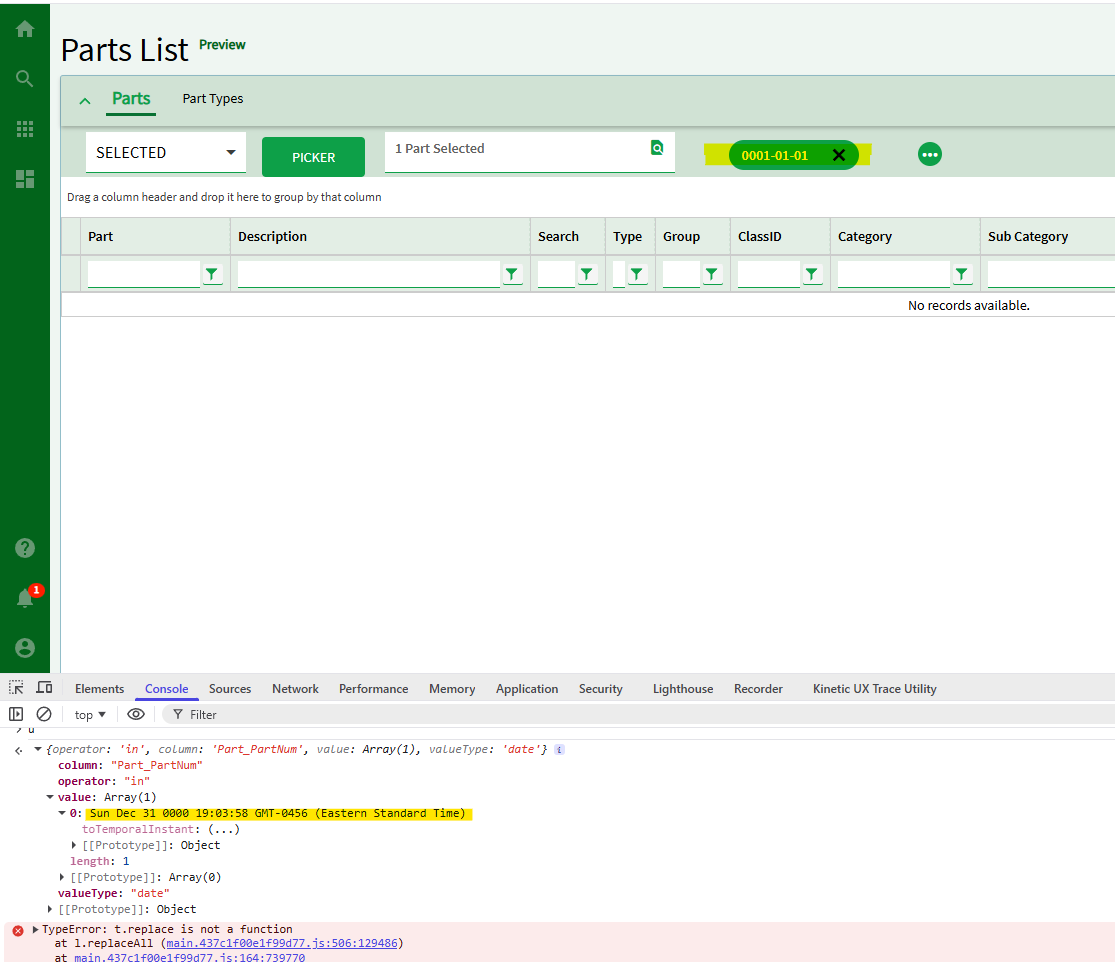
While everyone is very familiar with Excel auto formatting issues when copy/pasting from Epicor Classic Dashboards, I have a different spin issue with Kinetic Dashboards Copy & Paste… but it’s not Excel that is messing with the format… it appears it’s actually copying from the grid reformatted as a date.
So if the value is something like the following examples it will reformat respectively ON THE CLIPBOARD, I can see this by two tests:
- Before Pasting in Excel we set all the cell formats to ‘Text’ and the values still paste as a Date
- Pasting into Notepad pates as a Date.
Sample Part Numbers and the Copied Value:
- 0009-01-07 => 1/6/9
- 0009-04-10 => 4/9/9
- 0010-01-04 => 1/3/10
- 0010-01-06 => 1/5/10
- 0010-01-07 = > 1/6/10
The odd thing is that if we select the data in the cell and copy/paste (with Ctrl-C/Ctrl-V) the values copies fine. I realize this seems very data dependent, but it produces an unreliable situations for users pulling copy pasting data.
I’ve reported this to Epicor Support on Case CS0005428699 but I wanted to check with anyone who has seen this too or if there is a way to avoid it.
The odd thing is that if we select the data in the cell and copy/paste (with Ctrl-C/Ctrl-V) the values copies fine.I realize this seems very data dependent, but it produces an unreliable situations for users pulling copy pasting data.
This seems to be a Grid Control issue with both base apps and custom dashboard apps that we create. For example if we use Order Tracker the part number reformats to the clipboard as well.
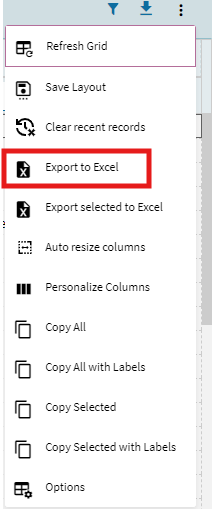
Now using the Export To Excel the formatting is fine, so that maybe a workaround, regardless, there is something wrong with how this function works.