Did anyone have the same issue of missing the add new in Customer Contact Entry
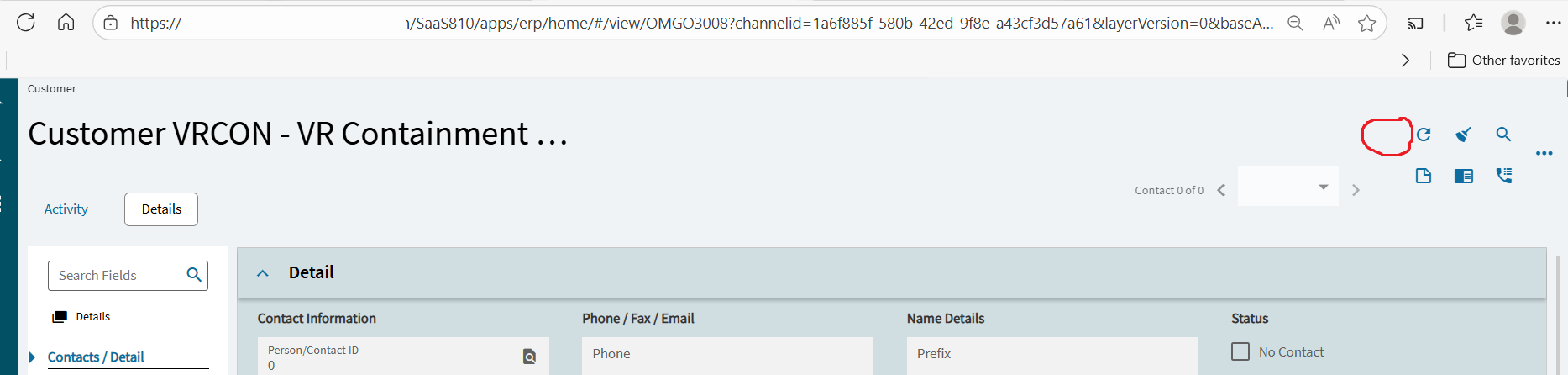
See the (likely) solution here:
I don’t see any missing on epbinding. This is weird on my part I can see the +. for the Sales Team it is not there
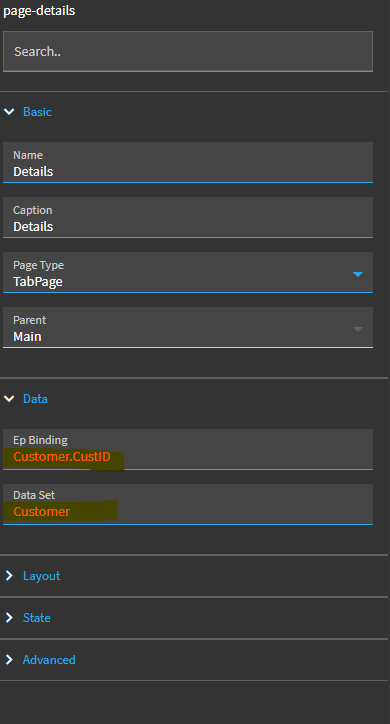
It’s the binding for the page. Is that where you do see it?
Also, I found that the page caption makes the crumb menu disappear. In your case, could be interfering with the Add New tool. Maybe?
Edit: Sorry, I should have read more closely. You said that you see it, but others don’t. Is your Sales team maybe looking in Customer Tracker, which is read only? If not that, then my next place to look would be if there’s a custom rule on the application restricting that access to certain security groups or if there’s Field Security or Service Security setups.
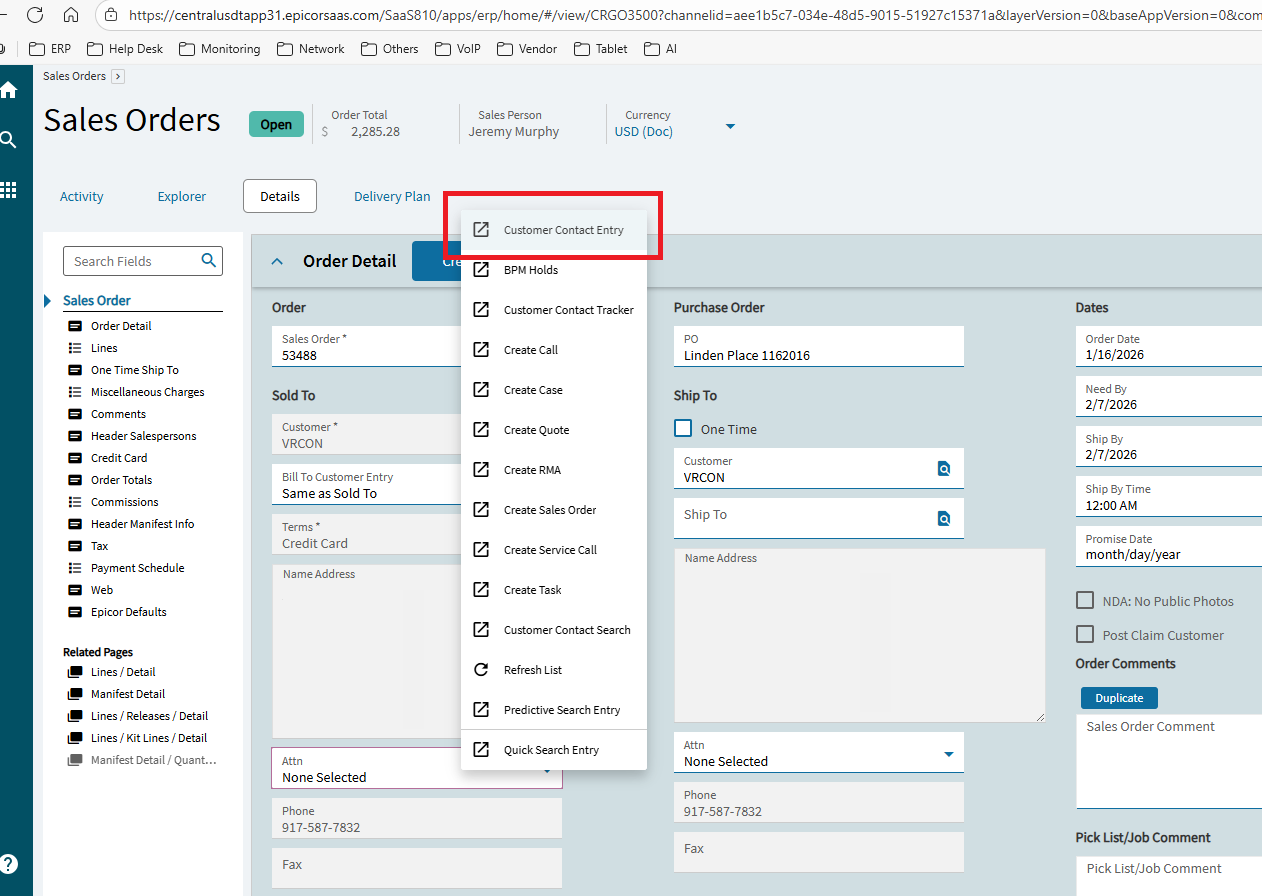
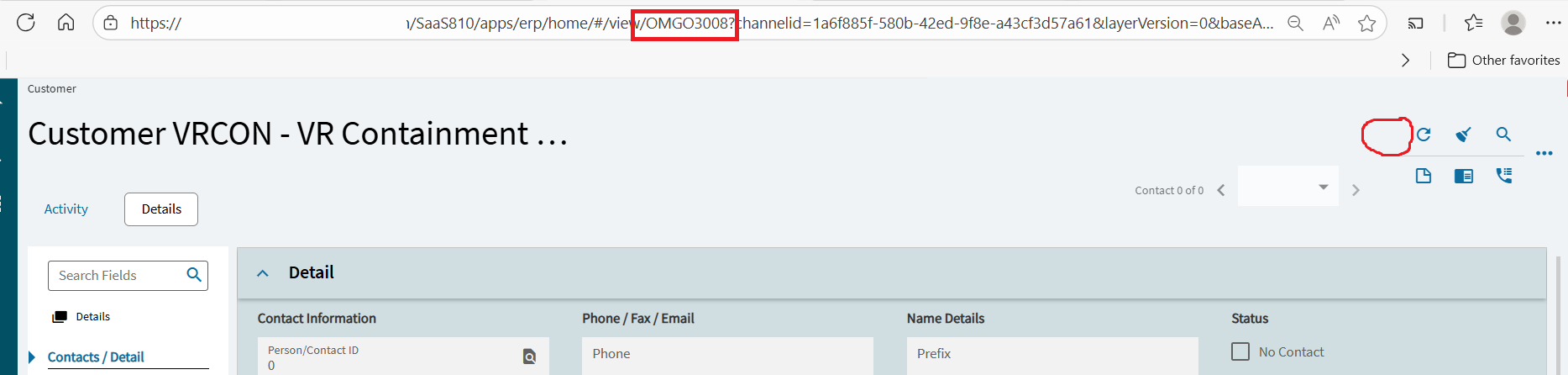
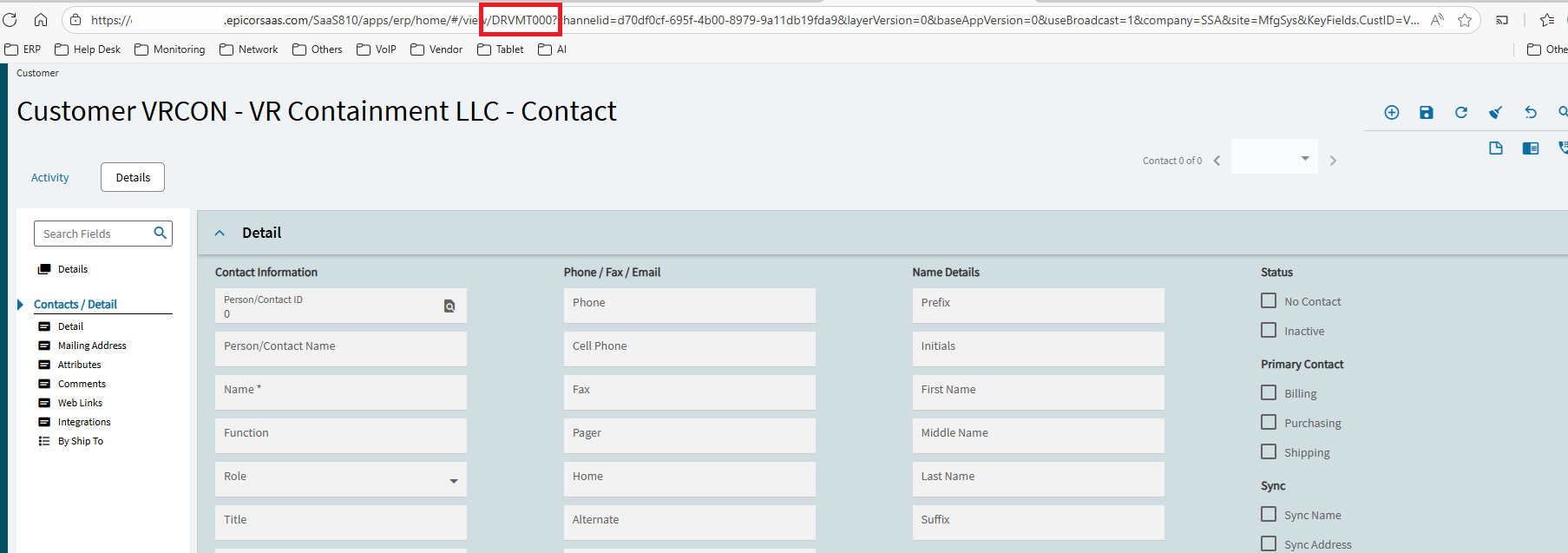
are these menu items configured identically? check menu maintenance?
Are you opening the form the same way as your users? Opening a form via right-click can and does that we’ve found.
I will check on this
Hello Randy yes, i do the same thing how they open it. if I tries to open the link they’re working on I can’t view it was just blank
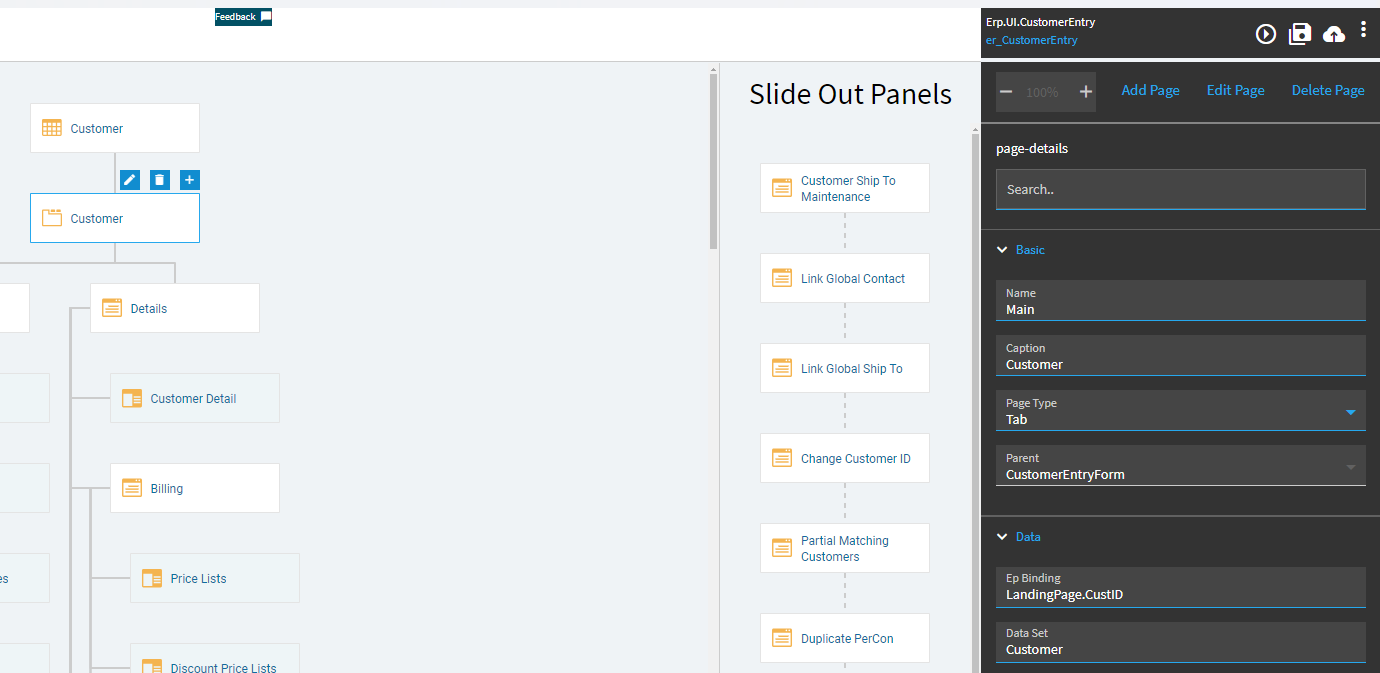
That’s landing page is that where the button has disappeared?

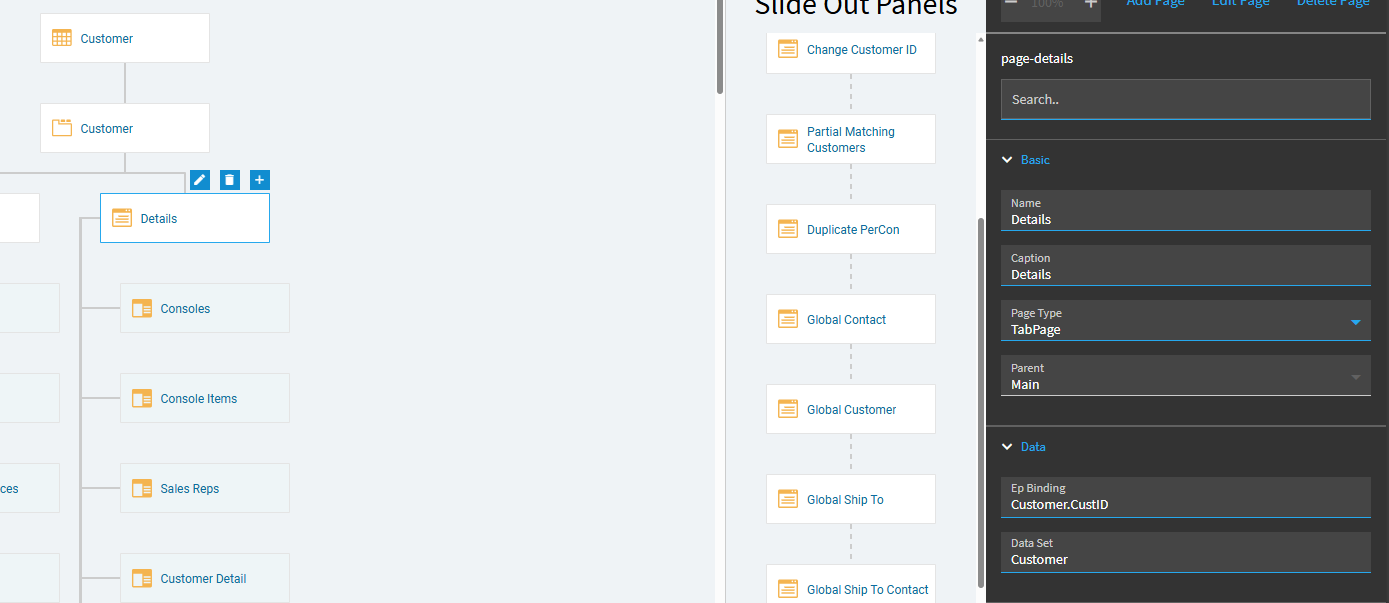
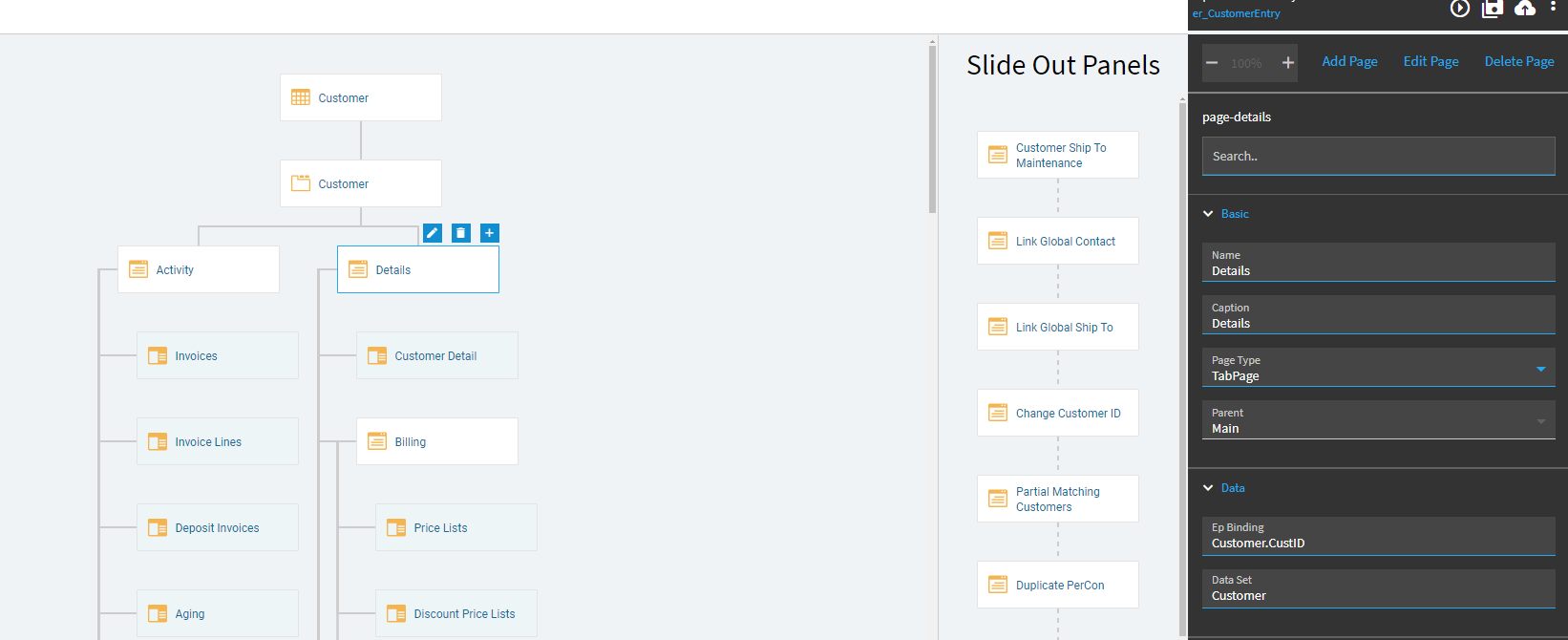
Lmao: Menu ID: OMGO3008 is a tracker.
In your context menu ensure it’s pointing to the right one.
and have a look at event on Order Entry: Context_PrcConNum have a look at the settings.
As a work around you could over-ride this one and create one which points to your new menu id and then figure what’s causing it without affecting the users.
