Following the conversation had here for silent parameter passing:
and the conversation had here for getting UBAQs to work in a grid:
I want to combine these two items.
We have a BAQ with a parameter that needs to be populated silently without prompting the end user. I can get the BAQ to populate as shown in the first link and push it out to a grid. I can also set up the first bit of the UBAQ grid as shown in the second link.
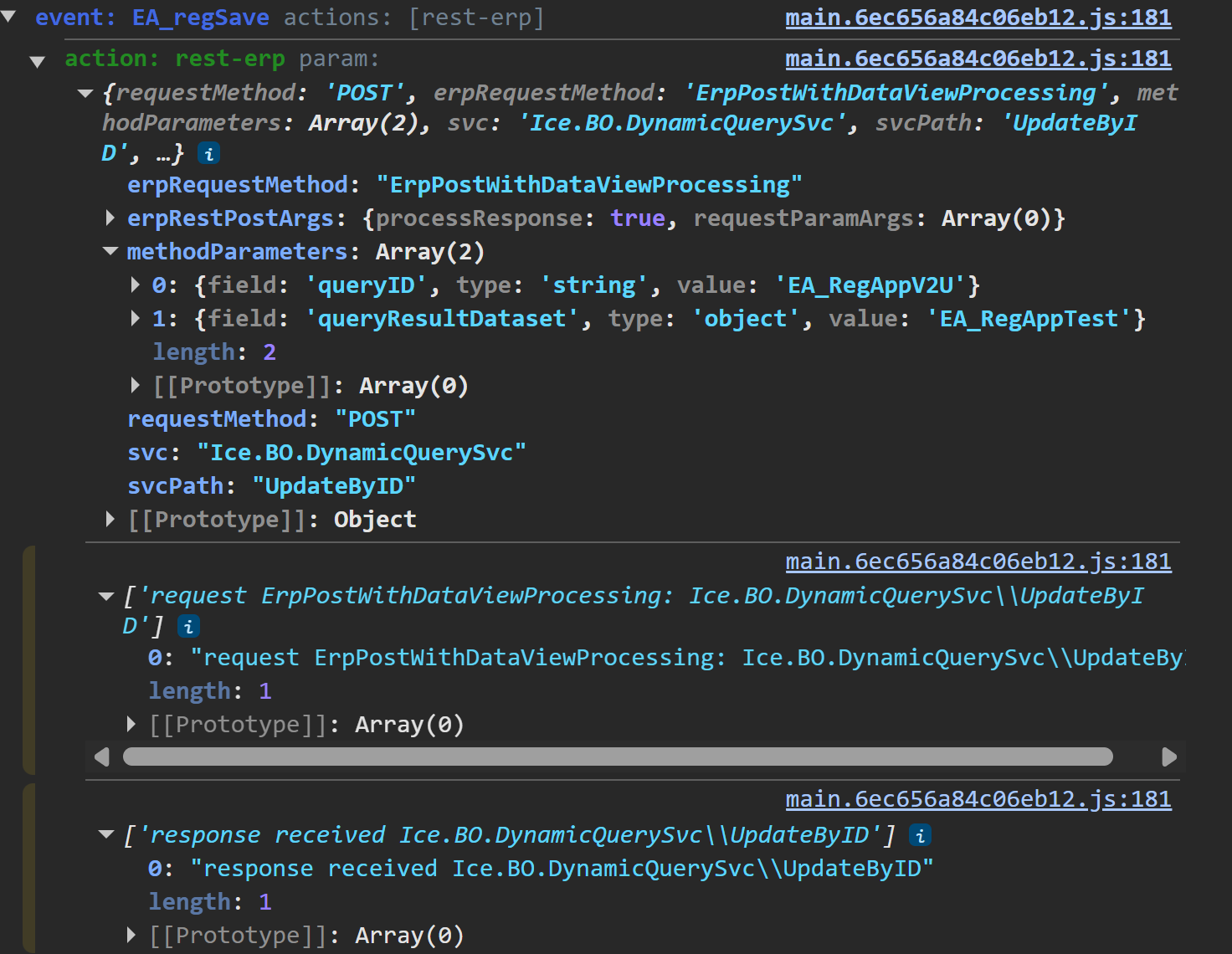
I need help with the update part of the UBAQ conversation. I can create the event shown and make it work flawlessly. But, because the BAQ has a parameter, it prompts the user for information on the update and get calls.
I see in the second link that there is a conversation about using the same widget used to call BAQs with parameters silently. However, instead of executebyid it uses updatebyid. This does not include the executionParams option in the method parameters section. Trying to add a parameter here only lets me include strings and not datasets like in the executebyid version.
Is there a way to use the erp-baq widget with a parameter? Is there a way for me to include the executebyid version of executionParams?
@Randy, I went ahead and removed the parameter from the baq and used a where statement that references the KeyFields table in the module. This seems to be working a lot better than my original concept.
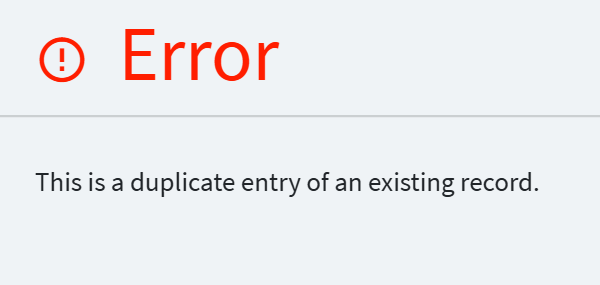
Now I’m getting the following error and can’t seem to find my way around it. Any ideas?
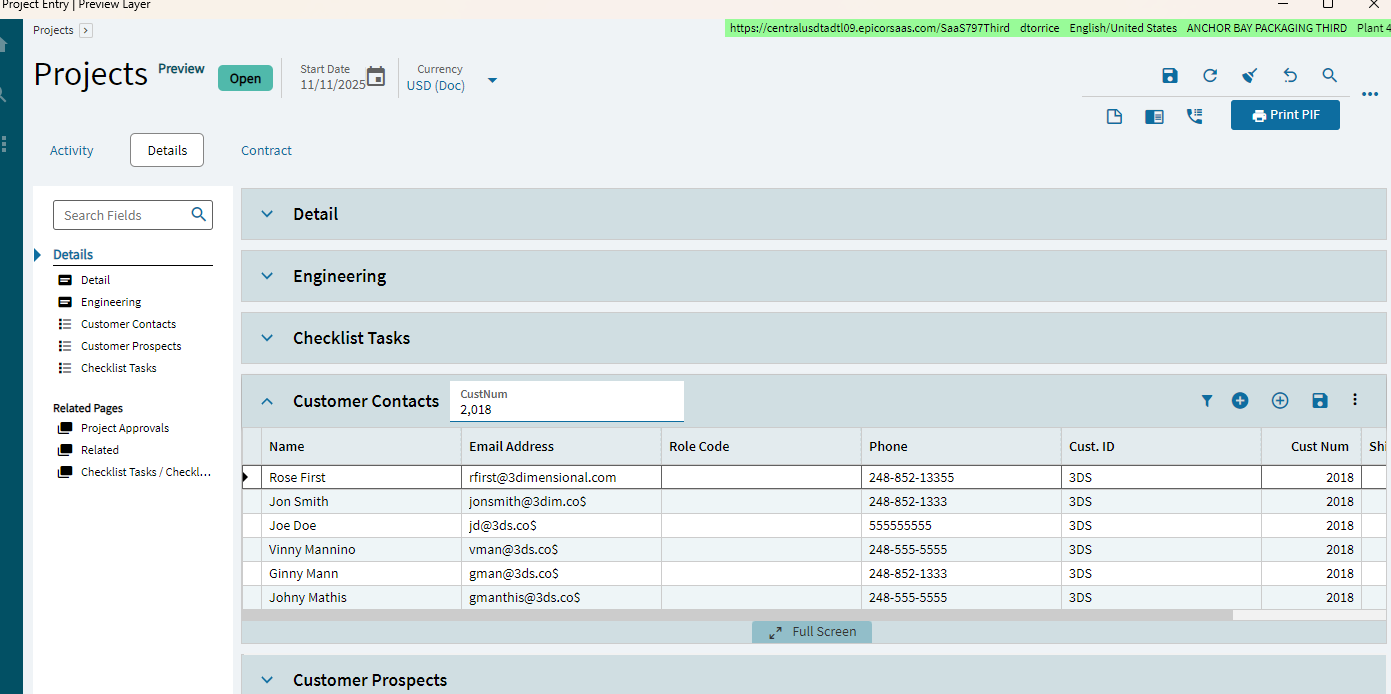
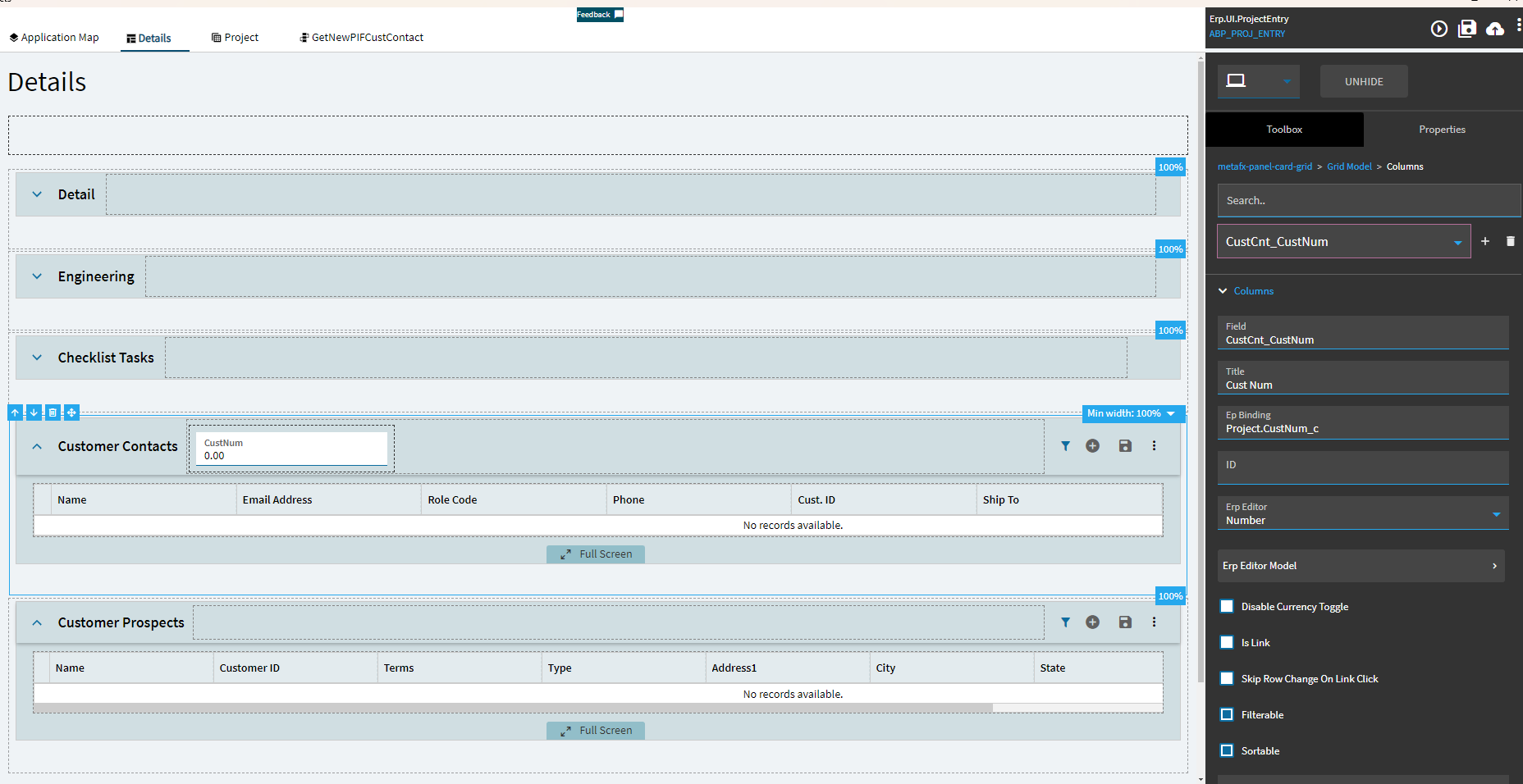
I’m trying to do something similar–I’m trying to create a Customer Contact in a Panel Grid. I’m using kinetic-baq widget. I want to pass CustNum from Project to the Customer Contact. Is there a property to set the default value for the CustCnt_CustNum column?
I managed to get rid of the “duplicate” problem by filtering the baq call with a where statement. I cannot get the update to fire correctly now. It goes through without an error, but the data does not update.
Following the conversation had on @hmwillett post I found the following:
@zwilli526 mentions that all key fields for the update process on the baq have to be entered into the grid model, even if they do not need to be shown in the grid. In my case, I was trying to update anything with a blank key4 in the UD05 table. This is why the duplicate errors were pouring in. Additionally, that is why the rest enabled widget would call the updater, but nothing would go through. It’s because it was missing its required fields of company and keys1-5 for the update to be successful.
Thanks @Randy for taking a peek at this ane making me rewrite everything I had already done XD. I feel like I understand the process alot better and it runs alot smoother now without the parameter!