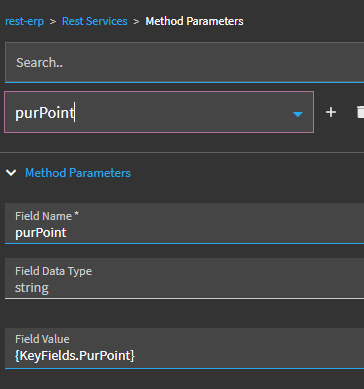
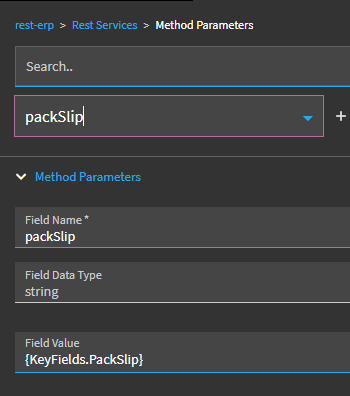
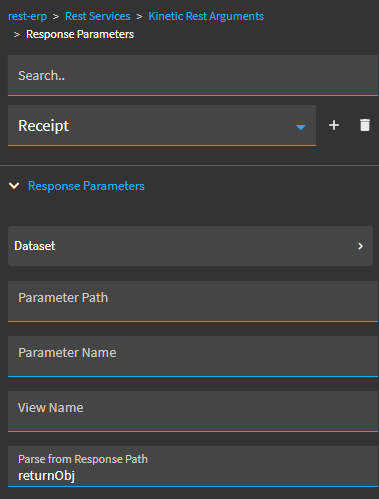
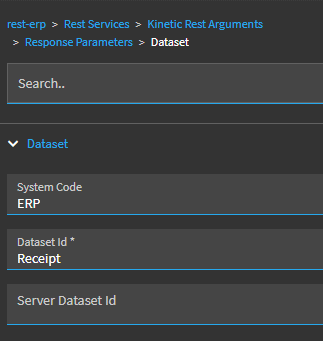
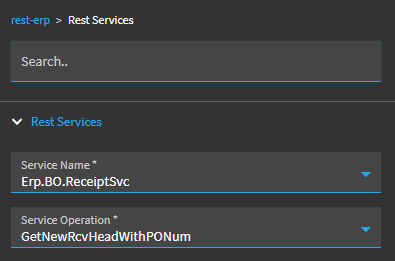
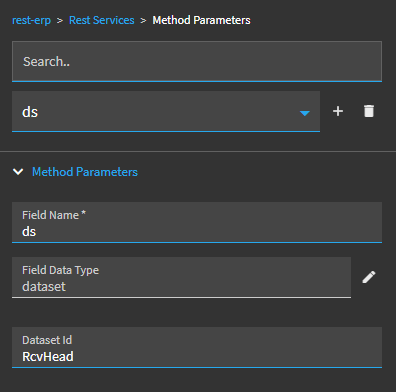
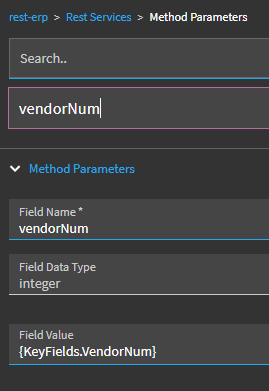
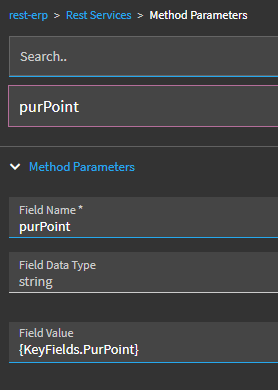
I am wanting to set the Pack Slip automatically on Receipt Entry.
I have looked at what services are called and it looks like I should create a BPM Post Processing event on Receipt.GetPOInfo. When I do this nothing appears on the screen, but when I look at the debug tool the value is shown.
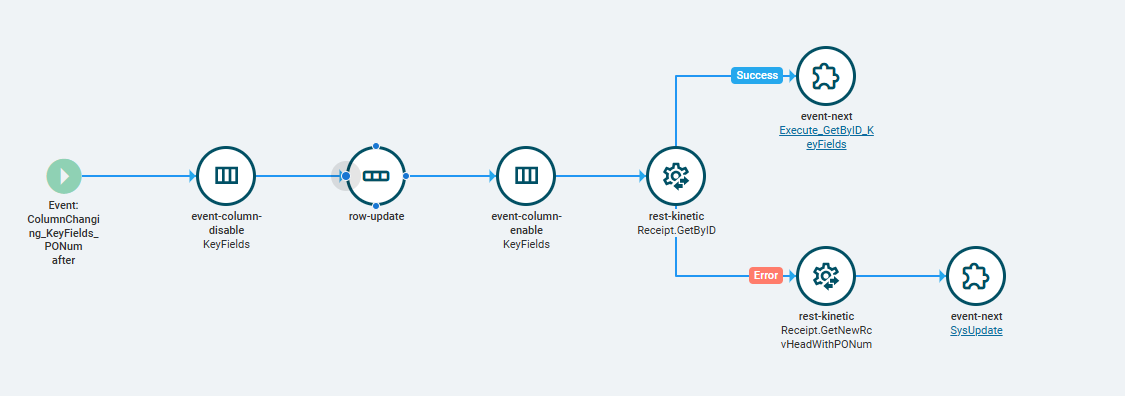
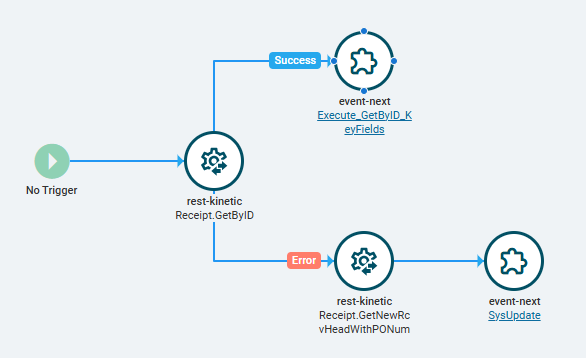
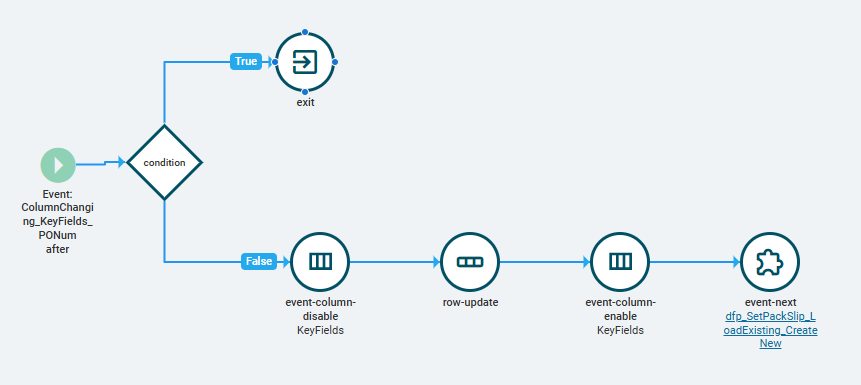
I was able to get this to work through a single event in Kinetic, where when user enters a PO# it auto-populates the Pack Slip with PONum-MMDDYY (e.g. 628134-073026) and either loads the existing record or saves it as a new record when it doesn’t already exist.
Ugh, my changes/“fix” actually isn’t working. I tried splitting up my event like @dcamlin suggested, but it doesn’t carry over my row-update value from first event to the next.
The event that I’m triggering off of sets the RcvHead fields to what I want them to be, but I put in a console-write widget as first step in my event to write that value and it doesn’t write what the previous system event writes, but the pre-existing value that it’s passing to my rest call.
Do you know what the event-column-disable/enable actually does? I’m only using it because that system event uses it and updating the pack slip on the screen with my desired value didn’t work without them, but I have no clue what the actual purpose of those is.
I THINK the event-column-disable prevents any column-change events from firing for the target dataview.
So, in you example, its allowing you change the KeyField.Packslip without triggering any event that may have the Column-Changed > KeyFields > whateverColumn trigger.
Splitting into two events does actually work—I had to remove the trigger from my disabled original event for it to work properly.
Revised setup to get this to work:
Create a new event that will be what checks for whether your auto-created pack slip [will be done in a different even you’ll create later] exists or not and creates new one when it does not
Give it a name, save layer, close event, and then re-open
Leave the trigger blank (No Trigger)
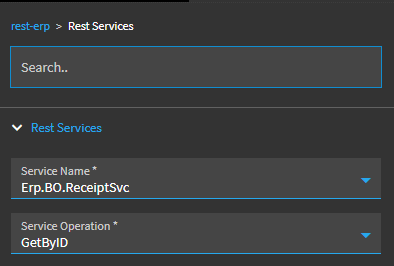
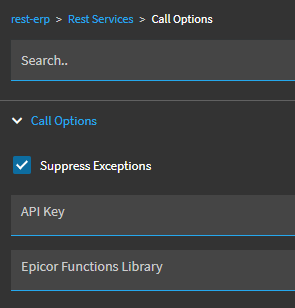
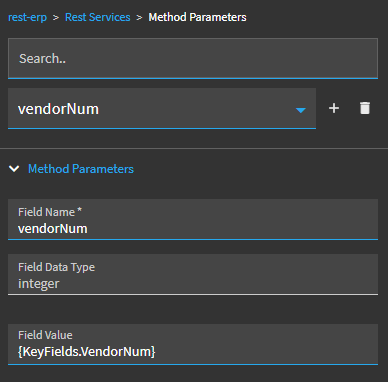
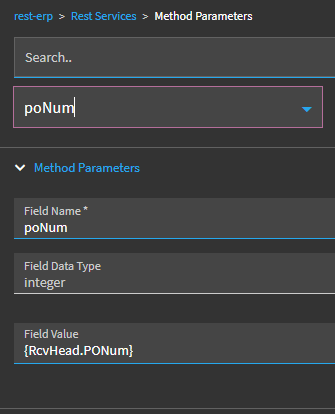
Add rest-kinetic widget and input necessary details for use the ReceiptSvc method GetByID