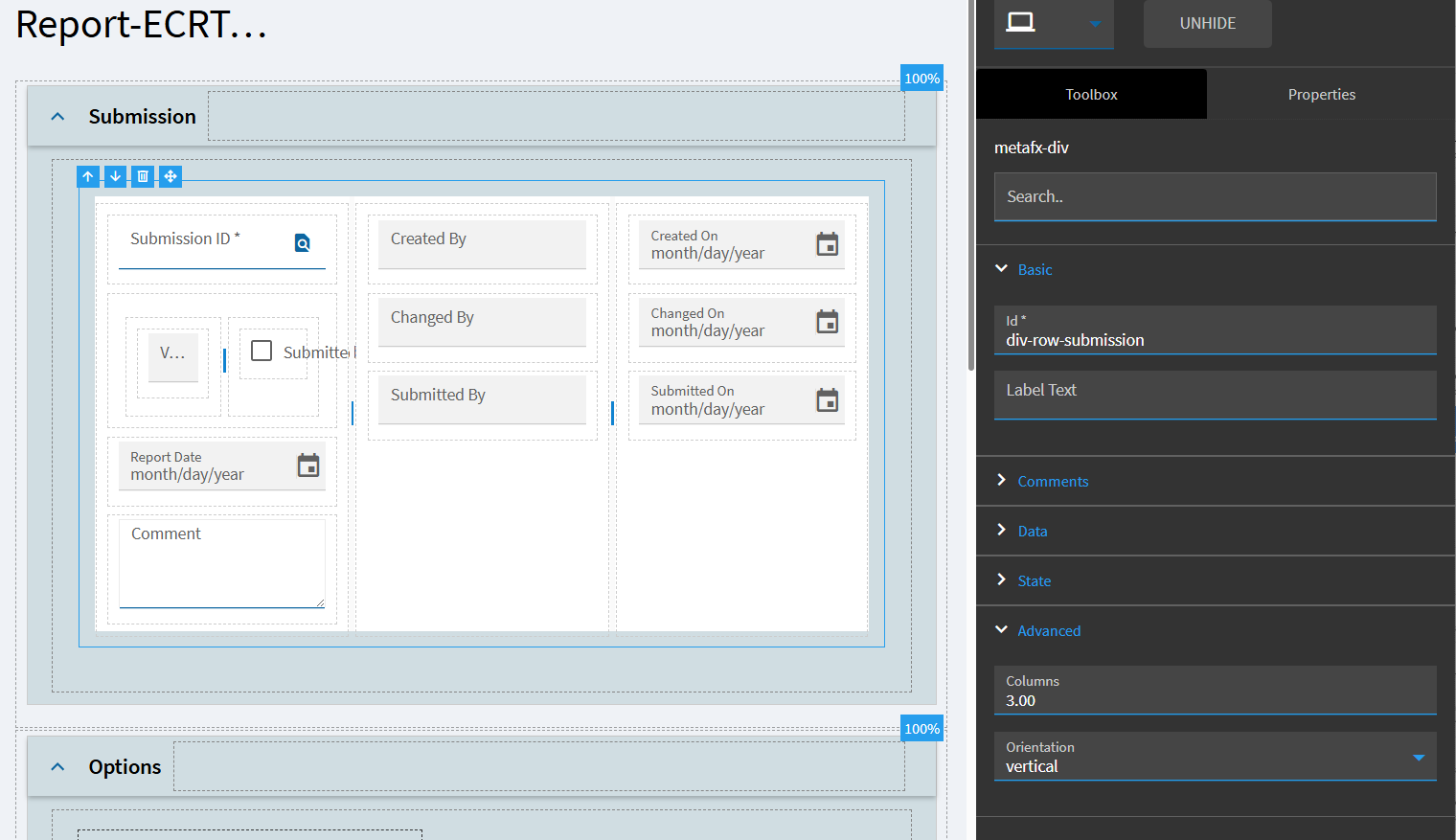
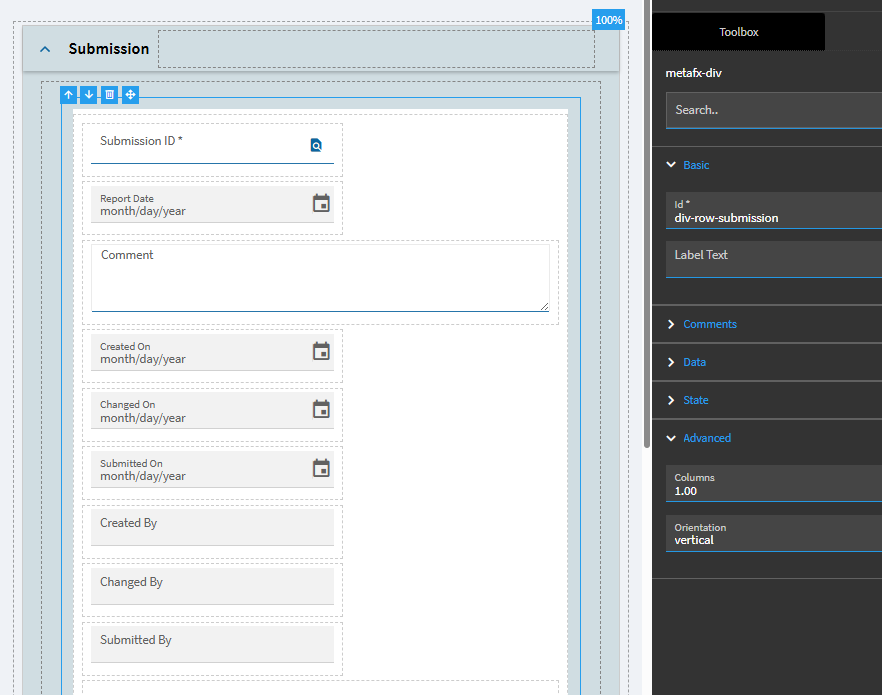
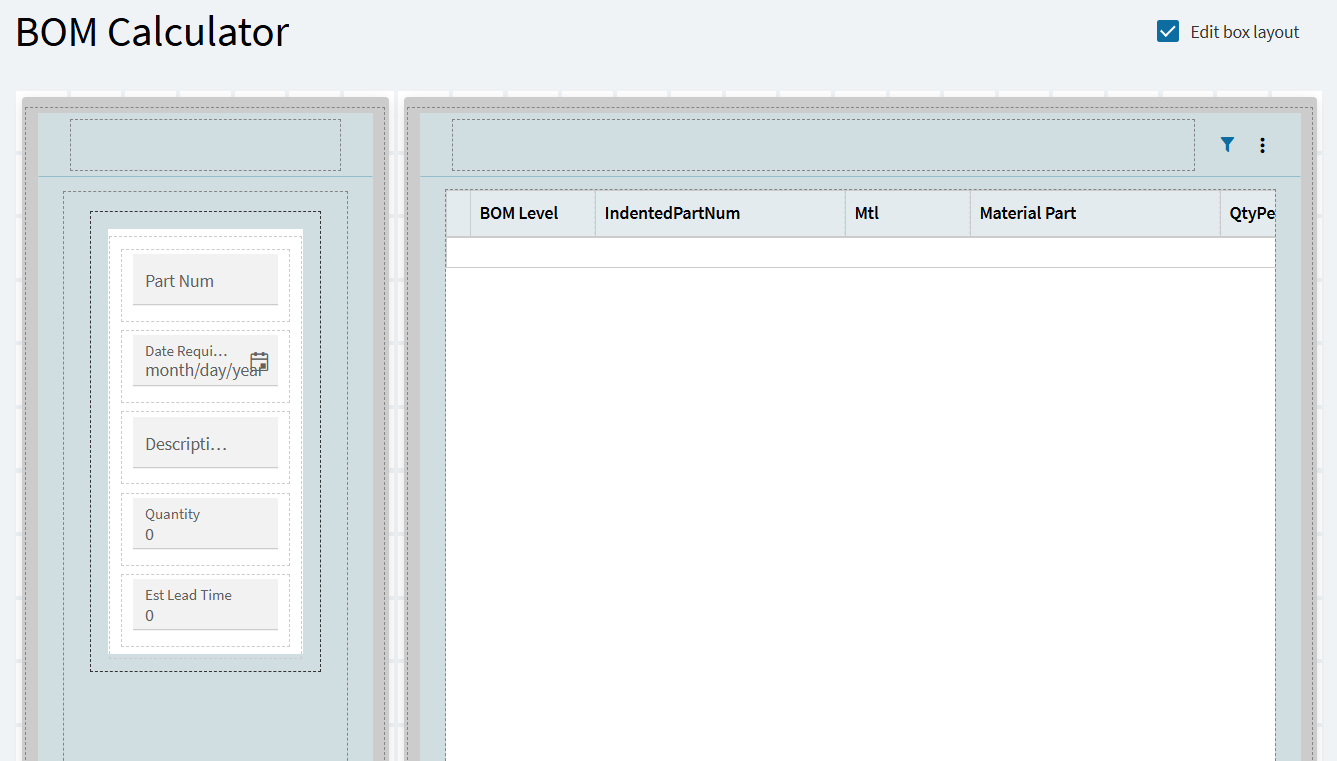
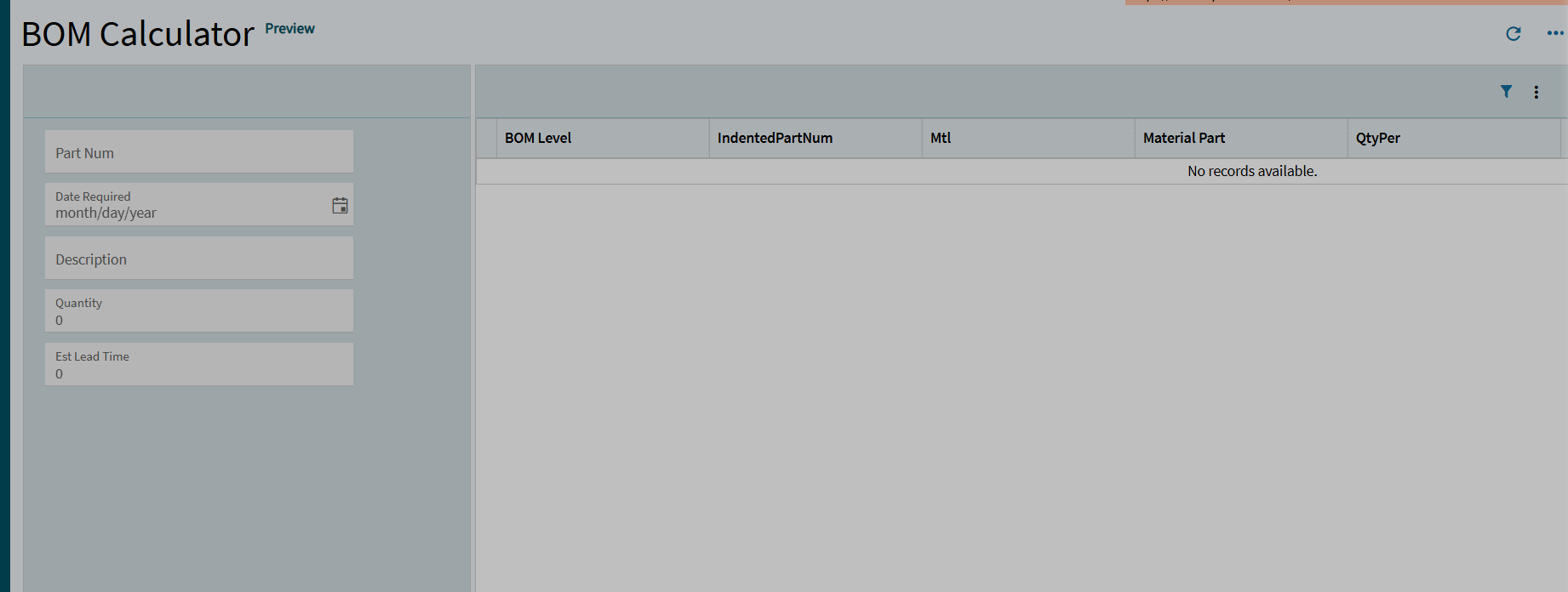
One of our customized dashboards are showing criteria filter fields in two columns. I’d like it to be in one column as it is taking up a lot of space. It doesn’t seem like I can drag out the area and move those fields down. Is there something I am missing?
I believe if you select the box containing all of your filters at the bottom under advanced you can change the number of columns to display them in a single column.
@TBYFORD’s suggestion above is what you can do to alter your container within your panel card from 2 columns to 1 columns.
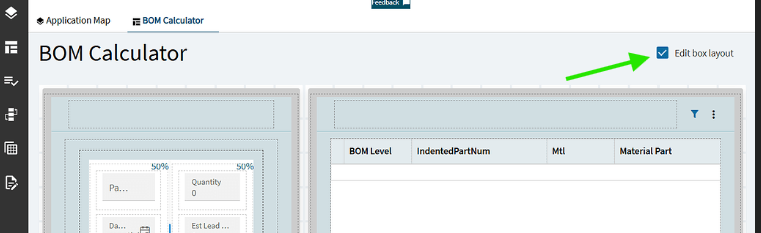
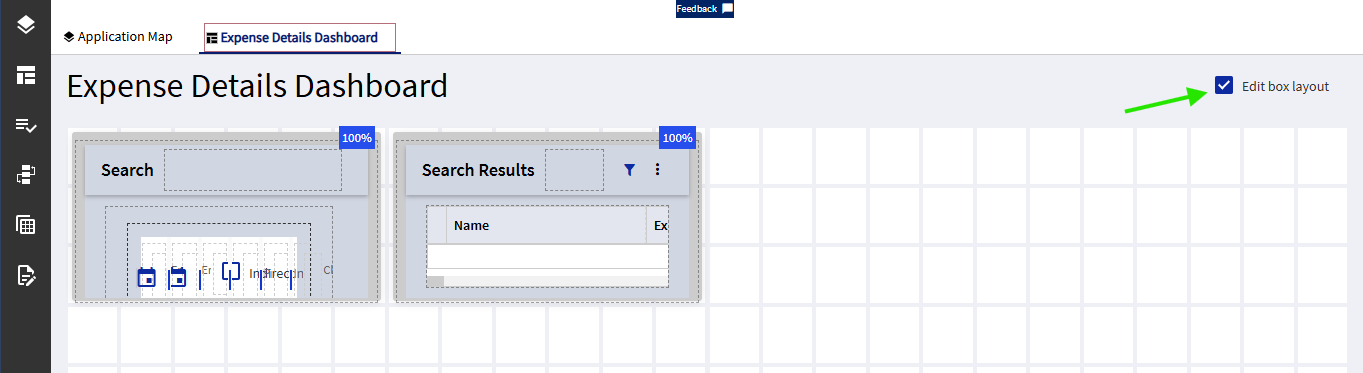
I just wanted to make sure you were aware that you won’t be able to edit/move any internal components until you turn off “Edit box layout”.
That feature allows you to place/resize panel cards, grids, etc. side-by-side in the layout. But you have to toggle it back off in order to edit what is inside those panel cards.
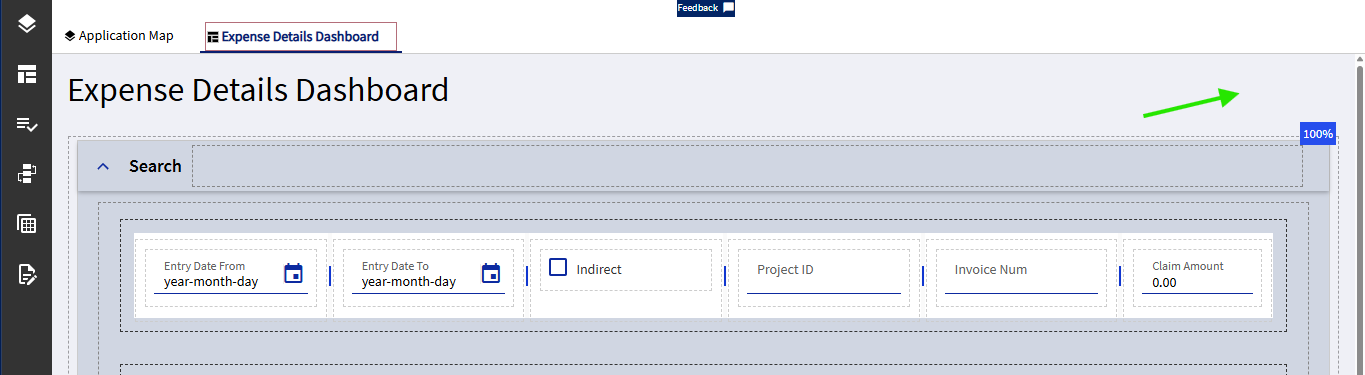
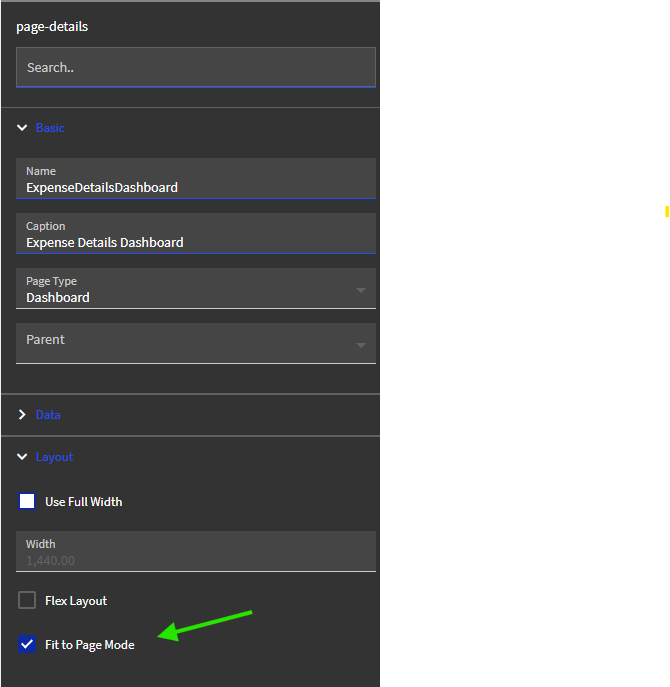
Interesting… I had never seen that “Edit Box Layout” checkbox. But I just discovered that if I change the page details to “Fit to Page Mode” it shows up. It changed my two full-width cards to small boxes at the top left that I can drag to move/resize. I may have to play around with this…
This worked. I am now trying to resize the panel boxes and I have dragged the boxes to resize, committed and published, but it still is not what I expect to see. Would like the left side panel to be thinner. There is a lot of space being taken up that doesn’t need to be.