Changing or auto adjusting Grid row heights

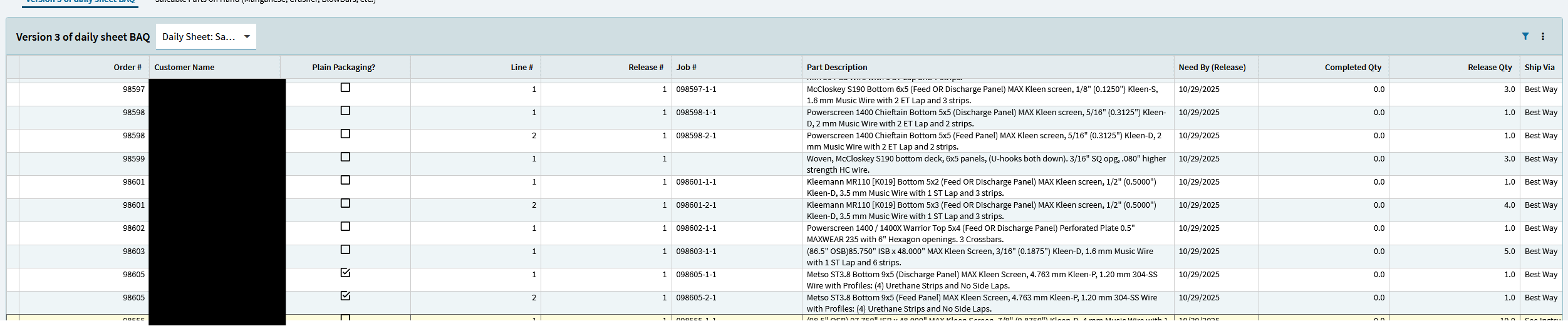
I want rows to get taller to fit a long text column automatically. I’ve seen two threads that make me feel like this might be possible, but I can’t figure out how to do it.

(1) BAQ Test Grid Auto Resize Row Height
(2) Kinetic Dashboard - Expand row to show all text

I see there is a row height property, but as @hmwillett notes in the Kinetic Control Compendium, it doesn’t seem to do anything at all.

Anyone know if this is possible?

2 Likes

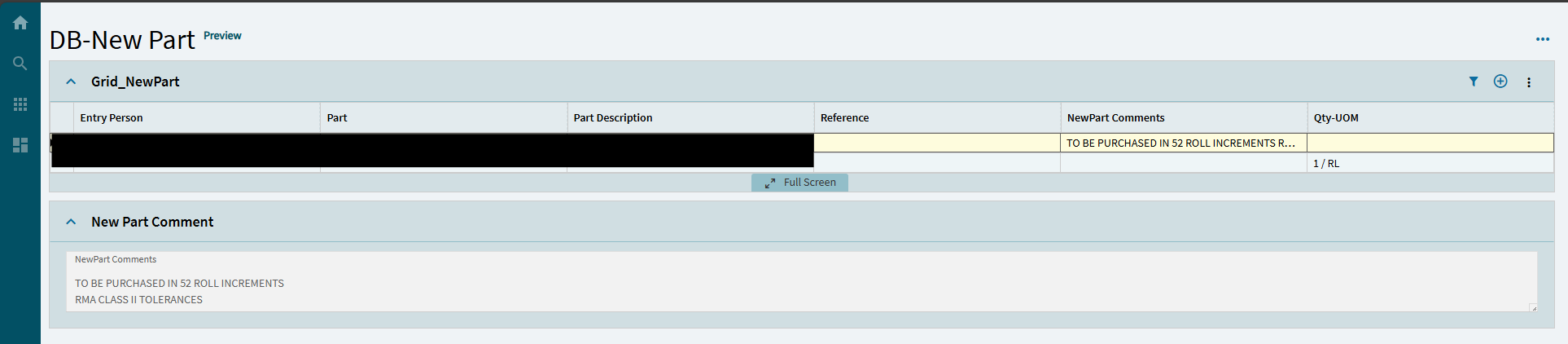
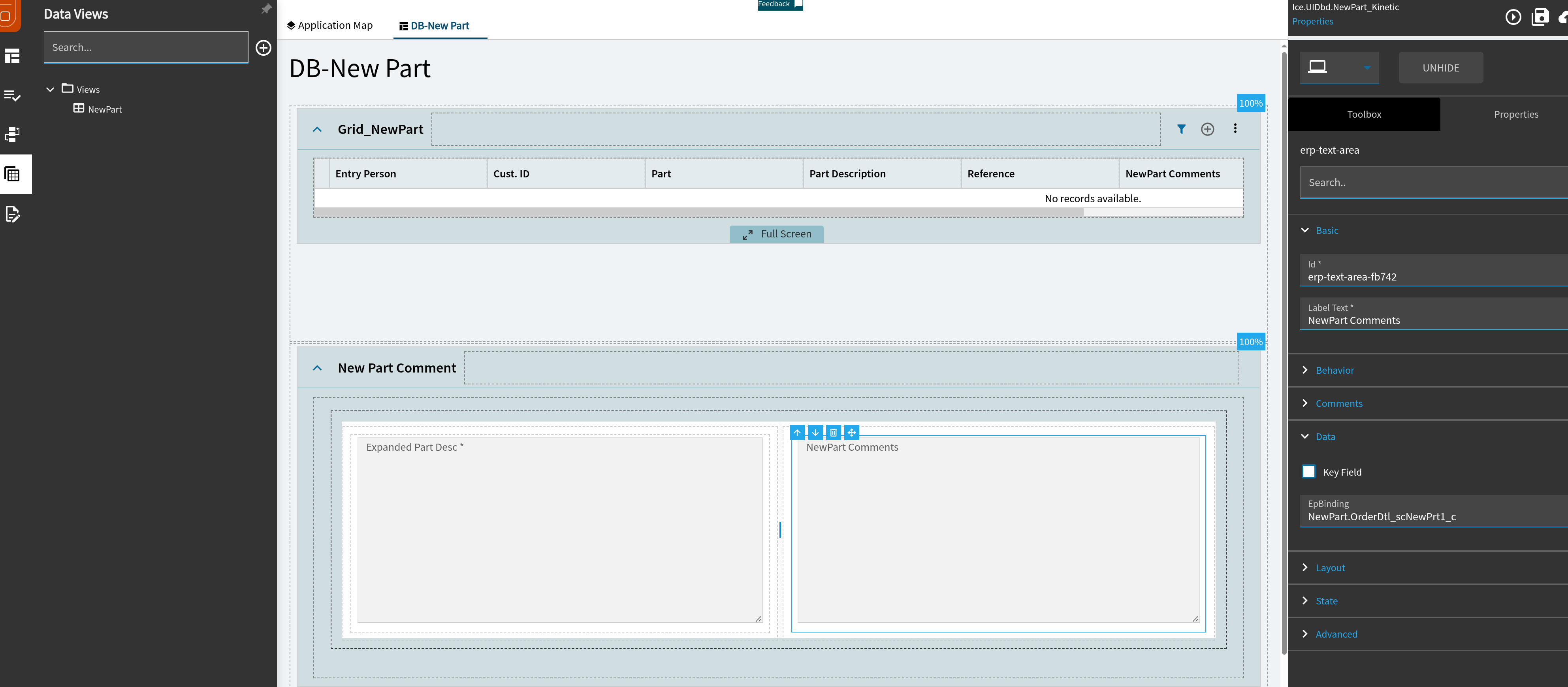
I would love it if someone chimes in and figures it out. We have a few DBs with multi line that we would like to display properly in-line. The workaround we have implemented is to drop a separate Text Area Box somewhere else that is visible and binding it to the field of the selected row. This displays the text in multi line, just in another section. Not the prettiest but it works for how we need it.

I don’t think my users would find that an acceptable replacement :sob:

This is an important part of several of our existing classic dashboards

1 Like

Dang it.. not a good sign

KIN-I-4200 Kinetic Grids - Row Height

2 Likes

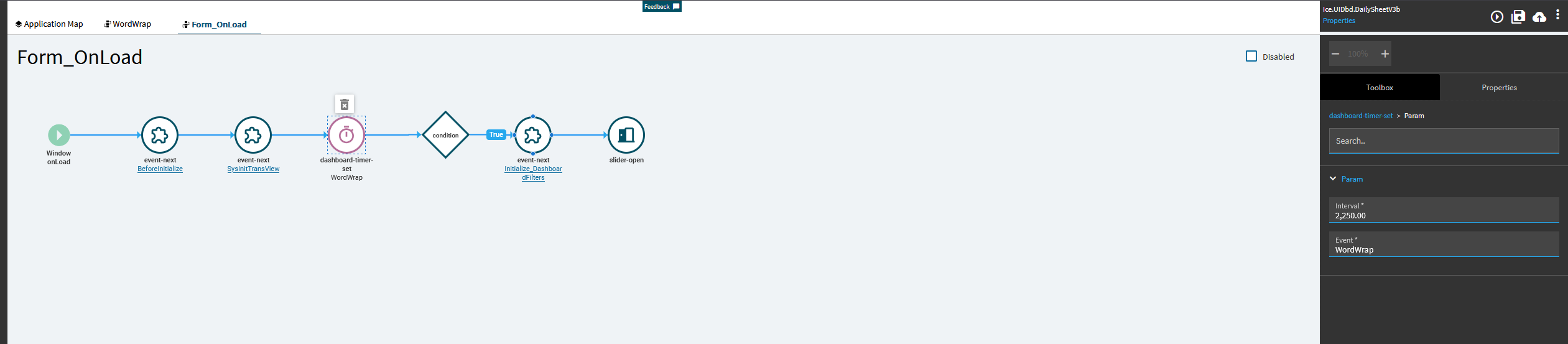
Ok.. think I found a really bad solution, but my users will be happy until it randomly breaks because its totally off the reservation and not recommended…

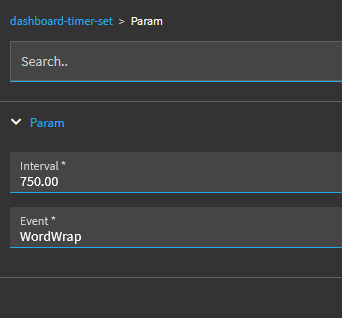
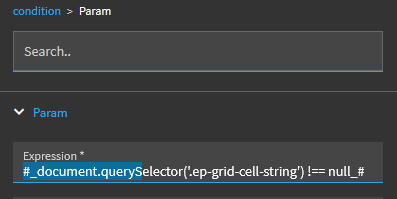
onForm load, use dashboard timer to run WordWrap after a short wait:

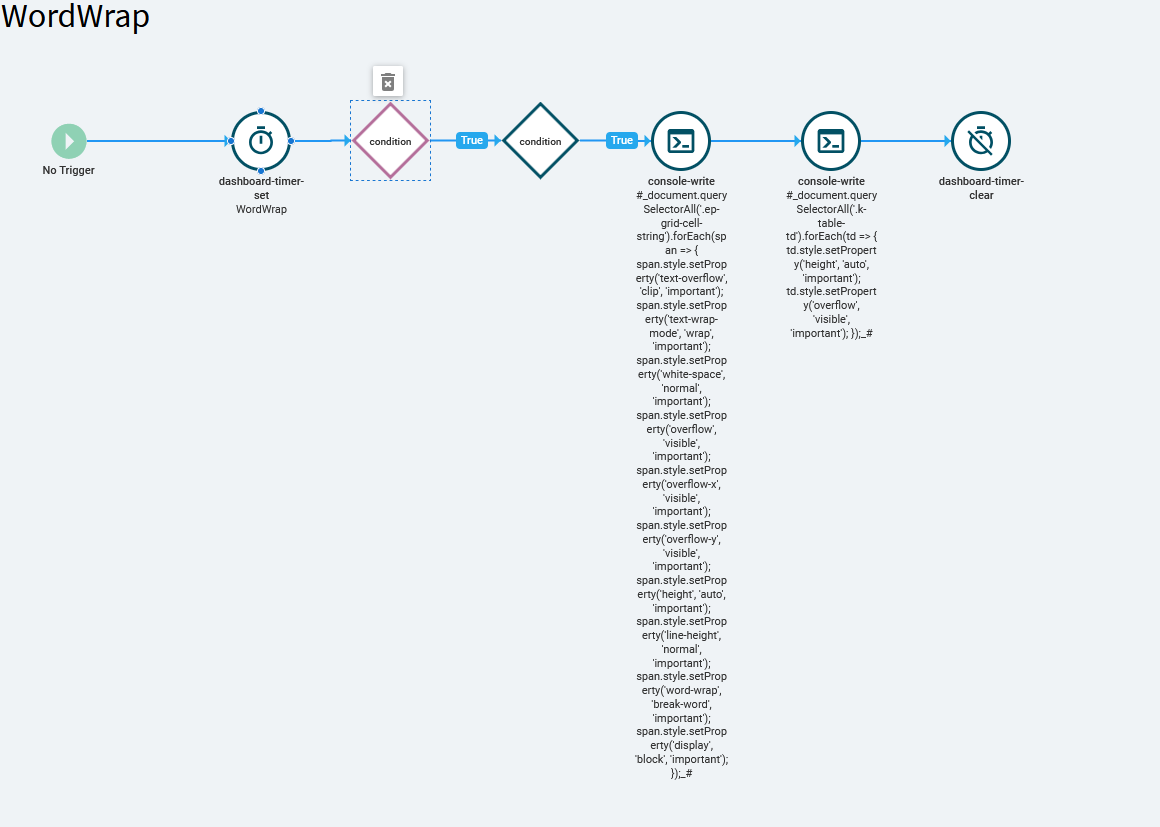
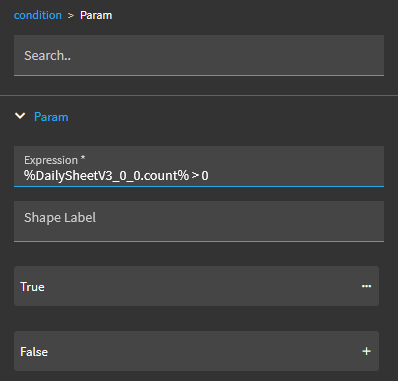
WordWrap looks like this:


The console write lines contain:

#_document.querySelectorAll('.ep-grid-cell-string').forEach(span => {     span.style.setProperty('text-overflow', 'clip', 'important');     span.style.setProperty('text-wrap-mode', 'wrap', 'important');     span.style.setProperty('white-space', 'normal', 'important');     span.style.setProperty('overflow', 'visible', 'important');     span.style.setProperty('overflow-x', 'visible', 'important');     span.style.setProperty('overflow-y', 'visible', 'important');     span.style.setProperty('height', 'auto', 'important');     span.style.setProperty('line-height', 'normal', 'important');     span.style.setProperty('word-wrap', 'break-word', 'important');     span.style.setProperty('display', 'block', 'important'); });_#

and

#_document.querySelectorAll('.k-table-td').forEach(td => {     td.style.setProperty('height', 'auto', 'important');     td.style.setProperty('overflow', 'visible', 'important'); });_#

The text wraps great. But any changes to the html, css, or sandboxing could kill this solution at any time.
3 Likes

This seems to be causing an issue now, or at least exacerbating an existing bug. Clicking anywhere on a row often causes the grid to scroll randomly, sometimes by very large amounts. Clicking on checkboxes likewise.

:sob:

3 Likes

Kinetic grids seem so sensitive. We have issues with grouping and summations --which only got worse in 2025.2.10 instead of better-- on top of random scrolling issue you are experiencing.

1 Like

Same. Any DB we have that has a saved grouping is borked. Returns all rows and expands all groupings.

2 Likes

Oh and Sums! don’t even get me started

2 Likes

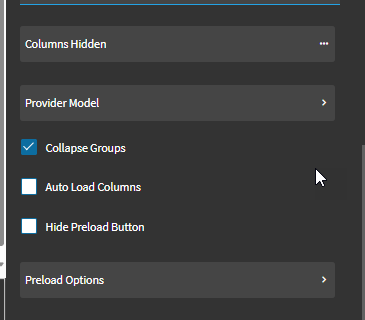
There is a setting in App Studio that could be new with 2025.2.10 as I’ve never seen it before :man_shrugging: at the bottom of the Grid Model. This fixed the auto-expand groups issue… not so much the rest of the fun but small victories I guess.
2 Likes