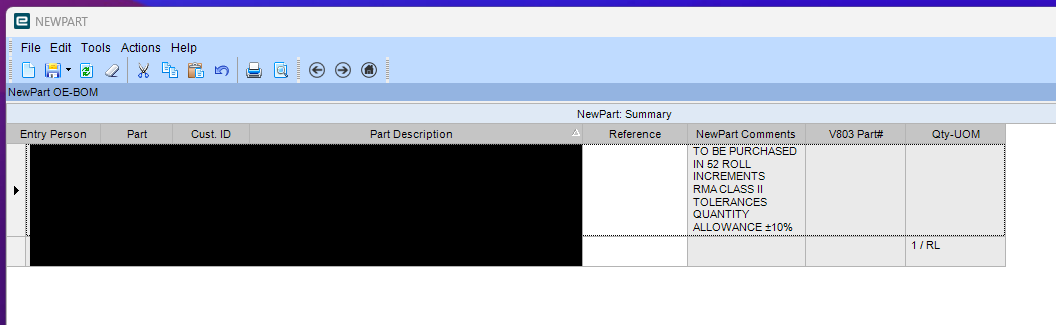
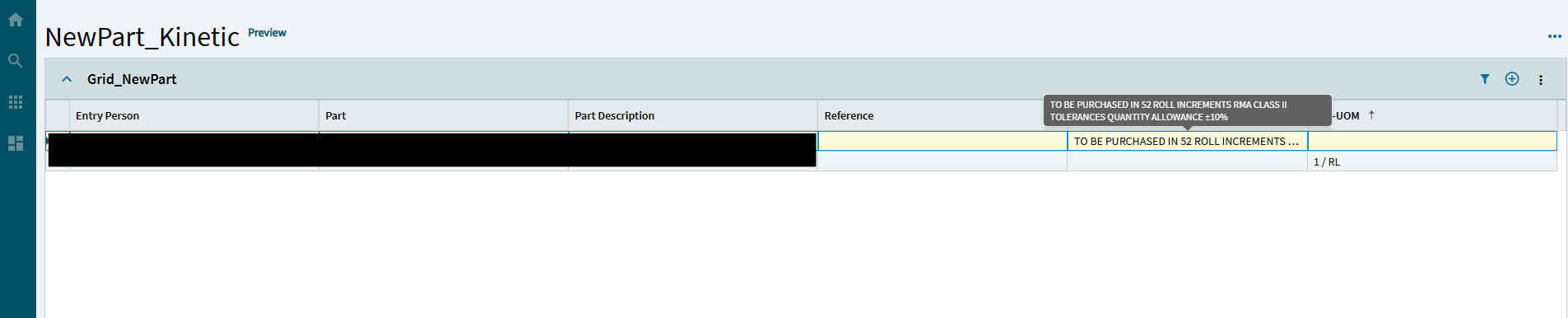
I am trying to convert one of our Classic DBs to Kinetic, but I am running into a wall when it comes to displaying all text in a column at once. I would think it has something to do with the Row Height property, but it doesn’t seem to do anything.
I did find a thread (and didn’t bookmark it, darn it) where someone put a gif of them resizing a column and it shrank/expanded the text to fit. That’s what I want, really.
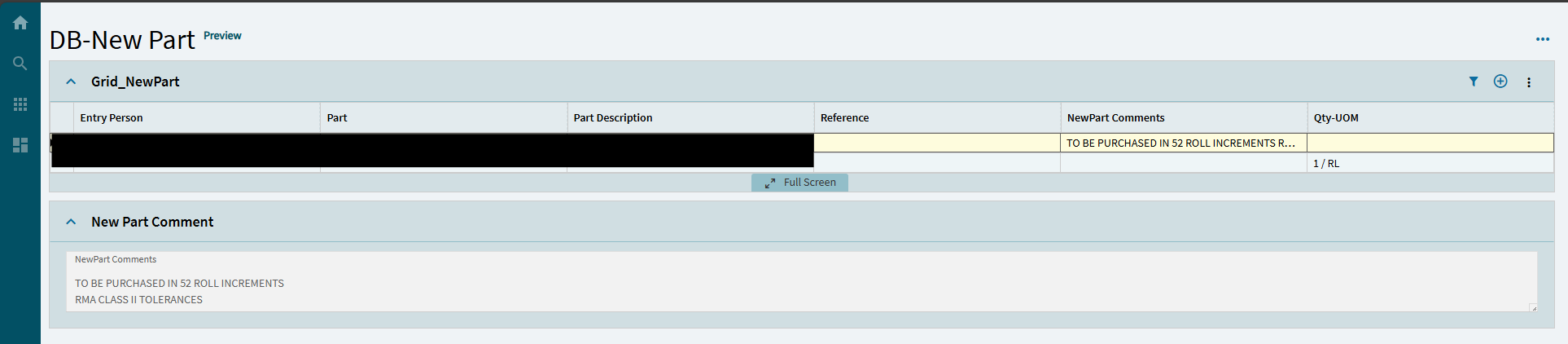
However, I do love the flexibility of Kinetic. As a workaround, I dropped a Text Area box in a separate Panel Card and bound it to the field of the column I want to be multi-line.