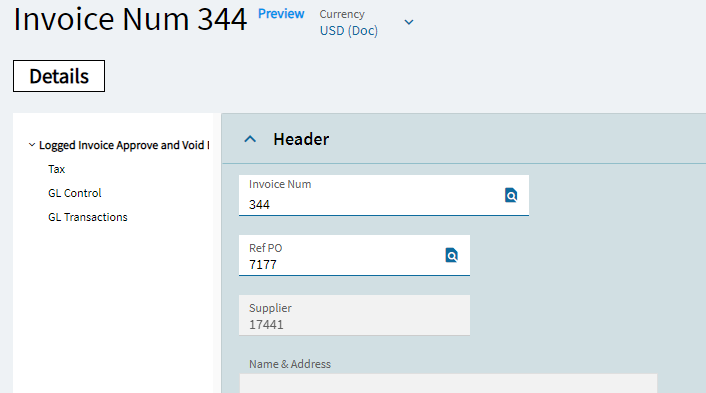
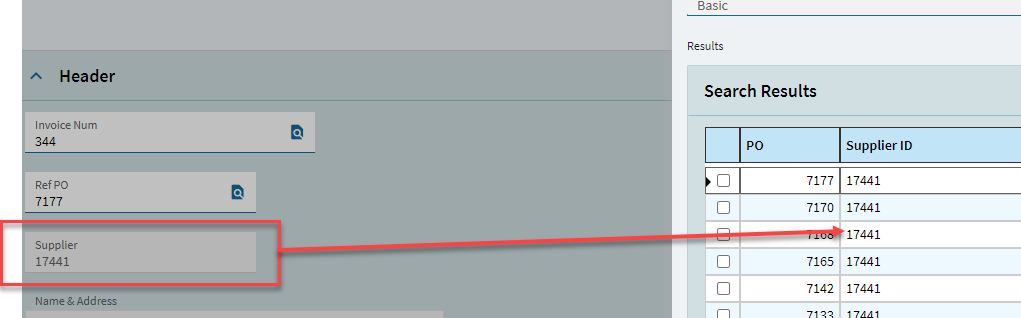
In the pre-Kinetic environment of Epicor we used a customization on top of the ‘Logged AP Invoice Approve and Void Entry’ that allowed us to change the PONum. It happend before that a Logged AP Invoice was entered and posted to the Approve and Void with a wrong PONum. For us it doesn’t matter if this PONum is changed in this stage, as long as it’s not matched and posted to Grand Ledger by Invoice Entry.
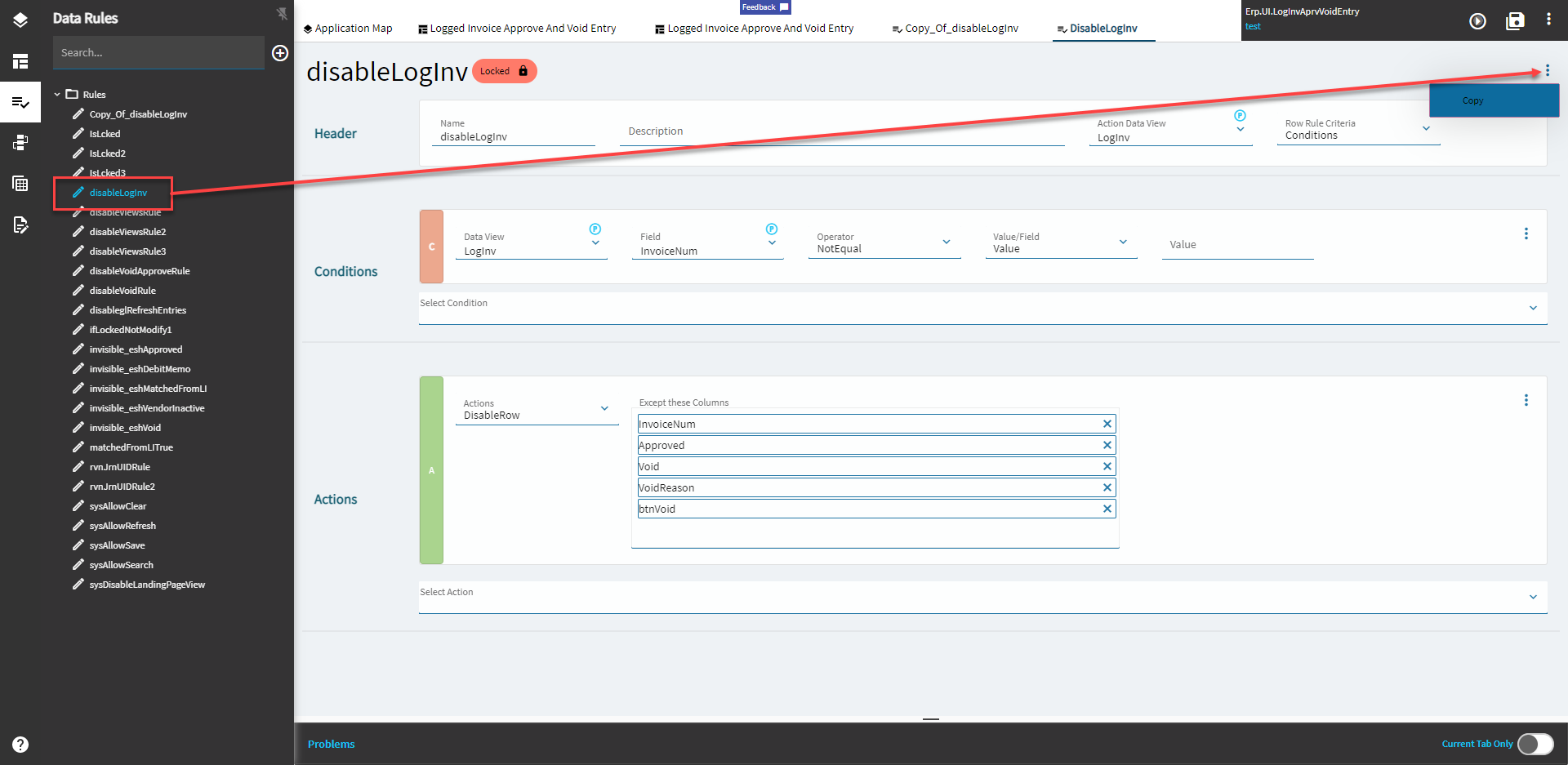
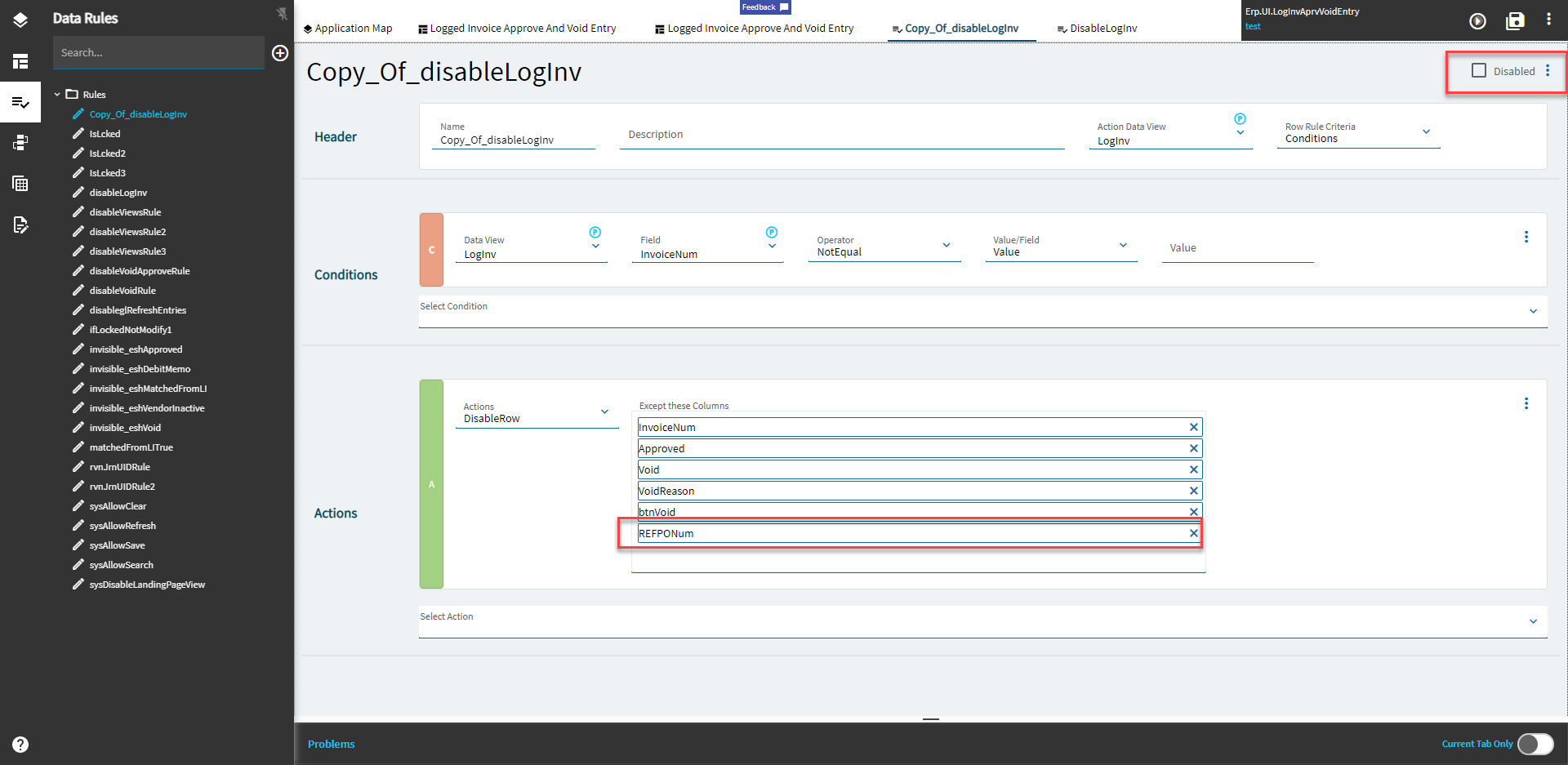
I tried to set the readonly state and disabled state to false of the PONum textbox, but this doesn’t enable the textbox. I think it’s because of the data design of Epicor. I also tried the event-row-enable tile, but no success. Anyone know if it’s possible this way?
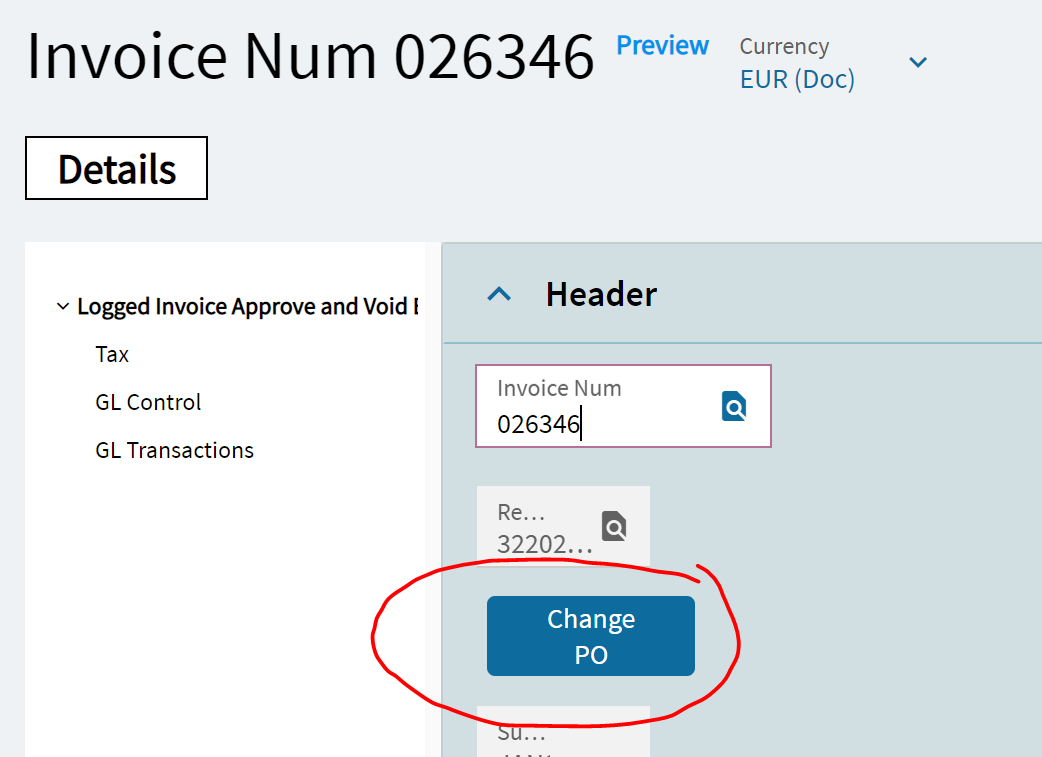
A work-a-round would be a button behind the readonly PONum textbox with a search tile opening a search slide-in window with all the PO records of this specific Vendor.
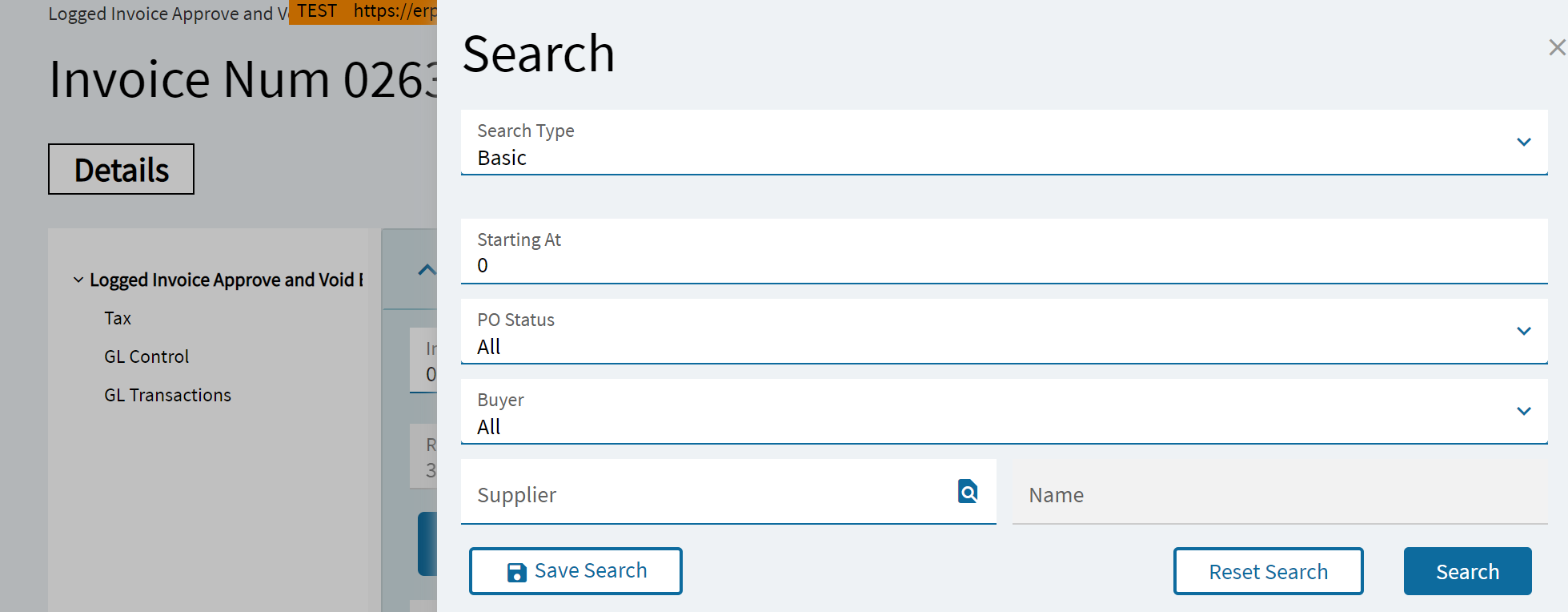
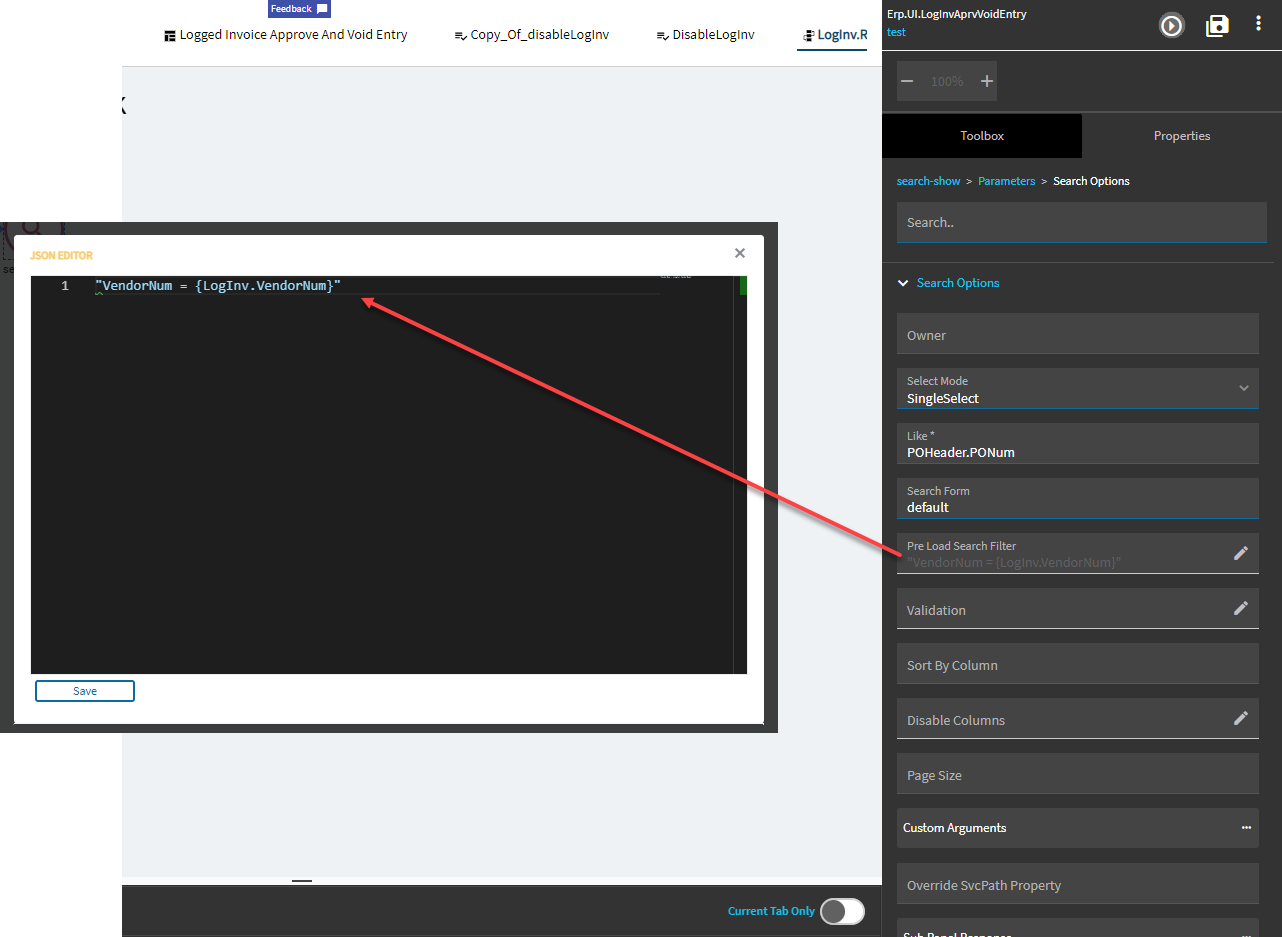
To get there I defined a pre-load search filter like this, but as you can see in the screenshot above, it doesn’t fill the VendorID (probably need an extra command to GetByID the Vendor).
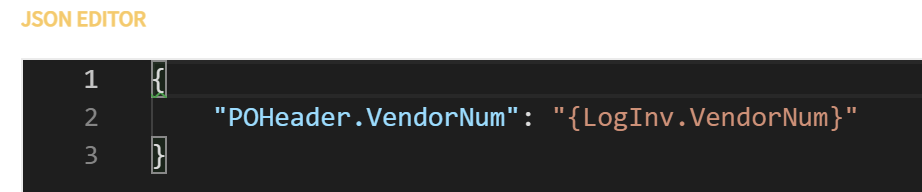
In the log it seems to listen ok to the VendorNum pre-load instruction
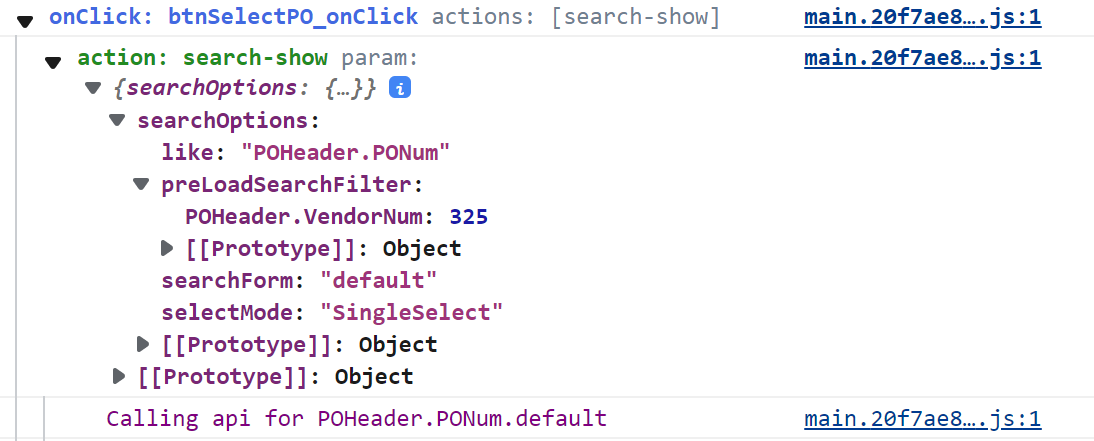
I haven’t managed yet to automize the perform search button yet, but after hitting it myself I get the following error in the log:

Any suggestions?
@hmwillett - hope you don’t mind tagging you? Till now you have been our problem solver