A while back (I think over a year now), I had talked about using ChatGPT to help me learn how to create BAQ’s. Well over the last year I took it a bit further. I have created an Agent that has been loaded with a schema and information regarding BAQs, Dashboards, and BPMs. It is a little rough yet and slow due to it using ChatGPT 5 Thinking. It goes 1 step at a time and has been trained on Kinetic 2024.1 materials but it should still be useful on that. the reason for 2024.1 is that is what we are currently on until we move to Epicor’s Saas environment, and then I will update the documentation for it.
It has a mode A, which currently doesn’t work and may never work, so pick mode B if you want to try to use it.
Give it a try if you want. I make updates as I go along and find little tweaks to make here and there on how I want the agent to respond. Any feedback via screenshots and issues is also helpful.
As I’m still learning to build more robust BAQ’s I probably use it once or twice a week and sometimes once or more a day depending on the situation. I used it to build a decent one yesterday and after using screen shot a few times and telling it to fix the problem, it walked me through a number of fixes and did a pretty good job of step-by-step instructions until I deemed it finished. The agent wanted to continue and then create a dashboard, but it wasn’t needed for this particular BAQ.
Hello everyone! It has been a little while since I’ve been able to update things here. I’ve been through a few different updates on the BAQ Agent and I think it is pretty usable now. After a bit of trial and error, I think I may have nailed this down and the Agent can now also create BAQ files for you to import after you answer some questions about the BAQ you want to make as well as exporting a sample BAQ from Epicor in order to get your version of Kinetic for the file creation.
If any of you want, please give it a try and give me some feedback on what I could try to improve or if it works well for you.
One caveat at this time is that it is really only built on information on 2024.1 Kinetic since that is what I’m currently working with until we move to Epicor’s Saas environment, and then at that time I’ll update it to the newer version. So, depending on what version you are working with, it may give you some issues.
I forgot to mention on this Agent, that if you have any custom fields that point to specific information, that you may have to export a BAQ or 2 that has those fields in them so that the Agent knows about them to put them in either the directions for building a BAQ or will know to add them when creating a BAQ for you. Just FYI.
I have tried using it a few times but I never get far past this message:
I can usually get one reply out of it before triggering this message. In my experience it is “smarter” than stock ChatGPT, in that it uses the correct table, and field names. It still can’t produce complex SQL output for importing into a BAQ without significant hand holding. That is my hope for a capable GPT, just make the SQL code correctly using the epicor quirks.
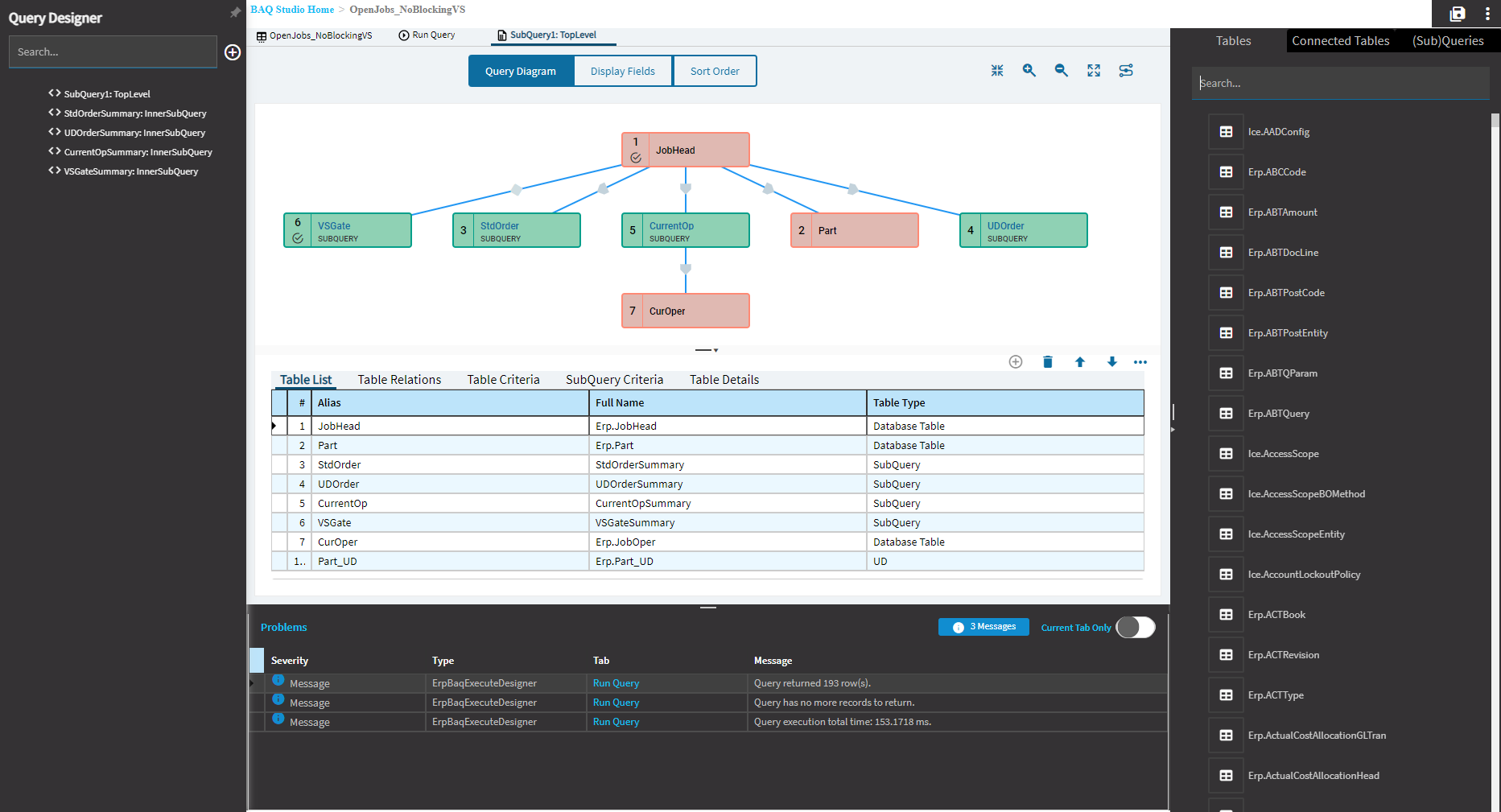
Thank you for the input. I do have the $20/month plan that I use. Sorry it hasn’t been working for you. I haven’t had any issues so far with V3 and the 7-8 grilling questions it asks after you tell it what you want to do usually clear things up pretty well. I’ve attached an example of one that I had it create for me today which was a relatively complicated one that imported with no issues. Took about 5-6 minutes for it to create it for me and then I went back and told it to add a few more things and it spit out the update pretty quickly. This is on Mode A so it created the file with input from me and a sample BAQ that I exported from our system so that it gets the quirks from Epicor that are needed. If anything I’ve found that it can sometimes create overly complicated BAQs that may not need to be and create extra calculated fields. It also now has the capabilities to create multiple BAQs at a time if you are needing to create a dashboard that pulls in multiple things from different fields and name them all with a name like Part360_XXXXX for each file so you can find the stack easily when you build your dashboard. If you unzip the BAQ you can see all the SQL within the files since a BAQ file is a fancy zip file for the XML.
At least now I also know that this isn’t going to be user friendly for someone on the free version of ChatGPT.