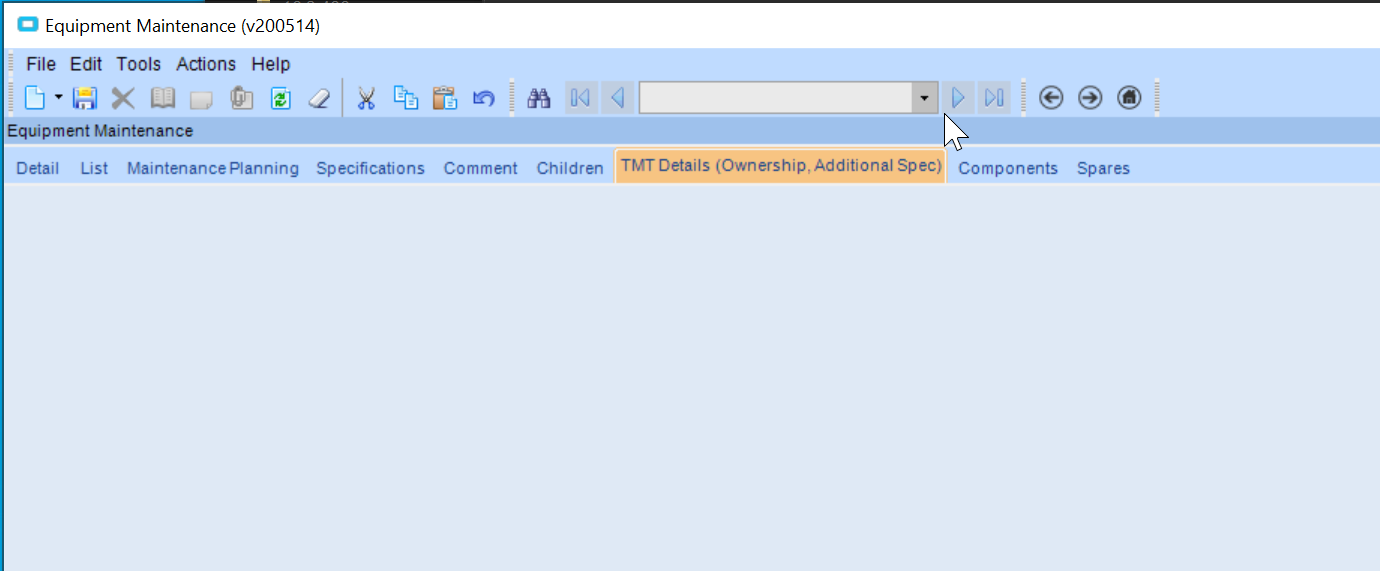
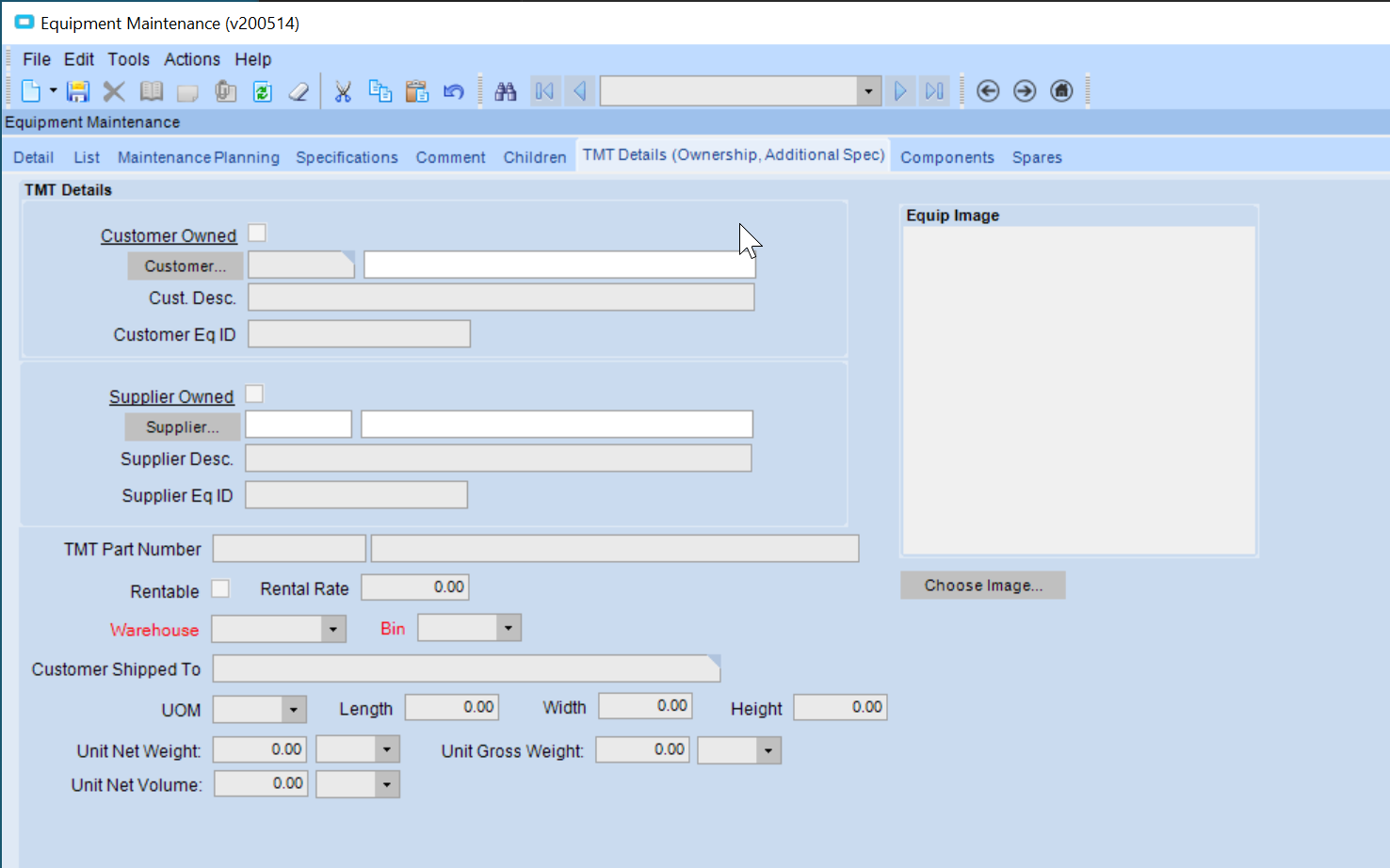
We have a customization and after applying a patch some of the custom UI elements have gone walkabout.
On the equipment entry screen we have a custom tab with some custom fields, these have disappeared since the patch was applied (10.2.400.27). Note there are other custom tabs that are fine and the behavior is the same for several users.
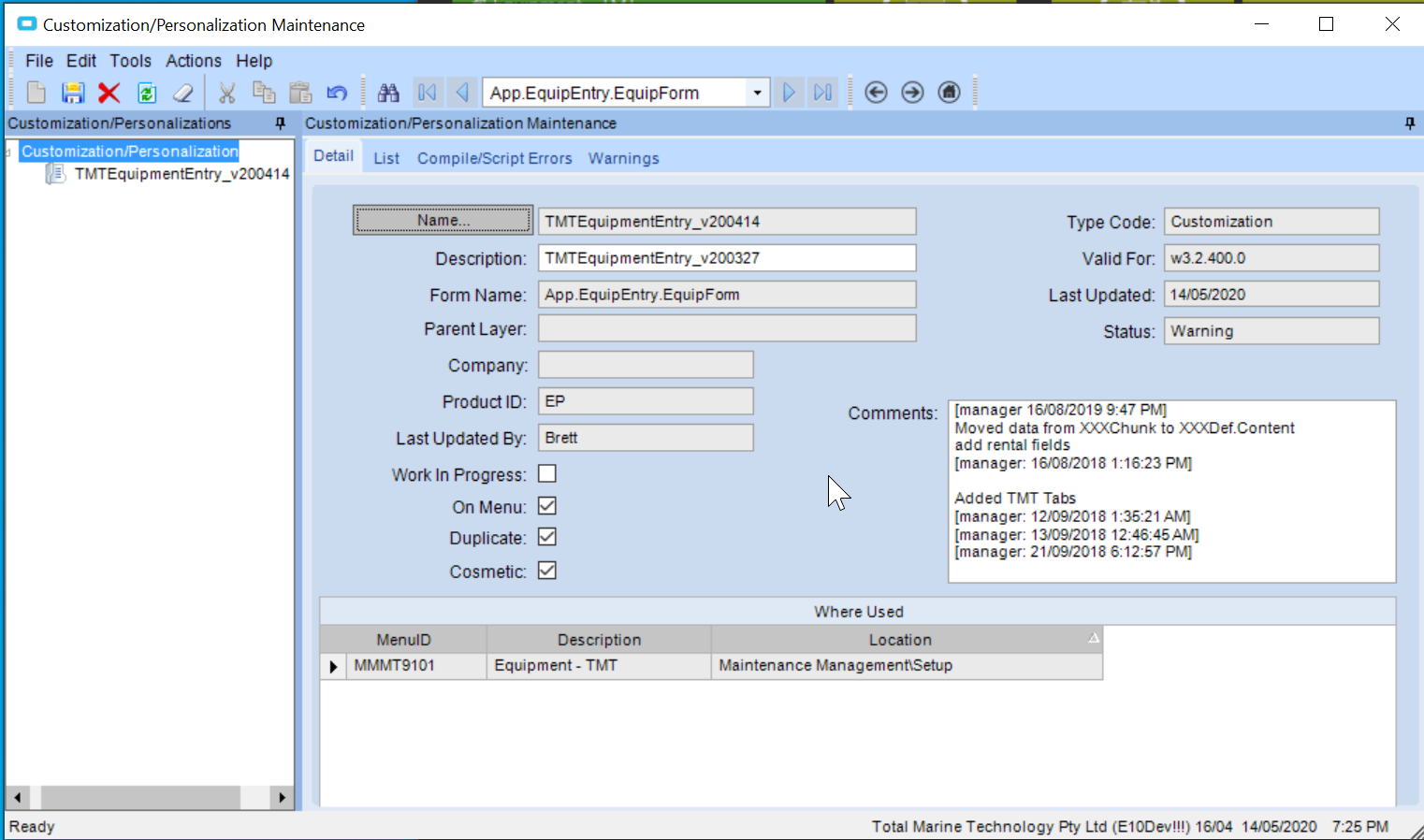
Try to go to customization maintenance search for your customization and in action menu run verify customization. Sometimes after upgrade your customization can be unverified.
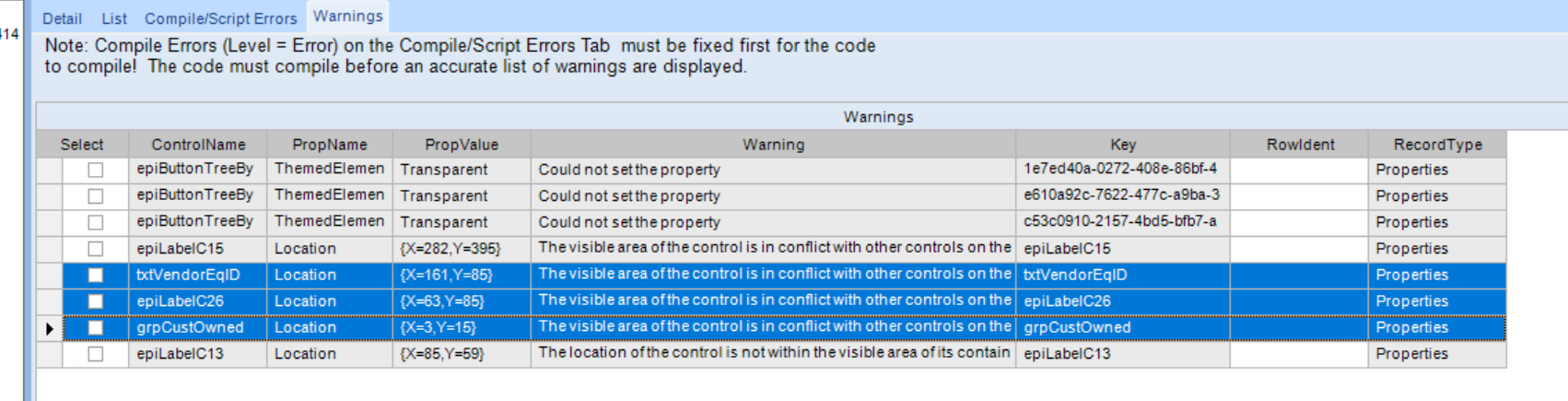
The 3 selected warnings are for controls on the offending tab. I tried to move them around a bit to remove the warning but it is persisting. I don’t think that warning is the issue either.
On the problem controls, have you tried right clicking on the (in customization mode) and selecting “bring to front”? I had something similar happen with some native controls on lot tracker where I had to send the entire group behind to get the native controls to show up properly
I think the customisation engine might be broken here… I tried to create a new customisation from scratch and only move one of the standard controls. The move is shown when I run the screen in developer mode however if I apply that customisation to the menu short cut the control is not moved…
I have a ticket in with Epicor so will see what they come back with.