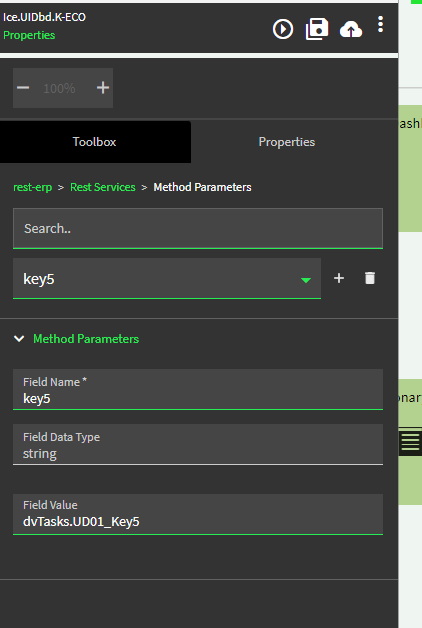
The “stock” Delete action is going to run an event that calls the base BO delete method.
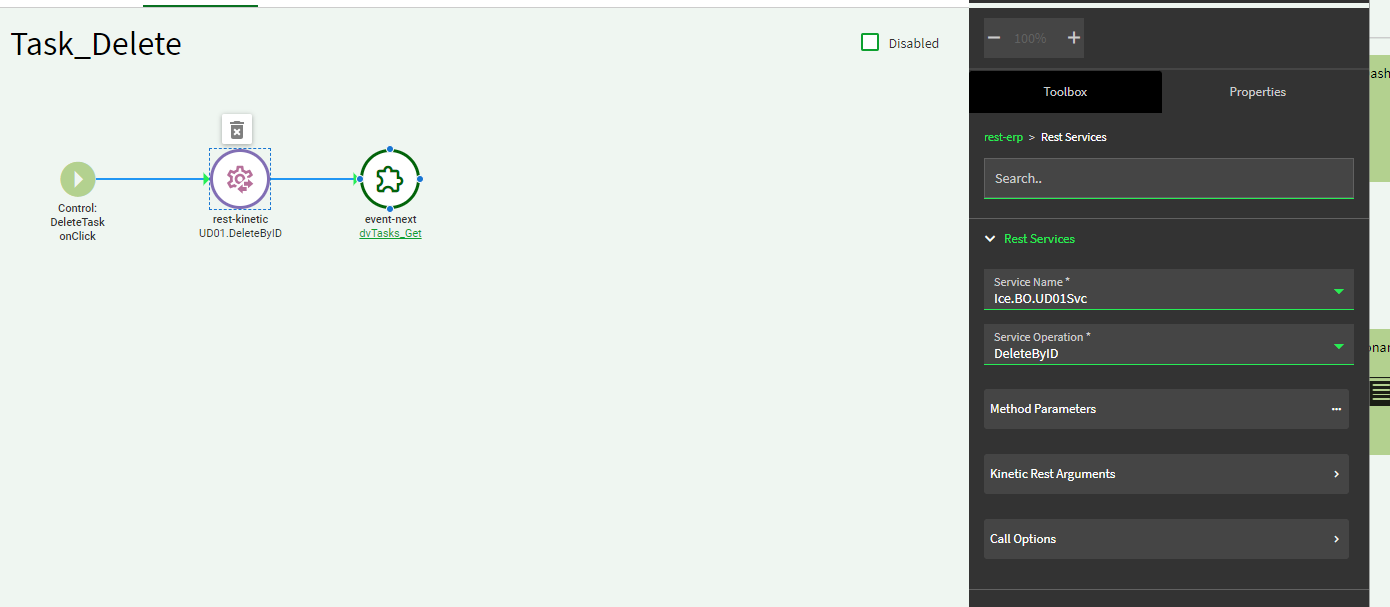
You should be able to create an event with a trigger of before_delete to intercept the delete call. Use a condition like: "%currentDataView%"=="MyUDdataview"… if true, call your own UDXX.DeleteByID rest call.
If the current dataview is not your UD dataview, it should continue on to the “stock” delete action.
Adding to the original question.
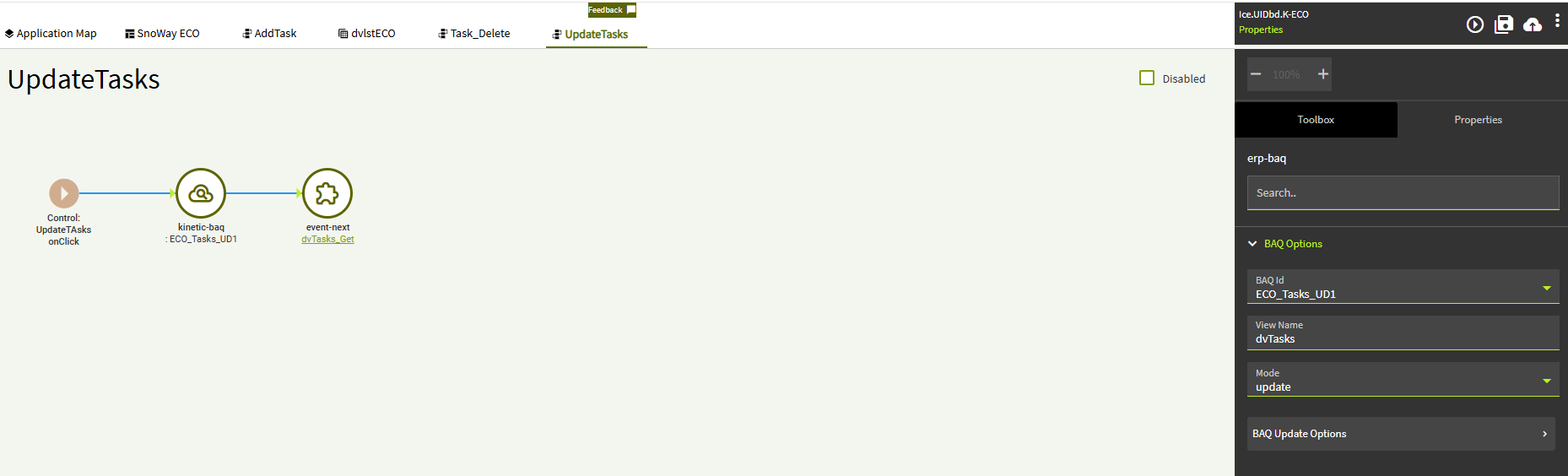
I am using an Updateable BAQ in a part of a larger dashboard. I have figured out how to add and Update records but deleting then is evading me.
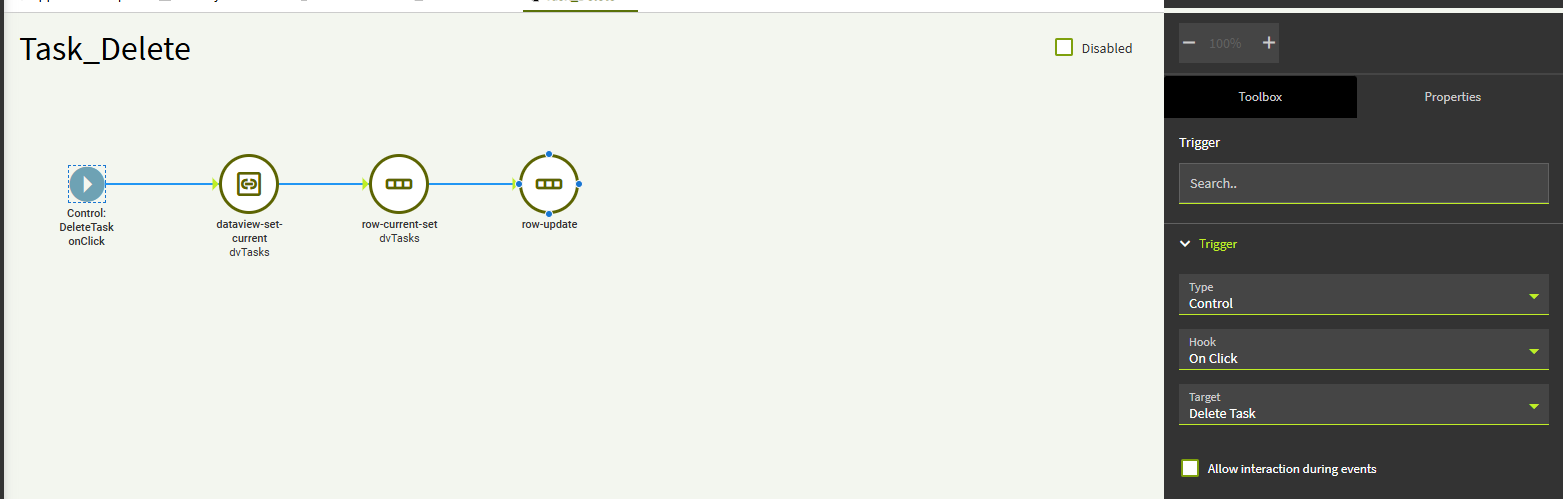
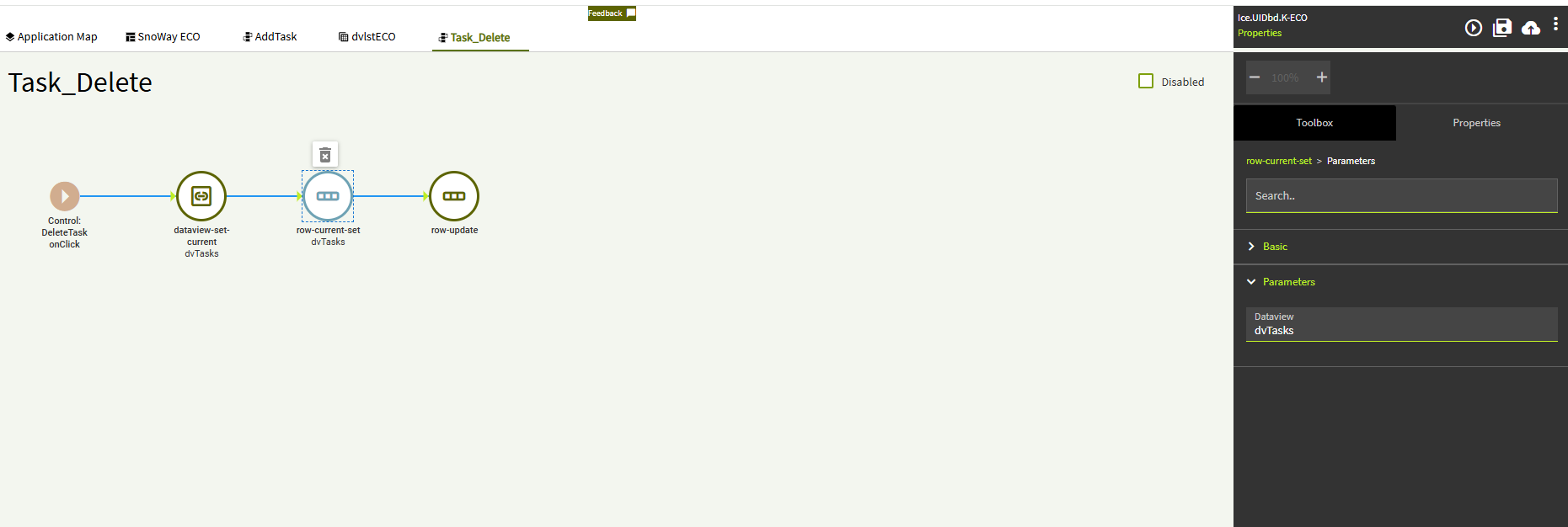
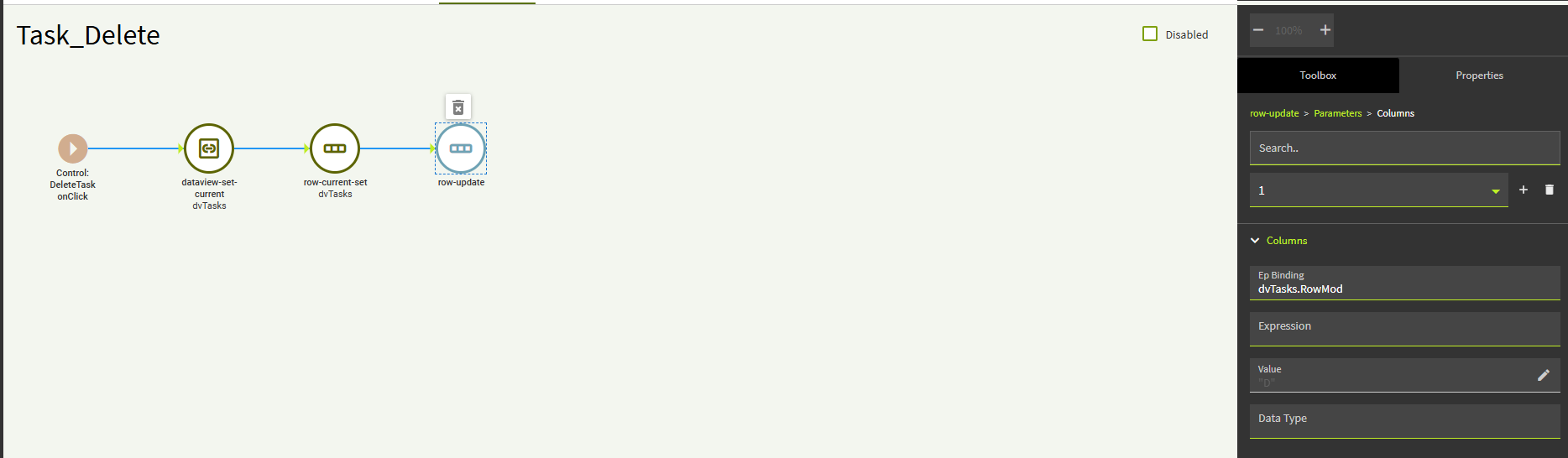
This is what I have do far:
Going this route MIGHT work… I’ve never tried it. But the row-updates are just going to change your dataset locally. You still need to push it to the server.
So, if you want to try it, I’m assuming you’ll still need a rest call using an update method. The Update may see the rowmod = D value and delete that row during the update. Not sure.
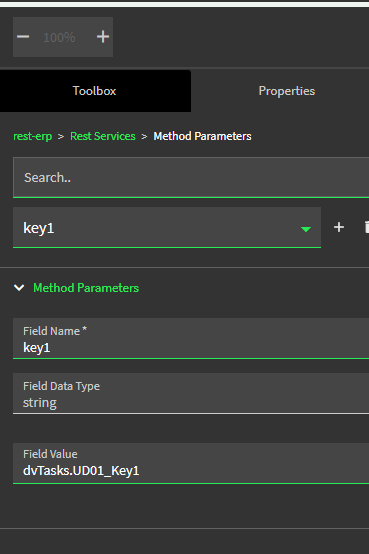
I typically do it with an UD0X.DeleteByID rest call.
Caveat with this is you have to do a on column Changed event for all fields… a bit of a pain but was trying it out to see if it would work. It does not work by setting the RowMod to D
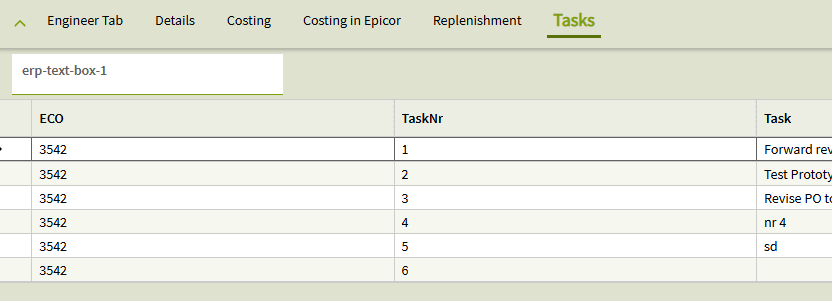
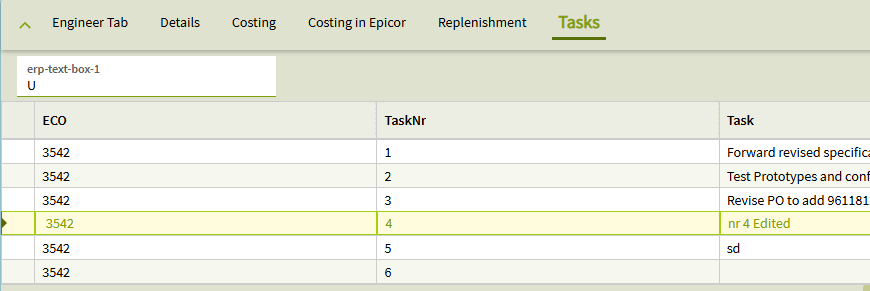
Here is the dashboard before and After updating a row. erp-text-box-1 is bound to dvTasks.RowMod
This is helpful i have one last question, what exactly is dvTasks in your situation, a BAQ, Dataview, or something else all together?? forgive me if this is a stupid question im rather new to working with epicor