Error when opening a custom slideout layer

How do you set a custom layer on sub-screen (slider) in Kinetic? This was easy in classic. Any suggestions to try?

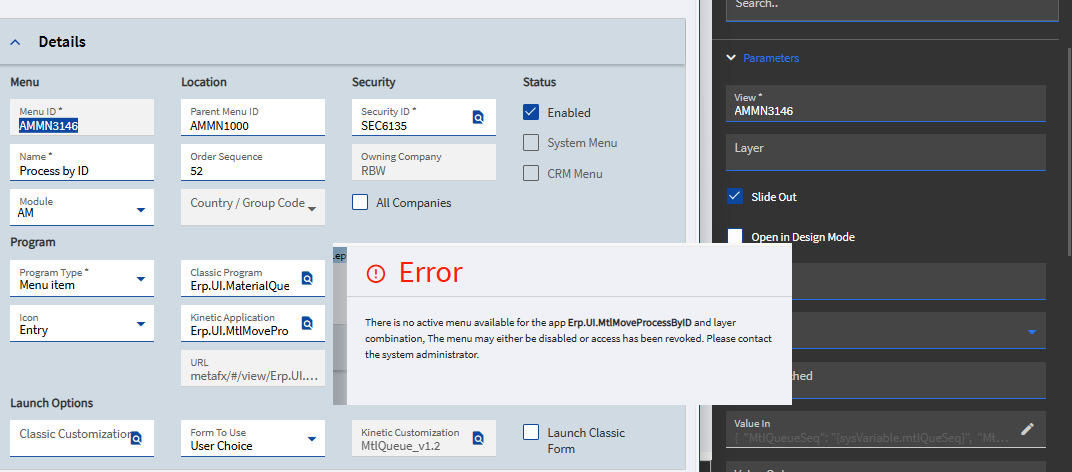
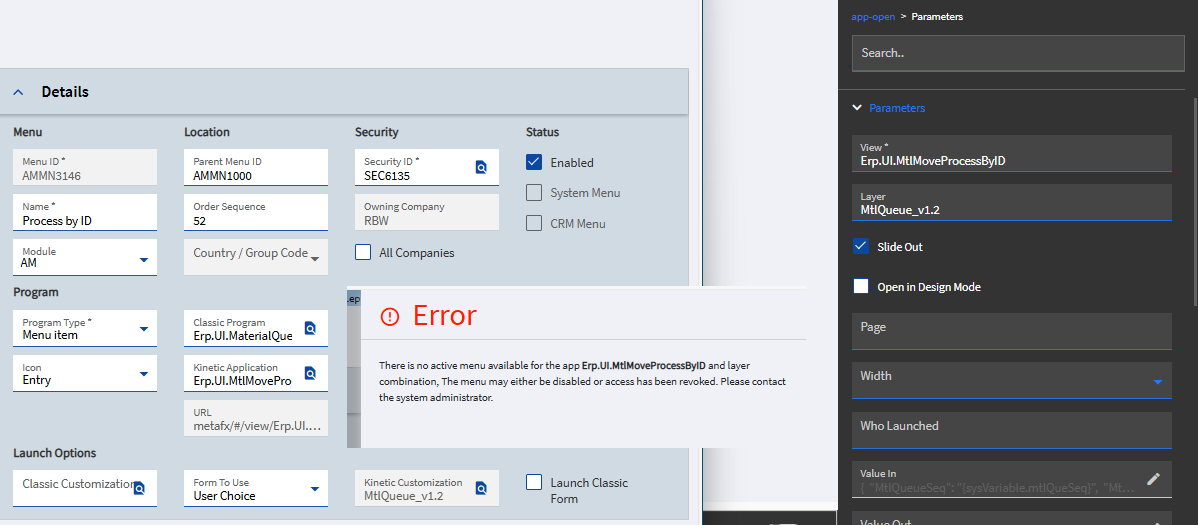
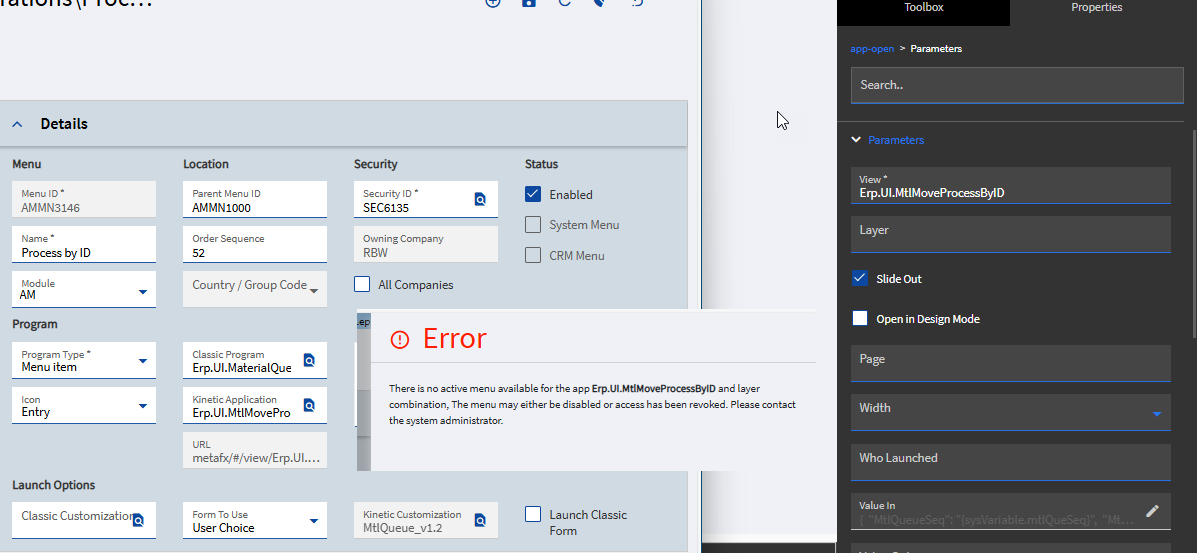
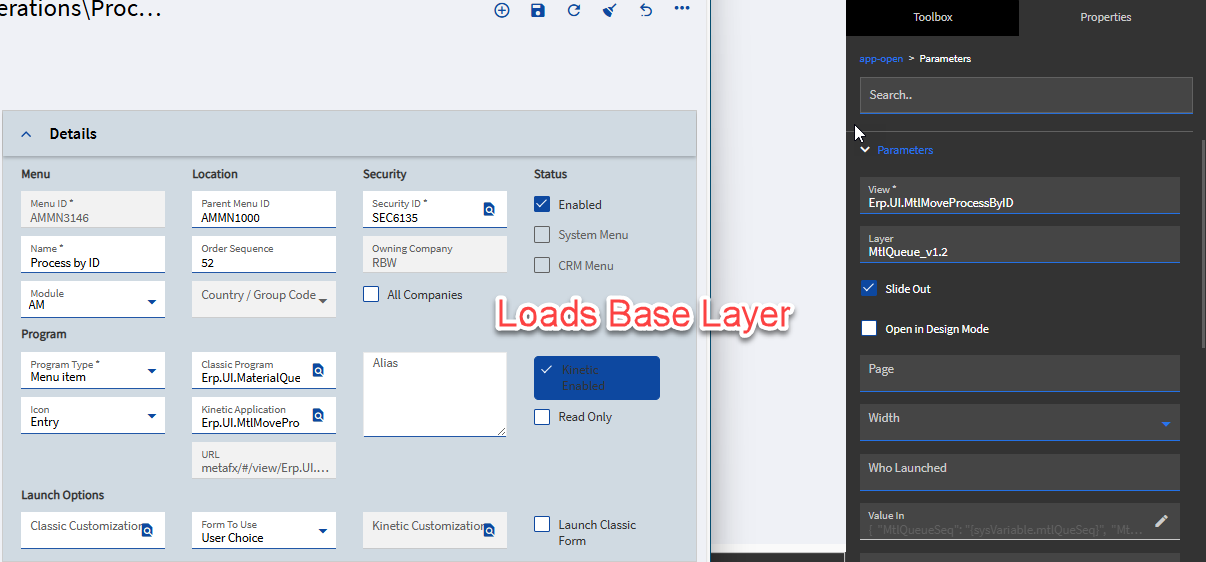
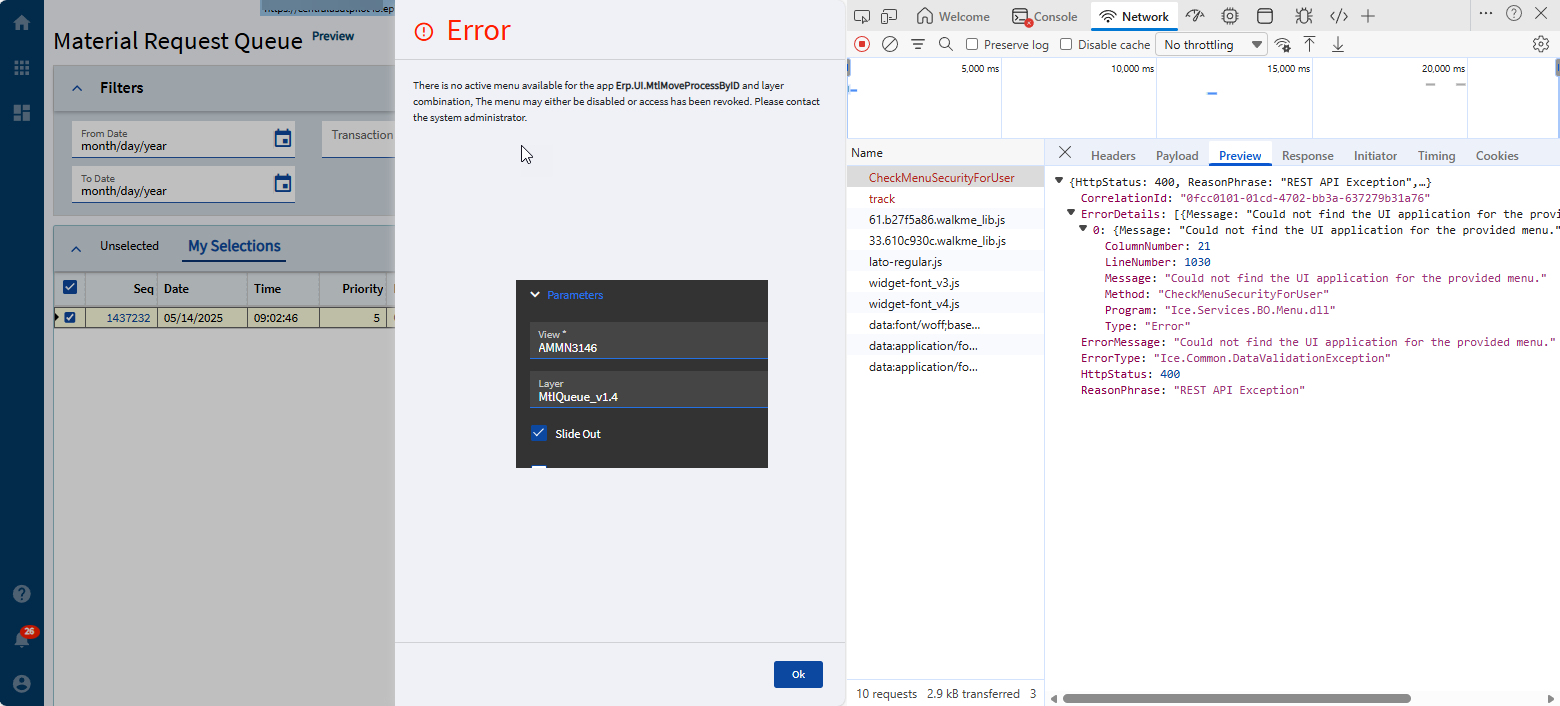
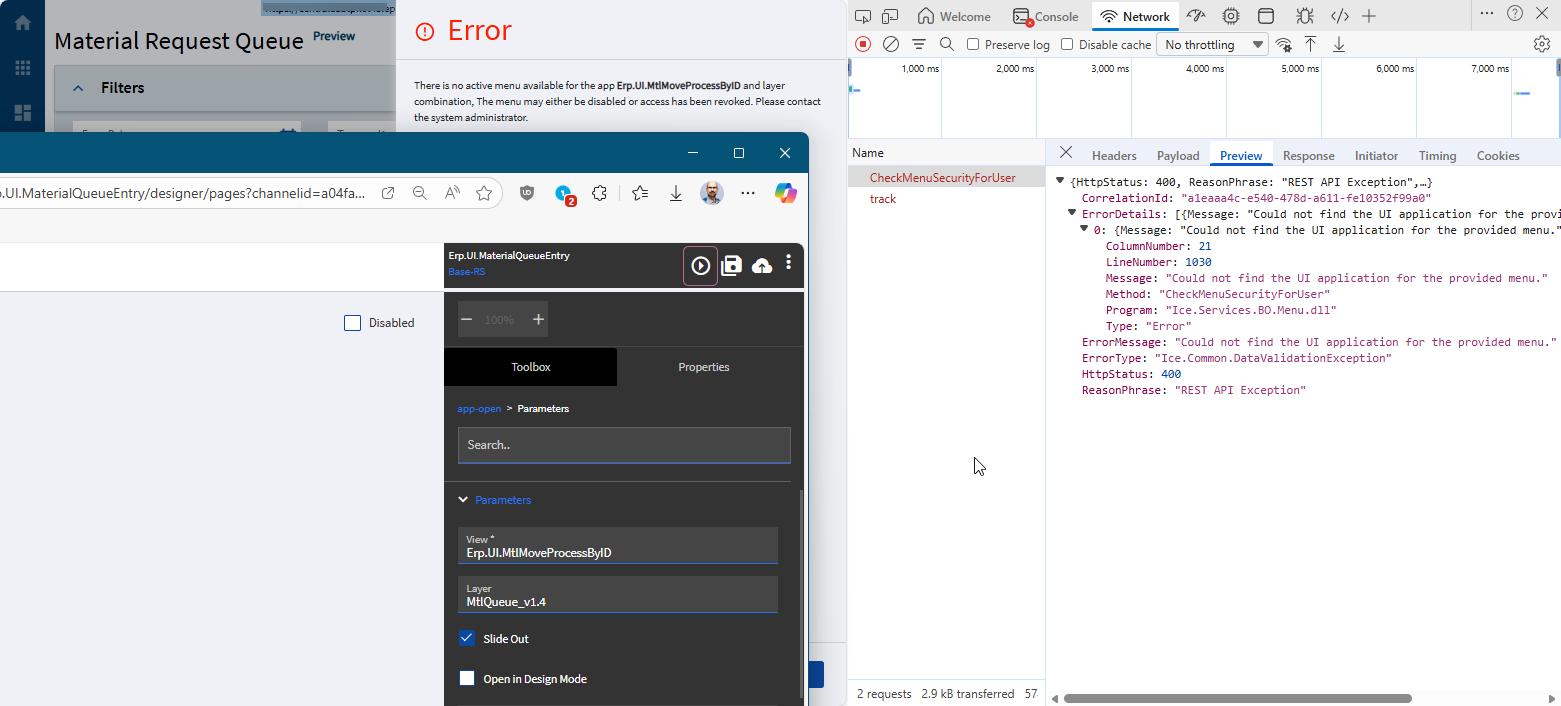
Our users want a custom layer in the Material Request Queue “Process” button slider. I got the layer setup no problem but when I try to apply it to the MRQ I’m getting this error trying to open a custom layer:

I’ve tried every combination of using the MenuID, App name and layer

1 Like

Is the layer on a menu somewhere, which is accessible to the user? Epicor checks to see if the user has access to the menu item before allowing launch (it has to be on a visible? branch of the menu somewhere with security access to the user)

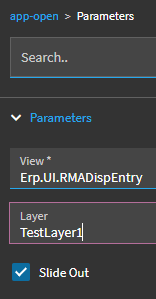
I typically use:
View: MENUITEM (not app name)
Layer: Layer

1 Like

Yes, it’s the “Process By ID” menu items in AMM General Ops tree. Same place that the MRQ is. I’ve verified menu security.

1 Like

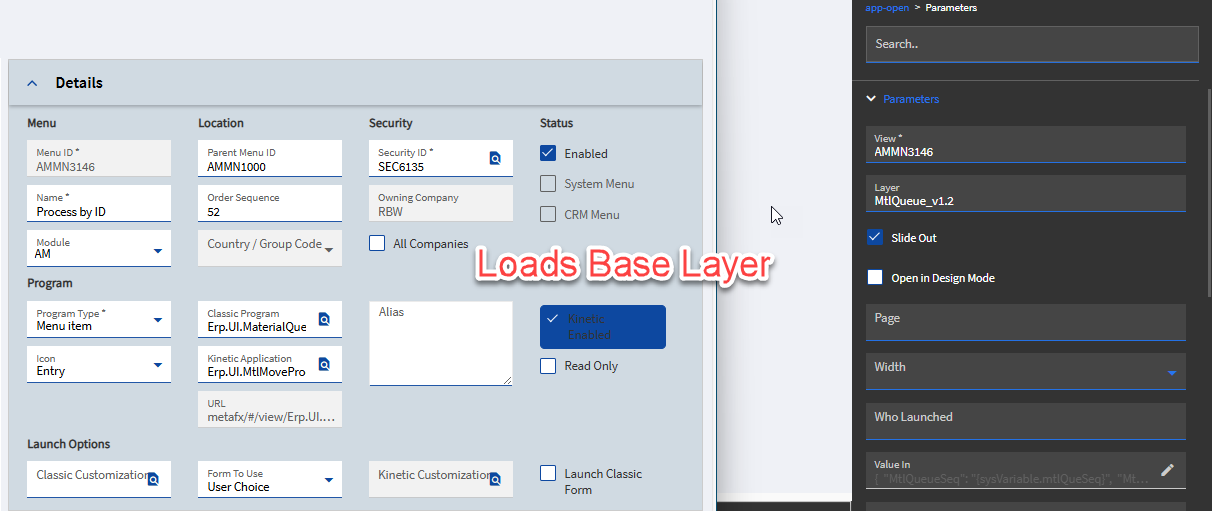
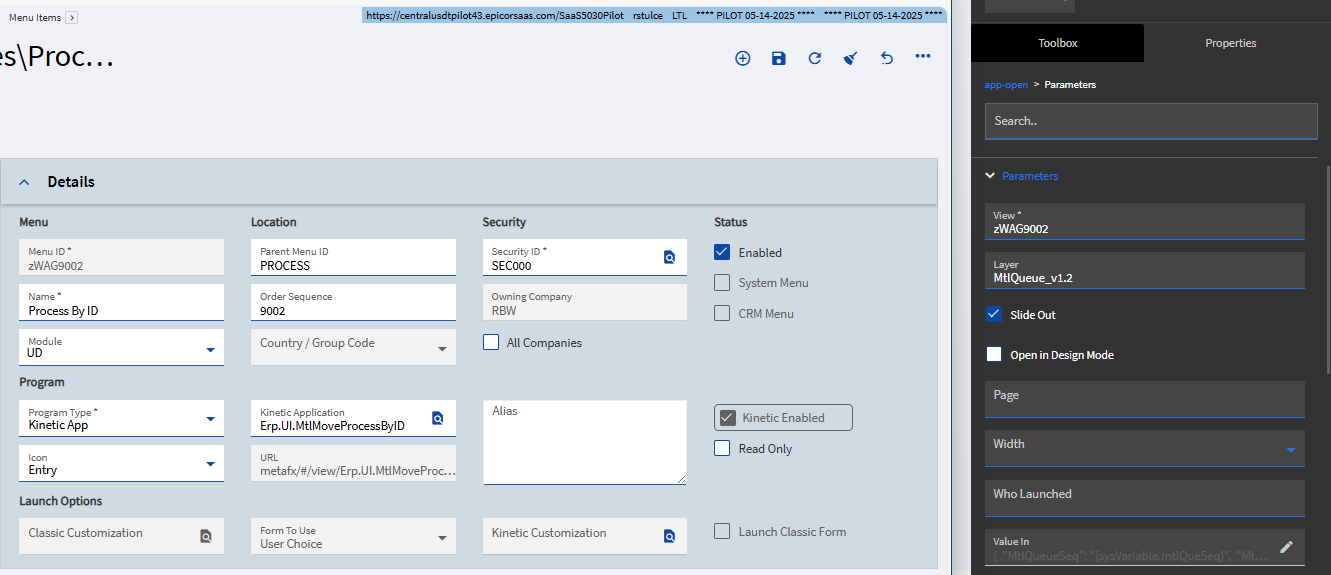
I tried a custom menu items just to see if that worked but it just loads the base layer too. :roll_eyes:

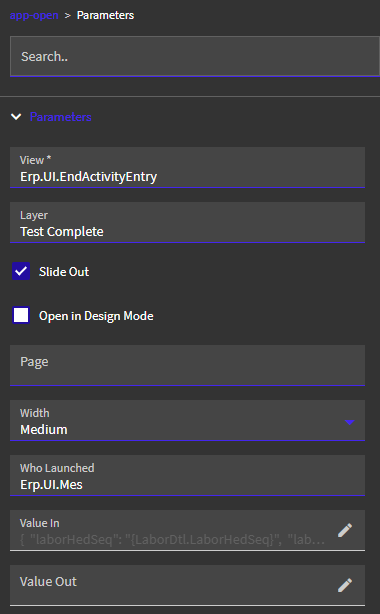
This is my working set up in 2025.1.15:

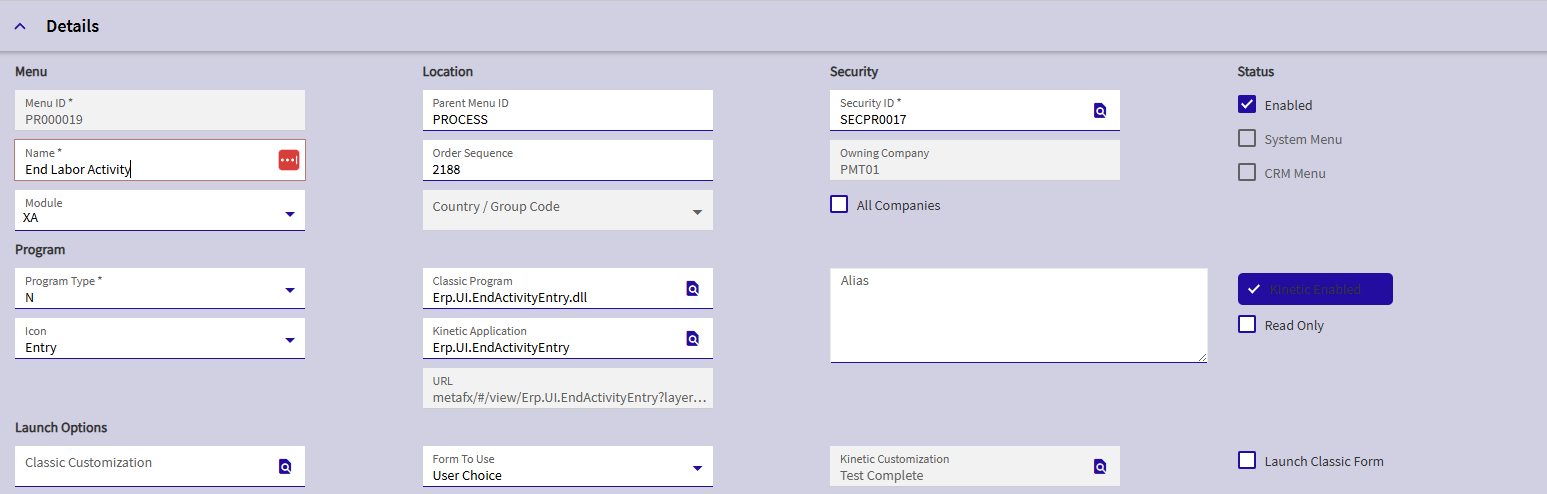
Then, I have a Menu item set up in a visible section of the menu to the user, with that layer, and access allowed to the appropriate company.

If you trace it out, do you see a difference in the GetApp call from launching via a menu item vs. slideout?

Did you load your custom layer on that custom menu?

Yes, see all the tests I did in the OP. I’m thinking it’s a corrupted layer perhaps so going to rebuild the slider layer again.

This is broken in the current version of kinetic. This is fixed in 2025.2. I also am having this problem.

2 Likes

Yeah, I was just saying your last test was with a custom menu, but it didn’t look like your layer was applied to the menu from your snip.

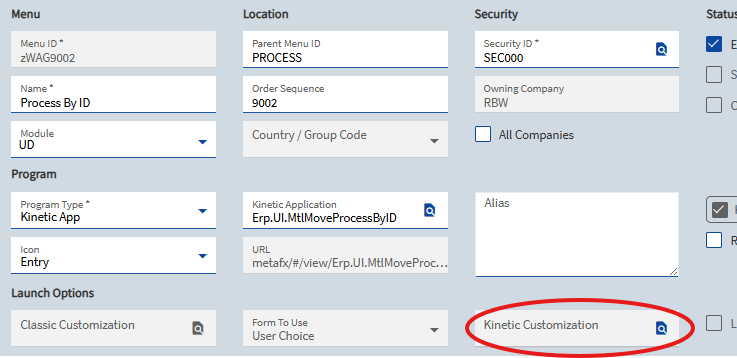
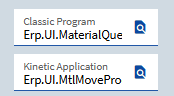
I’m also confused by this:
image

Usually those are the same application. Is this a custom app?

1 Like

I’m trying this in our Pilot 25.2.5 SaaS

:dumpster_fire:

1 Like

No, it’s AMM module “Process By ID” that’s being launched from withing the Material Request Queue form.

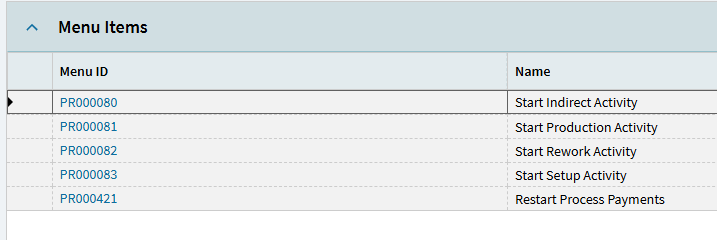
I’m currently battling a similar issue… I was getting the same error in our MES system when clicking the Start Production Activity, Rework, Indirect, etc. buttons.

Previously, it loaded our custom layers okay. But now, I’m having to copy the processes to current company and applying the layers there in order for them to work.

This is working (in 2025.2) but in current live (2025.1) I didn’t have these “Processes” copied to current company and they worked fine. So, something definitely got tweaked.

1 Like

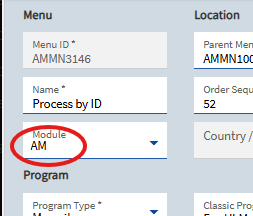
Also, I don’t know if its a requirement or not to be honest, but when I copy a menu to current company, I always change the Module to “UD”.

Just another dart to throw at the wall, if it helps.

EDIT: Scrap that… disregard… I just copied another over to test it and left my Module as XA and it still worked… so, UD is not “required”.

1 Like

I have pretty much the same setup as @dcamlin.


Could not get it functioning in 25.1 but works fine in 25.2.

1 Like

Our warehouse team is on Classic. We’re planning to have them go Kinetic UI with the rollout of 25.2

I was having the same issue with it loading only the base layer until someone told me it was broken in the current version. Made no changes and it worked once I tried in pilot.
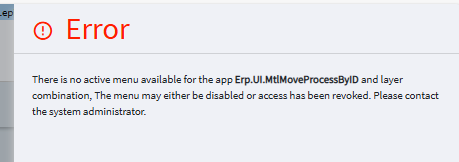
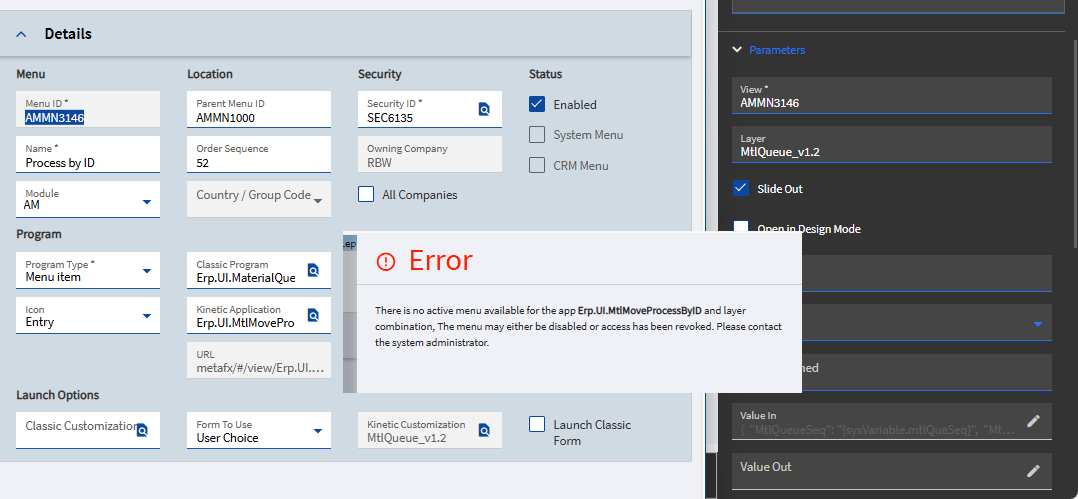
But I’m trying this in 2025.2.5

I tried new parent and sub-layers too and doesn’t work

You’re not crazy it is still broken.

1 Like

(I added the bold)

This is important - and counterintuitive to all we have learned about security.

  • Rule 1: set security on the thing
  • Rule 2: parent-folder security can still hide the thing
  • Rule 3: direct links to open the thing will ignore things hidden by rule 2 (e.g. context menu click, or a URL now)
  • And now, rule 4: For slide-out panels, forget rule 3 ever existed.

Like so:

3 Likes