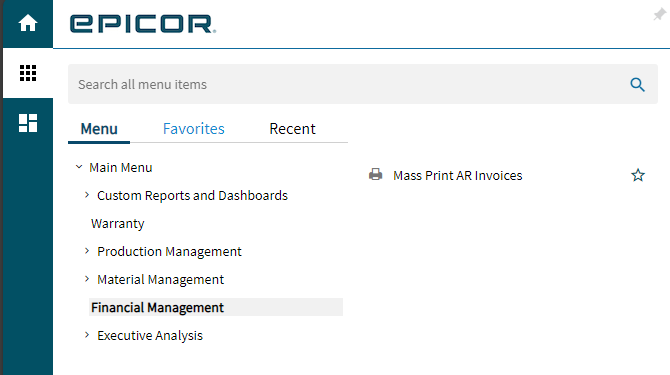
Aha! We figured it out.
First, Mass Print AR Invoices is apparently both a standalone app AND the app that the slide-out panel uses in AR Invoice Tracker. Got that?
Apparently in Kinetic, the slide-out panel INHERITS the permissions of the folder in which Mass Print AR Invoices resides.
So even though Mass Print AR Invoices was supposed to be available to all users, the folders above it were not.
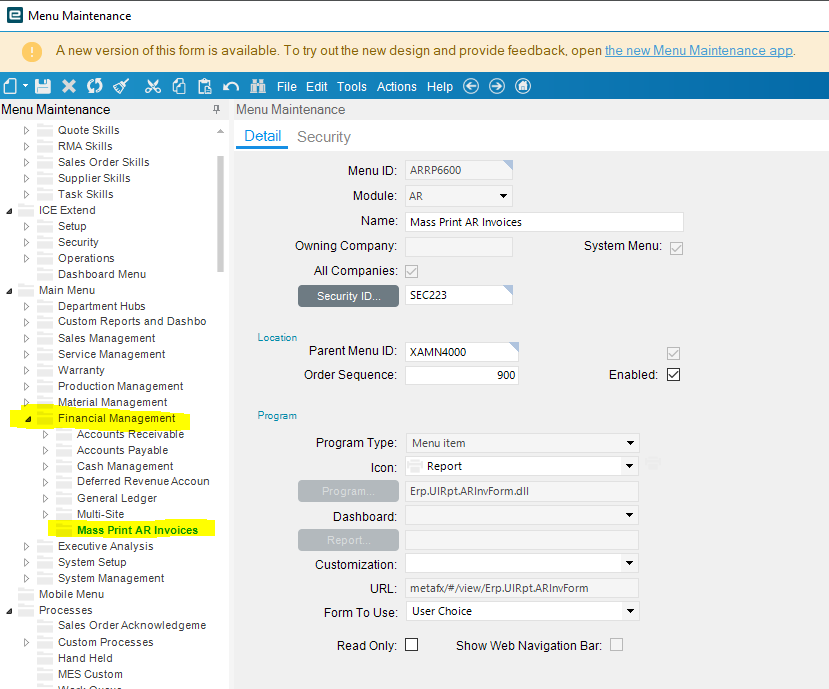
So I moved it.
- I put it in Financial Management
- I opened up Financial Management to all users (just the top folder)
- But I made sure that every folder inside of Financial Management was blocked (except to accounting)
This is all they’ll see: