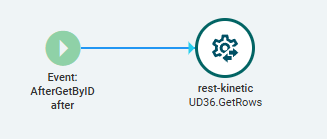
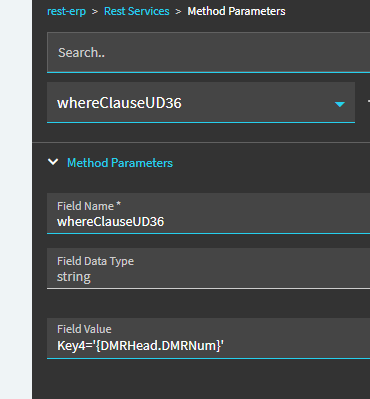
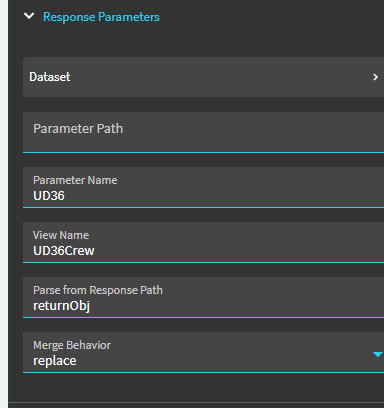
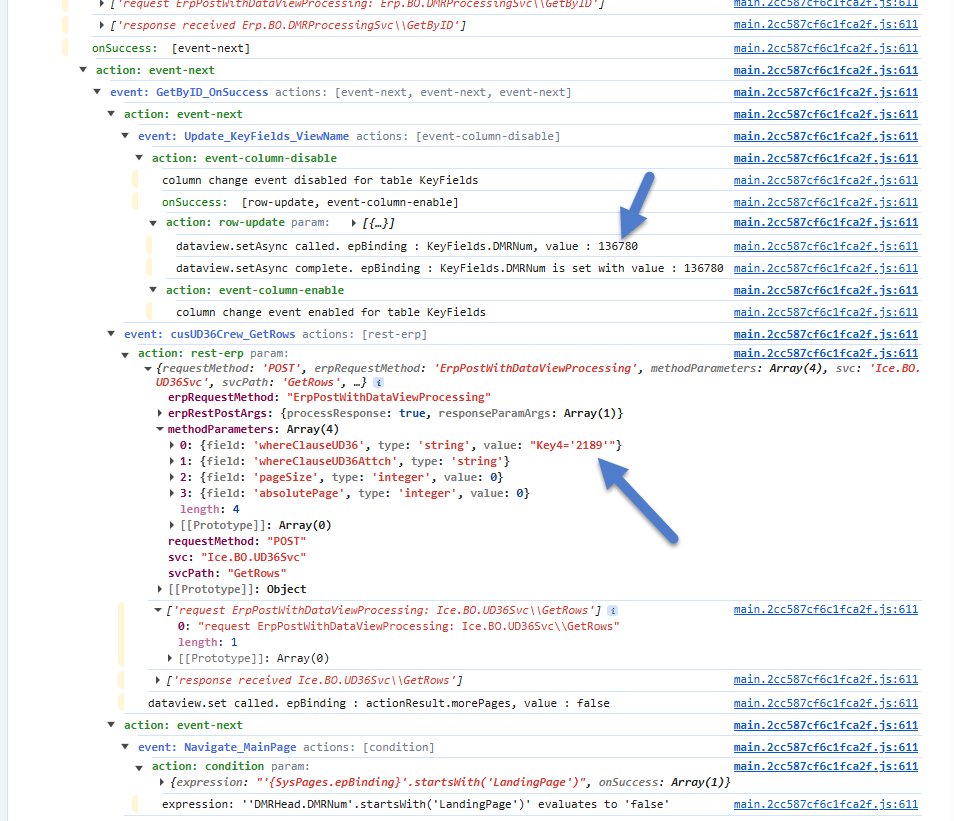
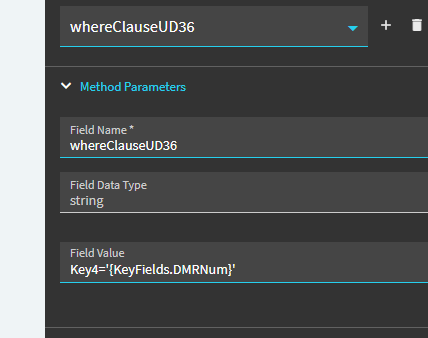
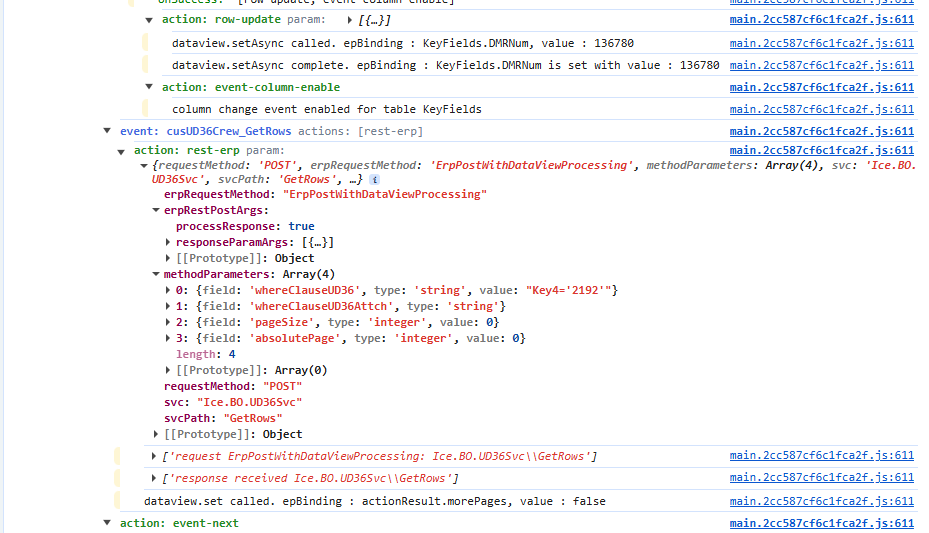
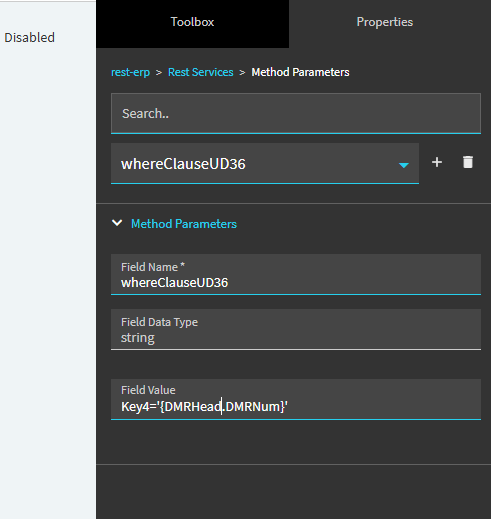
I’ve had this issue in other screens and I’ve searched here and haven’t found a resolution. This is in regards to the DMR Kinetic screen. I’ve connected a UD table by creating an event that ties to AfterGetByID that fills a custom dataview for the UD table and is linked by the DMRNum. When I click on a DMR from the landing page, the custom dataview fills correctly. When I change the DMR Number manually in the detail screen, the custom dataview keeps the old data while the kinetic screen for the dmr changes. When debugging, the DMRNum sent is the previous DMR Num not the new one I typed in. I’ve tried many events to try to get the typed DMR Num to no avail. I’ve also tried using the KeyFields dataview but that didn’t work.
Again, this setup does work when clicking a dmr on the landing page. Has anyone come across this? Is there a special event to handle changing the DMR Number manually to get the typed DMR Number?
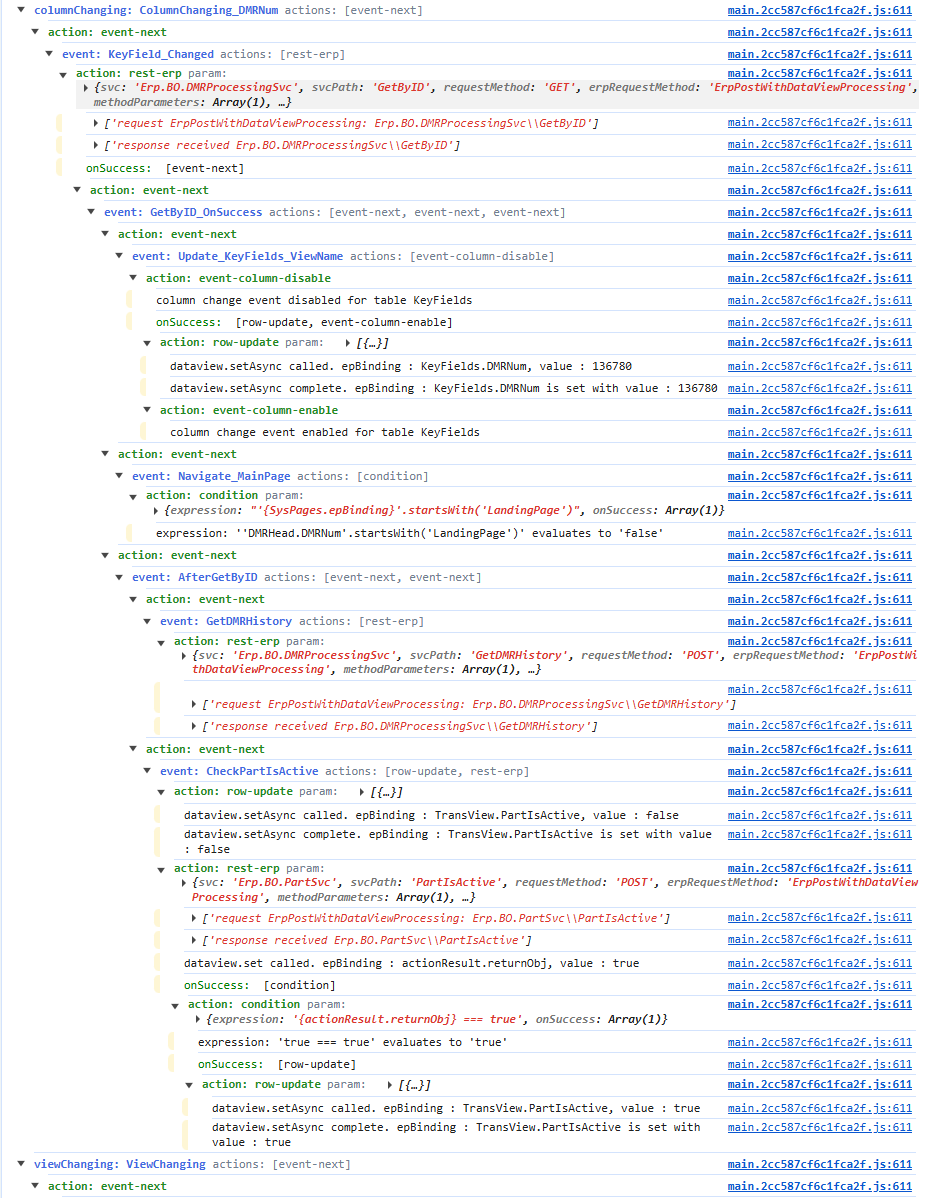
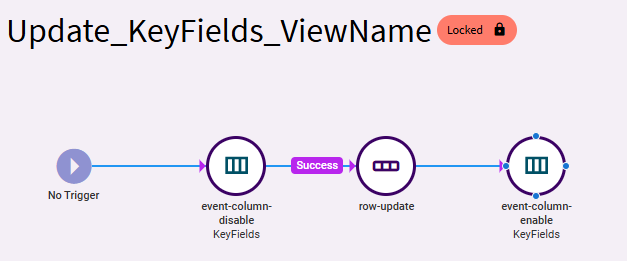
Can you show your event chain? Sounds like a timing issue.
I’ve found that you may have success chopping up events like this into multiple and calling certain steps via event-next. This ensures one step fully completes prior to calling the next. For example, you may be calling your UD “get” before the DMRNum change is complete, so it sends the old value.
It shouldn’t be necessary… but sometimes it helps.
It’s pretty simple. It’s just a getrows of a ud table.
It seems I may have to create another event (which I shouldn’t have to) but I just don’t know what event because it doesn’t seem the DMR Num gets updated in any events that are available when typing a new DMR number
Create a new event with a trigger of afterAfterGetByID (if you want to try that one again).
In this event, add an event-next to call your original event.
Its holding on to the previous KeyFields.DMRNum value. Possible it is grabbing context values when the initial event kicks off (including KeyFields.DMRNum)… and event though it is updating the value… that value isn’t being committed until that full event chain (including “after” events) complete.
I’ve seen before that splitting things out with event-next creates a clean break. Almost like it forces values to be committed prior to the “event-next” event starting.
This was never a problem in the past… but lately I’ve seen this work a few times. Worth testing.
Yeah, wish I could explain it. I don’t remember running into this in the past. But recently I’ve seen App Studio events holding on to old values. Breakings out to separate events and calling them via event-next seems to do the trick.