Hey all,
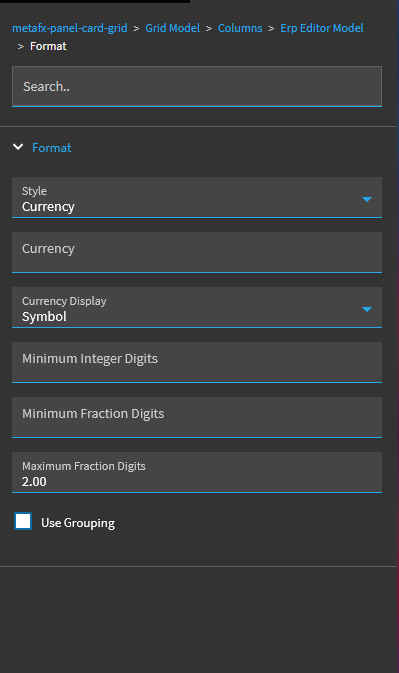
On one of my Kinetic dashboards, I’m got a decent set of decimal fields sourced from calculated BAQ fields. In the dataview, they show properly as decimal. These fields represent cost, and it would be nice to display them in traditional currency format (e.g. $123,000.00). By default they are displayed without the dollar sign or any commas, and too many fractional decimals. Normally, I have been able to correct this by changing the column editor to currency or decimal.
In this case, I’ve tried both, but nothing seems to have any effect on how the field is displayed. I’d prefer to keep the column as a decimal type so sorting works correctly vs creating a formatted string version of the column in the BAQ.
Does anyone have any suggestions?
Dataview Columns
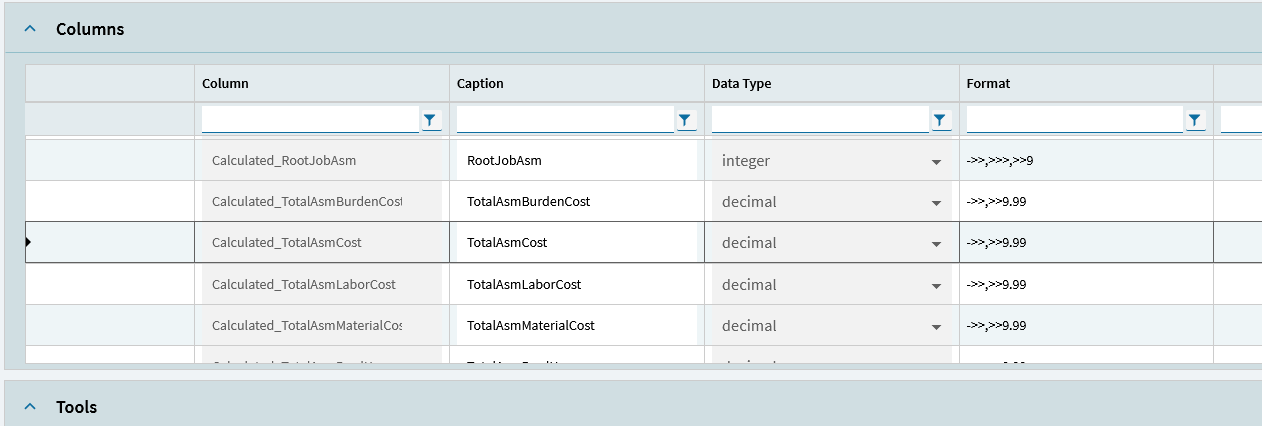
Field Config

ERP Editor “Number” Config
Note that selecting currency also has no effect.