I am trying to hide an entire Groupbox or Container in application studio either using Data Rules or Events. Data Rules don’t seem to be a possibility because these components don’t have an EpBinding property.
I have also tried to set the Hidden property to true using the Set-Property widget in an event, for my component’s Component ID. First I tried for a GroupBox, and it didn’t work. I checked the component properties and found that a GroupBox does not have a ‘Hidden’ property.
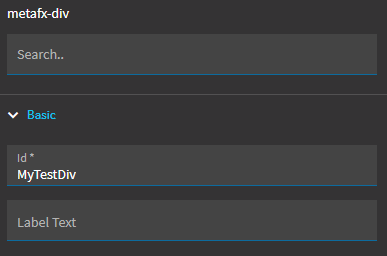
So again I tried Set-Property on a ‘1 Column’ (metafx-div) component because it does have a Hidden property. However, it still is not working.
I would appreciate any help or feedback you all could offer.
Div Properties
Set-Property - Component ID

Set-Property - Prop/Value
