This thread was helpful to identify where my process call was not configured correctly, thank you.
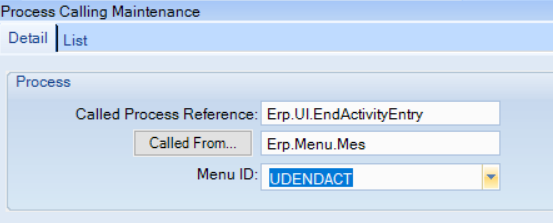
I created a process call for end activity to use a menu ID so I can present a different menu to supervisors that can report labor qty. (issues on shop floor over reporting qty, now they only want certain individuals)
The MES menu - End Activity has a customization so I disabled the qty fields (labor, scrap, non cf) and they can report time.
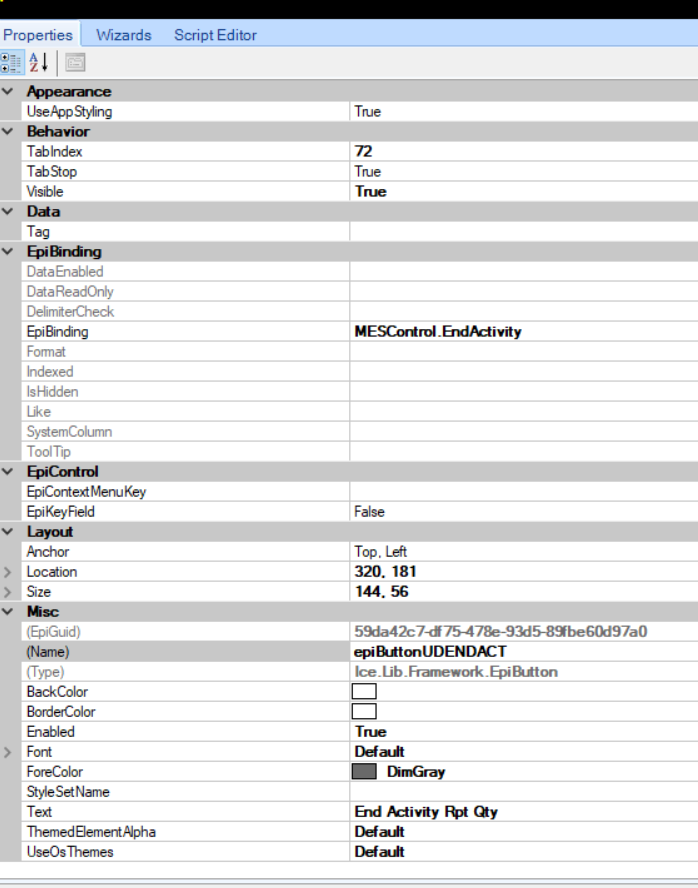
On the Supervisor’s Tab, I created a button, configured the event and assigned the menuID.
It works, end activity- passes job info and can save/complete. But then after I save I get a popup:
I created a trace and it runs through the first time correctly, but tries to run end activity again which has zero rows because it’s already been completed. I don’t know where to address that.
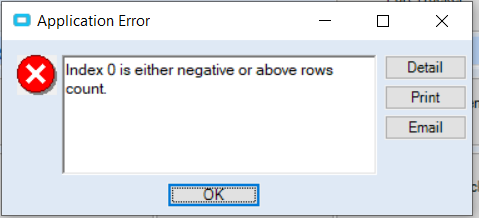
Index 0 is either negative or above rows count.
And the assigned menu pops up without Job info.
I need this working by Monday!
Any takers? Thank you!!
My Process Call
My Button Properties
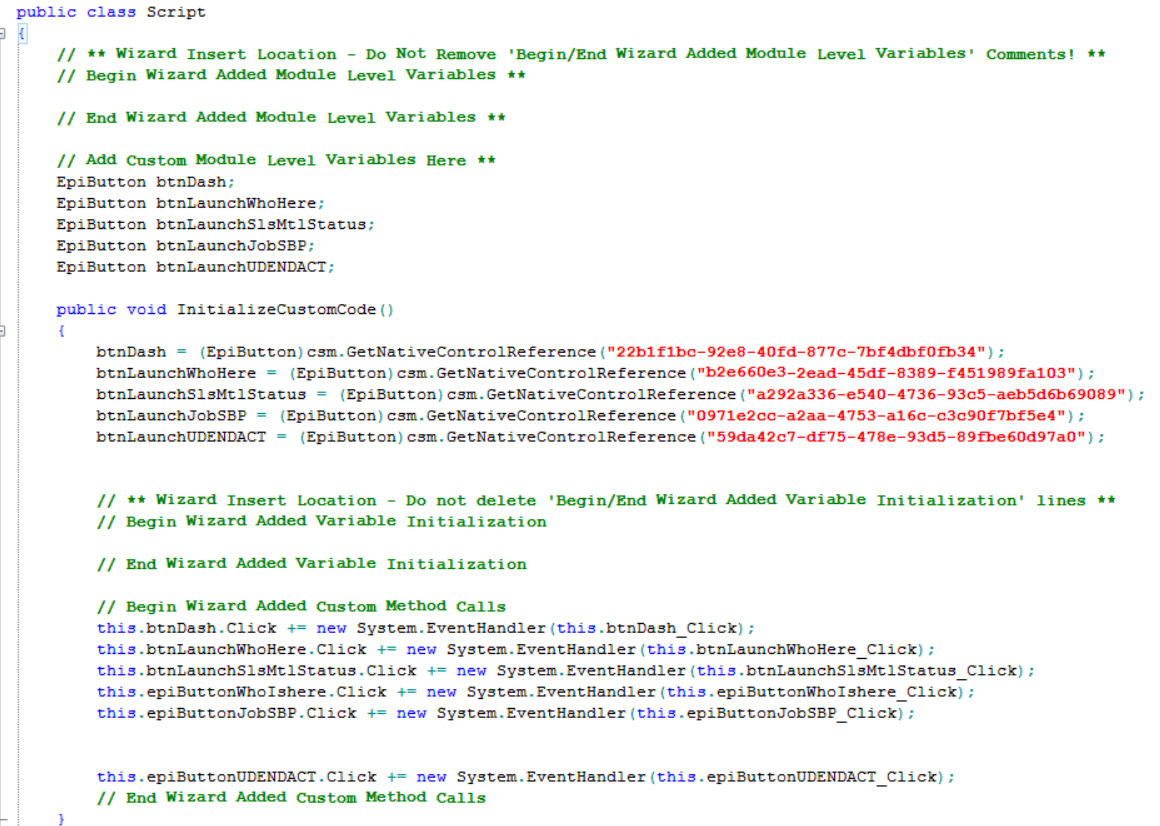
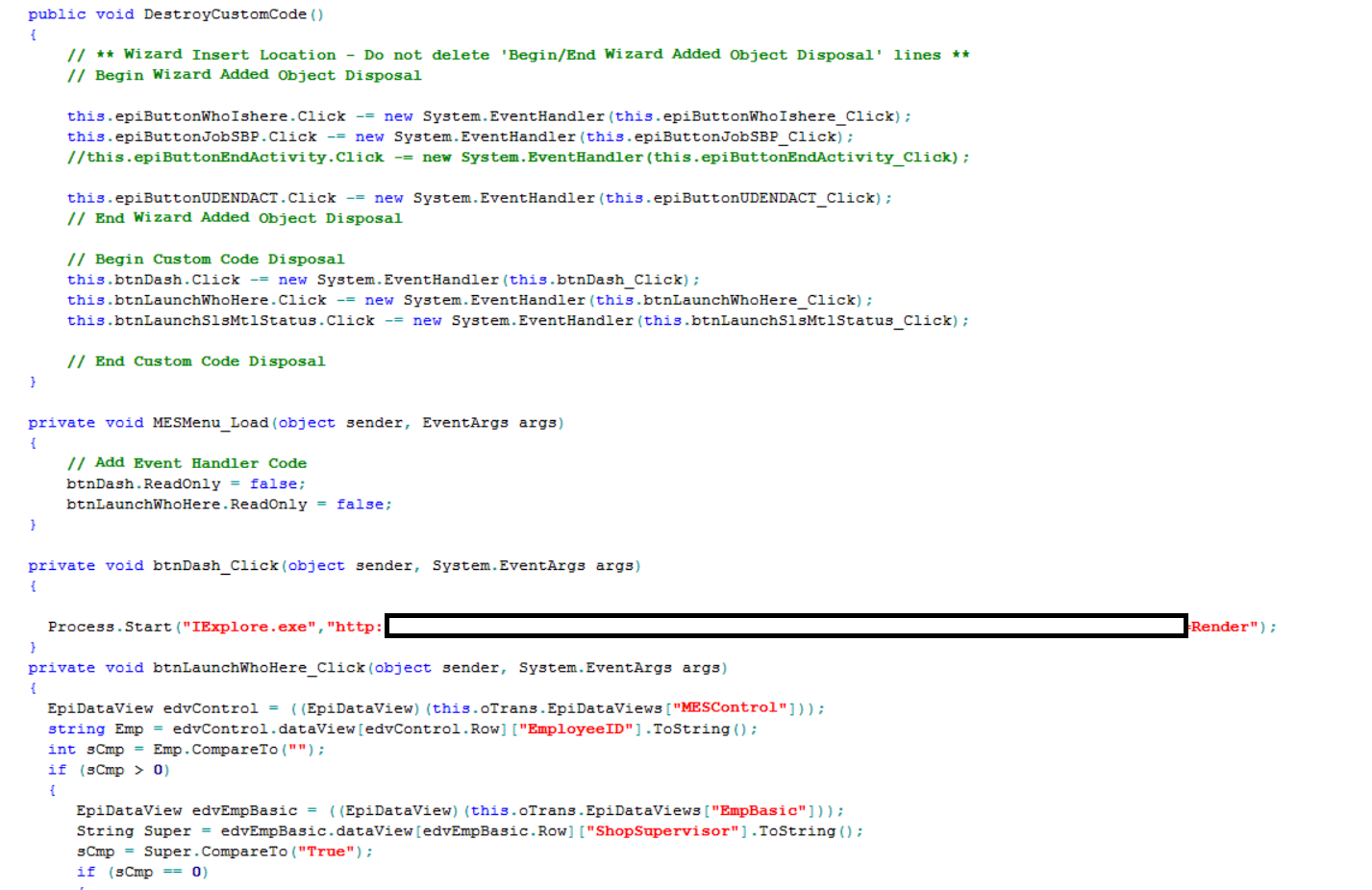
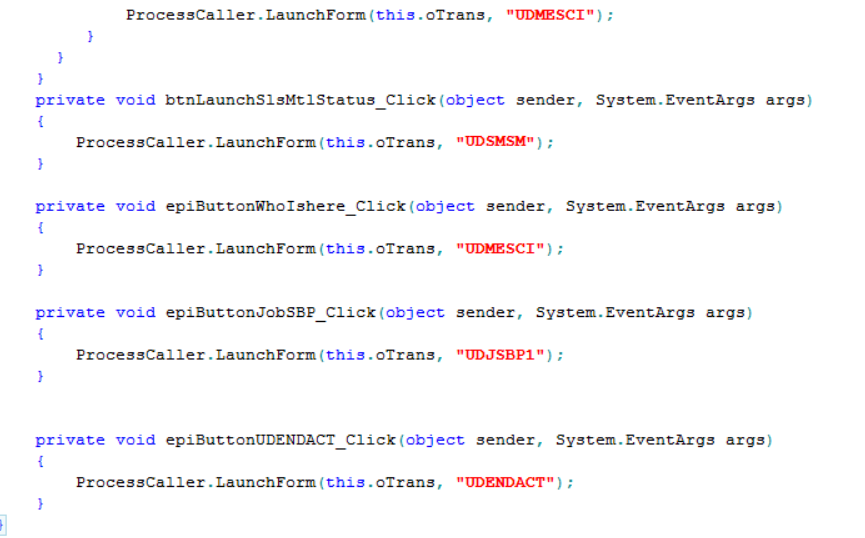
My Script