Right, although consider that OOTB, User Codes is present under System Setup where, usually, only system managers have access to.
If you do expose that to general use, then @dcamlin’s idea of a custom layer is a great choice!
Right, although consider that OOTB, User Codes is present under System Setup where, usually, only system managers have access to.
If you do expose that to general use, then @dcamlin’s idea of a custom layer is a great choice!
Similar to @dcamlin, we make a updatable dashboard for the users that need access to modify specific user codes.
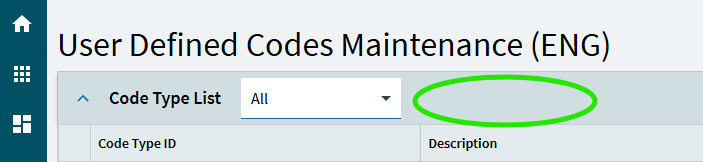
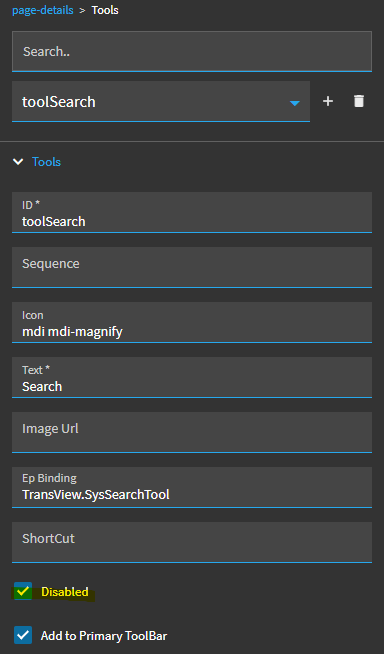
That’s nice! But there is still a Delete tool at the top of the Code Type page which will let them delete code types. And the search on the code type field will let them find code types other than the intended ones.
PSA! Don’t know about Kinetic, but classic will let you delete a ud code library without any warning.
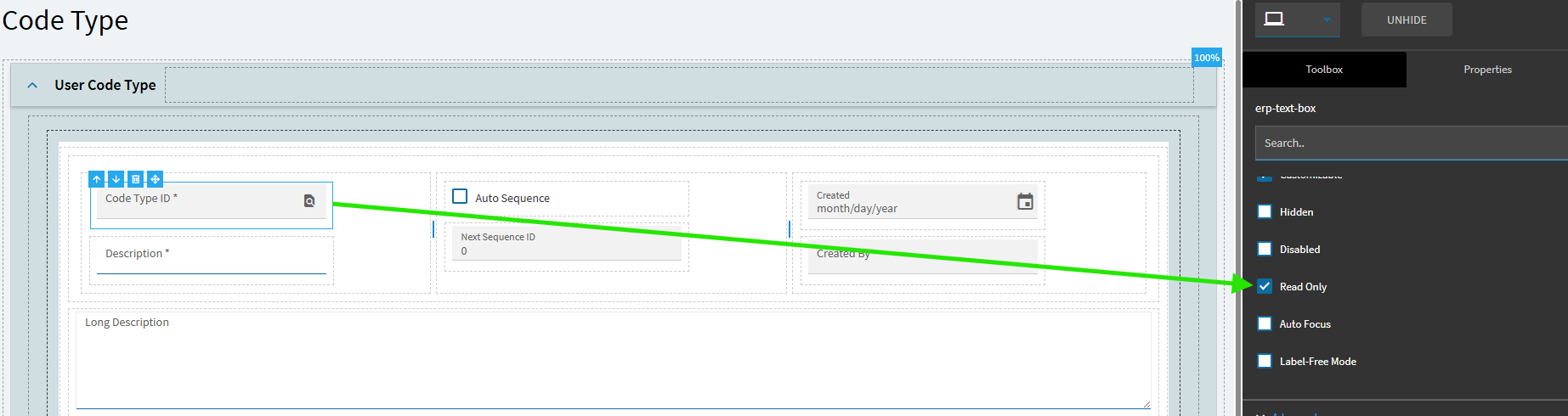
There is still the search on the Code Type field on the Code Type page, but even if the search is removed the user can still type in a code type they shouldn’t have access to, and it will then display it for them to add/change/delete codes. I tried using Advanced > Pattern on the Code Type ID field (“Force input to match this regular expression”), and all it does is turn the the field label red when you call up a code that doesn’t match - the code entry still loads. (I don’t think that word “Force” means what you think it means.)
Maybe you could set the Code Type field to search only and then have a custom filtered search?
Not trying to nitpick - I’m just trying to run through the various scenarios in my own mind, so that employees won’t hax0r the mAiNFraMe. 
Well I bet you are no fun at parties.

Ah, perfect!
If you want to bulletproof it, then a single UI may not be enough. You could add a side of BPMs to complement your order, where you can also include security groups conditions, like the user should be part of the DeleteUDCodes group or something of the sort.
This could help even for the search action, you can set a filter on the Post Processing GetRows directives of UDCodes to only get the CodeTypes you are supposed to see/modify.
Probably overkill, probably necessary… depends on how you see it .
And then a user with BAQ Developer can query all of the UDCodes table at any time… not that we have BAQ developers running all over the place, but it’s more than just security managers.
It’s really not made to hold secrets
We are and we recognize the need. Especially with everyone’s favorite: “Epicor updated my code!” having source control would mean instead of updating your code we’d just create a new version of it and leave it to you to decide if you want it on the old one.
NOTE; Not a commitment to any particular pattern, workload or timeline. Jut a recognition that we agree with you.
Dump Sources, cloud would be a quick n easy win toward this goal - at least then we can commit to local repo for version control