BlakeW
June 15, 2020, 6:57pm
1
I was wondering if there was a tutorial or documentation on how to set up a new currency within Epicor. If I understand correctly you must use multiple modules to accomplish this.
Currency Master Maintence
Rate type
Exchange Rate Entry
Is there a step by step guide on doing this?
Jonathan
June 15, 2020, 7:32pm
2
Not sure if there is a guide, but what you wrote is basically correct.
Define the Currency in Currency Master
Define conversion rules between the new currency and existing currencies in Rate Type
Define actual exchange rates between new and existing currencies
Go back to Currency Master and Activate the currency
If this is a reporting currency use the Actions menu to add it
BlakeW
June 15, 2020, 7:38pm
3
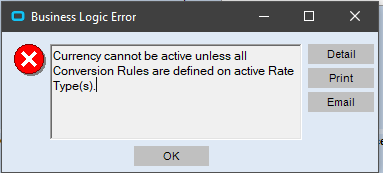
When I try to activate it in currency master I am getting this:
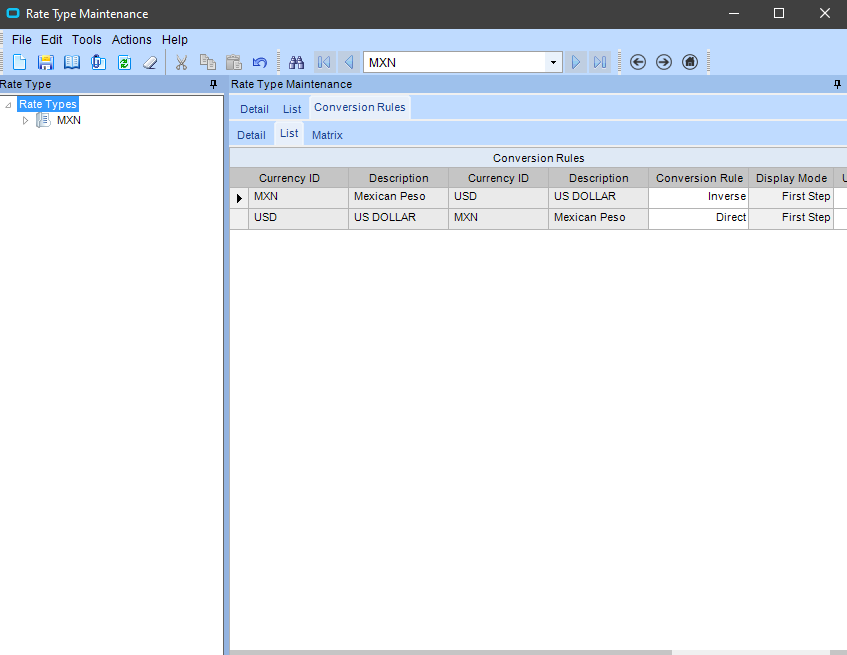
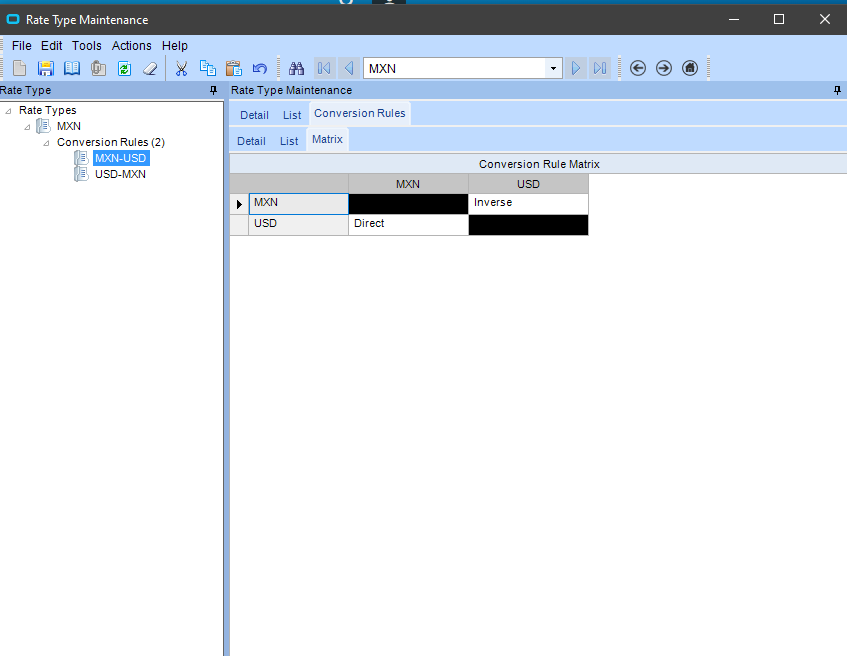
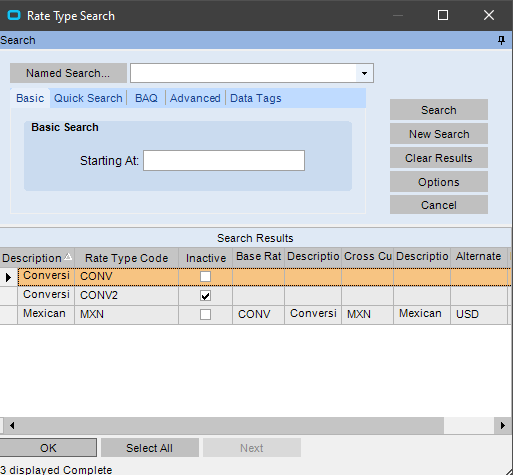
Here is my Rate Type Maintenance:
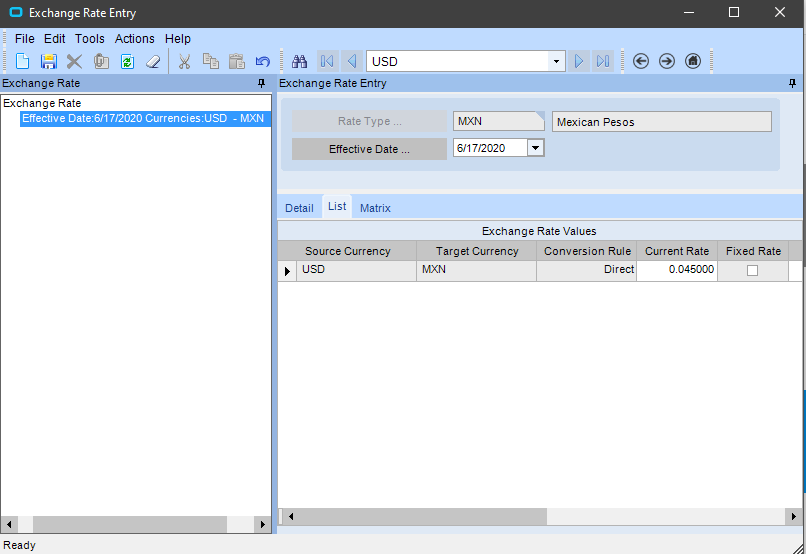
Exchange rate Entry:
Jonathan
June 15, 2020, 7:55pm
4
In Rate Type go to Conversion Rules/Matrix, there you have to make sure there are no undefined rules.
Also if you have more than one active Rate Type you need to update the rules in all of them.
prash172
June 16, 2020, 10:03am
5
Once all the conversions are defined, check the Rate type maintenance and activate the same.
BlakeW
June 16, 2020, 11:32am
6
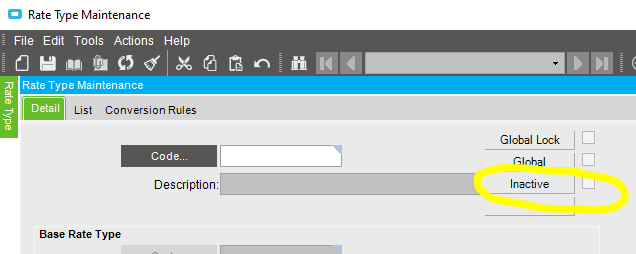
This is how it looks for me.
BlakeW
June 16, 2020, 11:33am
7
Yes I have inactive unchecked for the rate type.
prash172
June 16, 2020, 1:11pm
8
Define the Currency in Currency Master
Define conversion rules between the new currency and existing currencies in Rate Type
At this stage status of both currency master and the rate type is “Inactive”
Jonathan
June 16, 2020, 1:57pm
9
What ERP version do you have?
How many active rate types do you have? Have you checked all of them?
BlakeW
June 16, 2020, 2:38pm
10
I have 2 active rate types
also we are on version 10.2.400.9
Jonathan
June 16, 2020, 6:26pm
11
And both have all conversion rules defined?
It could be a bug, if you still get the error after defining the rules in types CONV and MXN, can you try adding rules to CONV2 and making it active? Then if you can activate the currency go back and set is as Inactive
BlakeW
June 16, 2020, 6:31pm
12
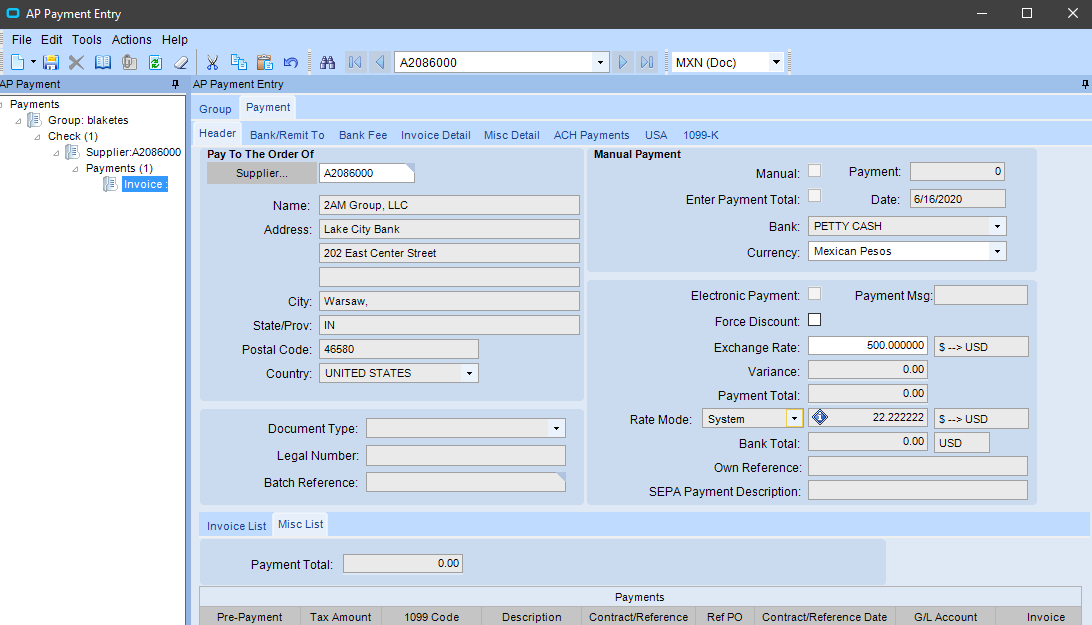
I was able to get it to work after adding a GL Control inside the currency master maintenance. I just wish there was documentation on this so I can learn how to actually use the functionality I just set up. Where would be a good place to test if I did this right? The exchange rate should be 0.045 but that isn’t what is showing here
Jonathan
June 16, 2020, 6:39pm
13
Not sure why the GL Control was required to activate the currency, definitely sounds like a bug but don’t remember running into it before.
As for the screenshot, it is basically the reverse of your exchange rate.