Job Entry List Customization/Personalization

I am trying to find a way to add a Field that is not located in the Column Collection for the Job Entry page. I would like to add Part.TypeCode to the list view in Job Details/Materials/List.
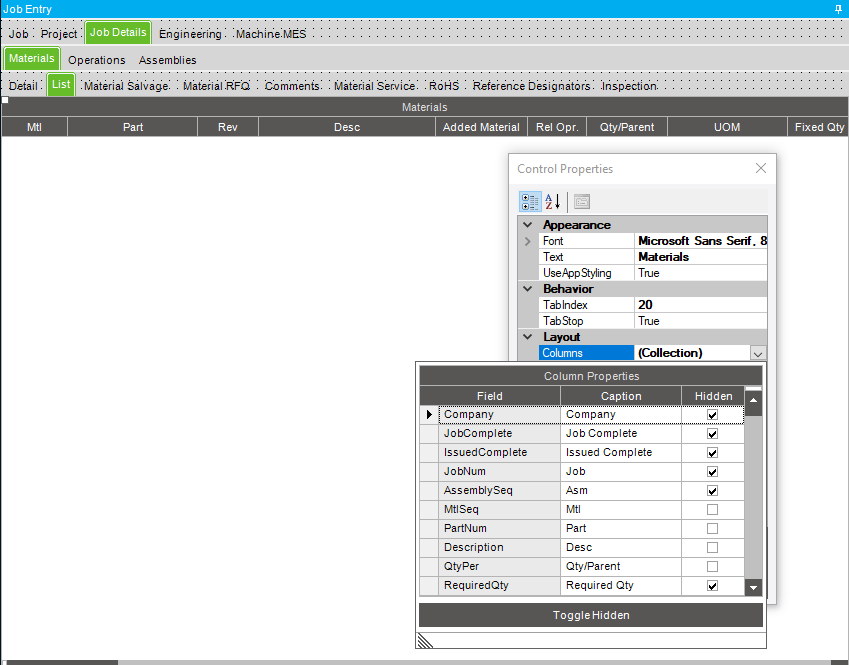
From searching, I believe I need to go into customizations and bind the fields with a Foreign Key. If this is correct, could someone point me in the right direction to where and how I do this? Some sources say Foreign Key Wizard, others say to use Script Editor.
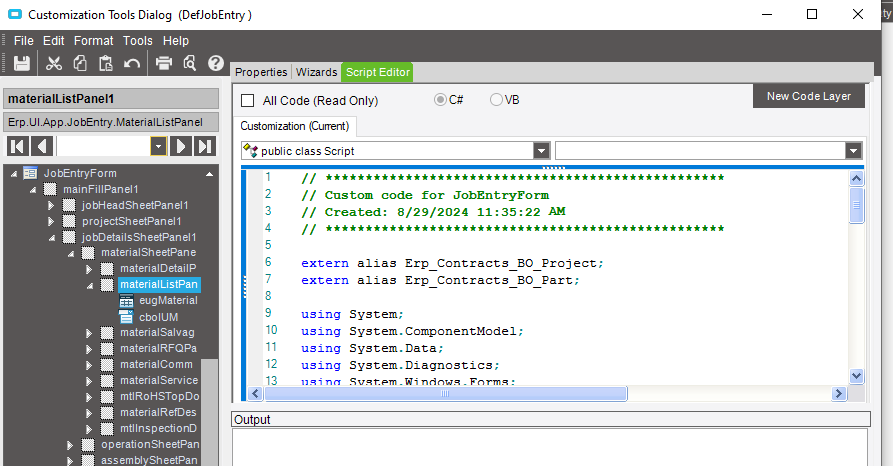
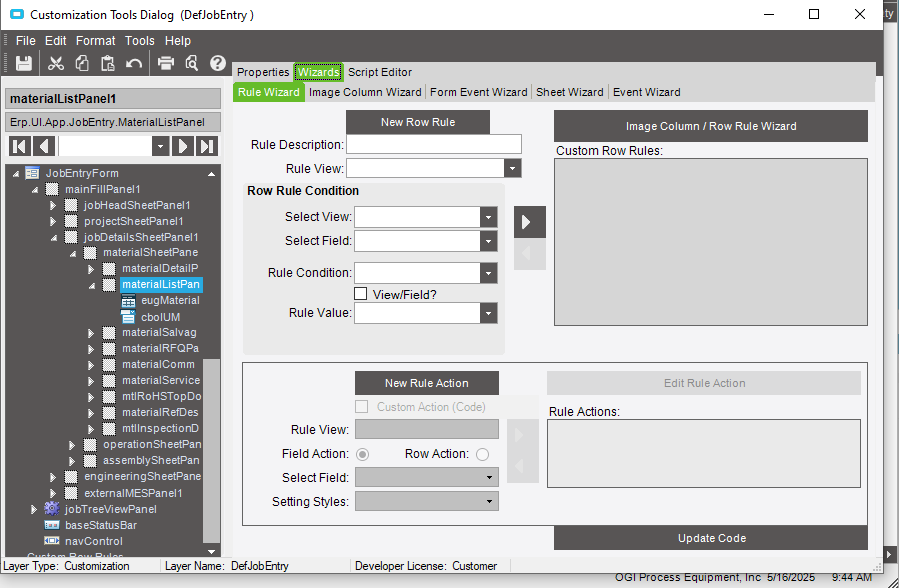
Thank you.

  1. First you need to add a field in UD Column Maintenance in in the Job Head table.
  2. Regenerate the data model
  3. Recycle the IISS application pool
  4. Go back into your Epicor application and click on developer mode
  5. Open the job entry sheet and from the Tools menu select Customization
  6. When the customization screen opens select from the Tools menu the Toolbox
  7. Click on the Job Entry tab where you want to add the field
  8. From the Toolbox select EpiTextBox and go to you sheet and highlight the area where you want the field.
  9. In the customization screen find the EpiBinding and click on the arrow in the blank row beside it to select the Job Head table and find the field you added in UD Column Maintenance
  10. Save your changes
  11. In Menu Maintenance find the job entry sheet and add your customization
2 Likes