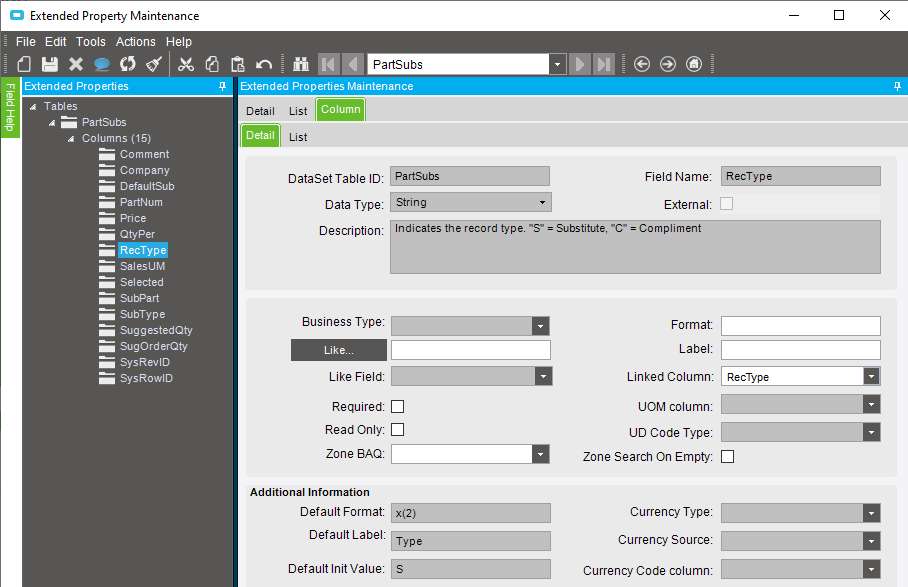
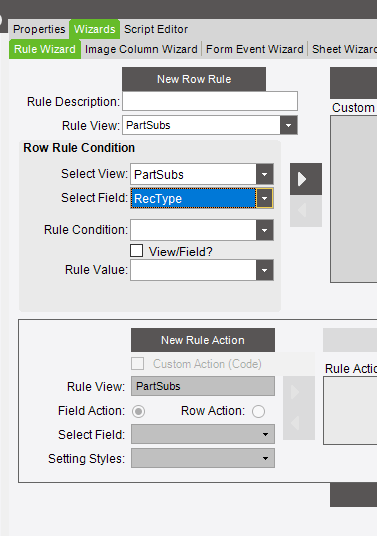
Hello, I am having difficulties finding where/how to add new values to an existing column and a new custom column. Currently, the Column I’m trying to modify is PartSub.RecType which has “Substitute and Complement” listed in the drop-down menu in Part Maintenance. I would like to add another one called “Service”. This is to be linked to a new custom column called “Service Part Type” which will need to be populated as well. I have already added the field and drop-down menu using Customizations as shown below.
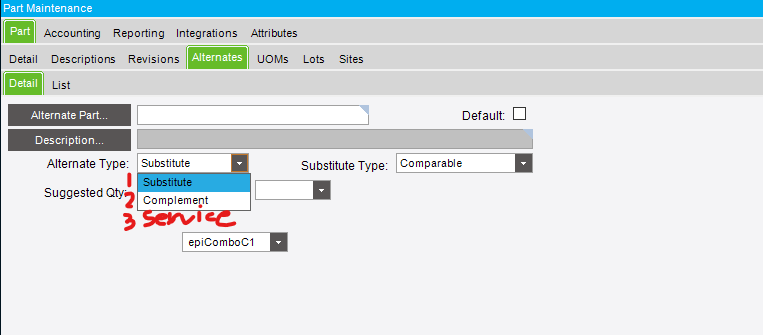
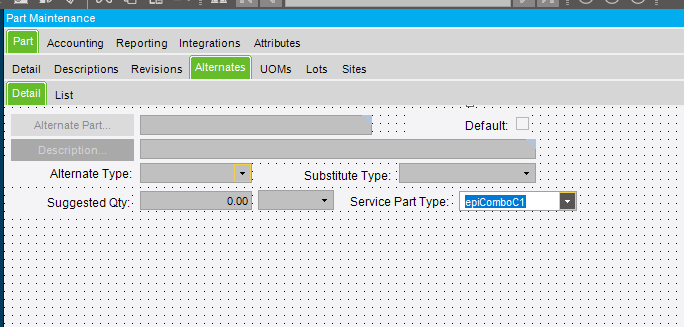
I am having difficulties locating where I can input the necessary values for these fields.
The end goal is to customize the current Part “Alternatives” page to display “service parts” (new field) numbers that go into building a parent part. For example, Part # 123 will have a list of parts: ABC, ZXY, that go into making Part 123 when “Service” is selected. That way it is easier for our service team to know what parts make up a certain parent part that may have failed. The custom column I created will be a drop down to select what type of part it is, whether it be a Motor, Gasket, Hose Line, etc. As there can be multiple of each. Then each Sub-Part of 123 will have this information to filter and find easier.
I have looked through the forum and can’t find exactly what I’m looking for, but it has led me to Extended Property Maintenance which is all grey and wont allow for me to edit/add. Another thought I had was creating a UD field called RecTypeUD to input the information but that hasn’t seemed to work either. Any help would be greatly appreciated.