I think it’s time to consolidate the collective knowledge into one guide. I’ll need help with this.
Problem
You open a screen/app in the browser and get a blank error, or the window itself is completely blank
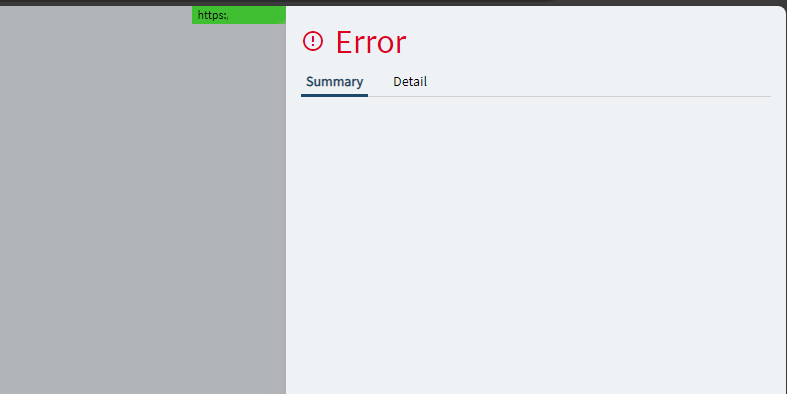
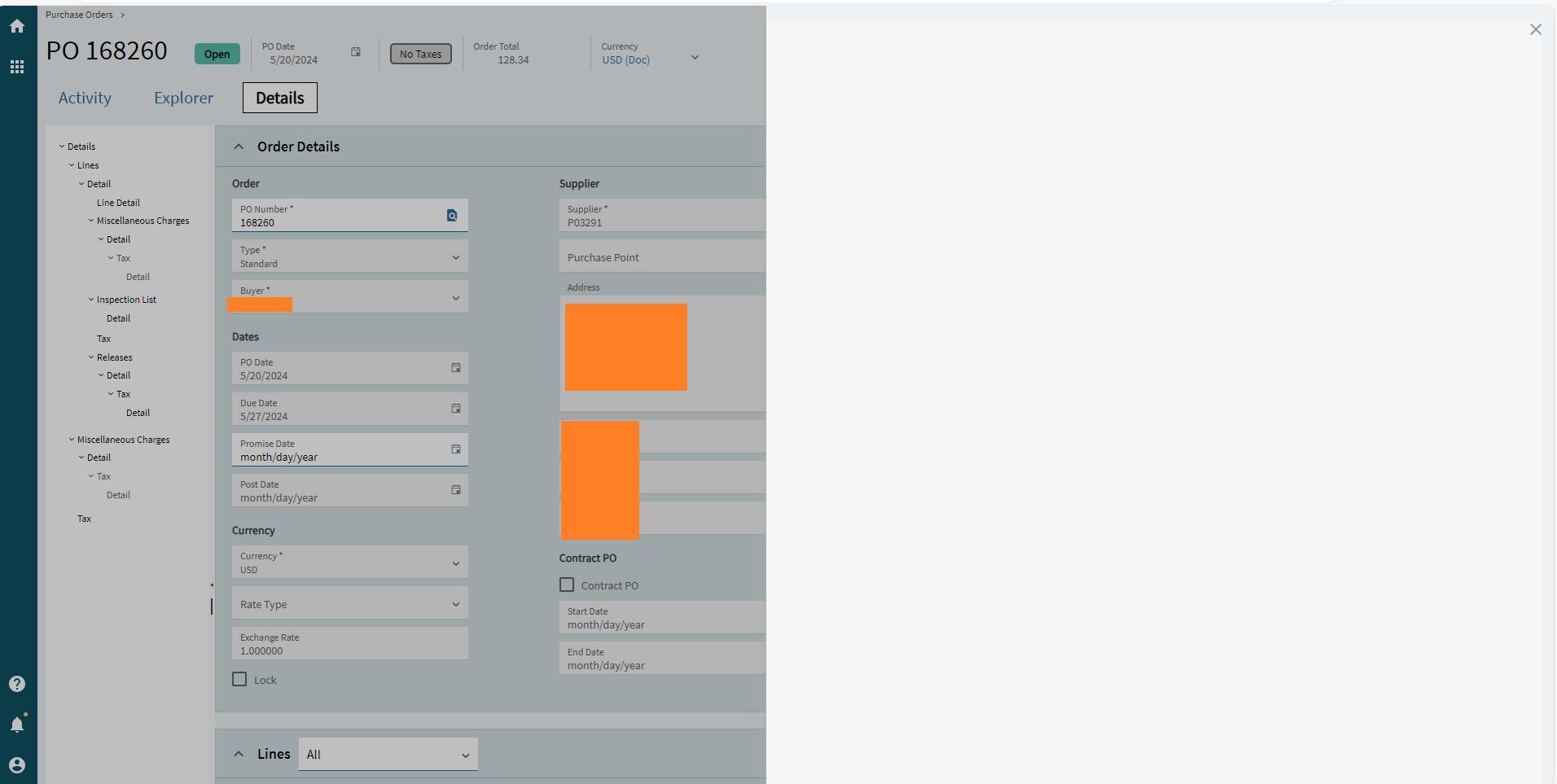
Pic of blank screen (click arrow to expand)
Here, the user was trying to print the PO; the blank slider panel is what appears when clicking the Print button
Things to try
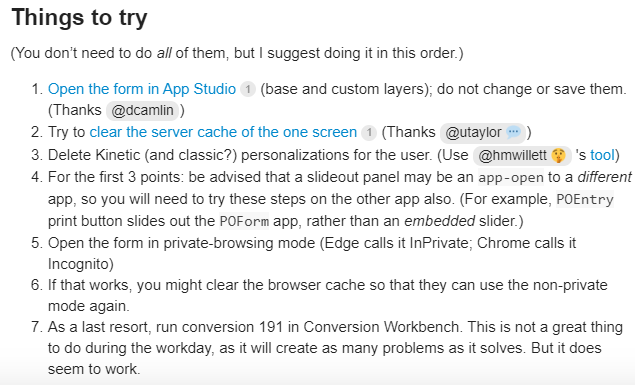
(You don’t need to do all of them, but I suggest doing it in this order.)
- Ctrl+Alt+I (ask the user to do this).
- Open the form in App Studio (base and custom layers); do not change or save them. (Thanks @dcamlin)
- Try to clear the server cache of the one screen (Thanks @utaylor)
- Delete Kinetic (and classic?) personalizations for the user. (Use @hmwillett 's tool)
- For the first 3 points: be advised that a slideout panel may be an
app-opento a different app, so you will need to try these steps on the other app also. (For example,POEntryprint button slides out thePOFormapp, rather than an embedded slider.)
a. Also not a bad idea to have the user log out and back in after any of these. - Republish the layer being used (if applicable).
a. Also, click that link for advice on testing a base layer. - Open the form in private-browsing mode (Edge calls it InPrivate; Chrome calls it Incognito)
- If that works, you might clear the browser cache so that they can use the non-private mode again.
- Hard browser reset (@josephp)
- Multiple layers can cause a conflict. (@aosemwengie1)
- As a last resort, run conversion 191 in Conversion Workbench. This is not a great thing to do during the workday, as it will create as many problems as it solves. But it does seem to work.
Personally, I try desperately to avoid the last option (conversion 191).