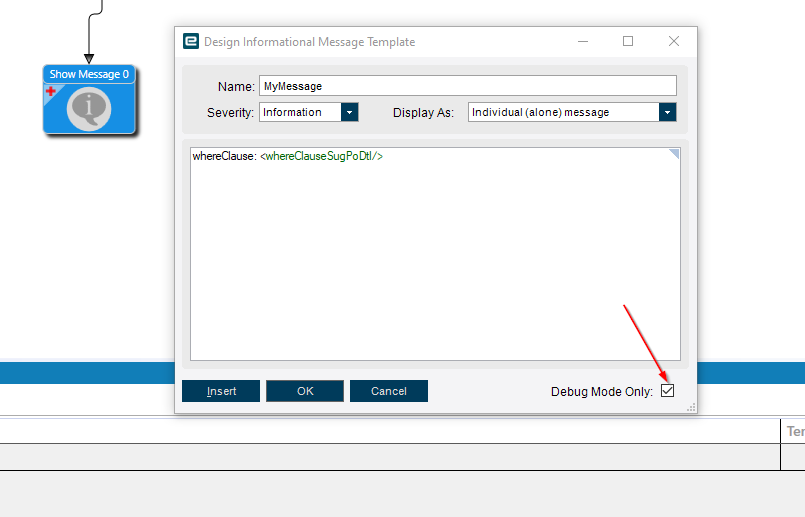
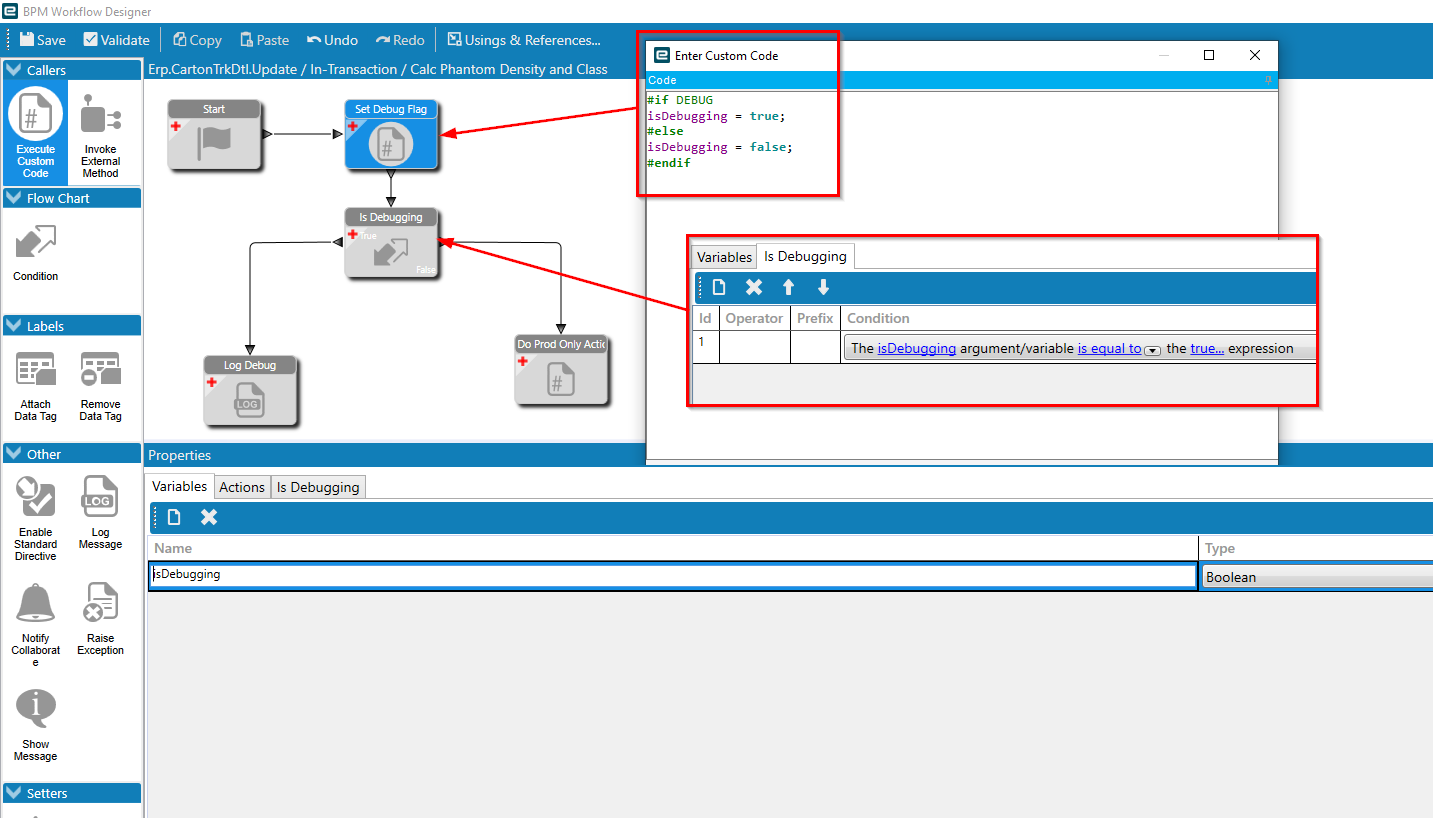
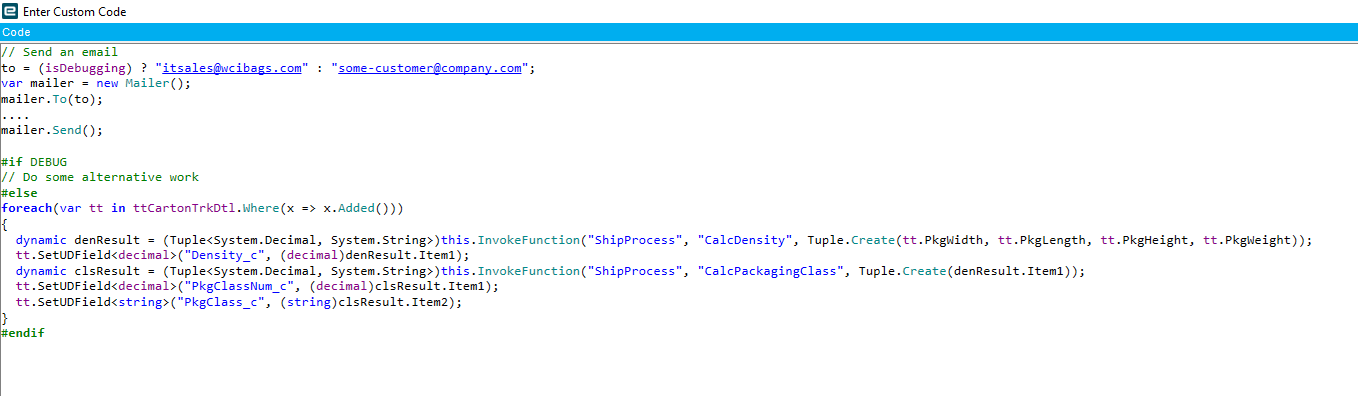
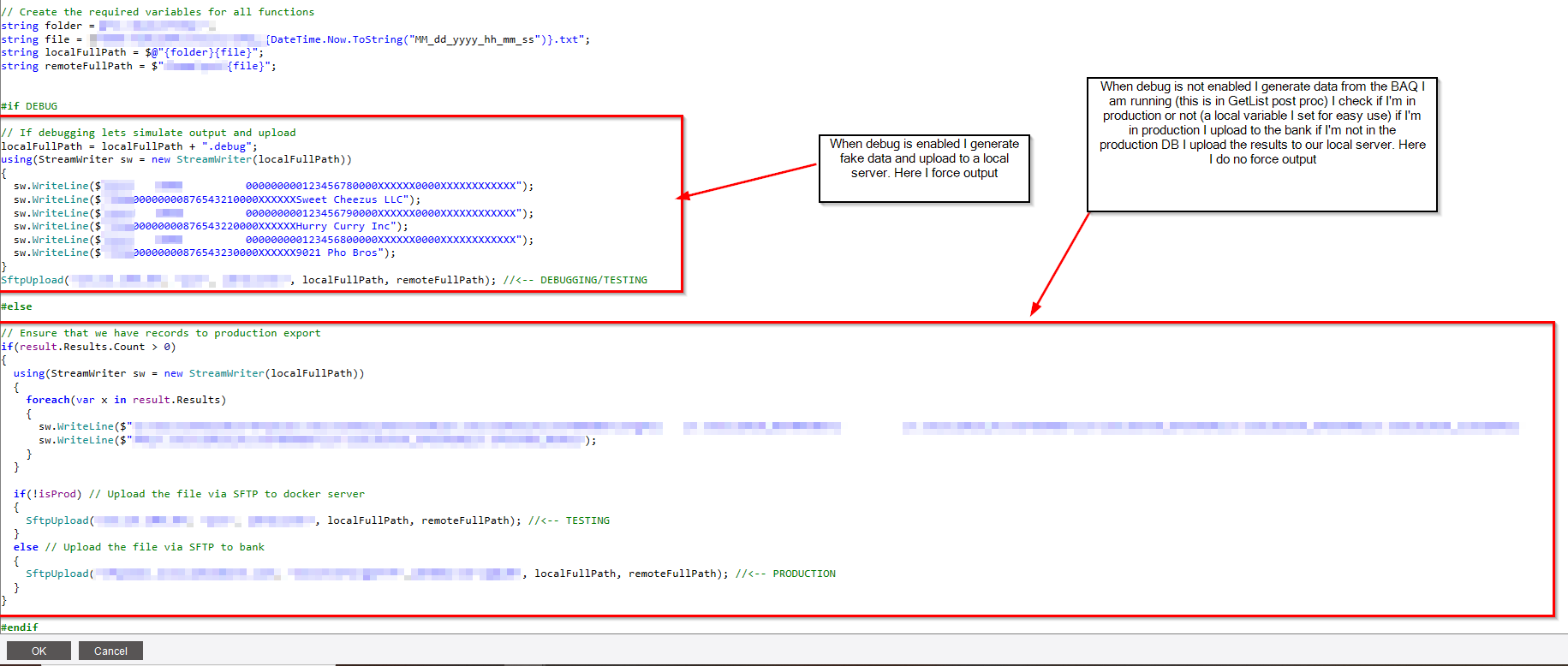
Anything between #if DEBUG and #else or #endif will only be COMPILED when debug is checked. This means if debug is not checked auto complete nor syntax check will work in the block of code. Likewise anything between the #else and #endif that may be your production non debug code will not syntax check while in debug mode.
I use this for things like if I need to debug out positive pay output if there is trouble in production I can just throw it in debug and test the export without allowing the upload code to run.
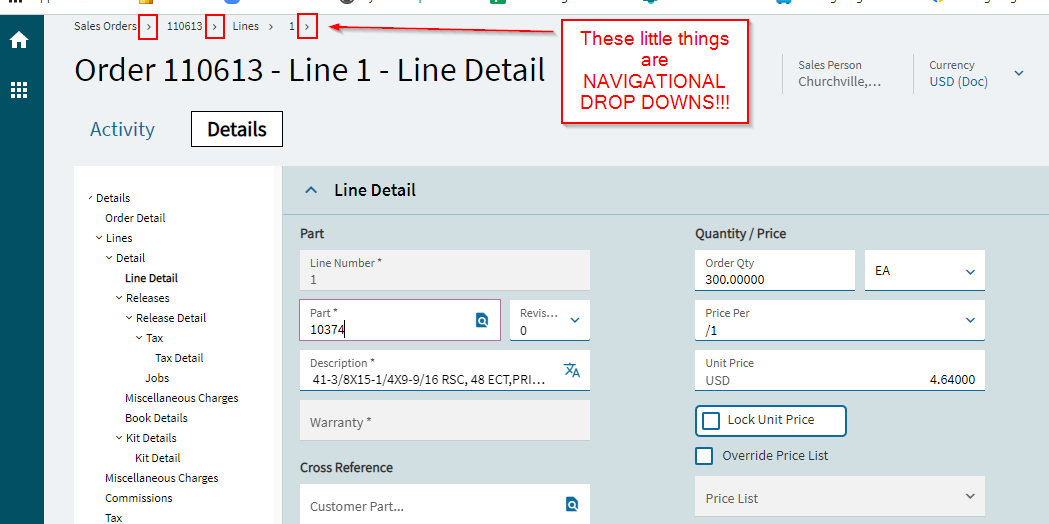
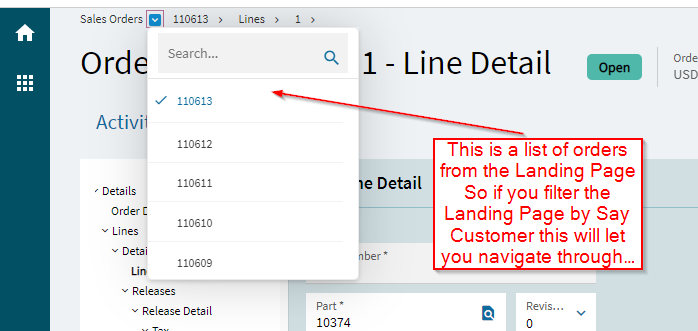
@josecgomez - I tried the crumb bar navigation dropdown it for Job Entry, and mine is showing a list of all jobs (like from the landing page), rather than the list of previously opened jobs like in Classic. Or am I missing something?
EDIT - Yup, I missed the screenshot where you mentioned that it’s a list from the landing page. Doh! Great idea to filter there, and use the dropdown. I still want my recents list back, though!
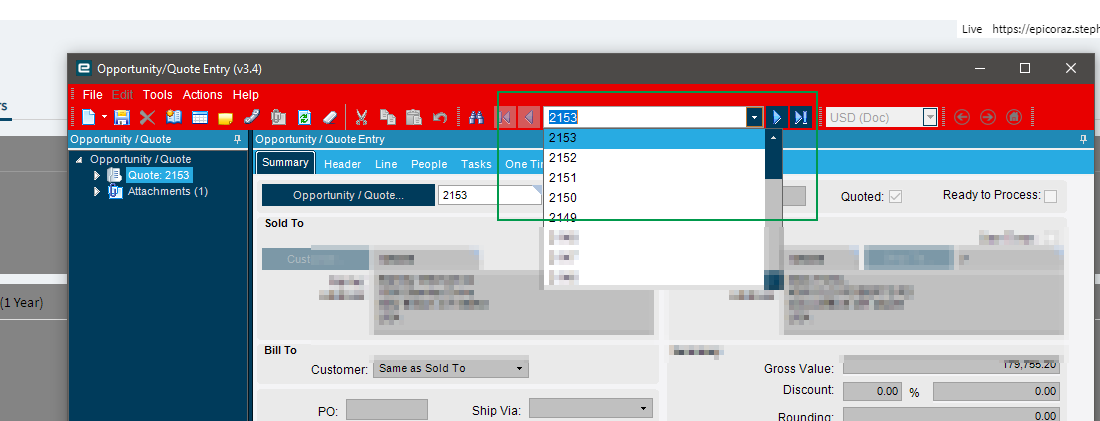
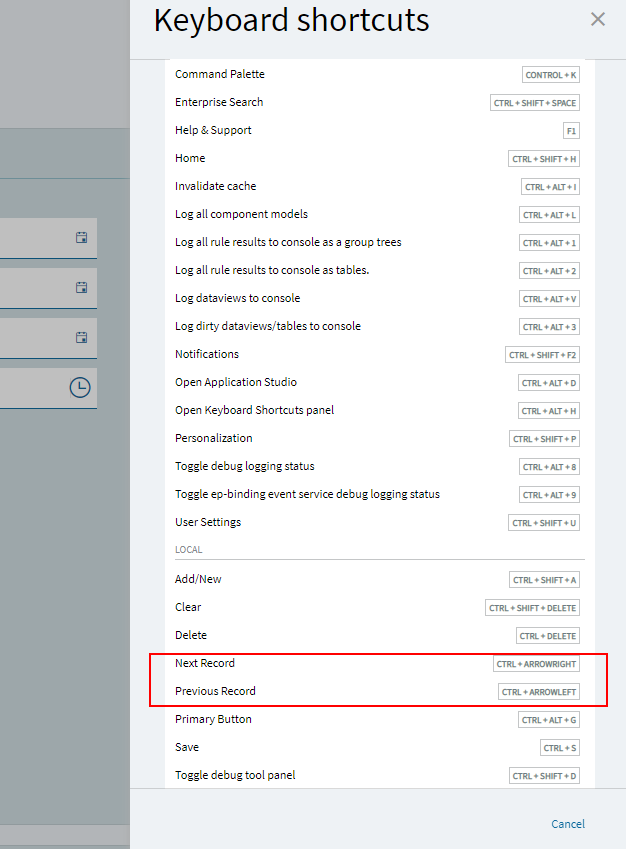
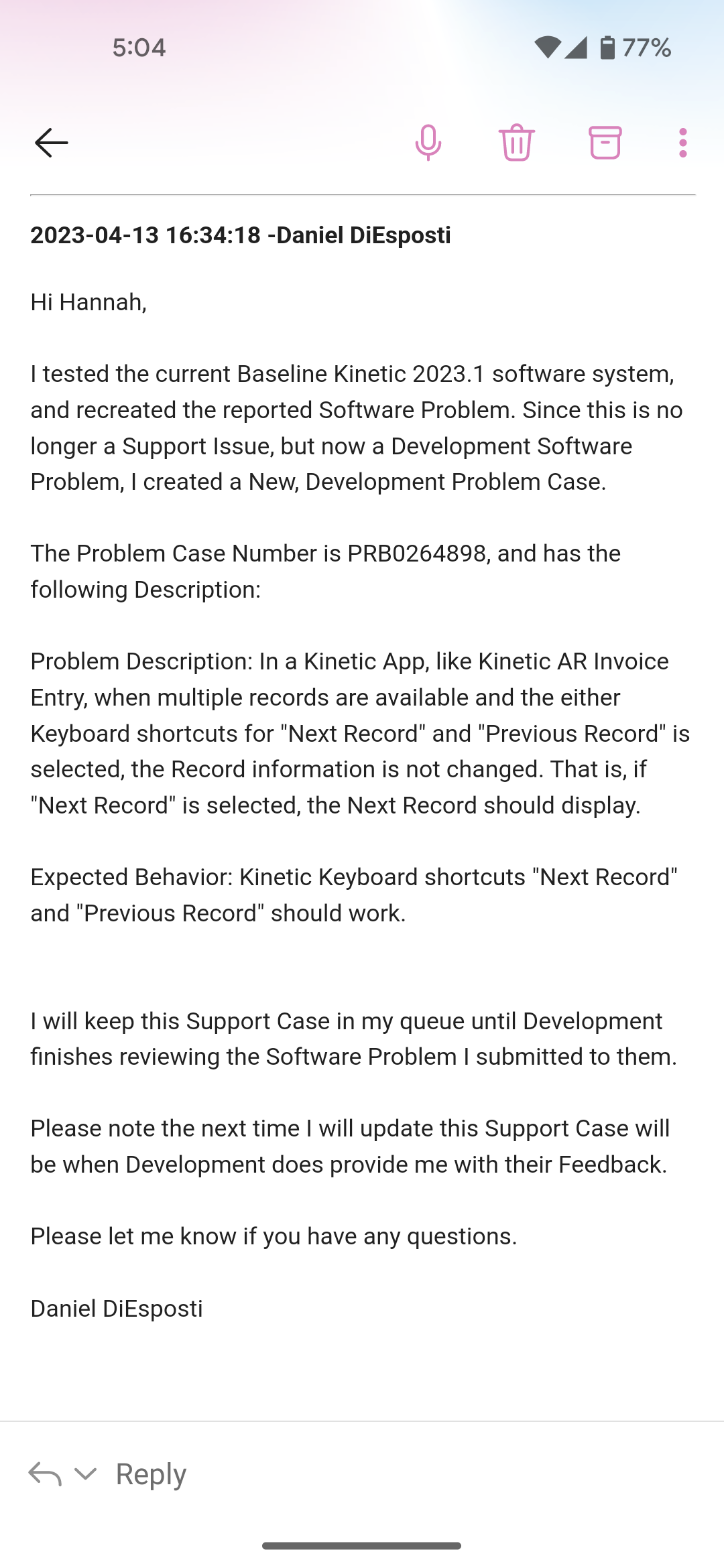
While the crumb dropdown is a nice feature if you have a few records selected, our AP person may have 50+ invoices for a shipping company for example. To move to the next record is easy at first, as you get more and more records, it takes longer to find the next record. In classic, there was a “Next” button to the right of the dropdown. Is there something similar in Kinetic? A keyboard shortcut would be even better!
 and learned from @timshuwy that the cumb bar has navigation between records built in kinetic UX akin to this