I have a dashboard with a tracker input prompt for a date field.
Is there anyway I can have that field default to today’s date when the dashboard loads?
And preferably, the value is applied prior to the Auto Refresh on Load of the dashboard.
Can dashboard tracker inputs override conditions in a BAQ? For example, in the BAQ, add a parameter for a date, and set table condition to use that parameter. Set the default of that param to TODAY().
Would a dashboard that uses this BAQ always need to have the parameter supplied via the BAQ’s pop-up window? Or could the tracker input be passed to that BAQ parameter?
Maybe while they do this fix same goes for “BAQ Reports” that despite having Filters it runs the BAQ “Widely” open and only applies your filters POST-Query.
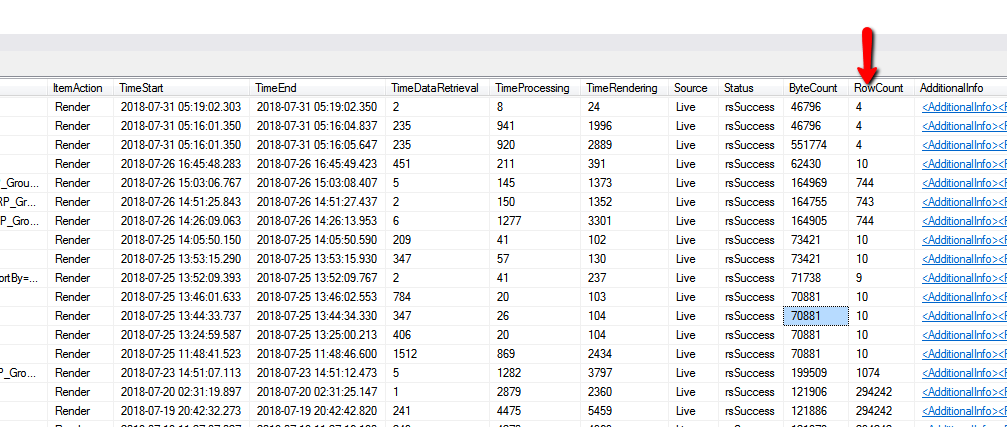
You end up with 1000+ Rows but the SSRS only shows 1 or 10. Problem: BAQRpt filters POST Query.
That depends on when you want it filtered though. Depending on your BAQ, if you are aggregating, you need to be able to specify whether or not you want pre or post filtering.
So how would this work in E9?
I tried to do the same thing but that would not compile.
I then did the following and that compiled but then encountered a runtime error stating that the Guid didn’t exist.
i do not know if this idea will help you on this requirement, but why don’t you create dataview field on your dashboard tracker and bind it to CallContextVariable, then use this variable as a constant value criteria in your BAQ, using this syntax [EpiBinding:BPMData.XXXXX],