jdtrent
(Joe D Trent)
1
Hey,
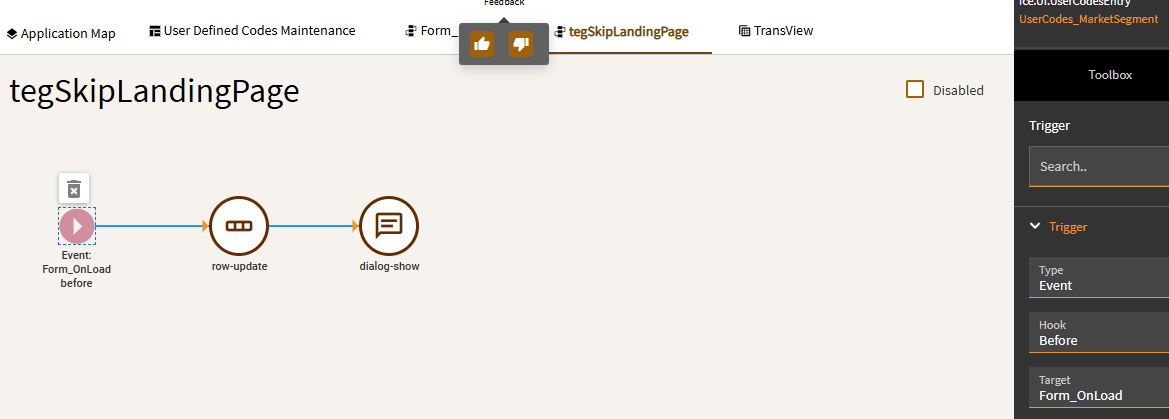
In User Codes, I’ve tried setting TransView.SysBypassLandingPage = true:
The event fires before Form_Onload and sets the TransView field before the landing page grid appears to load, but I still get a landing page:
I tried other events to try to get the field set earlier and found the SetBypassLandingPage:
The dialog pops up well before the landing page shows, but it still shows.
Is there a better way to do this? Am I missing a step? Suggestions?
Thanks,
Joe
dcamlin
(David Camlin)
2
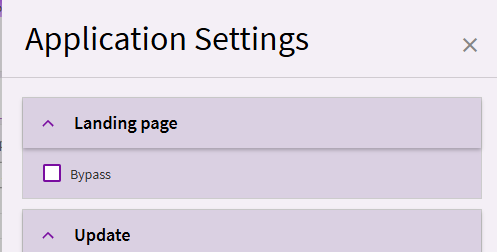
If you’re looking to do this as a personalization, you can use the “Settings” in the main overflow menu.
If you want it as a customization (to impact everybody) running it early isn’t going to help you. The SysInitTransview event sets the column to false.
So, your event is setting it to true, then SysInitTransview is setting it back to false.
Try to set your event to:
Event
After
SysInitTransView
Or… could try right before the system uses the value and tag your event trigger to
Event
Before
AfterInitialize
jdtrent
(Joe D Trent)
3
Hmm. It displays the landing page before the dialog box and then closes it and goes to the detail page. I guess I just was impatient. 
Thanks.