Time and Expense - Multiple users showing up as inactive instead of terminated
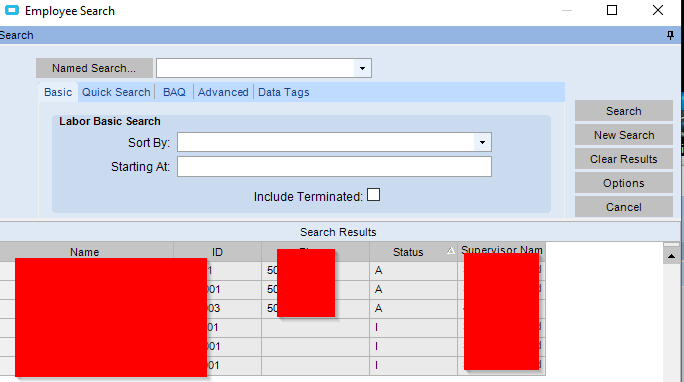
Not sure if its a problem with the user or what. All 3 users are marked terminated and inactive but it has no effect on the search window for Time and Expense.
I tried creating a UBAQ on PreEmpBasic.Status but i cannot change from I to T.
Messing with dates or rechecking the box has no effect. Technically was terminated 6 months ago.
I’ll create a new employee and see what happens when i terminate.
EDIT:
Works with newer employee’s. These particular employees started on 10.1 or earlier.
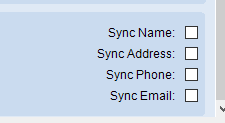
When hitting those check boxes on the newer employee’s they going directly to terminated like it should.
The link is broke for these couple employees between PREmpMas.Terminated, PREmployee.Inactive on Payroll Employee menu and EmpBasic.EmpStatus on Employee menu. I can see one adjust the other on the newer employee’s but no effect with older.
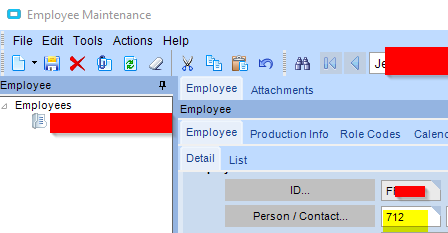
When updating the PREmpMas record it will look for the matching EmpBasic record based on the person contact and update that one.
I think when changing the contacts they should update each other and be kept in sync, I can’t say for sure since it’s been a while since I looked at this.