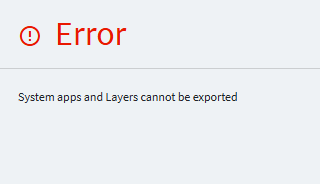
Has anyone received this error when exporting App Studio layers? I select my Ice.UIDbd.xxxxxxxx Application ID > Overflow menu > Export > get this error. All of the layers I’m trying to export are from dashboards manually created, nothing built off of “Systems apps and Layers”.
I’m able to export the Base layers of these dashboards if they are unmodified (obviously no help as this just creates blank json files). On some more simple dashboards I made, I modified the Base layer only and never created a separate customization layer. When I go to export these modified Base layers, I receive the same error.
Getting the same error on a layer I created on Erp.UI.CustShipEntry, so it’s not just related to my dashboards built from scratch. Looking into Solution Workbench workarounds now but it’s frustrating this simple Export/Import feature doesn’t work. Hopefully this is a bug fixed in Versions > 2023.1.21?
Yes, there is a bug but also a datafix from Epicor you can get to unmark any custom layers, dashboards, etc that the bug marked as System. To save you time, make a BAQ like below and add it to the case so they can make you the datafix.
select
	[XXXDef].[Company] as [XXXDef_Company],
	[XXXDef].[Key1] as [XXXDef_Key1],
	[XXXDef].[SysRowID] as [XXXDef_SysRowID]

from Ice.XXXDef as [XXXDef]
where (XXXDef.Key1 IN ('AppName2', 'AppName2'))
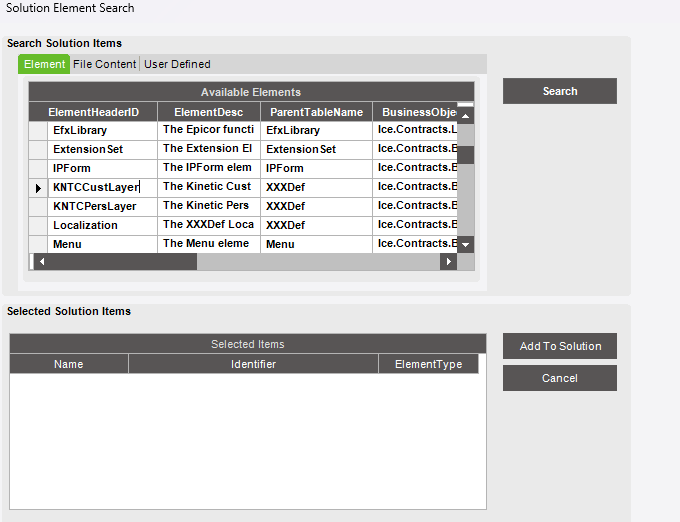
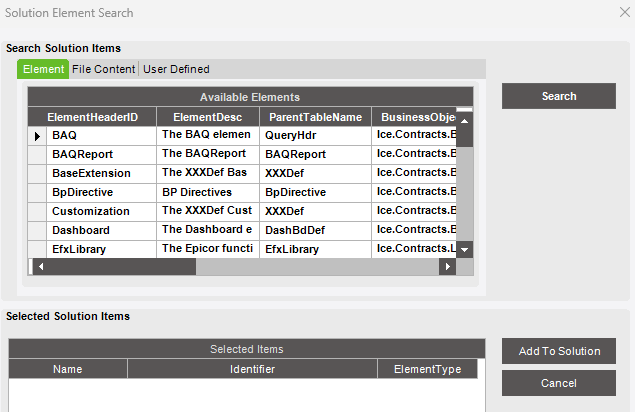
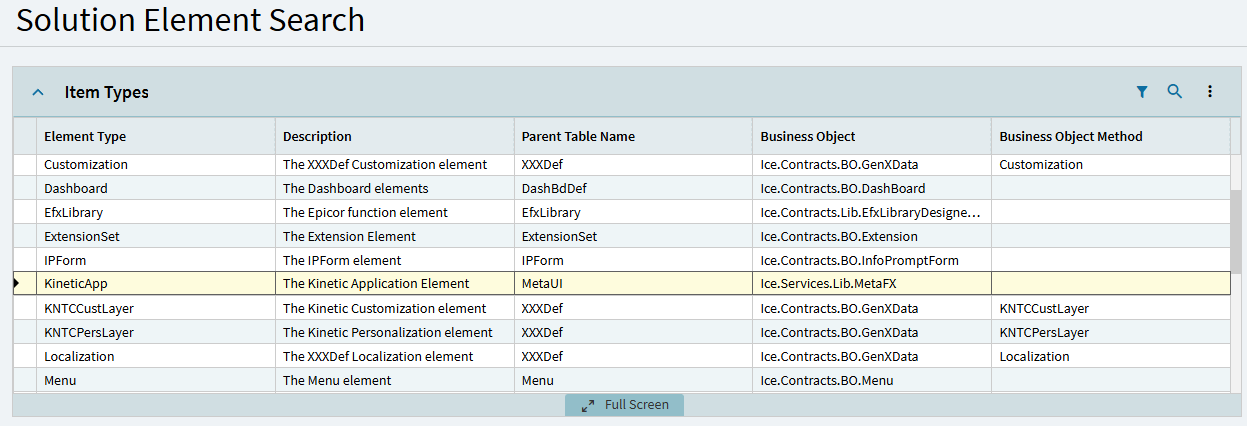
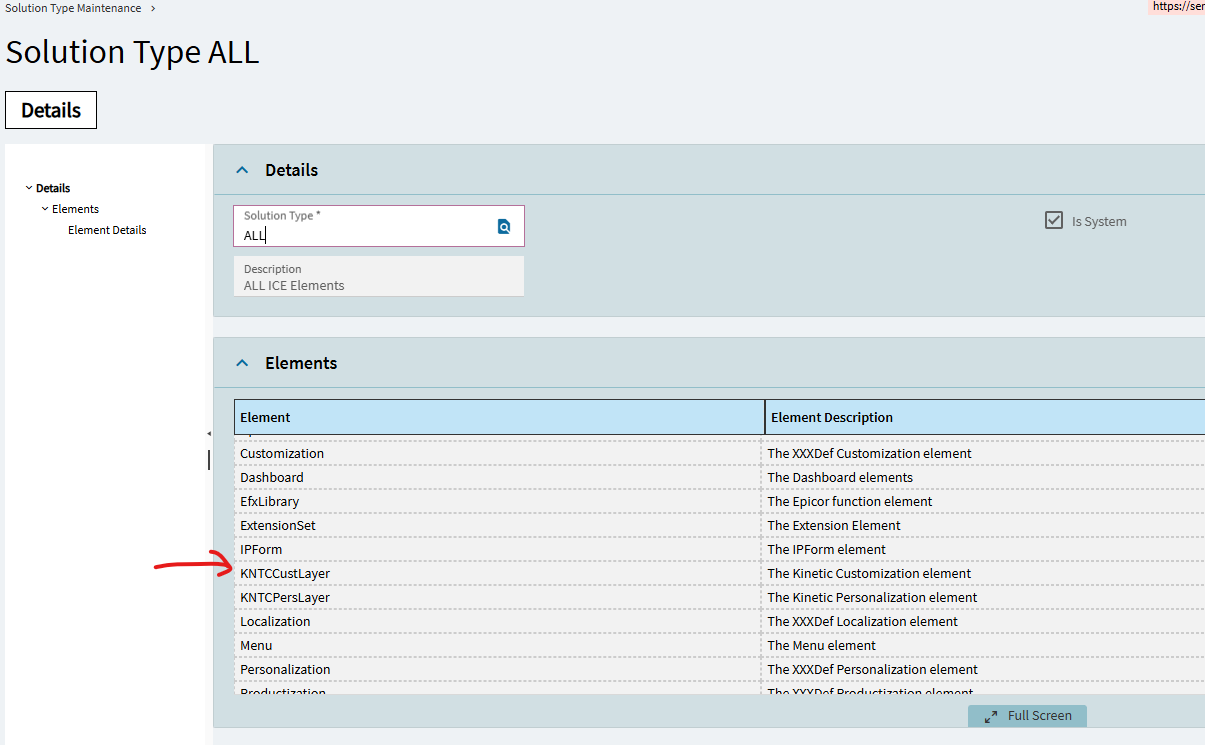
Thanks, Randy– good to know. I have the export/import working in Solution Workbench but it has a weird caveat since KNTCCustLayer only holds custom layers built on applications, not their Base layers.
Importing a .cab solution without the original Base layer does nothing, the new layers won’t show up (Live environment doesn’t have the corresponding Base layer from Pilot). Works great for custom layers built on system apps contained in both environments– not custom dashboards.
If I create a new app with the same Application ID in Live (to create the associated empty Base layer) and then do the .cab import, everything works fine. Am I missing something here or would I really have to create these empty Base layers for every dashboard I import?
Nope, none of them are marked as System. This tutorial video from Epicor showing the Solution Workbench workaround uses Sales Order Entry for the custom layer export/import.
Still don’t understand how one would do this with a non-system dashboard without having to recreate it’s associated Base layer in the new environment before importing?
For Kinetic layers, I honestly use App Studio’s Export/Import function. You can do a whole group of them at once and it’s easier than dealing with a Solution.
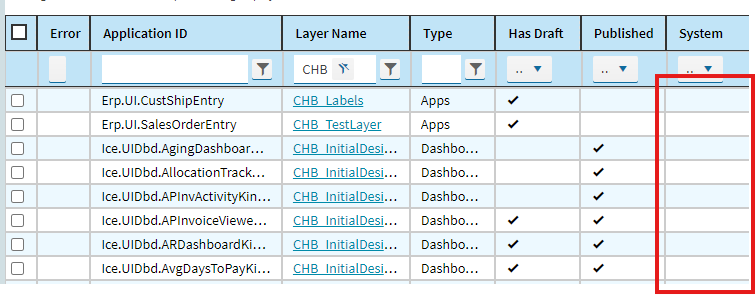
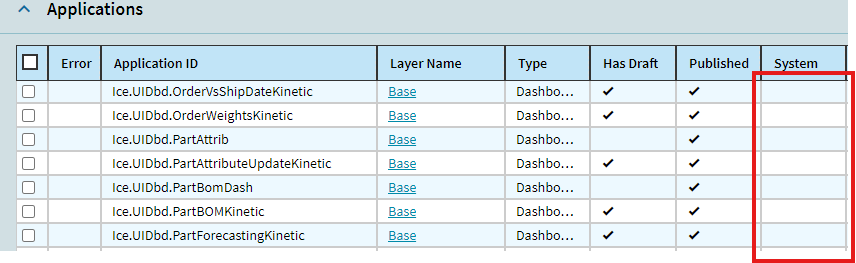
Here’s a list of custom dashboards I’ve made– none are marked System (the associated Base layers for the “CHB_” layers in the first screenshot aren’t marked System as well, none of the layers I’ve made through App Studio are).
Nothing other than my attached screenshot. I assume I’ll have to wait for a data fix from support and use the hacky Solution Workbench route in the meantime.
Maybe it is not a thing in the Classic version.
Epicor stopped updating classic a while ago and Kinetic is the only platform receiving UI updates like that…
I only see the ability to change Properties from the Base layer (which I assume you’re referencing?). Changing the security code and exporting those Base layers works just fine (also worked without changing the security code at all) but still getting the error when I try to export the custom layers I actually need from those applications.