Hi all,
On the sales order entry page → Releases → Detail
we have a field “Linked Job” which is populated.
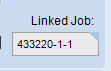
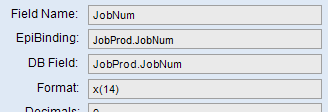
I am trying to bring it into the application studio, but this field appears blank.
Can anyone please help?
Thanks
Hi all,
On the sales order entry page → Releases → Detail
we have a field “Linked Job” which is populated.
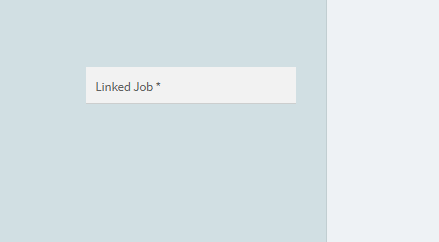
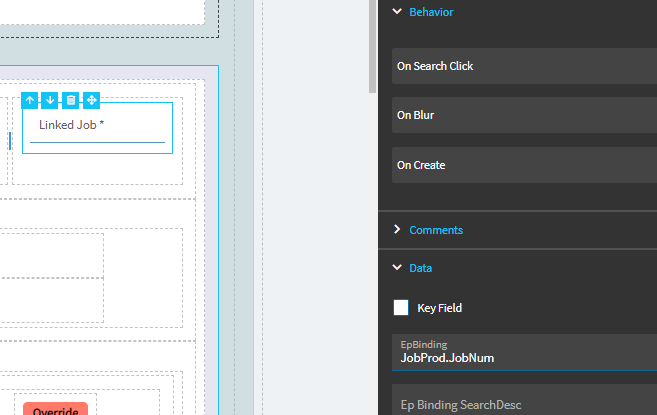
I am trying to bring it into the application studio, but this field appears blank.
Can anyone please help?
Thanks
Any suggestions on this?
Thank you
I am trying to just bring in the Job field at the top.
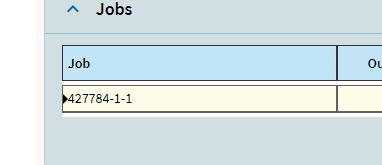
Actually i was able to do that just now.
I’ll test it out.
It did not work, I want to bring this field at the top.
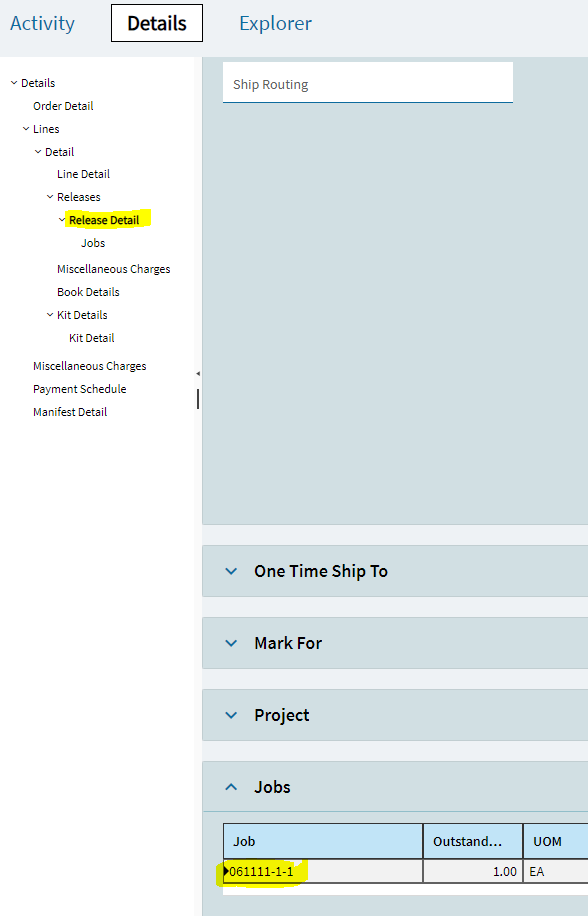
The value right now gets populated when you click here:
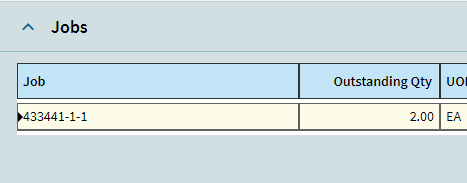
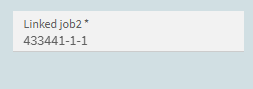
This issue may be that there could be a 1-to-many relationship. A release for 5 parts, for example, could be run on 5 different jobs. That’s why Epicor displays this as a grid, and not just a field.
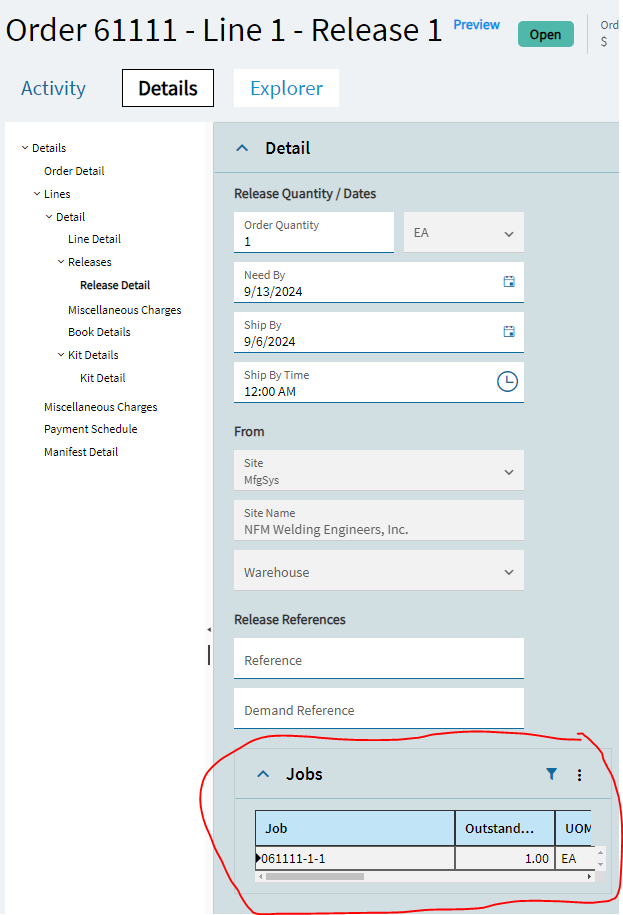
You could potentially grab the existing grid and drag it up and place it into the top of the screen:
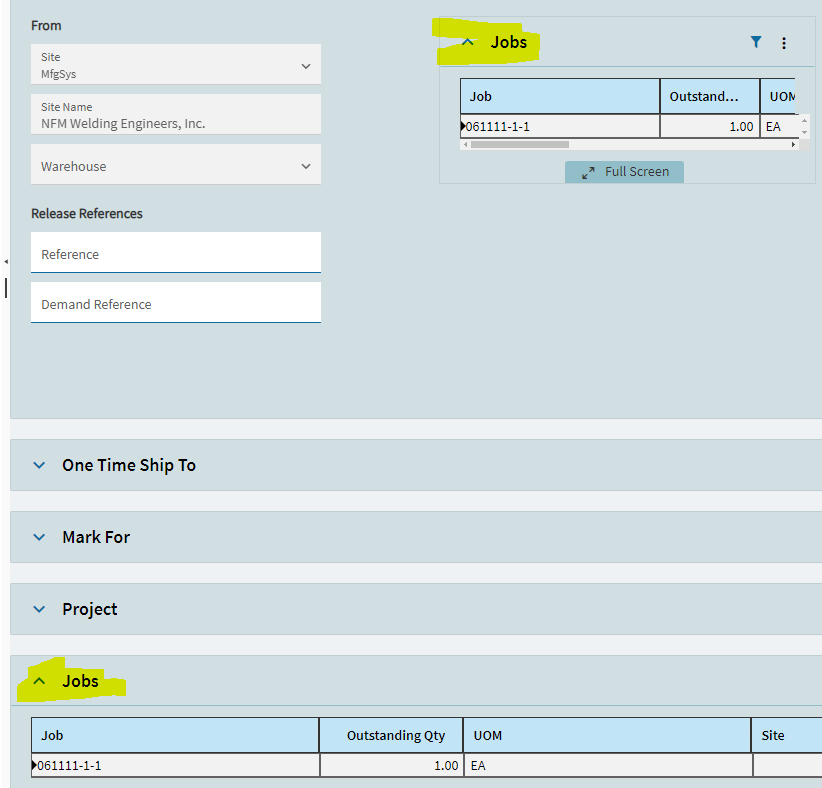
You can also Copy/Paste the grid into the top… keeping the standard one in its place:
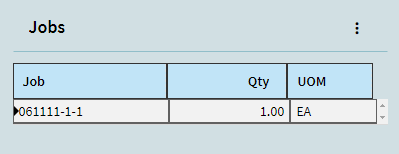
You could then edit your pasted grid and narrow it down to just one column. By disabling Full Screen, turning off filter, etc… you can really simplify the look:
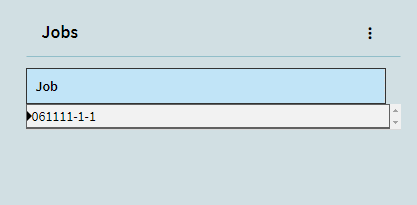
I’ll be honest… I was playing around and I might just save this customization! haha.
Actually… probably nice to have Qty & UOM still included: