Hi, I am trying to add an Order to the SO Pick List report programmatically based on an order number being passed to the form. I have a dashboard that pulls up orders with an open release, and a button that sends the selected order and two dates to the SO Pick List report form. I don’t have any issue launching the SOPL report form and sending the order number and dates, but I cannot figure how to put that data into the form so that the report will run based off those parameters. I’ve tried accessing the report parameters directly through an epiDataView (“ReportParam”), but when I try to print the report, it wipes those out and defers back to the default dates and an empty orderList.
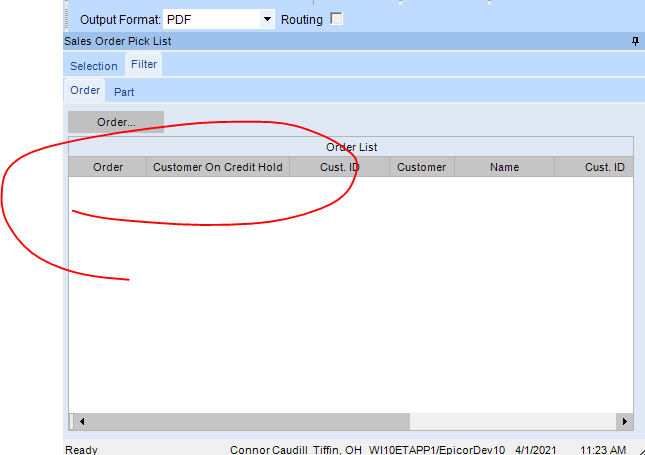
I’m wondering if there’s either a way to call the processes involved in that ‘Order…’ search button that adds a row to the grid, or if there’s a way to bypass it and directly add a row into the grid in a way that the report will actually acknowledge it. I’m more interested right now in getting that order defaulted, before I worry about getting the dates in too.