You tried no quotes here?
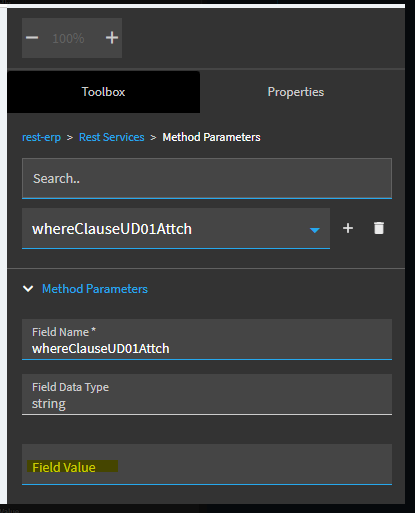
Thought I did, tried it again and no error. But no data as well.
Weird, that works in the swagger. I forget does that method parameters panel have a ‘send empty’ checkbox?
None that I can see.
check the console output for that param. might have to drop the Where in a TransView field like you did the other. for some dum reason.
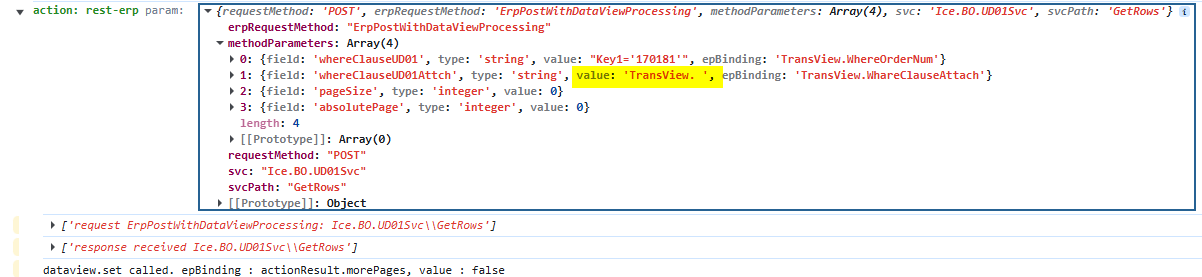
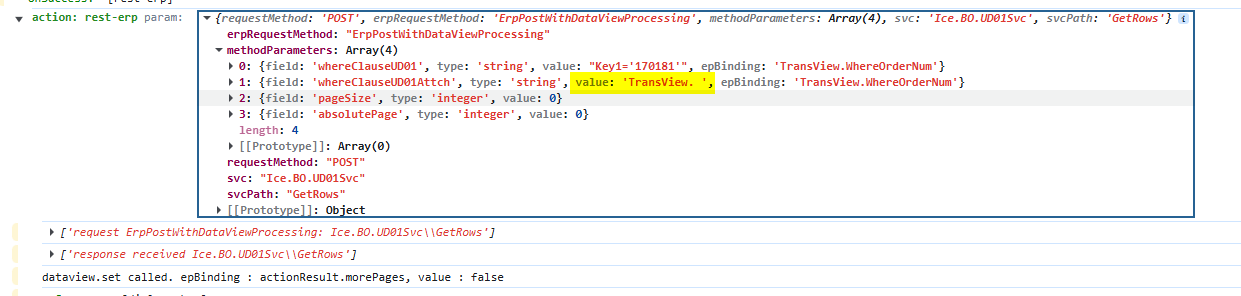
I have not been able to get the where clause working for UD01.GetRows. I tried calling dataview-filter-set after get rows, it worked for the first sales order. The grid that is bound to this data view does not refresh as new orders are loaded. Checking the data view as a new order loads, the filter does not change, it keeps the first one even though Key1 = '{OrderHed.OrderNum}' changes each time the event fires.
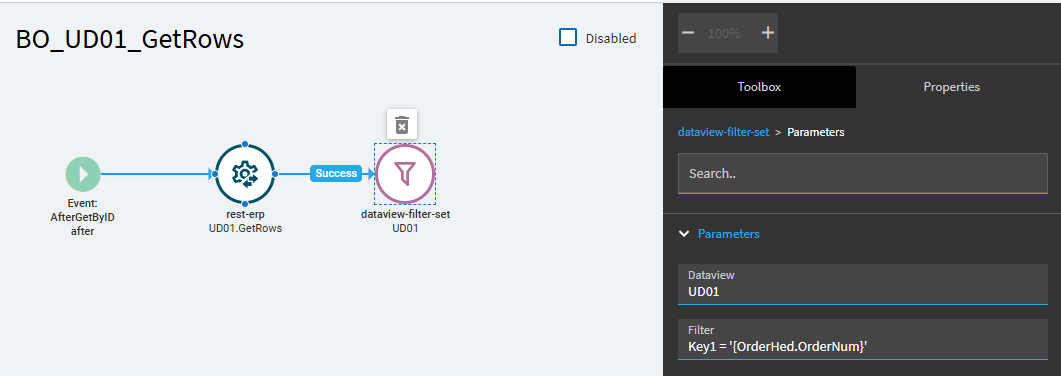
I set up a quick test (using UD02) set up with a row update to mimic your approach.
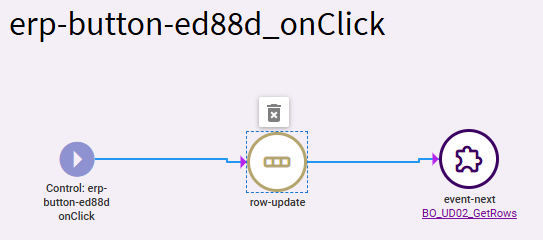
Row-Update:
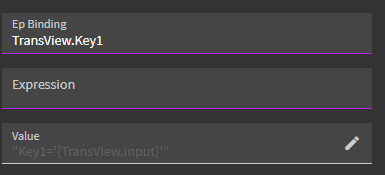
Get-Rows rest event > Method Params:
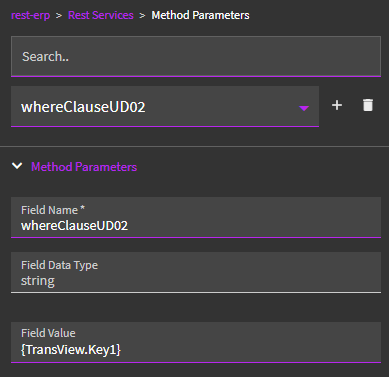
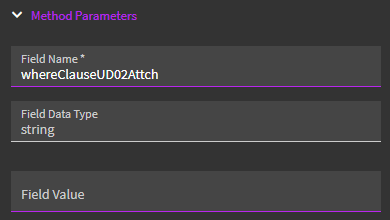
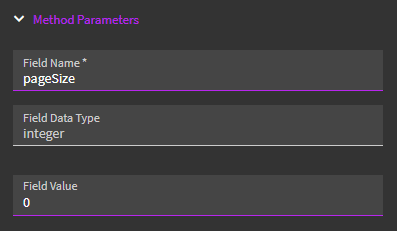
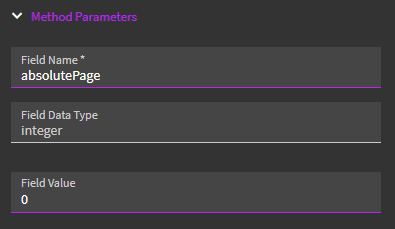
Results:
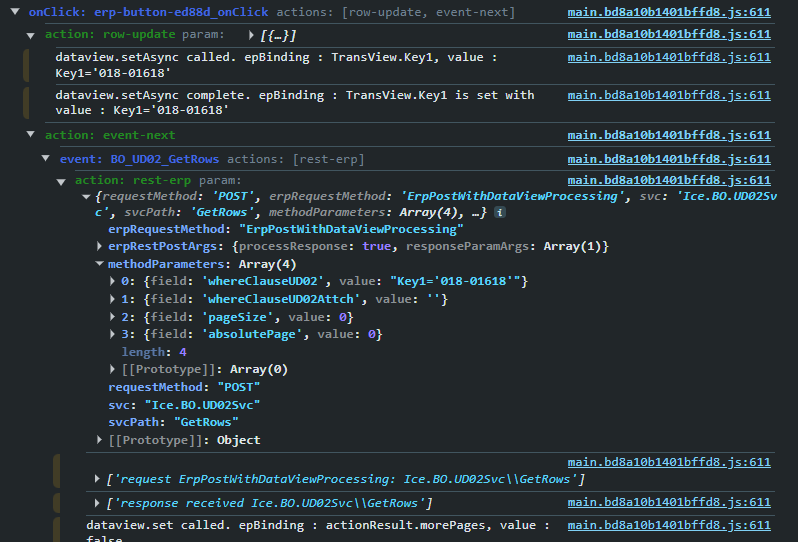
Events run…
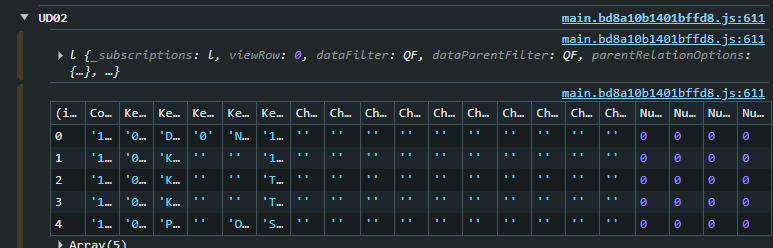
Rows returned to my dataview…
I looked back, and it appears you had a very similar set-up. The only thing I did differently was to add curly braces in my first Method Param.
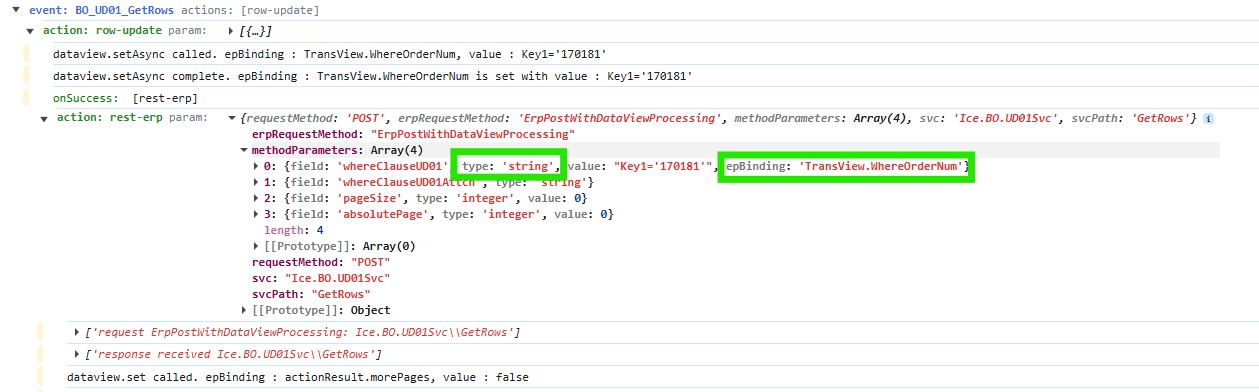
I noticed in your results you’re seeing type and epBinding called out. Not sure what triggers that to happen, nor if that is an issue or not.
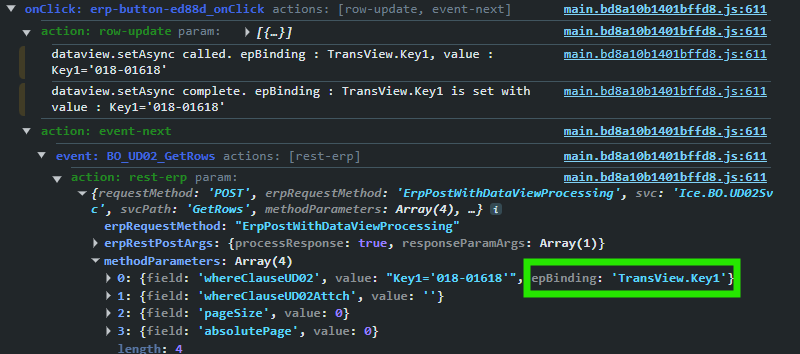
I removed the curly braces from my first Method Param and I did see epBinding get added to my call:
I then added them back into my event and am now getting:
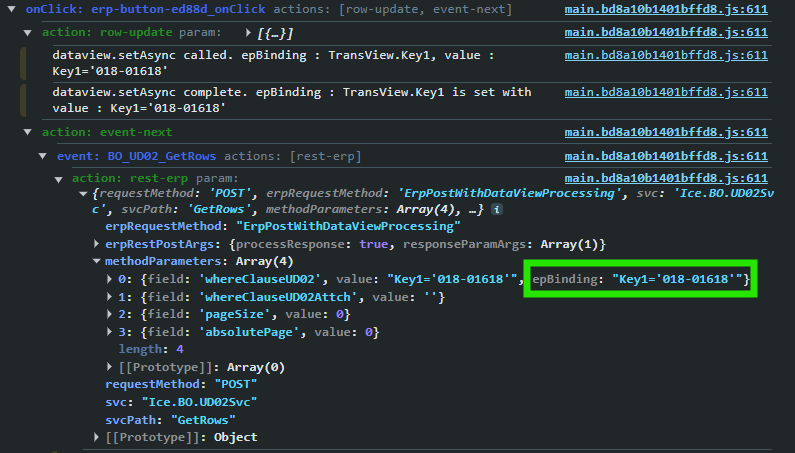
… which doesn’t make any sense. And the response now returns ALL rows. Busted.
Closed my preview… opened a new preview… now get no rows returned.
Deleted my rest-erp event action, rebuilt it… works properly now.
This could be one of those cases where the rest-erp becomes corrupt. I would attempt deleting it from your event and adding it back in (fresh).
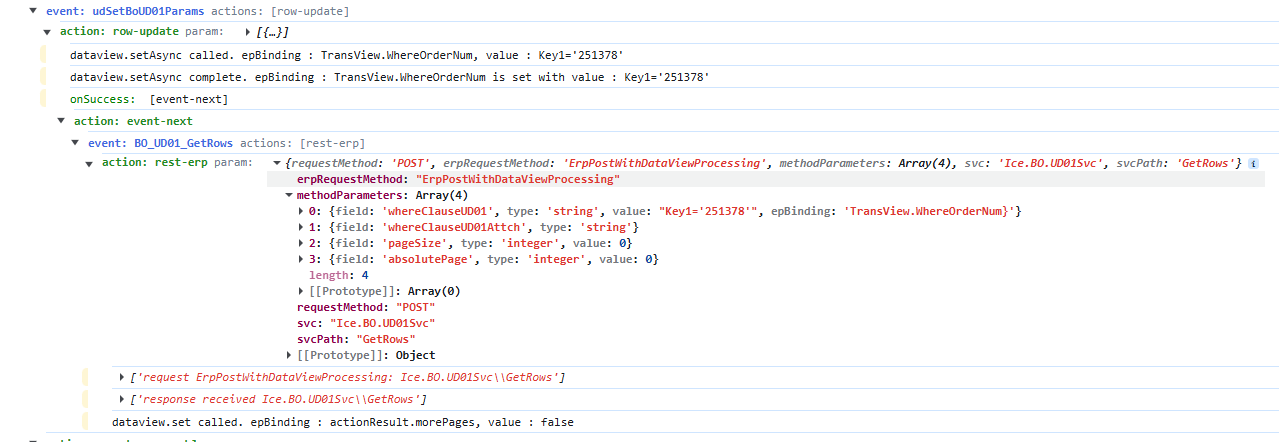
I would make sure your WhereClauseUD01 uses curly braces.
My WhereClauseUD01Attch is just empty. No quotes at all.
Thanks, I started with a new layer and started from scratch, it worked the first time. Then stopped once I started to change things. I just need to plan what order I need to do things so that I don’t need to change anything.
Rather than rushing to get releases out the door on a set schedule, maybe Epicor should get things working first.