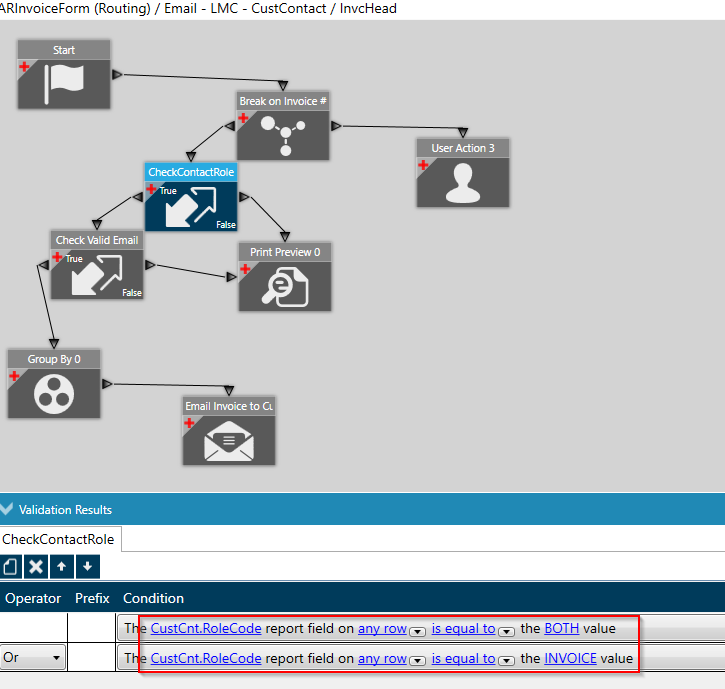
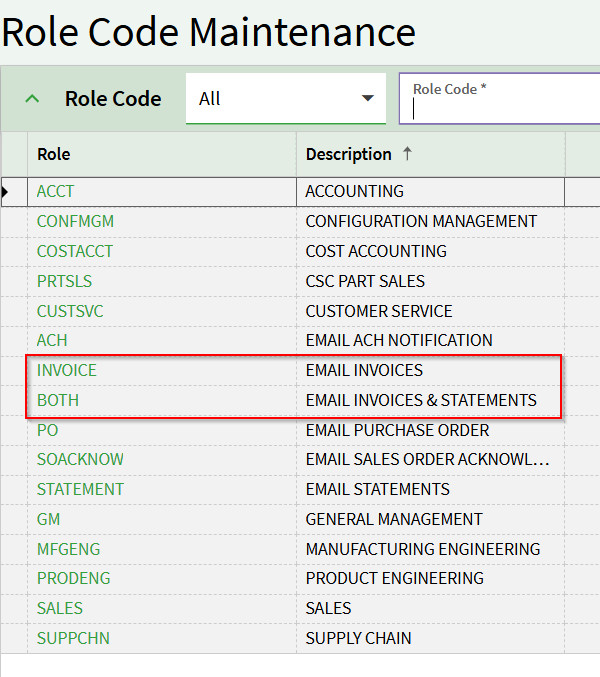
We have an APR set up to email our customers invoices based on the role of the contact. However, we have customers that only want these sent to certain people based on the ship to.
For instance, Company ABC wants the invoices for ship to # 1 going to these 2 email addresses, the invoices for ship to # 2 going to 2 different email addresses and ship to # 3 going to 2 other email address however, all three ship tos should have the invoices sent to the main email address.
We thought we had this handled by having the main email contact under the customer and then the ship to email contacts under each ship to.
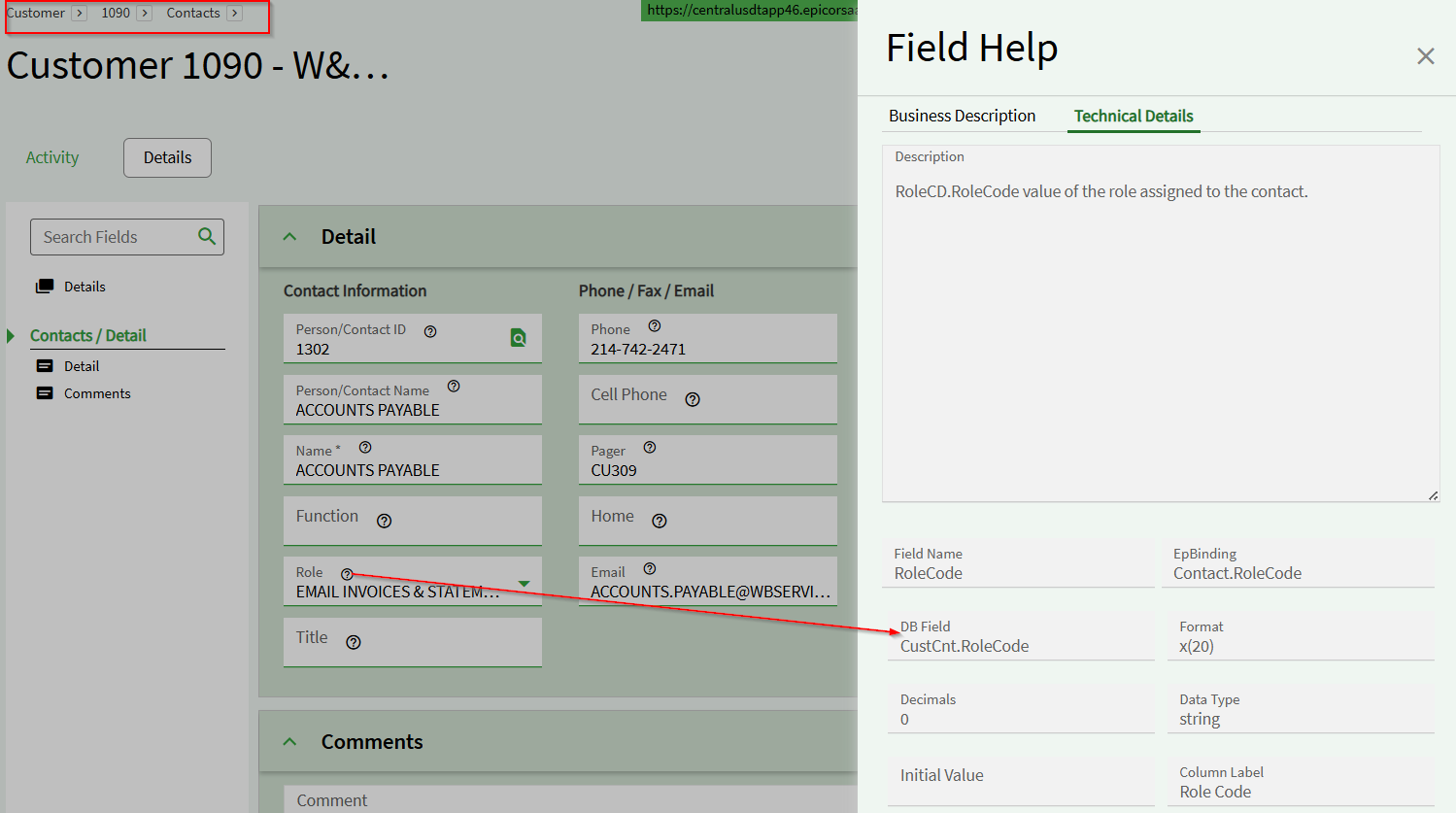
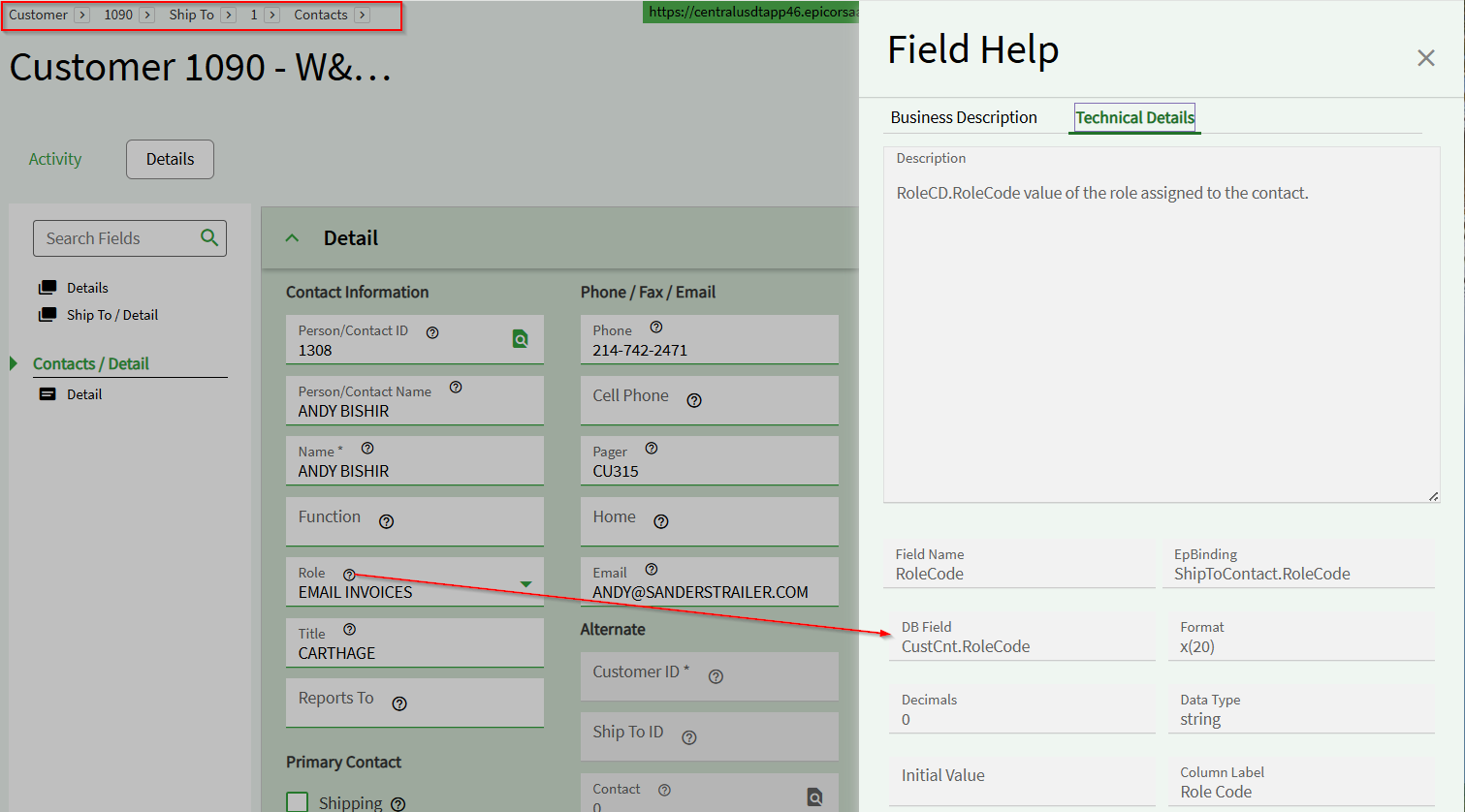
However, when testing, we found out that the database field under the ship tos for contacts is the exact same as under the customer so the system is sending all invoices to every contact (regardless of the ship to).
Does anyone have a solution for this? I’m willing to provide print screens of what we have set up if needed to help.
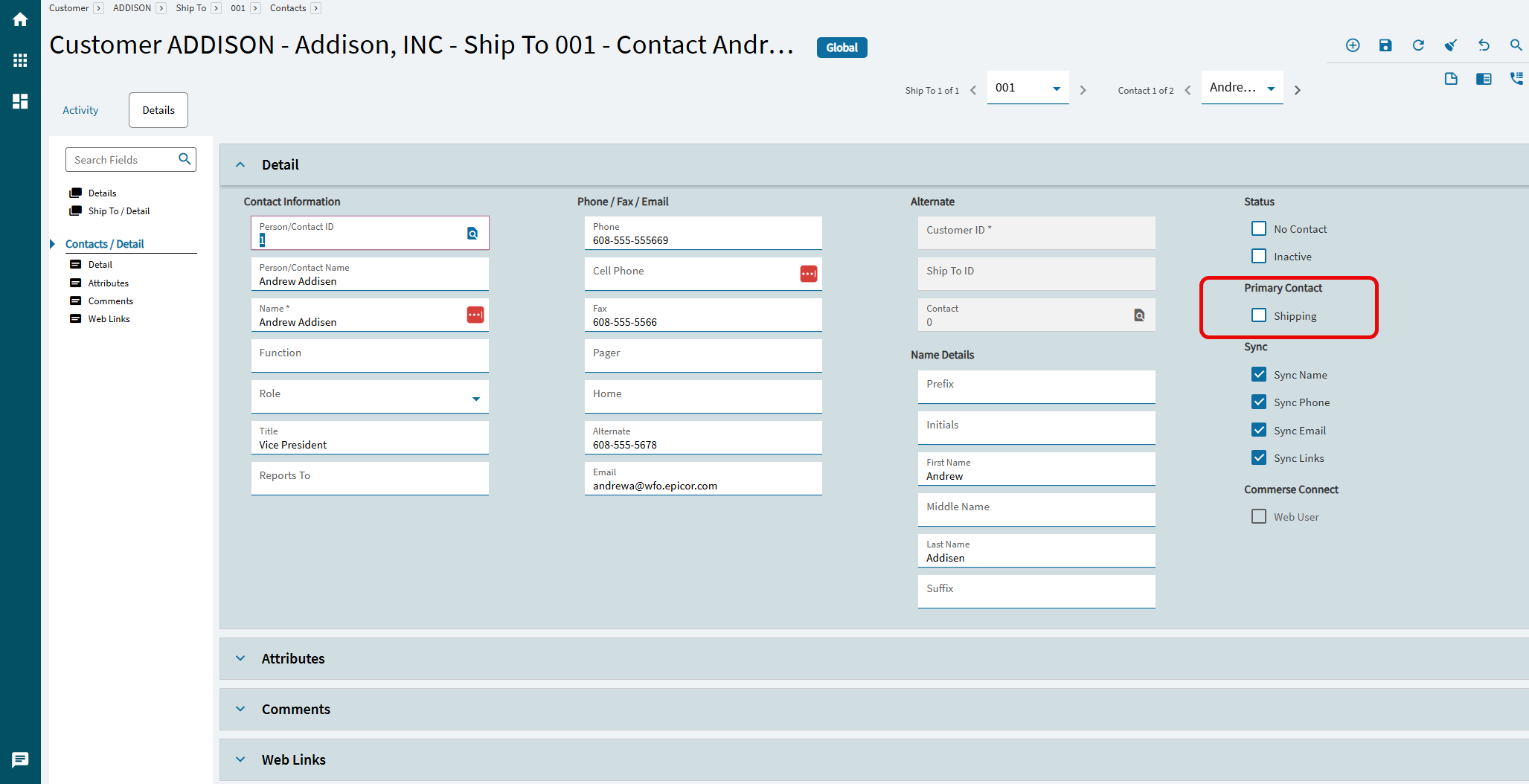
Ship Tos have their own contacts that have a primary shipping flag on them. So you may need to modify the RDD to include that information then do the breaking on that.
either that or you many need to add a ud field if you want to sent to multiples. Typically the primary checkbox only can be enabled for one contact at a time.
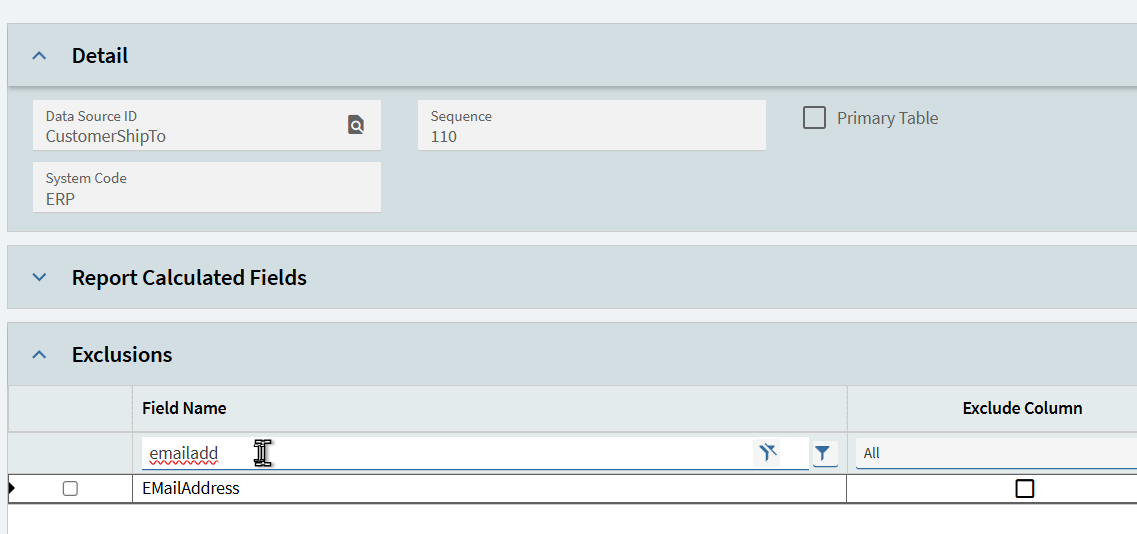
So the field in my screenshot should be the email address of the ship to contact. The only difference between a ship to contact and a customer contact is that the ShipToNum field is filled in on the ship to contact, and blank on the customer contact. Its not a different table or field. But the out of the box AR invoice report data definition already links out to the ship to email address so you should just be able to use that.
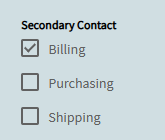
Then the team can flag as many “secondary” contacts as they want and if appropriate a primary as well.
There’s then processes that run in the background to build up email lists based on the contact type and which area it belongs to, i.e. order acknowledgement, shipping (packing slip) and AR invoice.