Any LINQ experts out there?

Hey guys. I feel like I’m going around in circles here and discovering new and inventive ways to fail at what I’m trying to achieve! Any pointers most appreciated!

I’ve got a UD method on one of my configurations that needs to pull some data from UD11. This UD table houses a lot of product specs, and Key4 and Key5 hold rounded widths and drops (think of it as a vertical length) respectively, effectively creating a matrix of sizes that are engineered with components that are stored in other fields in the table. So, for instance, if our entered width is 1450, a previous UDM finds the closest larger size to round up to, in this case 1500. Clear as mud?

My UDMs to find the rounded sizes work just fine. My problem arises when I try to feed the sizes back in to find other specs. Because the sizes are held in Key fields, I think my LINQ is interpreting my strings as numbers and crashing because it finds an incorrect data type.

As a practical example, here’s my UD Method. Two string parameters are passed in sWidth and sDrop

string sReturn = "";

try
{
  var sp = (from ud in Db.UD11
    where ud.Company == "XXXX"
    && ud.Key1 == Inputs.txtConfigID.Value
    && ud.Key3 == "Spring"
    && UD.Key4 == sWidth
    && UD.Key5 == sDrop
    select new {
        wd = ud.Key4,
        dr = ud.Key5,
        co = ud.ValueStr_c
    }).ToList();

sReturn += "\nsp Count = " + sp.Count.ToString();

}
catch (Exception ex)
{
  sReturn += "\nError in UDMethod.LookupUD11Spring:\n" + ex.Message;
}

return sReturn;

This runs fine but returns 0 rows. If I substitute the string sizes in instead of the parameters it all works and I find the row I expect. So the following code works just fine:

var sp = (from ud in Db.UD11
    where ud.Company == "XXXX"
    && ud.Key1 == Inputs.txtConfigID.Value
    && ud.Key3 == "Spring"
    && UD.Key4 == "2300"
    && UD.Key5 == "2000"
    select new {
        wd = ud.Key4,
        dr = ud.Key5,
        co = ud.ValueStr_c
    }).ToList();

I think LINQ is interpreting my parameters as numbers, even though they’re passed in as strings, so it’s being seen as ud.Key4 == 2300 instead of ud.Key4 == "2300", and it therefore doesn’t find the droids I’m looking for.

I’ve tried umpteen different variations of casting to string and the UD Method likes the syntax, but I’ve had no success. Some come back with 0 rows, others hit my catch and give various error messages.

Can anyone point me in the right direction? Thanks in advance!

Ryan
Well, the Key columns are NVARCHAR(50) so you should be looking @ string-to-string comparisons.

Have you tried:

Hi Clint. Yes, I’d tried this already - I agree, it looks like it should work! While the UDM runs error-free, it returns 0 rows.

I’ve also tried && UD.Key4 == $"{sWidth}" with the same result - code execution but 0 rows returned.

I’ve been quite creative with some of the ways I’ve tried to enforce that the variable is a string but I still haven’t found anything that works. && UD.Key4 == "\"" + sWidth + "\"" throws an error…

Explicitly convert all you selected columns to stronfs

UD.Key5 == sDrop
    select new {
        wd = ud.Key4. ToString(), 
        dr = ud.Key5. ToString()
        co = ud.ValueStr_c. ToString()

See if that works

What I think is going on the first row of one of the fuels is an int and subsequent inserts have strings

print out sWidth & sDrop and see if they look like you expect.

1 Like

I’m surprised you’re getting the value you expected hardcoding the values, but “ud” and “UD” are two different objects. I would replace Key4 and Key5 with “ud” instead of “UD”.

2 Likes

Apologies - that’s my typo. All references are lowercase ud. Ignore the caps!

Changing to strings at this point makes no difference - there’s no records returned to cast as string. I think my issue happens before then in the Db call.

@klincecum running the following shows that I’m submitting strings as my parameters. I can’t test the output as I’m getting no records. Tomorrow I’ll try getting the type of my results when I feed direct values.

string sReturn = "";

try
{
    sReturn = "Key4 = " + sWidth
    + "\nKey5 = " + sDrop;
    sReturn += "\nConfigID = " + Inputs.txtConfigID.Value;

  var sp = (from ud in Db.UD11
    where ud.Company == "XXX"
    && ud.Key1 == Inputs.txtConfigID.Value
    && ud.Key3 == "Spring"
    && ud.Key4 == sWidth.ToString()
    select new {
        wd = ud.Key4.ToString(),
        dr = ud.Key5.ToString(),
        co = ud.ValueStr_c.ToString()
    }).ToList();

sReturn += "\nsp Count = " + sp.Count.ToString();
sReturn += "\nsWidth type = " + sWidth.GetType().ToString();
sReturn += "\nsp.wd type = " + sp[0].wd.GetType().ToString();

}
catch (Exception ex)
{
  sReturn += "\nError in UDMethod.LookupUD11Spring:\n" + ex.Message;
}

return sReturn;

Key4 = 1,600
Key5 = 2,300
ConfigID = C10070
sp Count = 0
sWidth type = System.String
Error in UDMethod.LookupUD11Spring:
Index was out of range. Must be non-negative and less than the size of the collection. (Parameter ‘index’)

Commas strike again.

1 Like

Maybe you could be super explicit with your comparison and use:

&& string.Equals(ud.Key4, sWidth)
&& string.Equals(ud.Key5, sDrop)

Enforce the type of equals the system uses … even though that should already be what it’s using…

ok… a couple of things… not sure exactly what you are attempting, so I am guessing that you are trying to get a list of items from the UD Table. I see that you are not filtering by key4, so if there are variants on Key4 it will return many records.

ALSO, I see company “XXX”… assuming that you are intentionally hiding that in a public post, and that you are using a real company id.

all that said, I believe I have had a problem with Product Configurators trying to pass an input directly. try moving the input to a string first and then use it in your Linq statement.
I also don’t like using the “try/Catch” thing here… Instead, I would do the query and then check to see if anything is returned. there should not be an error in any case.

I converted the query to a lambda query which makes it a little less wordy, and eliminated the try catch:

string MyCofigID = Inputs.txtConfigID.Value
var sp = Db.UD11.Where(x=>
  x.Company == "XXX" &&
  x.Key1 == MyCofigID &&
  x.Key3 == "Spring" &&
  x.Key4 == sWidth.ToString()).Select(x=x.Key4,x.key5,x.ValueStr_c);

if (sp==null) {
  !!nothing found
  sReturn = "\nError in UDMethod.LookupUD11Spring:\n" + ex.Message;
} else {
  sReturn = "sp Count = " + sp.Count.ToString();
}
2 Likes

It’s the commas.

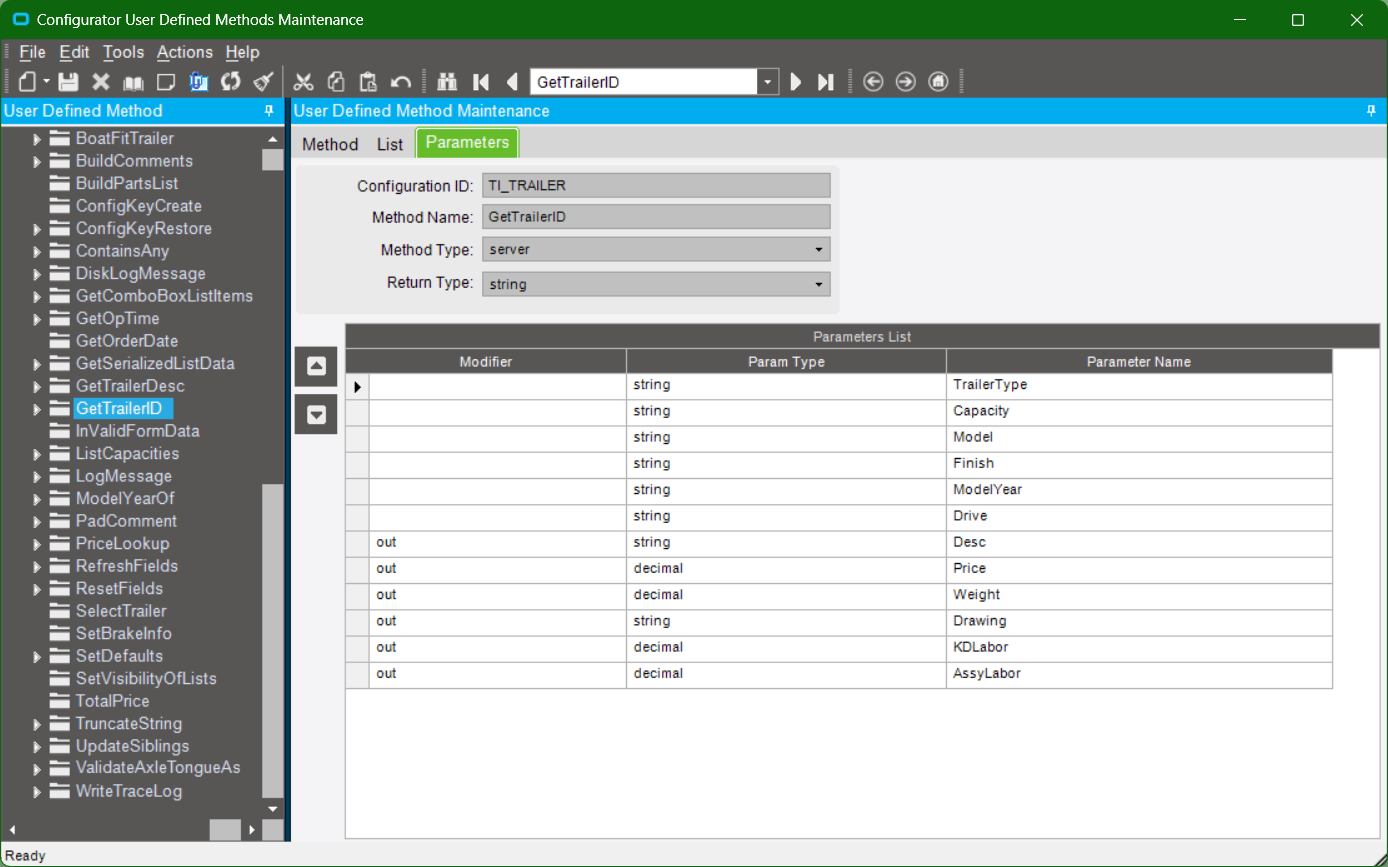
@timshuwy Mine works fine using params as inputs to the UD function:

...
var data = (from row in Db.PcConData where
    row.Company == Context.CompanyID 
&&	row.PartNum == Context.ConfigurationID
&&	row.TypeCode == TrailerType
&&	row.Key1 == Model
&&	row.Key2 == Finish
&&	row.Key3 == Drive
&&	row.Key4 == Capacity    
&&	row.Key5 == ModelYear		
select row).FirstOrDefault();
...

This is not how I am suggesting you fix this, I’d need to see more code for that, but try this, and I bet you’ll get output.

string sReturn = "";

try
{
  var sp = (from ud in Db.UD11
    where ud.Company == "XXXX"
    && ud.Key1 == Inputs.txtConfigID.Value
    && ud.Key3 == "Spring"
    && UD.Key4 == sWidth.Replace(",", String.Empty)
    && UD.Key5 == sDrop.Replace(",", String.Empty)
    select new {
        wd = ud.Key4.ToString("#"),
        dr = ud.Key5.ToString("#"),
        co = ud.ValueStr_c
    }).ToList();

sReturn += "\nsp Count = " + sp.Count.ToString();

}
catch (Exception ex)
{
  sReturn += "\nError in UDMethod.LookupUD11Spring:\n" + ex.Message;
}

return sReturn;
2 Likes

So there are commas getting into his values somewhere? instead of 2300 and 2000, they are coming through as 2,300 and 2,000?
If that’s what the issue is, how can this be prevented … you’ve apparently seen this before - what is the source of the commas?

I dunno, maybe something to do with culture settings.

But his output showed commas in there for sWidth & sDrop.

Need to see more code and more info to tell where they are coming from, then we could suggest a proper fix.

His output from a debug test:

2 Likes

Ahhhh
I didn’t pay close enough attention to his outputs.

That would do it

And yes, it’s bitten me in the ass before.

Dog Biting GIF

@klincecum, I owe you a beer.

Face Palm GIF

sWidth = (Convert.ToDecimal(sWidth)).ToString();

Sad but true. I run the above line before I make my Db call and I’m all good. I’m back up and running. Thanks for your help everyone.

4 Likes