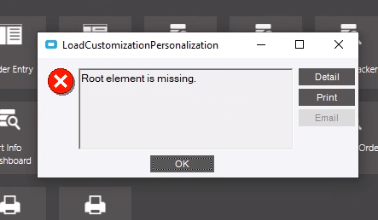
Even comes up after closing Epicor, deleting all the users personalisations and opening again.
Even comes up after closing Epicor, deleting all the users personalisations and opening again.
Have you manually deleted the cache folder at C:\ProgramData\Epicor?
If that fails, there’s an AppData folder that I’ve cleared in the past that works for odd balls like this.
Type in %AppData% in file explorer. I wanna say it’s in the local folder, then browse around until you find Epicor. Rename the folder within to _old, then try to open Epicor. It should regen that folder you renamed.
We just resolved this by clearing the client cache from a Citrix instance of E10, as the issue was affecting the local client instance.
This is starting to pop up on multiple computers in my environment all of a sudden. I think there have been 8 or 9 in the past 2 weeks.
Any ideas if there was a recent Windows Update or anything that may be causing this to be widespread?
we are having the same issue. so any ideas would be good.
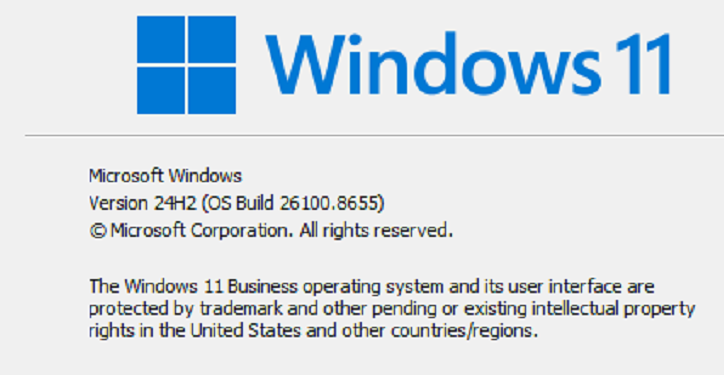
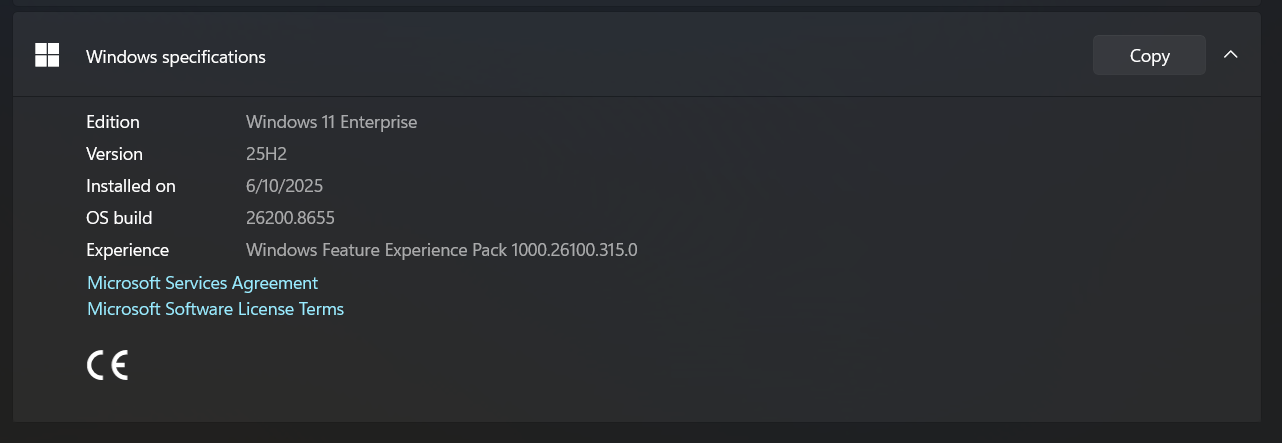
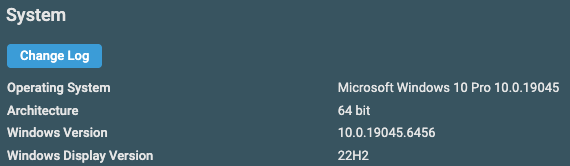
Alright, so are y’all on the same windows version and patch? Any way we can get a screenshot of that?
@JRC , what windows version are you on?
Clearing the cache folder does help, but it is a workaround at best, not a solution, unfortunately.
One of my users has reported this happening over and over again, and is constantly having to clear the ProgramData and AppData cache.
If I can get this to replicate on my workstation, I’ll try to trace what is happening (Process Explorer or something) and see what XML file it is looking for that doesn’t contain a “Root Element”. Other than that, I am out of ideas.
Is this user having other problems besides this? Crashes? Blue Screen? Usually the file gets corrupted when not shut down properly. Windows 10 machine?
You could create a batch file for that use that clears the cache and then starts Kinetic. 
Finally, this won’t happen with the browser, if/when you get there.
There have been no other issues reported that seem to relate to the timing of this (bluescreens and such).
I’m thinking of just whipping up a batch script that runs to clear the cache before starting the client. It’ll make life easier until we get to the web.