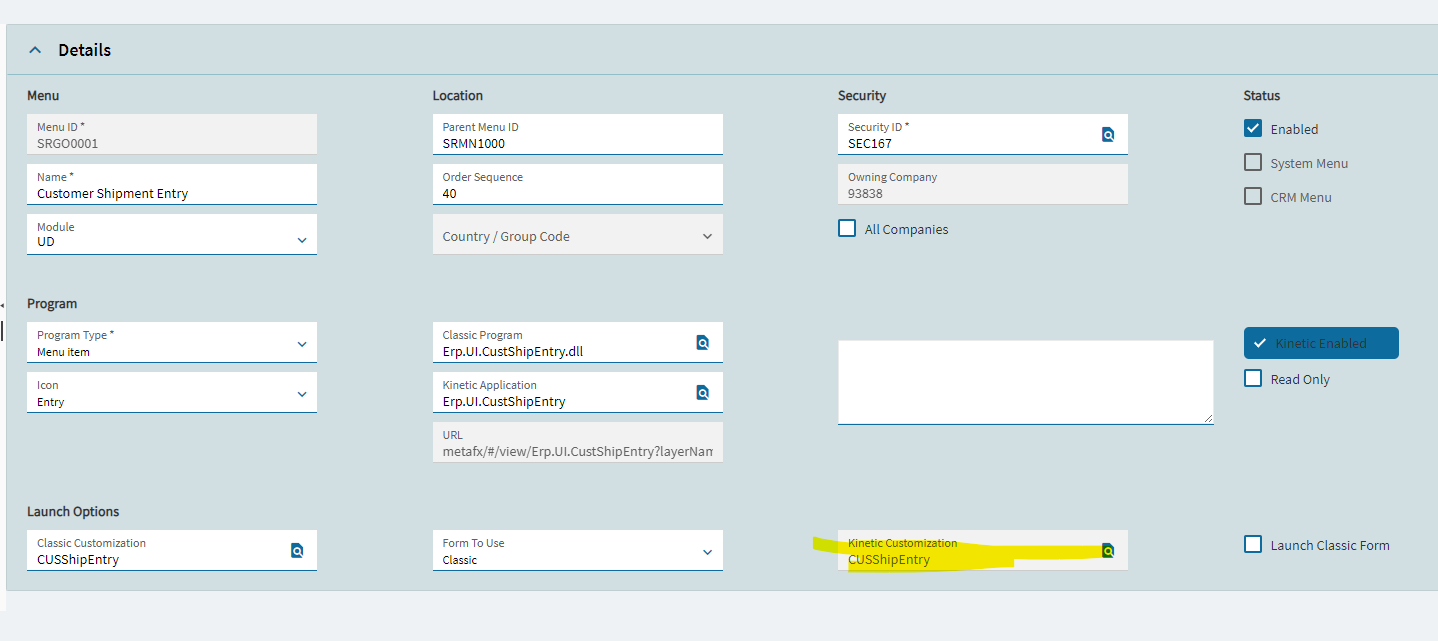
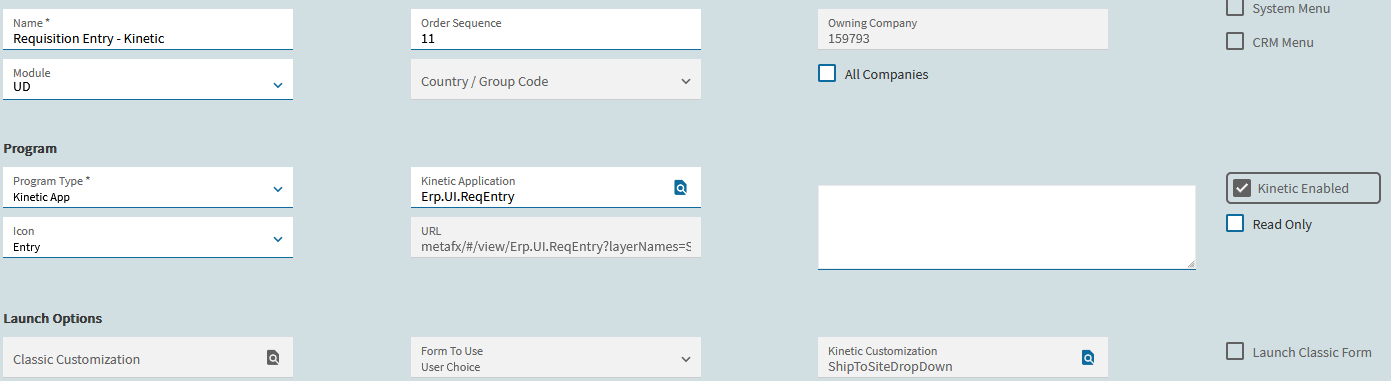
I cant for the life of me get an application layer to publish to live. I can preview the layer just fine. I have the Kinetic Customization loaded in Menu Maintenance. Cleared cache. Logged off/on. Pushed all the different Commit/Publish buttons that I could find.
I just wont stick. Has anyone has anything similar?
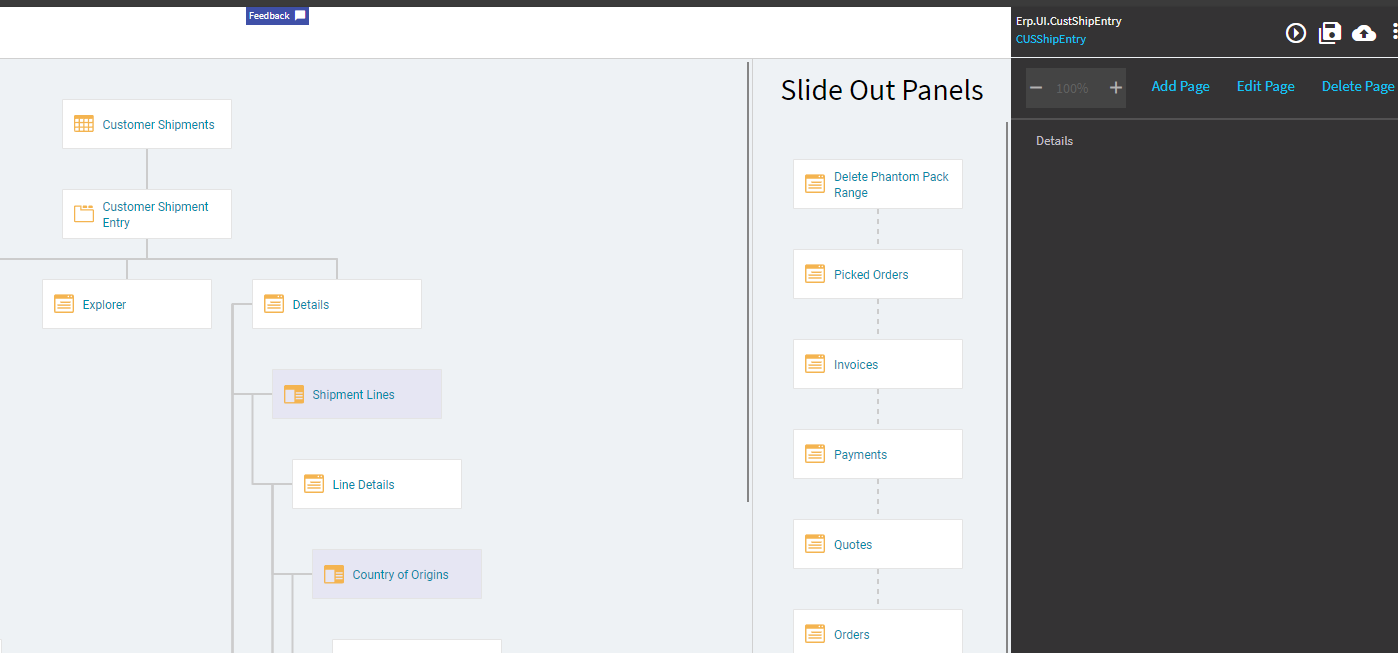
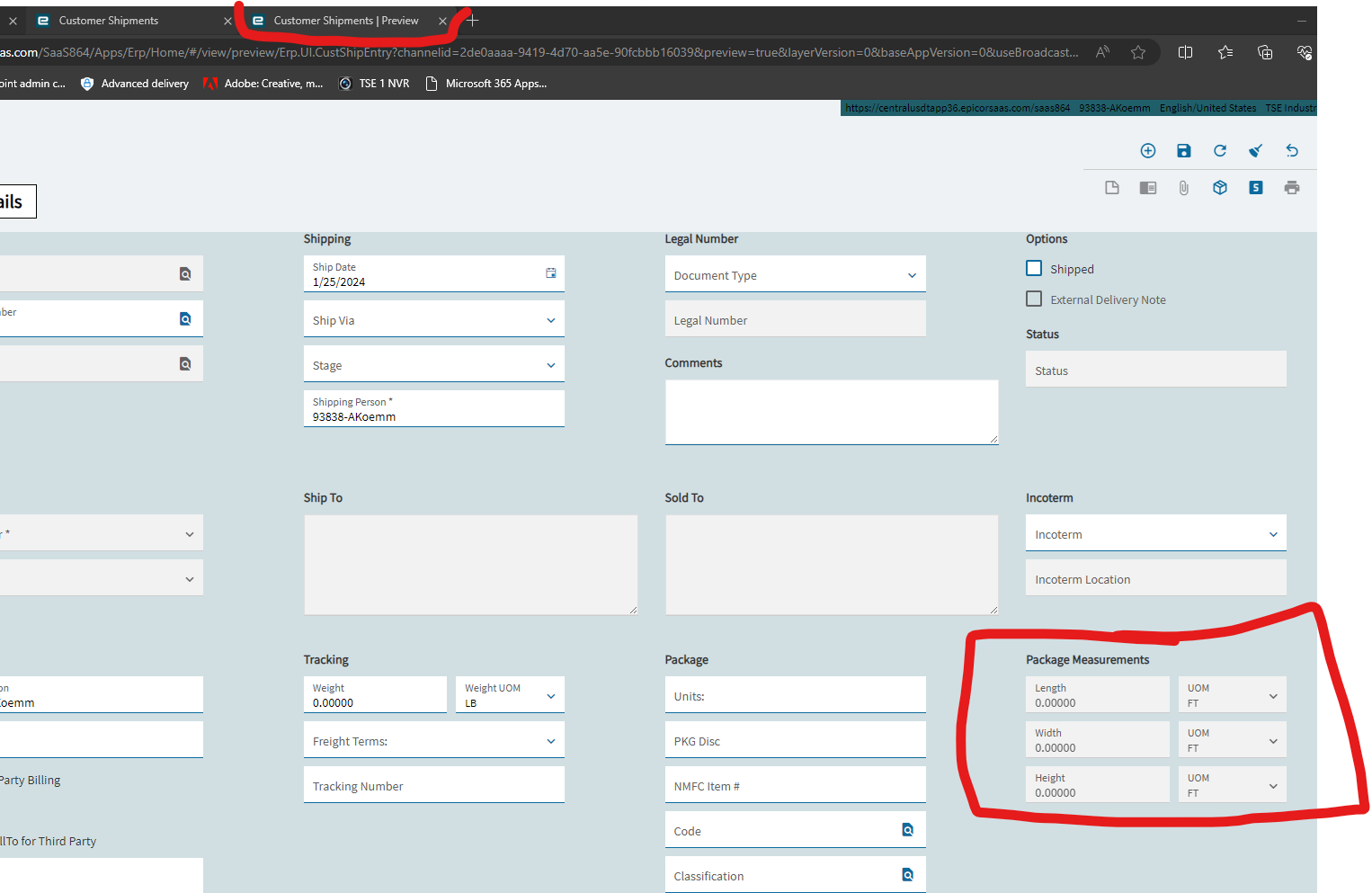
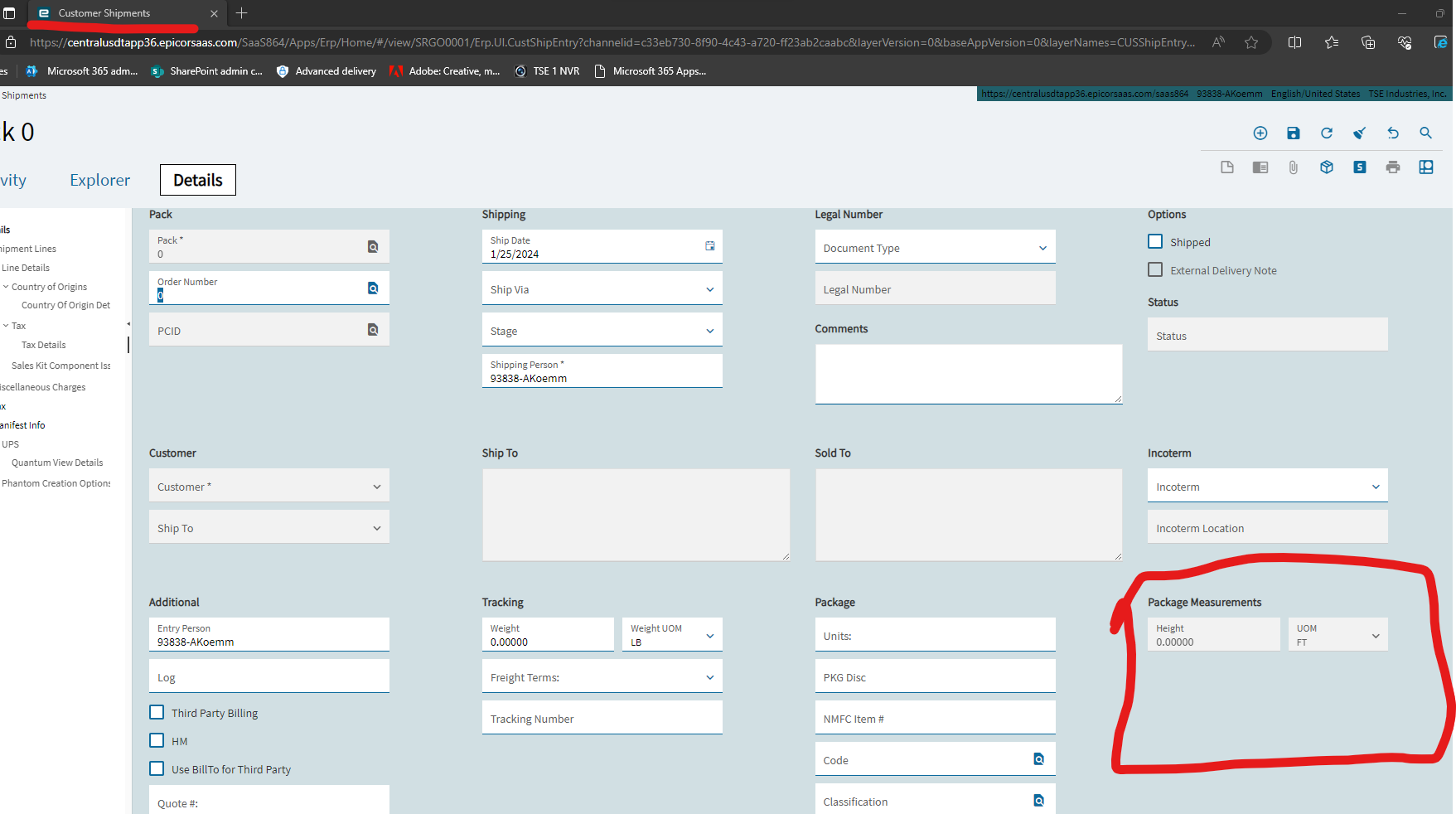
I’ve had app studio do some screwy things to me. Have you tried creating a new layer name, publishing that and then updating menu maint?
I was running into problems also. I found that if I clicked on the overflow menu (3 dots) and selected Publish from there, it seemed to publish fine. Even though the publish icon is right there, I found that didn’t always work.
Wondering if you’re on-prem? I have a client who’s SaaS and don’t have that problem, but I’ve got an on-prem where client where I had those issues.
Did that…
I am on a SaaS environment.


Andrew,
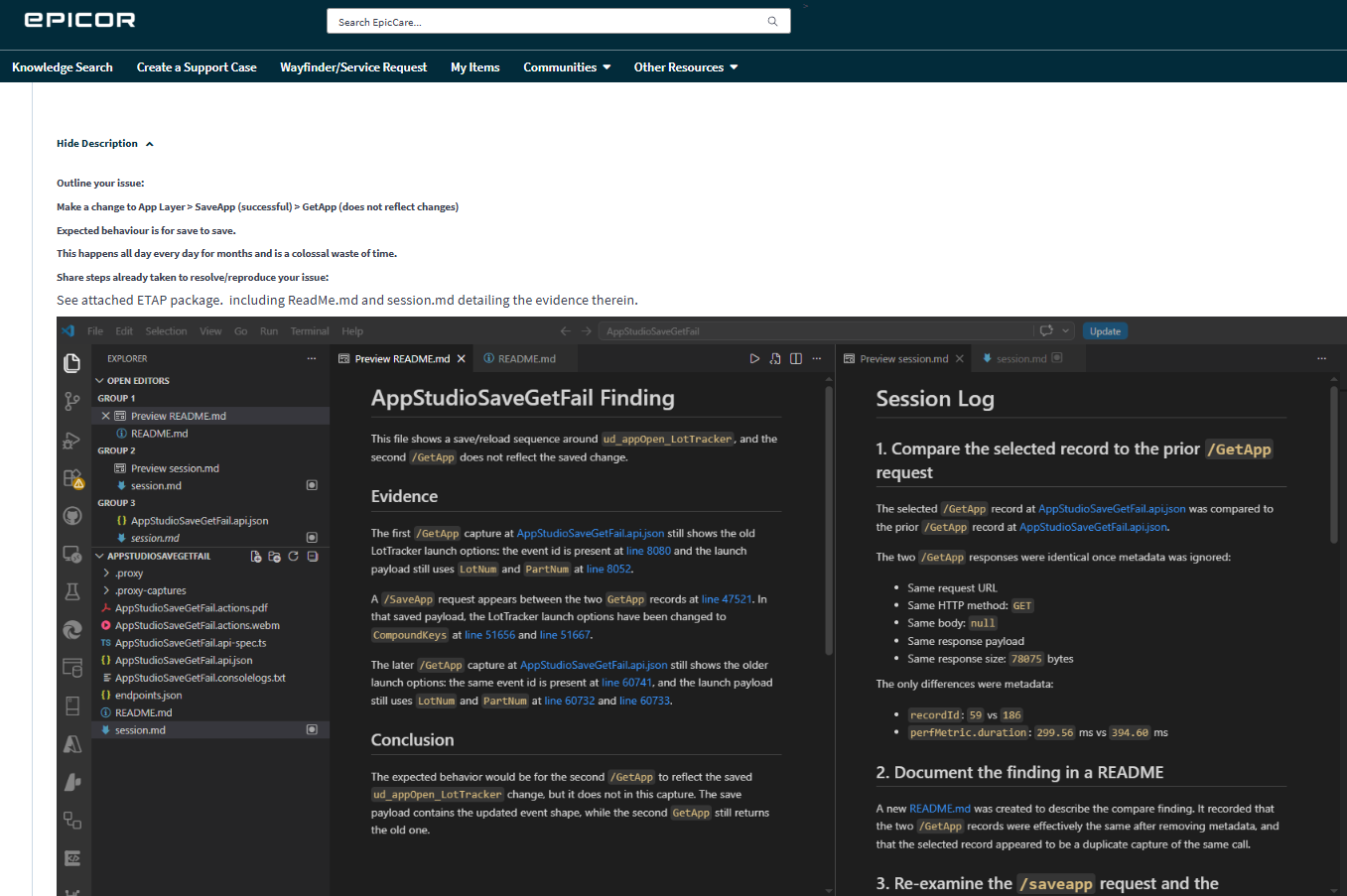
Did you ever figure this out? I’m struggling with the same issue 2 years later. Add a box, commit, publish, nothing.
happens all the time. changes are often silently dropped server-side. there is no good answer.
Would start a new AppStudio session and try again.
Yep. More than once I have had to rebuild an app from scratch due to this issue. If you really can’t get it going, bite the bullet and start rebuilding it. Be careful to not click anywhere you don’t absolutely need to click. There are weird bugs still present.
If I recall correctly, publish only makes the changes available for a user to add–it still needs to be told where to go.
In menu maintenance, find whatever screen you changed, find the screen you want to apply it to, select copy to current compnay, click the search icon in Kinetic customization, select the customization you want to apply, click ok, save, refresh, and check out the new option.
I made a short video for myself a few days ago, but I don’t know if I can post that here–would that be useful?

Here is a short video explaining the process for SaaS users:
Do you see the change on preview?
Yes, but not published then double check customization (layer) on menu maintenance.
No, It’s broke. Try again or start over.